tiger-importer-blender-addon: Tiger Importer Translates Bungie's Shader Bytecode Into Blender Nodes
The Blender add-on that turns Charm's extracted Destiny and Marathon assets into editable scenes, bytecode and all.
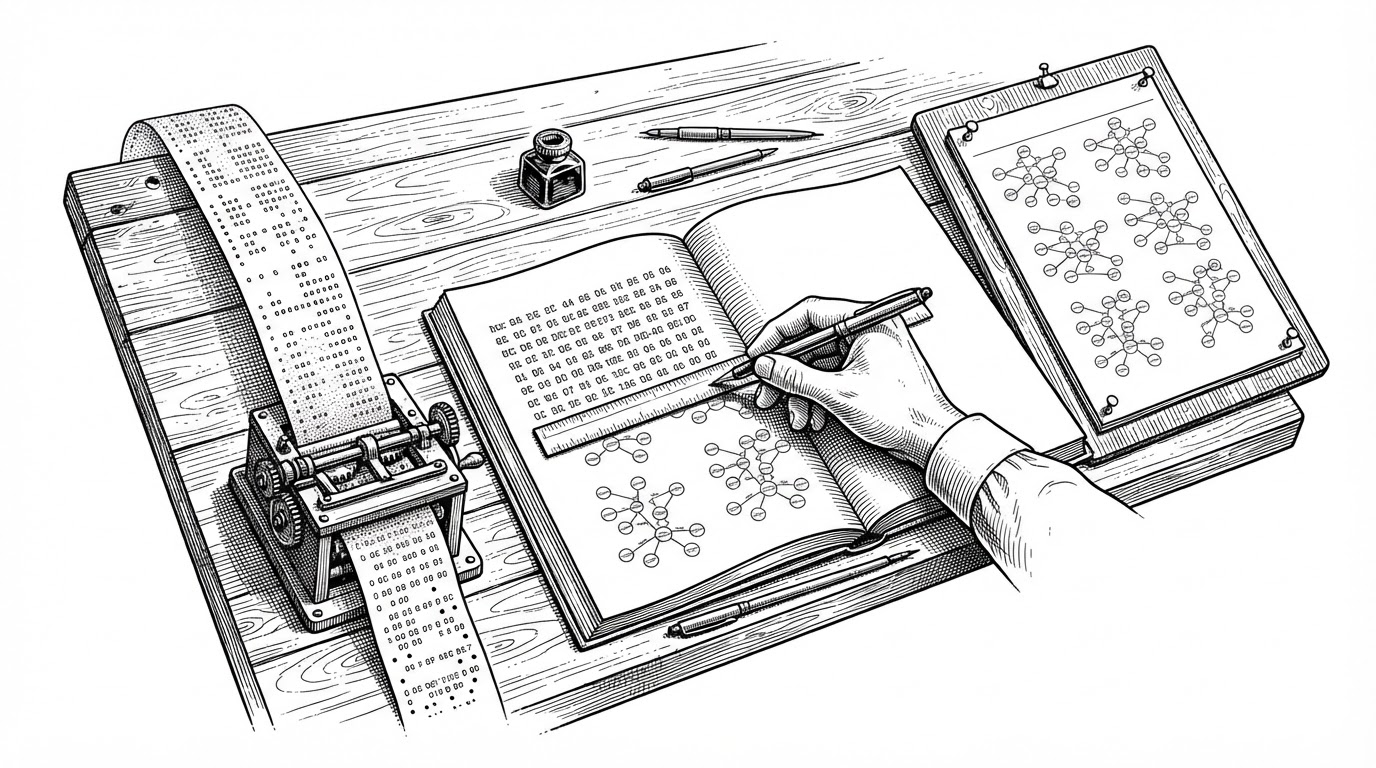
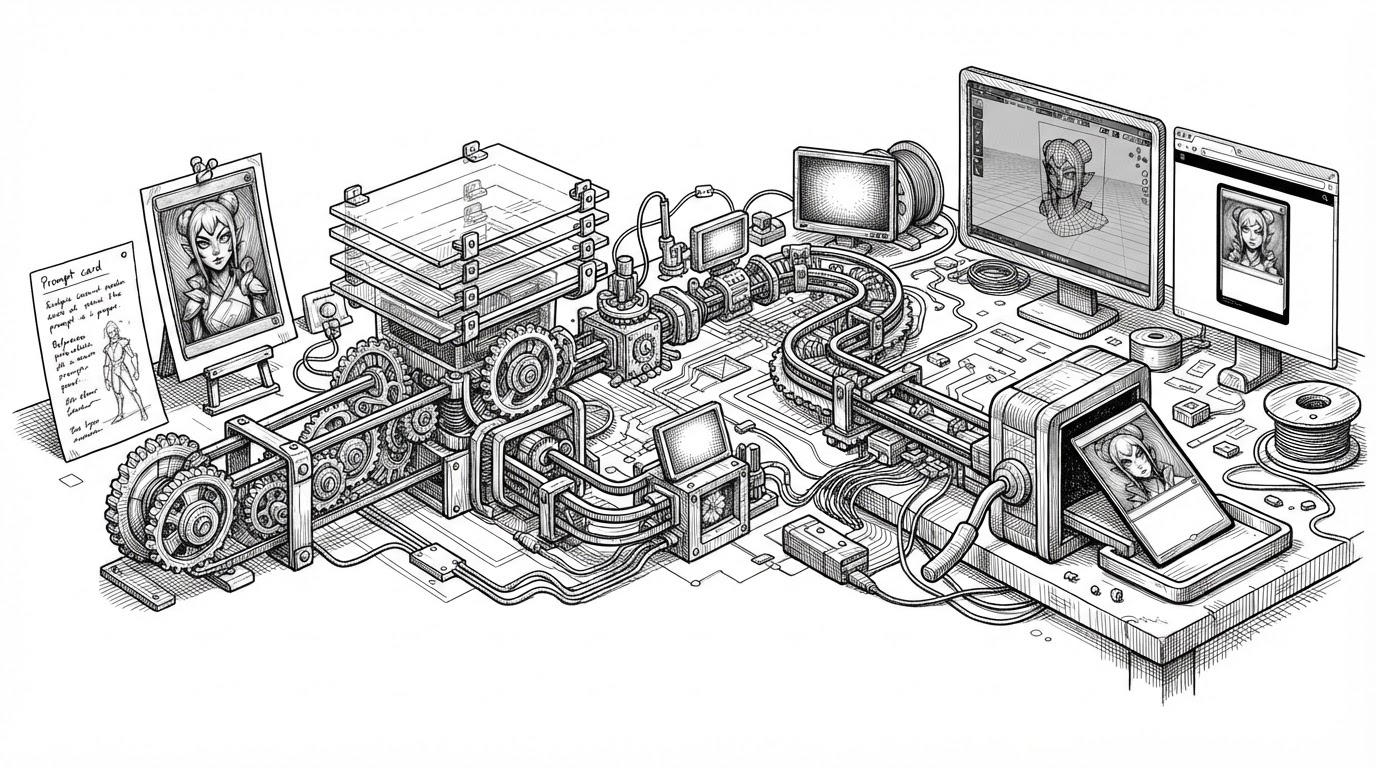
- Tiger Importer is less a file loader than a compiler: it translates Bungie's proprietary TFX shader bytecode into editable Blender node graphs.
- The add-on treats Blender's own collections and objects as its scene graph, so the host application's data model becomes the importer's data model.
- Deferred attachments and a three-tier bone fallback let the pipeline degrade gracefully when a child references a parent that has not loaded yet.
- The README's candor about what it cannot do (non-gear materials, projected decals) is a trust signal rather than a shortcoming.
A Compiler for a Game You Don't Own
Buried inside the add-on's source is a file called bytecode.py. It is not a utility. It is a translation table that maps Bungie's TFX shader bytecode opcodes onto Blender shader node types. Someone built a compiler for a game engine he does not own, and shipped it inside a Blender add-on.
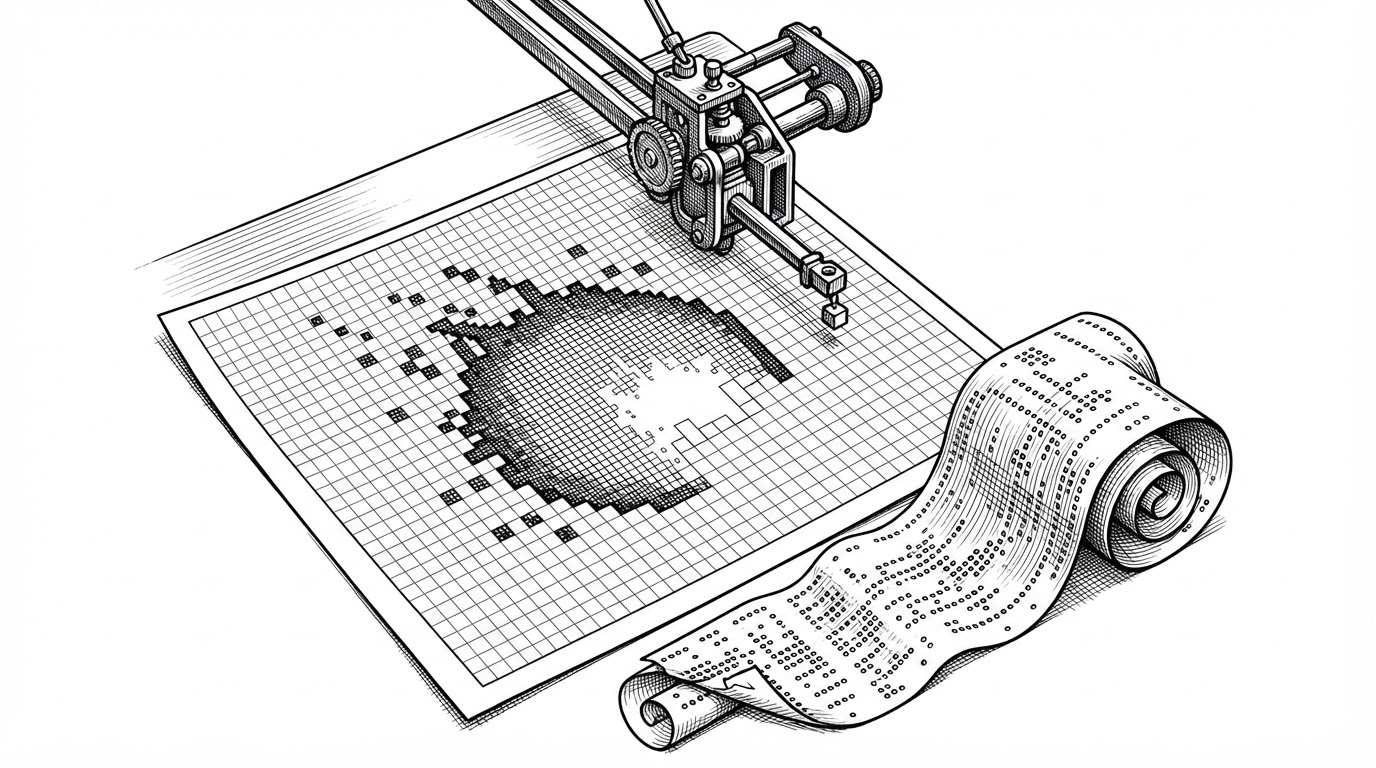
TFX is the compiled output of Bungie's shader authoring pipeline: a small stack VM with a fixed instruction set. It cannot run outside the engine that produced it. So an editable material in Blender cannot be loaded, only reconstructed. Translating the bytecode into nodes is the only path from a compiled shader to something an artist can open and change.
# bytecode.py (representative excerpt)
# TFX opcode -> Blender node type translation table

OPCODE_TO_NODE = {
    0x00: "ShaderNodeTexImage",       # sample texture -> Image Texture
    0x01: "ShaderNodeMath",           # multiply -> Math (MULTIPLY)
    0x02: "ShaderNodeMixRGB",         # lerp -> Mix Color
    0x03: "ShaderNodeVectorMath",     # dot -> Vector Math (DOT_PRODUCT)
    0x04: "ShaderNodeOutputMaterial", # write output -> Material Output
}
The mapping is mechanical. Each opcode becomes a node. Operand references between instructions become edges between nodes. That is the entire trick, and it is the single most surprising artifact in the repository.
What Charm Leaves Behind
To understand where the bytecode comes from, zoom out. The add-on does not parse game archives itself. It is a downstream consumer of Charm/MIDA, an extraction toolchain that unpacks the archives and writes a specific on-disk contract.
That contract is a set of .cfg scene files, a Materials/ folder of JSON, Rendering/Lights.json, Rendering/Decals.json, a Textures/ folder, and FBX models. None of these files have an opinion about Blender. The add-on's job is to reconstruct intent from a pile of files that were never meant to be read this way.
Blender Collections Are the Scene Graph
The core data-model decision is that Blender's own hierarchy is the scene graph. Each .cfg becomes a Blender collection named after the scene. A "Parent" key nests that collection under another one. The hierarchy is the data structure, and Blender's own objects are the nodes.
GetImportCollection() refuses to re-import if the target collection already has objects, which is an idempotency guard against double-importing. GetPartObjectLookup() then re-finds parts that Blender renamed with .001 suffixes by stripping them with a regex before building the lookup.
# helper_functions.py (representative excerpt)
# Blender appends .001, .002 ... on name collisions.
# Strip the suffix so the original part can be re-found.

def StripNameSuffix(name):
    return re.sub(r"\.\d{3,}$", "", name)
The Bone That Hasn't Been Imported Yet
Consider a child .cfg, say a weapon attachment, that references a bone on a parent armature which has not loaded yet. Rather than fail, queue_attachment() pushes a tuple onto a module-level list and apply_attachments() resolves them once the parent exists.
Bone lookup then falls through three tiers: the exact name, the mapped name driven by the rename_bones option, and finally the raw numeric index. Each tier is less precise than the last, and the code degrades instead of crashing. This is the most quotable engineering in the repository.
A Blackboard Called globals
How does state move through a multi-stage import? The author's answer is a module-level mutable dict. Cfg, FilePath, AssetsPath, and ImportCollection live at the top of destiny_importer.py, and every helper module imports the orchestrator as globals to read them.
# destiny_importer.py (excerpt)
Cfg = None
FilePath = None
AssetsPath = None
Name = None
ImportCollection = None
ImportMaterialCBuffers = False

# ...and in every helper module:
from . import destiny_importer as globals
It avoids threading arguments through forty call sites. The cost is real: state can leak between imports, and the circular import only works because the helpers reference the module object rather than its contents. The author's own comment is the most honest design rationale in the whole repo.
Two Ways to Instance a Thousand Trees
A map contains thousands of repeated static meshes, so the add-on offers two instancing strategies. use_geo_node_instancing builds instances with Geometry Nodes. use_collection_instancing places collection instances via empties. Same problem, two answers, a genuine tradeoff.
The tooltip for the collection option is refreshingly candid: it is slightly faster to import and lighter in the viewport, but you need Make Instances Real to edit a single object. That is the kind of tradeoff statement most tools bury in documentation, if they state it at all.
What It Won't Do
The README is direct about the limits, and that candor is a feature, not a complaint.
- Non-gear materials require a manual rebuild. The importer does not recreate them.
- Projected decals import as placeholder planes rather than the real thing.
- Gear shader auto-assignment is Destiny-only.
- Marathon maps are resource-heavy and should be imported CFG by CFG.
How It Compares
The difference between this tool and its neighbors is not a feature list. It is whether the tool knows what a .cfg file means.
| Tiger Importer | Universal Multi Importer | Plain Blender FBX import | |
|---|---|---|---|
| Scope | Destiny and Marathon maps and gear | Any format Blender already supports | Whatever a single FBX carries |
| Input contract | Charm/MIDA output: .cfg, Materials/*.json, FBX | Directory trees of files | One FBX file |
| Material handling | Rebuilds shaders from TFX bytecode; auto-assigns Destiny gear shaders | Relies on Blender's existing format importers | Imports embedded materials as-is |
| Instancing | Geometry nodes or collection instances for repeated statics | Not addressed | None |
| What it assumes about the user | Knows what a .cfg means | Wants batch import with pre and post hooks | Just needs geometry |