pixelfx Draws 244 Pixel-Art Effects in Code, Then Teaches Them to Flinch
A VFX library with no image files. Every explosion, aura, and spell is a small JavaScript module that knows how to wind up, land, freeze on contact, and recover.
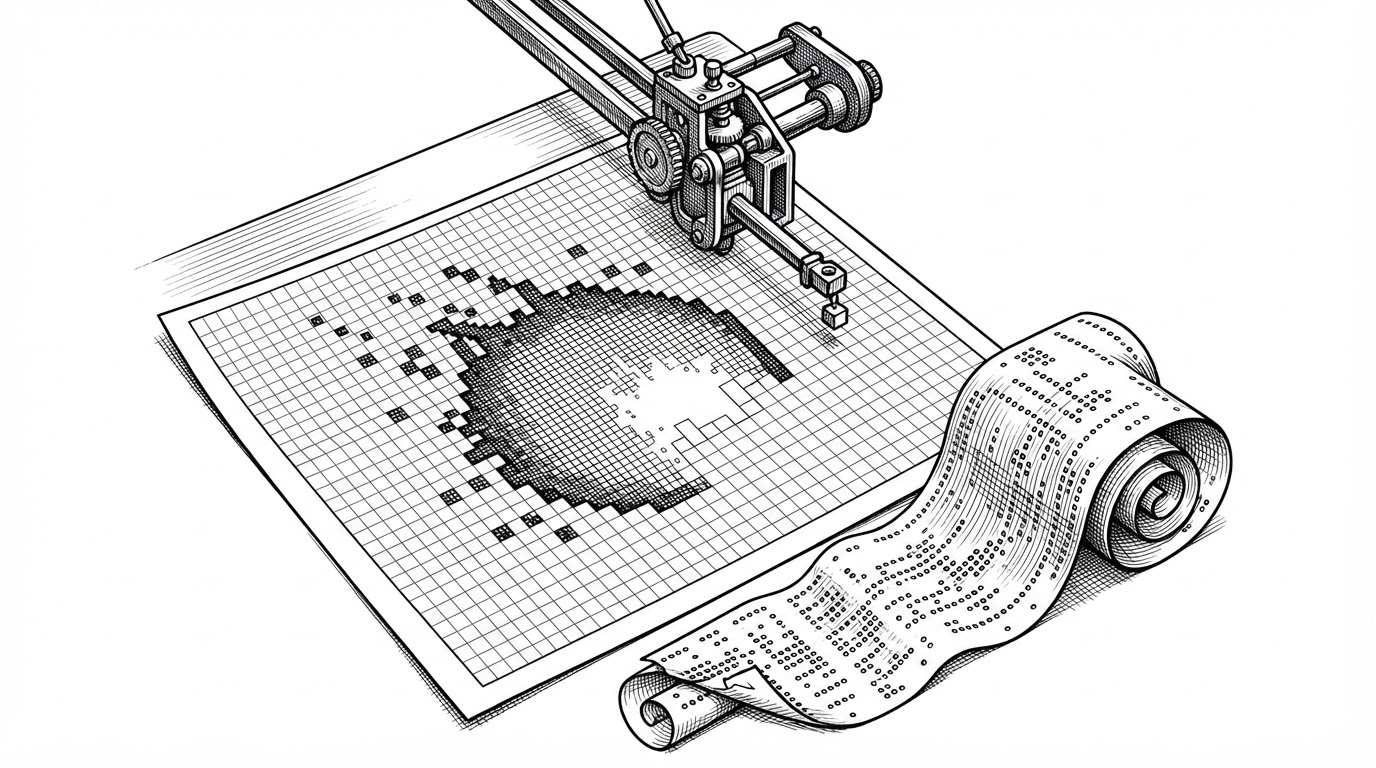
- pixelfx ships 244 pixel-art effects as JavaScript modules, not image files, so an effect is a set of decisions rather than a finished picture.
- Every frame composites two buffers, hard dithered color and additive light, which enforces the pixel-art look in code instead of by convention.
- The real differentiator is acting: 61 effects carry a character and encode wind-up, hit-stop, reaction, and recovery as authored data.
- A Claude Code skill lets an agent draft, render, inspect, and refine new effects, though the community flags wind-up and fade-out as the weak spots.
The flinch
A fireball crosses the screen. It travels, it grows, and at the exact frame it touches the target, it stops. Not slows. Stops, for two or three frames, the way a fighting game stops when a heavy hit lands. Then the target flinches, then the caster recovers.
That pause has a name. Animators call it hit-stop, and it is the difference between an attack that reads as contact and one that reads as a cursor passing over a button. Most VFX libraries cannot ship it, because most VFX libraries ship images. An image does not know when it arrived.
pixelfx ships it. The library is 244 pixel-art effects, and the timing is not bolted on afterward by the game engine. It is authored into the effect file itself: wind-up, release, hit-stop, target reaction, recovery. Sixty-one effects carry a character, and twelve chain effects into full moves.
244 pixel art effects and animations, every one a small piece of code.
244 effects · 21 categories · 0 runtime dependencies · 61 with a character · 12 moves. Those last two numbers are the ones the press release skips. They are the reason this library does something a folder of PNGs structurally cannot.
Code is the sprite
Here is the part that takes a second to land: there is not a single image file in the library.
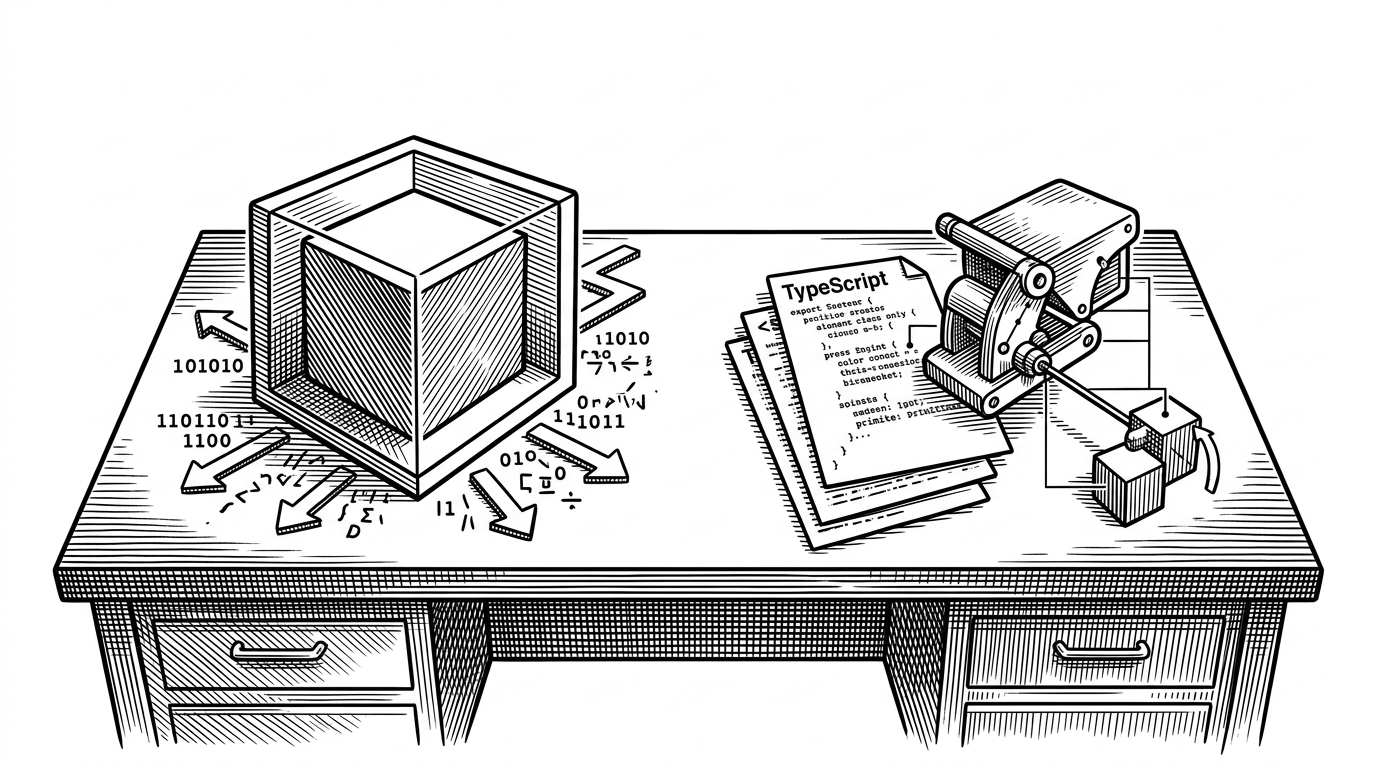
Each of the 244 effects, spread across 21 categories, is a small ES module. There are two kinds. Pure effects draw a frame directly from elapsed time. Simulated effects step particles at 120 Hz or finer, substepped so a fireball looks identical on a 30 Hz laptop and a 144 Hz monitor. The physics is frame-rate independent without any effect needing to know it.
import * as frostNova from "pixelfx/fx/ice/frost-nova";Zero runtime dependencies. You install it with npm i github:patch-gg/pixelfx and copy the core into your project, because it was never meant to be a black box. The distribution model is the point: the source is the asset.
Two kinds of effect, no images.
The painter that refuses to blend
Pixel art has rules. You do not alpha-blend a fade, you dither it. You do not blur a glow, you add it. pixelfx enforces both in code, which is a strange and deliberate thing for a renderer to do.
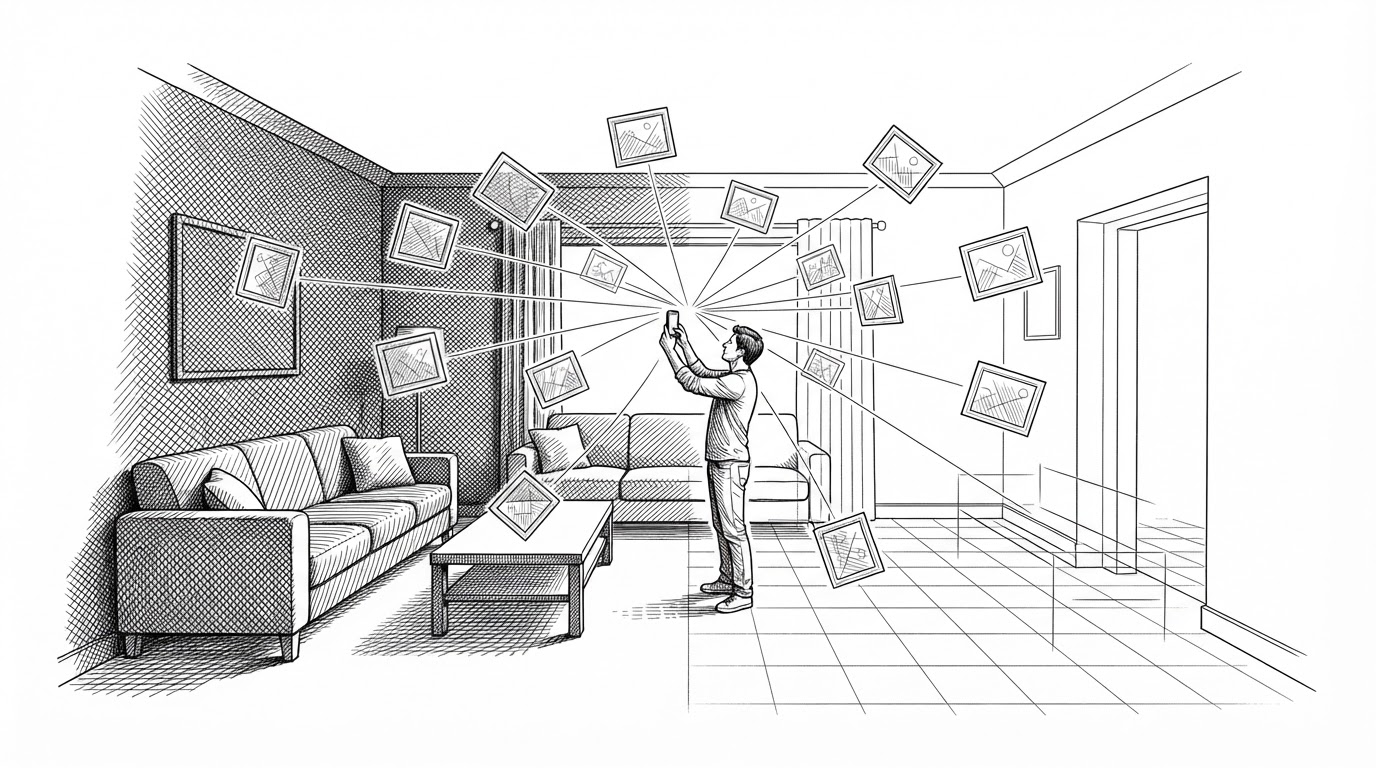
Every frame carries two buffers. color holds opaque pixels, faded with a 4x4 Bayer ordered-dither matrix and never alpha-blended. light holds additive glow, composited on top. The painter exposes hard primitives (dot, put) and soft ones (blendPx, disc) as separate calls, so choosing an aesthetic is a decision you make knowingly rather than a default you inherit.
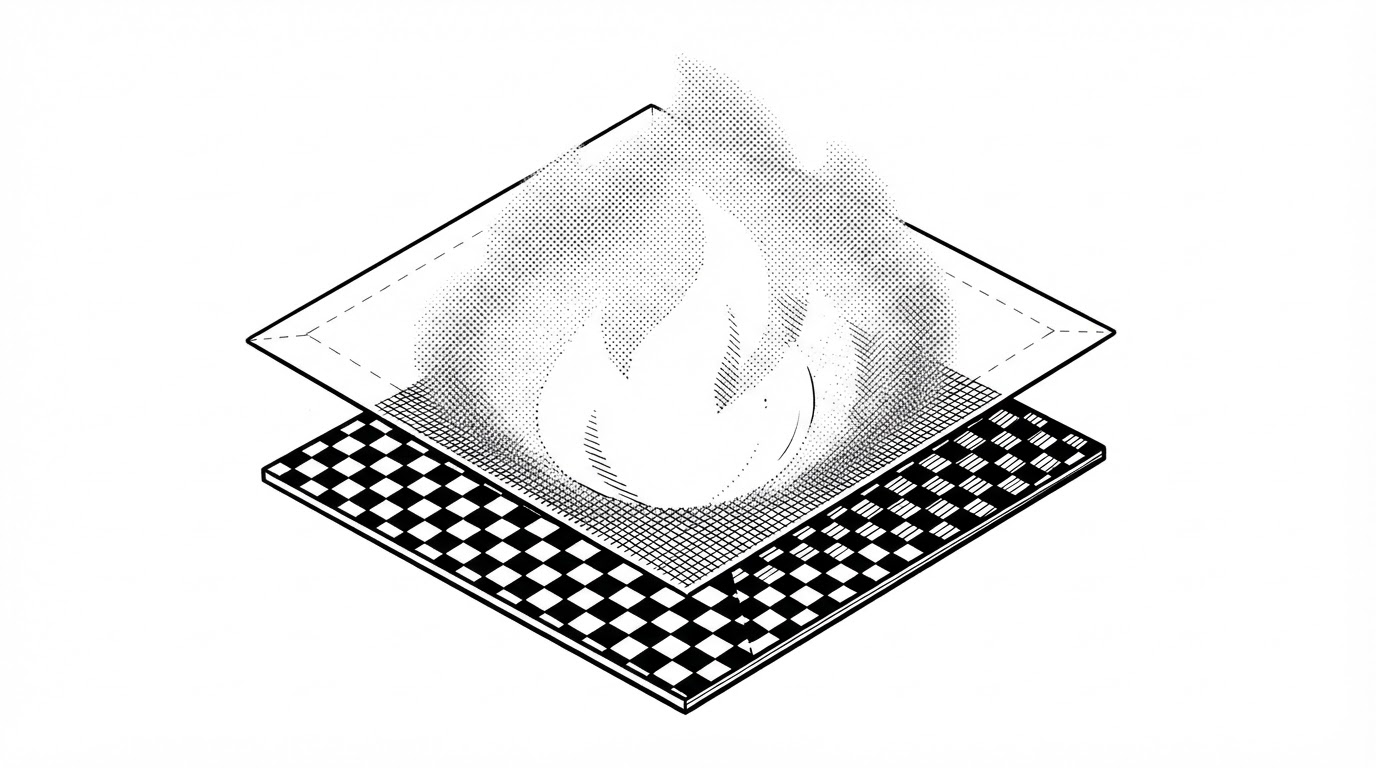
const BAYER = [0, 8, 2, 10, 12, 4, 14, 6, 3, 11, 1, 9, 15, 7, 13, 5].map((v) => (v + 0.5) / 16);The clever detail is what happens over transparency. When there is no opaque pixel underneath, light is converted to color plus alpha at its brightest channel. A glow therefore reads as additive even when it is composited onto a transparent PNG, which is exactly the case that trips up most pixel-art exports.
From wind-up to recovery
This is where the flinch from the opening gets its mechanism.
The acting system lives in four files. act.js stages the performance, rig.js holds the character, poses.js the keyframes, chain.js the move sequences. An effect runs through five stages. Wind-up: the character animates and the effect track is empty. Release: the effect spawns and travels. Hit-stop: both tracks freeze on contact. Reaction: the target flinches while the effect fades. Recovery: the character returns to idle.
None of this would be possible if the effect were an image. A PNG cannot read the target's state. A module can.
What it replaces
pixelfx sits between two things a developer would otherwise reach for. A bought sprite pack is a finished image. An engine's particle system is locked to that engine. The question is not which is better. It is which problem you have.
| pixelfx | Sprite pack | Engine particles | |
|---|---|---|---|
| Source asset | JavaScript module | PNG or Aseprite file | Editor graph, engine-locked |
| Recolor | Palette swap, resampled to any ramp length | Redraw or re-export | Retune the graph |
| Engine portability | Canvas, Phaser, PixiJS, three.js, or sprite sheet for Godot, Unity, GameMaker, Defold, LOVE, Bevy | Whatever the pack ships | Only that engine |
| Timing and acting | Wind-up, hit-stop, reaction, recovery authored into the effect | Manual, in the engine's animator | Manual, in the engine's animator |
| Runtime dependencies | None | None | The engine |
| Authoring cost | Write code, or ask the Claude Code skill | Buy, then adapt | Build in the editor |
The timing row carries the argument. A sprite pack and an engine system both leave acting to you, by hand, in the animator. pixelfx ships it with the effect.
An agent that draws
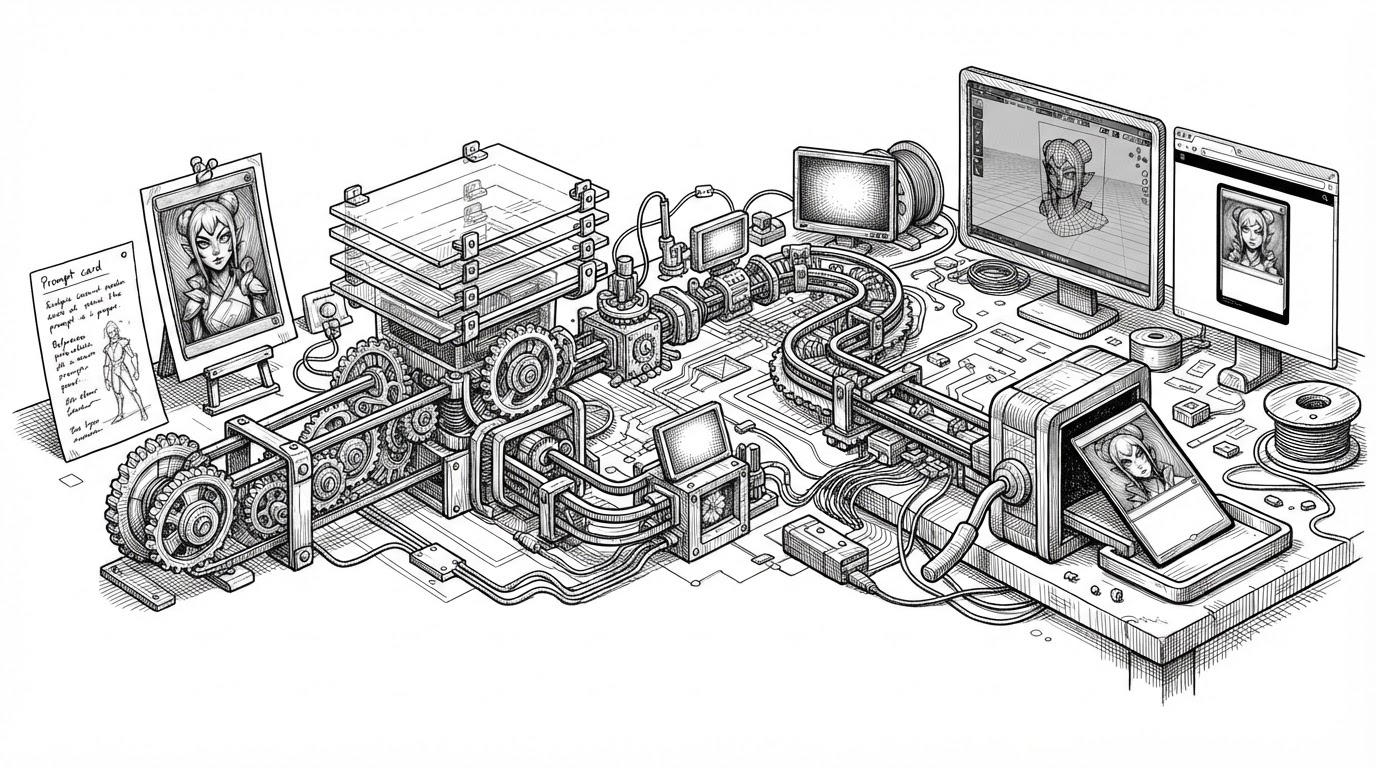
The repo also ships a Claude Code skill, skills/pixelfx/SKILL.md, that runs a draft, render, look, refine loop. An agent writes an effect, renders the frames, inspects them, and fixes what is off. It is a workflow layer, not a renderer. The library underneath is still plain JavaScript.
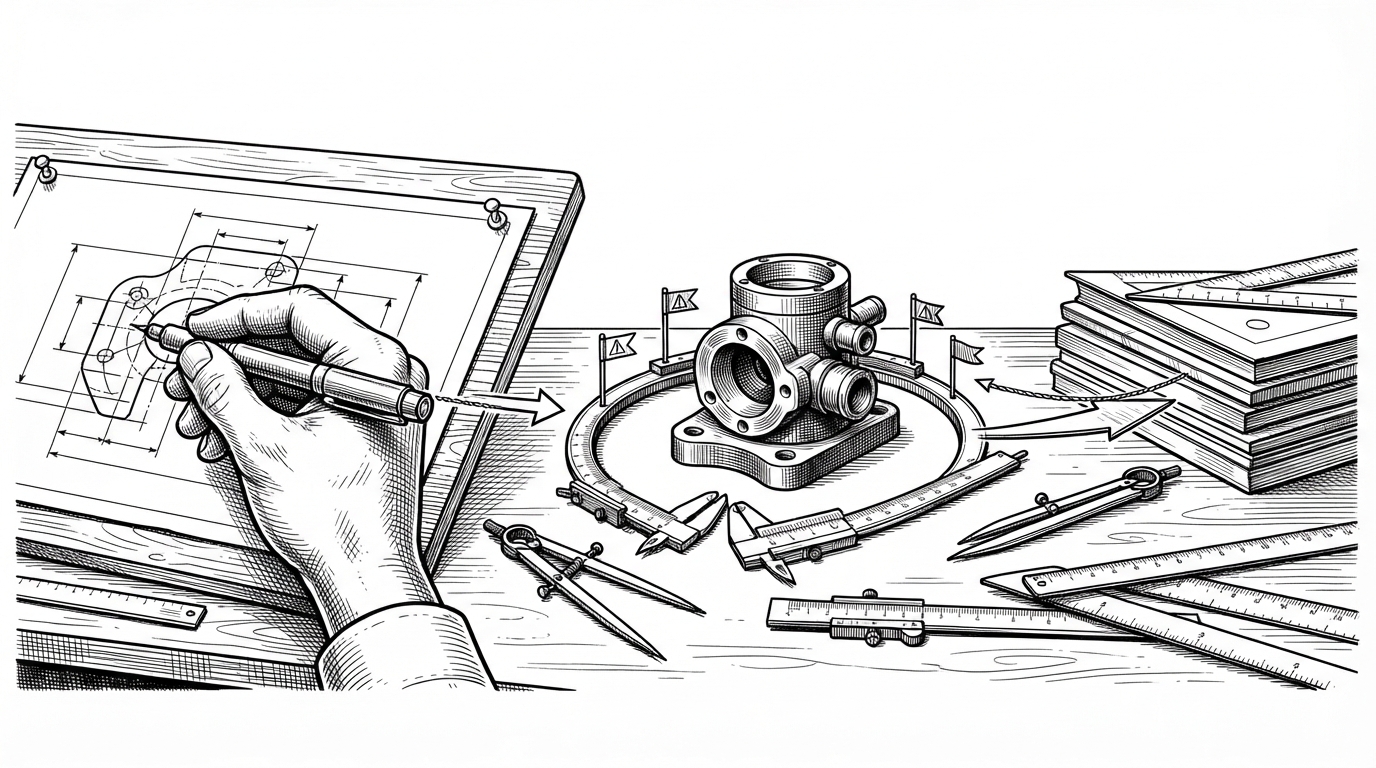
The honest caveat comes from the community: wind-up and fade-out are the weak spots. Treat a generated effect as a starting sketch, not a finished asset.
That is the part of the project still moving. The catalog is done. The acting is done. The authoring loop is where pixelfx might turn from a library into a workshop.