Holo Card Studio: Turning Prompted Art Into Editable 3D Trading Cards
A code-first pipeline that builds Blender scenes, holographic shaders, and a browser preview from layered source assets.
- Holo Card Studio matters because it compiles a prompt or reference image into a reusable 3D asset, not a disposable render.
- The repo's real invention is procedural: Python assembles Blender scenes and shader logic so the workflow stays editable and version-controlled.
- Lenticular and holographic modes make the project feel like a small creative engine, not a single card effect.
- Its strongest claim is practical, not aesthetic: it closes the gap between generative art and shippable interactive content.
Most holographic card demos stop at the illusion. Holo Card Studio keeps going until there is something you can open, inspect, export, and iterate on. That shift from surface effect to build pipeline is the whole story.
Turn the user's description or uploaded reference into a finished, editable Blender card and an interactive Three.js page. Preserve the requested subject, style, typography and destination.
The card is not the product. The pipeline is.
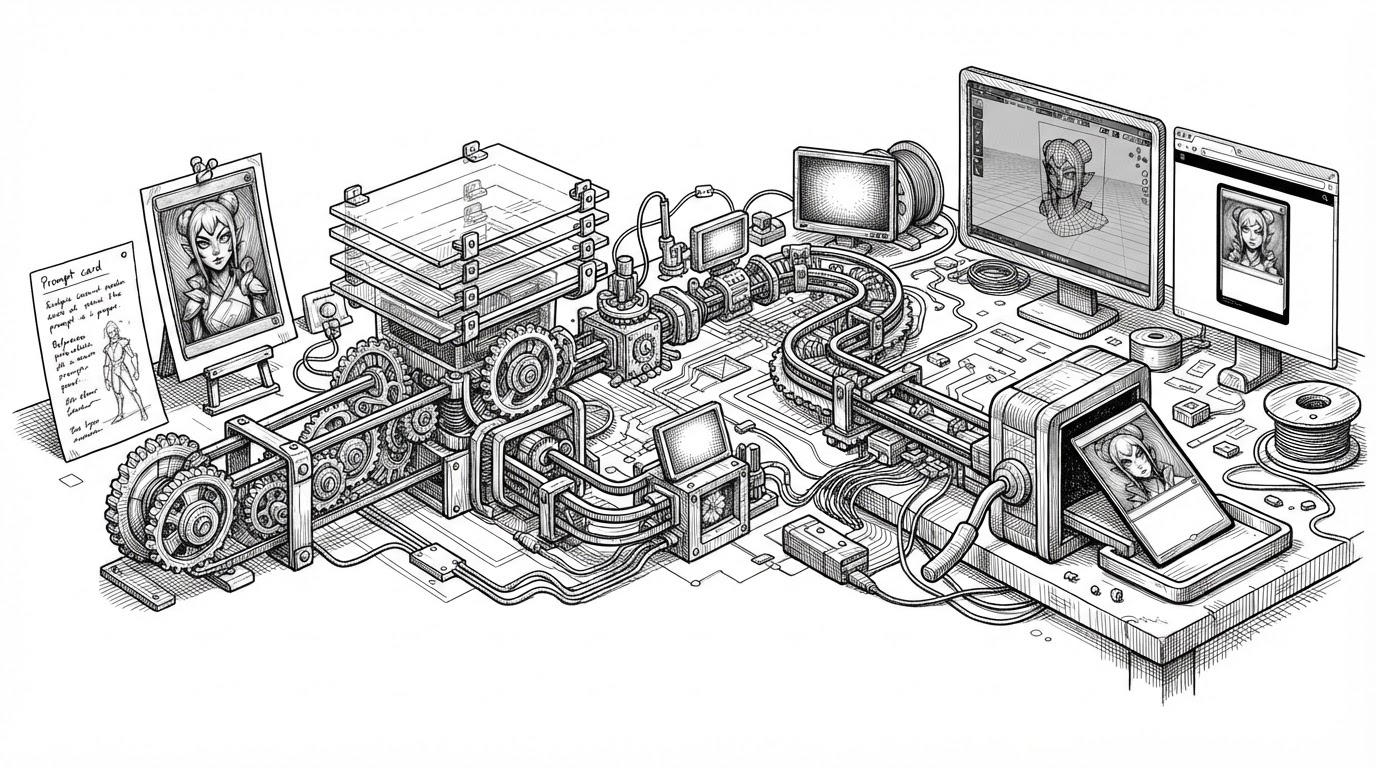
The repo starts with a simple promise: feed it a description or a reference image, and it returns a finished card plus the files that made it. That means layered art, a Blender scene, a GLB export, and a Three.js preview. The card is the visible result. The pipeline is the asset.
That matters because it changes the unit of creativity. Instead of shipping a static image, Holo Card Studio ships a workflow that can be revised, rerun, and handed off to another agent or artist.
| Approach | What it produces | What you can edit | Where it ends |
|---|---|---|---|
| CSS or shader demo | A visual effect | Mostly the effect code | In the browser |
| AI image generator | A flat image | Usually just the prompt | At export |
| Holo Card Studio | Layers, .blend, GLB, web viewer | The scene, materials, and output | Only when you stop iterating |
What Holo Card Studio actually generates
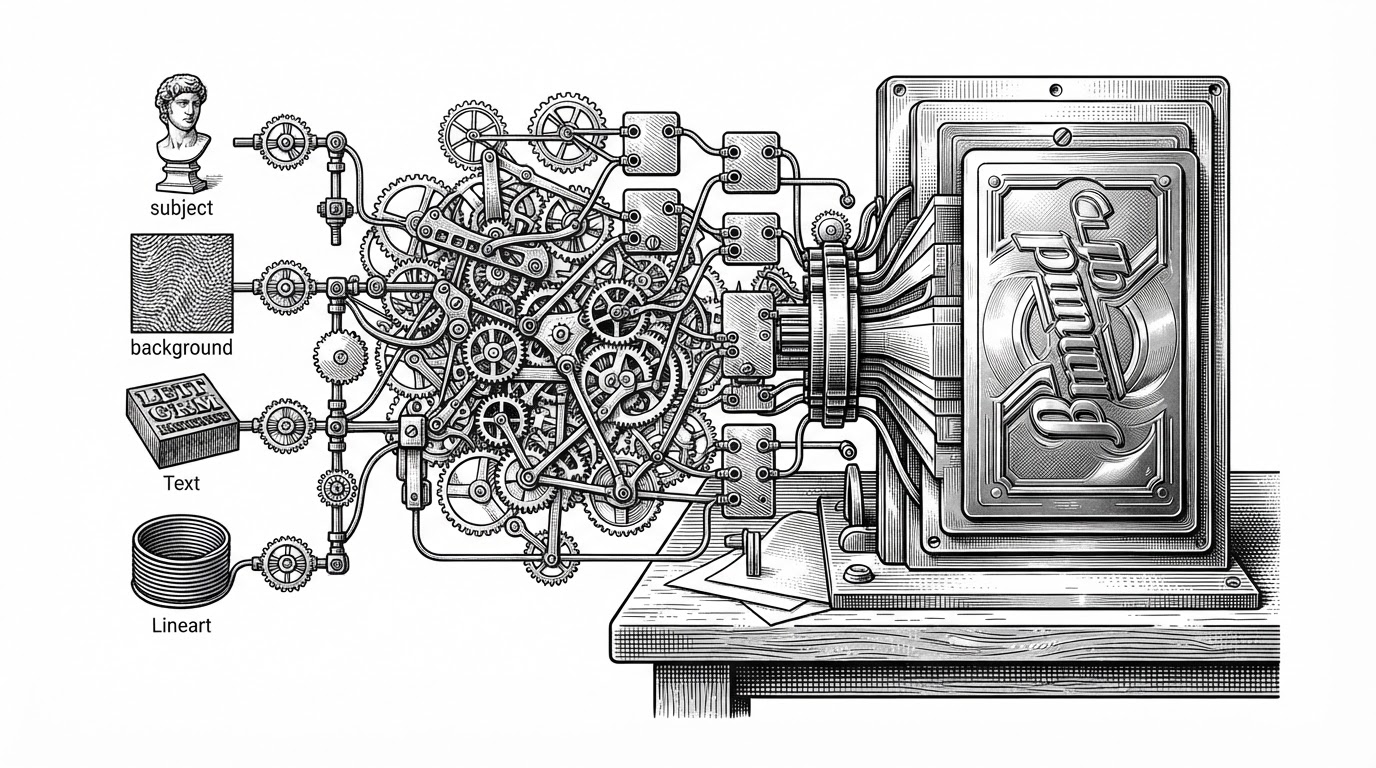
The output stack is broader than the name suggests. The pipeline creates four visual layers, usually subject, background, lineart, and text. It then bakes typography, builds the Blender scene, exports a web-friendly model, and wires up a browser preview that responds to tilt and touch.
The important detail is that the pipeline does not collapse everything into one image. Each stage leaves a separate artifact behind. That makes the system useful for production work, not just for novelty.
Why the repo feels different from a normal card effect
A normal template-based workflow starts with a static .blend file and asks you to keep using it. This repo starts with code that constructs the scene itself. That difference sounds small until you need to change the card system, not just one card.
| System | Scene logic | Asset updates | Best use |
|---|---|---|---|
| Template Blender file | Manual and fixed | Edit by hand | One-off production |
| Frontend hologram demo | Mostly visual polish | Swap code or assets | Interactive presentation |
| Holo Card Studio | Procedural and code-driven | Regenerate from source | Repeatable card creation |
def run_pipeline(config_path: str):
    config = load_config(config_path)
    ensure_blender()
    layers = generate_layers(config)
    bake_typography(config)
    blend = build_card_scene(layers, mode=config["mode"])
    export_web_assets(blend)
    return blend
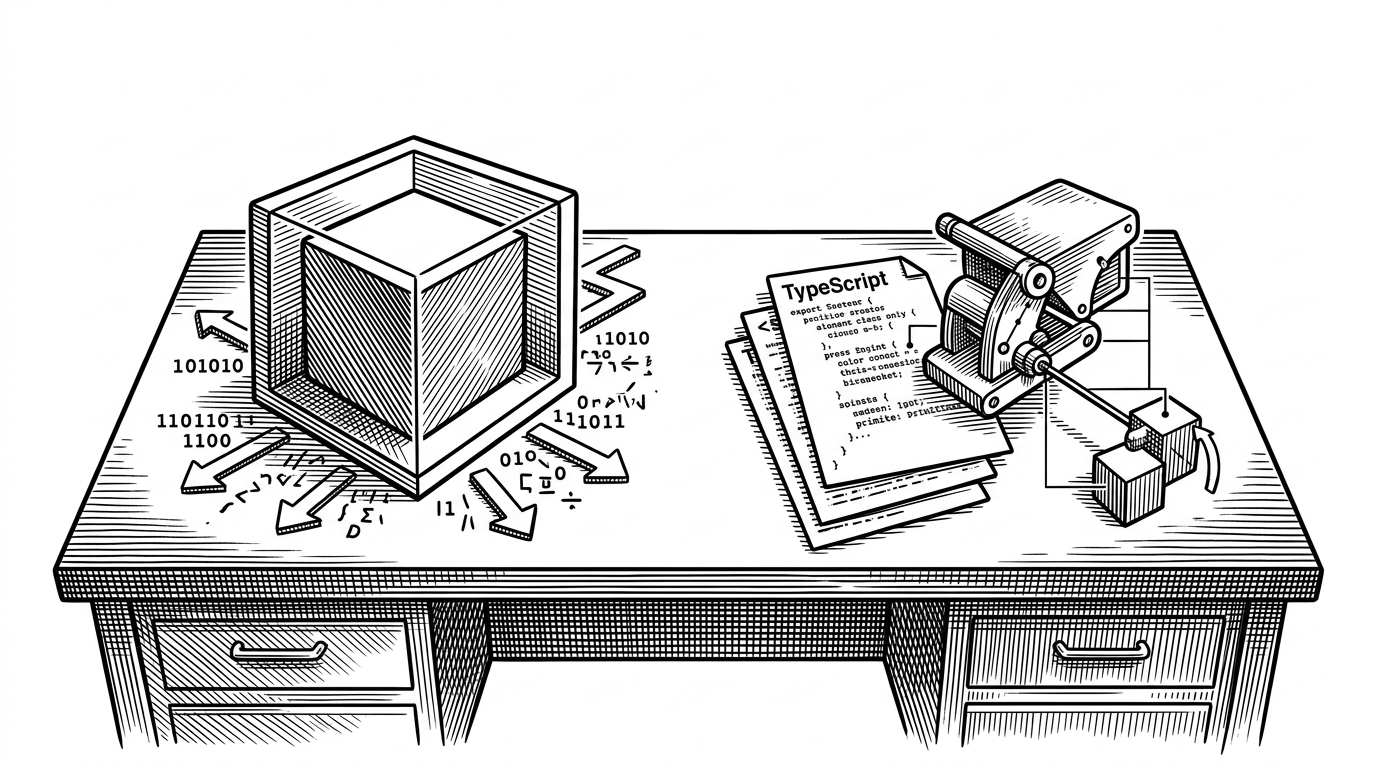
That orchestration pattern is the heart of the repo. A single entry point, `run_pipeline.py`, chooses the mode, prepares Blender, generates typography, builds the card scene, and exports the web version. It behaves less like a design tool and more like a compiler.
Why the lenticular mode matters
Lenticular mode is not a gimmick bolted on for variety. It gives the pipeline a second physical metaphor: instead of a continuous holographic sheen, the image flips across viewing angles. That makes the repo feel closer to physical print techniques than to standard web animation.
| Mode | Visual behavior | Underlying logic | What it suggests |
|---|---|---|---|
| Holographic | Continuous foil-like motion | Parallax and shader depth | A single collectible surface |
| Lenticular | Angle-based image switching | View-vector math and flip logic | A mechanical print illusion |
The craft is in the math. The effect is designed around how the card behaves as you move, so the illusion is tied to geometry instead of just decoration. That is why it reads as a system, not a filter.
Where it fits in the landscape
Compared with CSS tilt cards, Holo Card Studio does more than fake depth. Compared with standard AI image generation, it leaves you with editable 3D assets. Compared with manual Blender work, it removes the repetitive setup and turns the whole process into a repeatable command.
| Category | Strength | Limitation |
|---|---|---|
| CSS and shader effects | Fast and polished | Usually stops at presentation |
| AI image generation | Strong at concept generation | Usually ends as a flat asset |
| Manual Blender workflows | Maximum control | High setup cost |
| Holo Card Studio | Generative and editable | Requires a more complex pipeline |
That middle ground is the point. The repo is more generative than a template and more editable than a screenshot. It is trying to turn a style into a workflow.
What this says about creative tooling
The broader lesson is that creative software is moving toward executable recipes. A good tool no longer just helps a human click through steps. It can package the steps, run them headlessly, and leave behind an editable result.
Holo Card Studio is a clean example of that shift. Blender becomes the rendering backend. Python becomes the orchestration layer. The browser becomes the preview surface. And the whole thing starts to look like infrastructure for making aesthetic objects on demand.