nurb: Teaching an LLM to Design Plastic That Actually Prints
An opinionated, local-first CAD environment turns natural language into parametric solids, then pushes the model through printability checks, real geometry, and iterative repair.
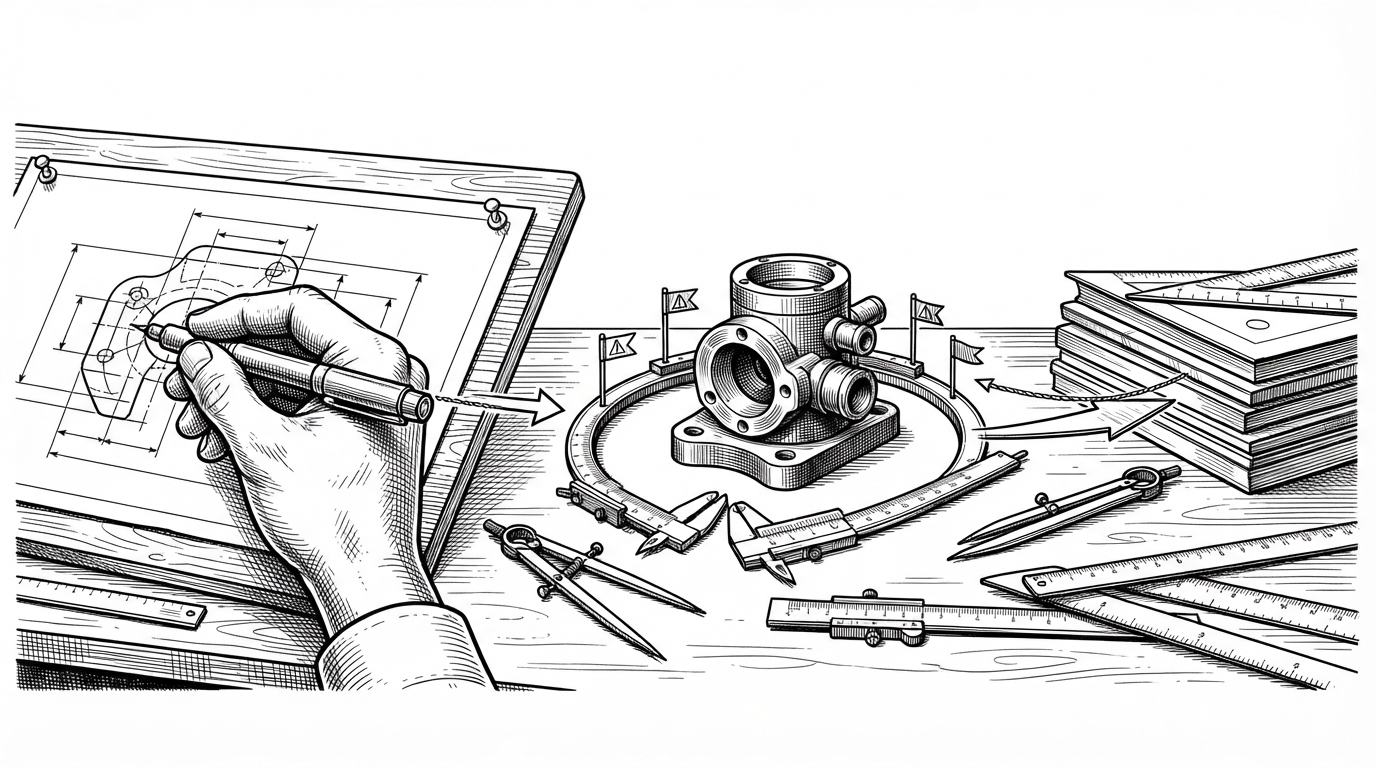
- nurb matters because it makes geometry answer back, turning an LLM’s guesses into a loop that can fail, report why, and try again.
- Its opinionated wrapper layer is the real product choice, because narrower CAD primitives are easier for agents to use than a full raw kernel.
- The desktop app and supervisor code exist to keep a heavy geometry engine stable enough for repeated agent runs and concurrent project opens.
- The scan bridge pushes the project beyond text-to-shape by letting real-world objects enter the same repair loop as generated parts.
The easiest way to misunderstand nurb is to treat it like another text-to-CAD toy. It is closer to a supervised workshop: the agent writes geometry, the kernel builds it, the checker pushes back, and the agent revises. That loop is the product.
A CAD tool that talks back
That feedback loop is the whole point. The system does not just emit a mesh and hope for the best. It turns printability into a conversation, with failures surfaced in text that an agent can actually use.
In other words, the agent is not being asked to conjure a final object from language alone. It is being asked to work like a junior engineer with a test bench. That is a much more interesting problem, and a much more useful one.
The real product is the feedback loop
The check step matters because it runs against exact geometry, not just a casual visual approximation. That is the difference between a model that looks plausible and one that can be printed. A B-Rep-first pipeline gives the system enough fidelity to flag geometry problems where they actually live.
@part
def adapter(diameter: float = 32, wall: float = 2.4, length: float = 45):
    body = Cylinder(radius=diameter / 2, height=length)
    bore = Cylinder(radius=diameter / 2 - wall, height=length + 1)
    return body - bore

# The signature becomes the interface.
# The agent can vary parameters, regenerate, and check printability.
That convention is quietly powerful. If the part is a function, then defaults become parameters, parameters become sliders, and the same definition can serve the CLI, the viewer, and the agent. The code is not just geometry. It is an interface contract.
Why the doctrine matters
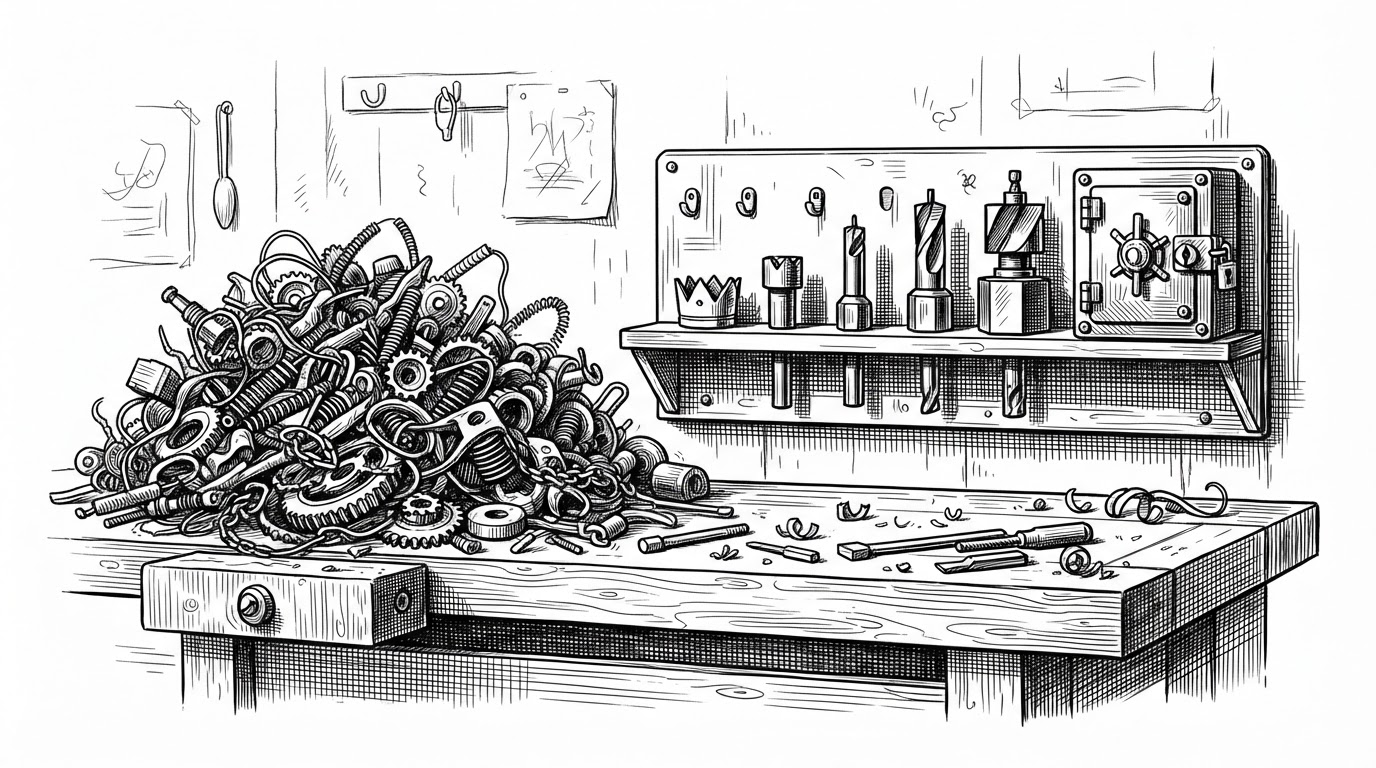
This is the part of nurb that makes the project feel opinionated in the right way. Instead of exposing every low-level operation, it wraps the sharp edges and elevates a safer subset. That reduces the hallucination surface for the model and the debugging burden for the human.
How the desktop app keeps the system alive
The desktop layer is not a cosmetic shell. It is the supervisor that keeps a heavy geometry stack from falling over when projects open, close, or reload in parallel. That matters when OCCT has a cold start measured in tens of seconds, not milliseconds.
That kind of supervision is easy to ignore until it breaks. Once you let an agent regenerate parts repeatedly, state management becomes the hidden product. nurb’s Rust layer is what keeps the loop from becoming a pile of stuck processes and half-open sessions.
How nurb sees the physical world
The scan bridge is where the project stops being abstract. A phone scan, a broken part, or an existing object can become a constraint in the same workflow as a generated adapter. That is a different class of CAD problem: not design from scratch, but design against reality.
The interesting detail is the unit inference. Scan data is messy, and CAD units are a perennial trap. By trying to infer whether a scan came in as meters or millimeters, nurb is doing something very practical: reducing the number of ways a real object can be imported incorrectly.
What nurb is really competing with
| Project | Workflow | Printability feedback | Local-first | Agent-friendly |
|---|---|---|---|---|
| OpenSCAD | Code-first, manually inspected | Limited, mostly on the user | Yes | Only indirectly |
| CadQuery / build123d | Python code-CAD with strong geometry foundations | Possible, but not the center of the product | Yes | Closer, but still manual |
| Zoo.dev / Prompt2CAD | Text-to-CAD generation | Usually less iterative and less local | Often no | Yes, but more generation than repair |
| nurb | Agent writes, checks, revises in a loop | Core feature, exact geometry and readable failures | Yes | Yes, by design |
The real comparison is not feature lists. It is who owns the loop. In nurb, the model does not get to stop at a plausible-looking part. It has to survive the check step, absorb the failure, and try again.
Why this matters beyond 3D printing
nurb hints at a broader pattern for useful AI tools. They get better when they are narrowed, instrumented, and forced to learn from the environment. The model does less guessing, the system does more checking, and the result is something closer to engineering than prompting.