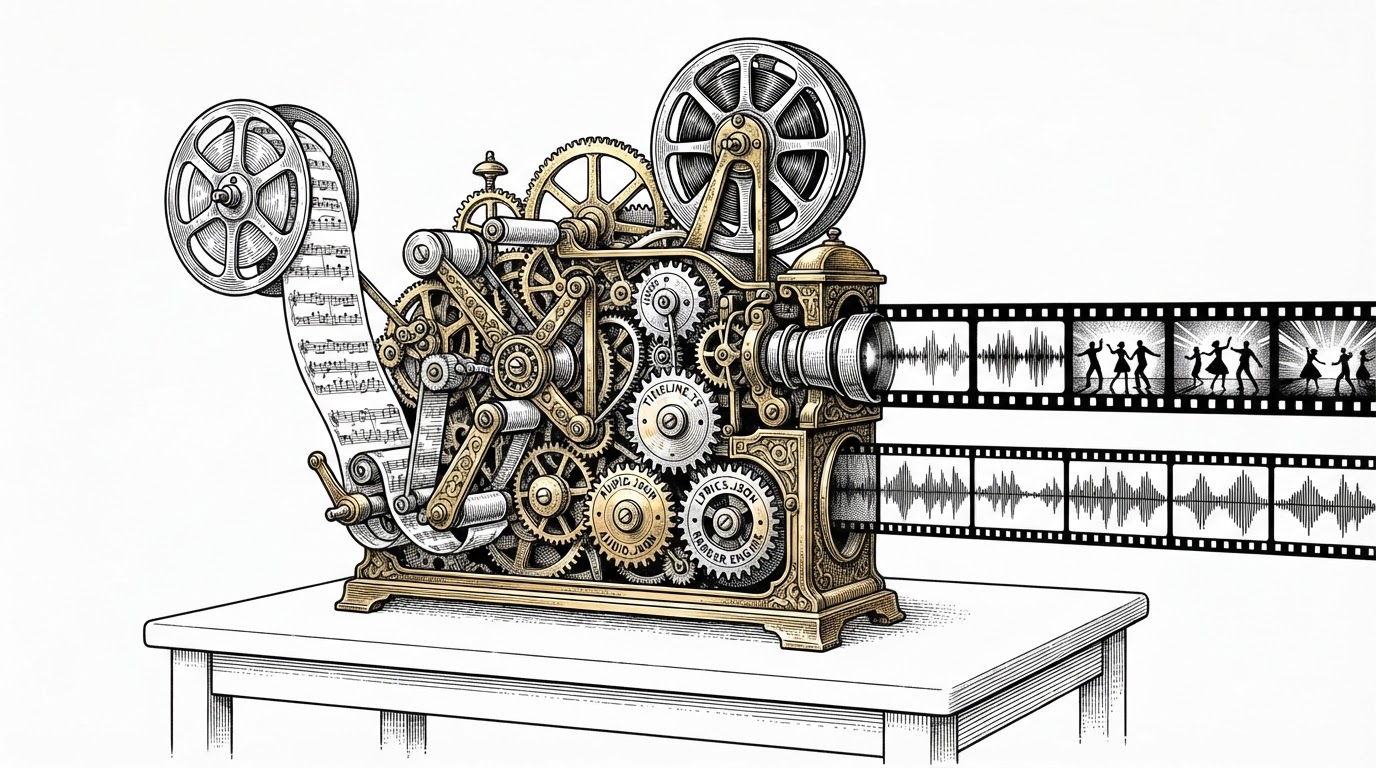
MacNativeGames Doesn't Emulate Zelda. It Rewrites It.
The game's ARM64 code runs untouched on Apple silicon. Everything around it (the OS services, the graphics layer, the input stack) had to be rebuilt from scratch.
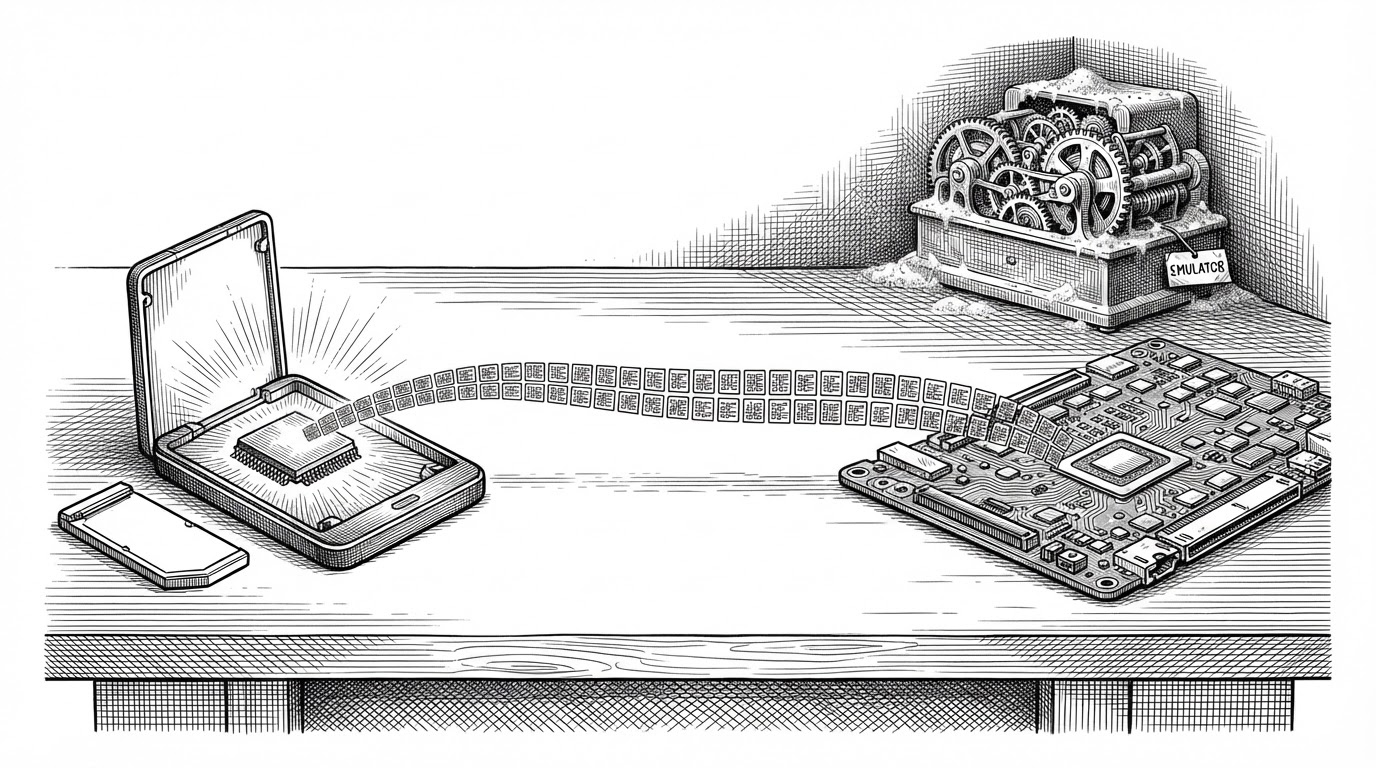
- MacNativeGames runs Tears of the Kingdom's real ARM64 instructions on Apple silicon, so the CPU half of emulation simply does not exist here.
- The project's work is a transplant: a C and Objective-C host answers Switch OS calls, NVN is reimplemented on Metal, and input is routed through Apple's GameController framework.
- The build behaves like a release pipeline, gating every step against hash manifests, validating system files with Nintendo's public RSA key, and never printing key values.
- The tradeoff is breadth: near-native performance for one game at specific versions, not a general-purpose Switch runtime.
The Word "Emulator" Is Doing a Lot of Work
Play your own copy of **The Legend of Zelda: Tears of the Kingdom** natively on Apple silicon Mac, iPhone, and iPad.
Every Switch game on a Mac, until now, has run through an emulator. Ryujinx, Yuzu, Sudachi: they model the console's CPU, translate its instructions at runtime, and pretend to be hardware the game has never seen. That is a heavy, general-purpose trick, and it costs performance in ways the player feels.
MacNativeGames does something else. It takes your copy of Tears of the Kingdom, extracts the game's own ARM64 code, and runs those instructions directly on the Apple silicon in your Mac. There is no CPU emulation. There is no dynamic recompilation, no JIT, no instruction decoder humming in the background.
The README is blunt about it:
It is not an emulator: the game's own ARM64 code runs directly on Apple chips
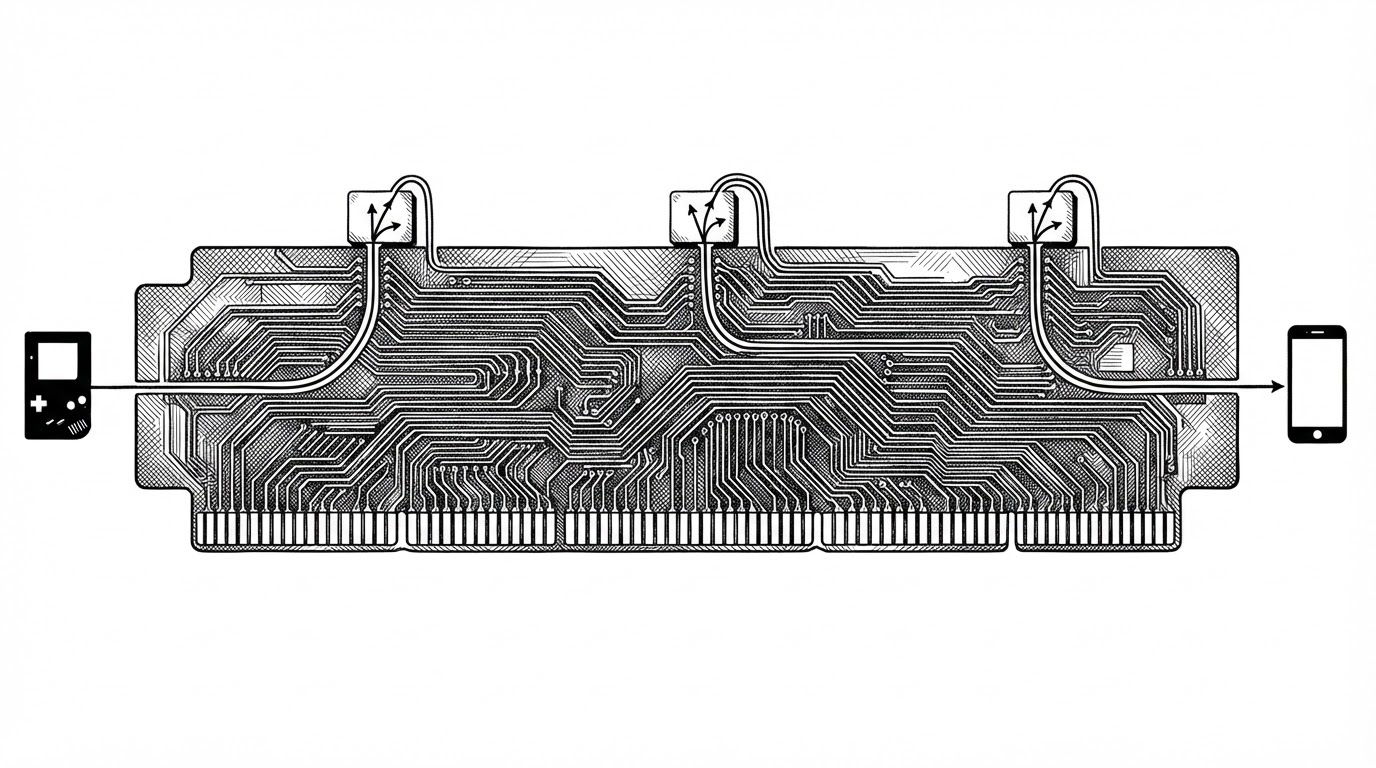
That single sentence is the whole project. Nintendo Switch and modern Apple chips share the ARM64 instruction set. The game's compiled code is already the right shape for the silicon it lands on. What the game does not have is the world it expects to wake up in: the Switch operating system, its graphics API, its input hardware. MacNativeGames rebuilds that world.
The project lives on GitHub under the handle ly05010419, an account with no real name attached and no interviews to its credit. It is MIT licensed, non-commercial, and ships no game content. The repository contains code, hashes, and a shared list of shader identifiers. You bring the game.
The repository contains no game content and distributes none
Why ARM64 Changes Everything
The distinction between running code and translating code is the whole game. An emulator reads each instruction the game wants to execute, works out what it means, and produces an equivalent sequence for the host CPU. That translation is where overhead lives, and it happens millions of times a second.
On Apple silicon, most of that work disappears. The game's ARM64 instructions are already valid for the M-series CPU. They execute. The only instructions that need attention are the ones that assume a Nintendo platform: system calls into Horizon, the Switch OS; thread-local storage layouts; ABI details that differ between the two systems. Those get patched ahead of time, before the game ever launches.
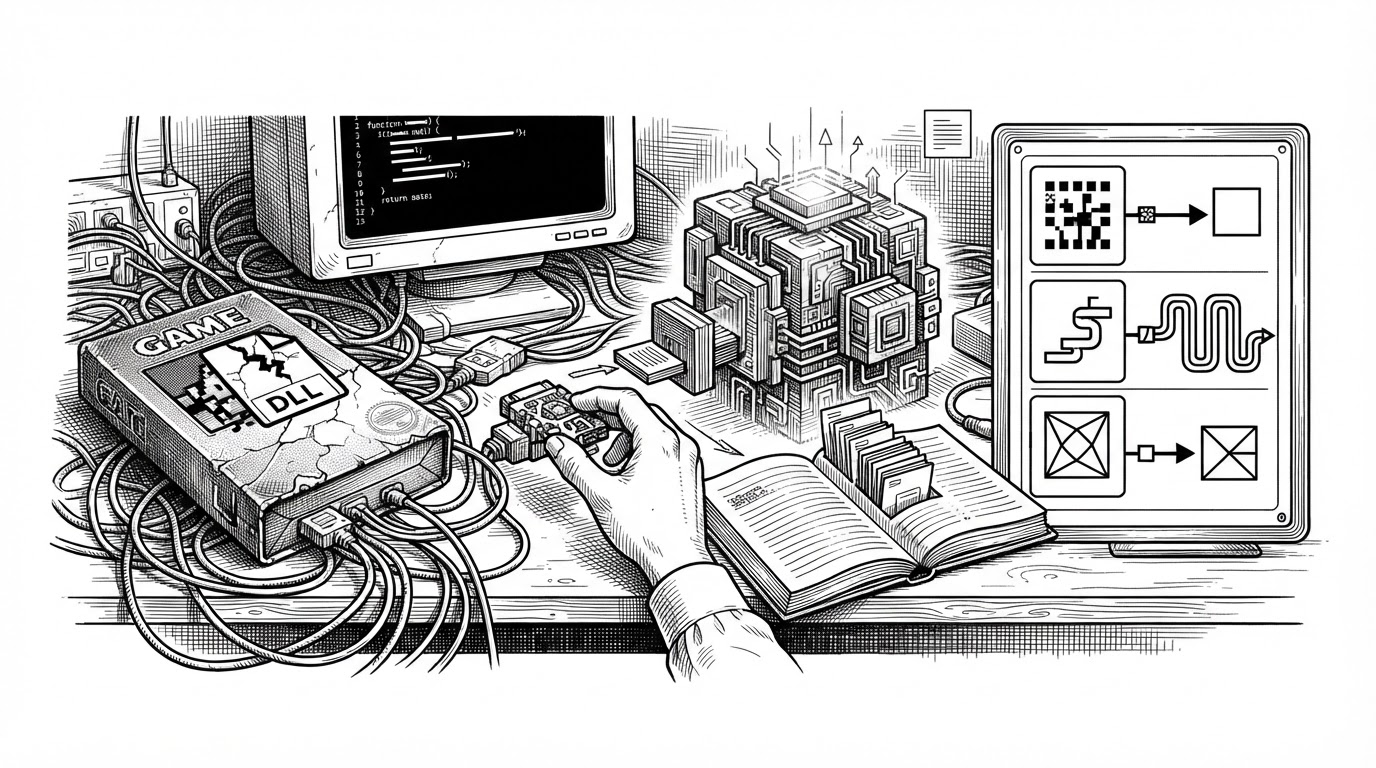
Ahead-of-time rewriting is the key phrase. A tool called d2r scans the game's modules and surgically patches the minority of instructions that will not survive the move. Everything else is left exactly as Nintendo's compiler emitted it.
Three Layers Had to Be Rebuilt
The game's code runs. The environment around it does not exist yet. Three layers had to be reconstructed, each one a different kind of problem.
The first layer is services. A Switch game does not talk to hardware directly; it asks the operating system. MacNativeGames answers those calls with a host written in C and Objective-C. When the game asks Horizon for a file, a thread, a clock, or a session, the host responds. No Nintendo OS is running. The host is a translator standing at the door.
The second layer is graphics. Nintendo's Switch draws through an API called NVN. Apple's Macs draw through Metal. The two are unrelated. MacNativeGames reimplements NVN on top of Metal, which is the largest and most delicate part of the project. Shaders are the hard case: the game ships GPU programs compiled for Nintendo's Maxwell chip, and those have to be translated into something Metal understands. The chain runs through Ryujinx's Maxwell shader translator, out to SPIR-V, through SPIRV-Cross, and finally into Metal Shading Language.
The third layer is input. The game expects Joy-Cons. It gets Apple's GameController framework and CoreHaptics instead, so a modern controller's sticks and rumble feed the game through a path it never anticipated.
None of these layers emulate a Switch. They impersonate one, precisely enough that the game never notices the substitution.
The Build Is a Verification Pipeline
This is where the project stops behaving like a fan effort. The build is a single Python script, build_app.py, and it treats your game dump like a release artifact that must be proven authentic before it is allowed through.
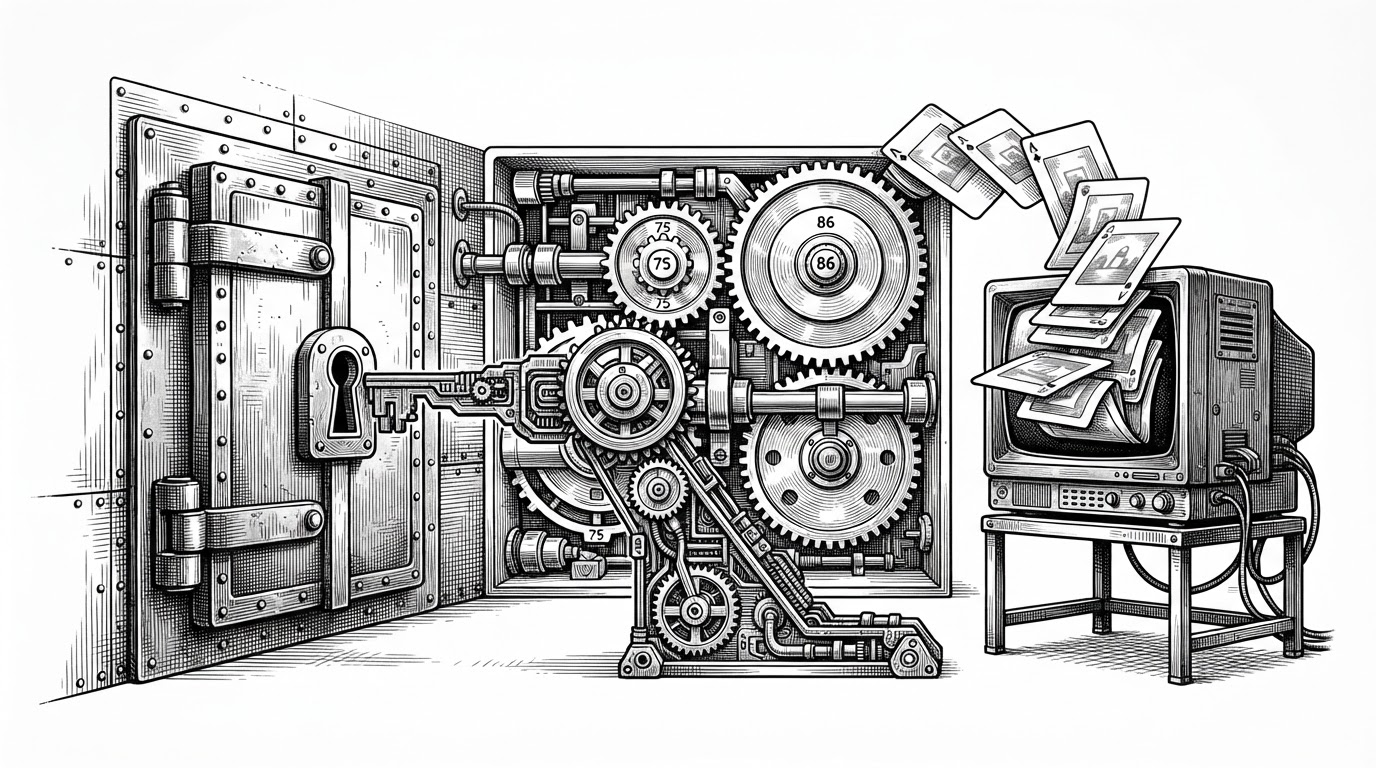
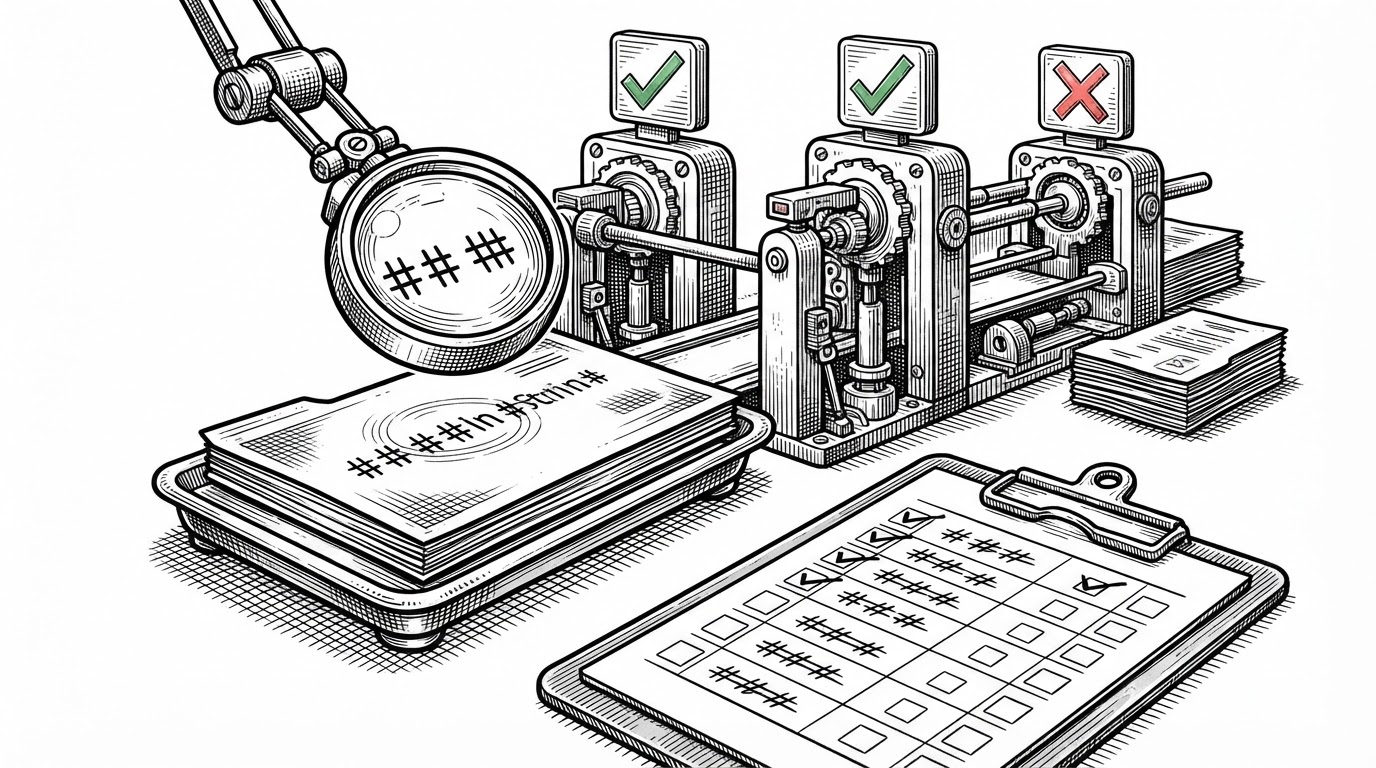
Every step is gated by a manifest. The repository ships expected-v1.0.0.json and siblings, hash lists for each supported game version. A damaged dump or the wrong version stops the build at the first wrong file, before any of the expensive work begins.
The validation is content-agnostic, which is the clever part. It does not demand one specific byte sequence; it checks whether a file is genuine. main.npdm, one of the game's system files, is validated against Nintendo's public ACID RSA key. Shared fonts are checked for valid BFTTF structure. Any legitimate dump of the same version passes. A corrupted one never does.
Two more details suggest someone who has shipped software before. Key values are never printed, a deliberate hygiene choice in a tool that handles prod.keys. And the work folder is resumable: a second run reuses whatever is already done and correct, which matters when a full build extracts roughly 17 gigabytes of RomFS.
Even the launcher is careful. It guards against PID reuse by checking a process's recorded start time against its live one, so a stale lock file cannot fool it into thinking the game is already running. It runs a self-check after packaging specifically so that the player's first launch does not pay for macOS scanning a 16-gigabyte bundle.
Emulator vs. Native Port
The table below is the whole argument in eight rows.
| Emulator (Ryujinx, Yuzu, Sudachi) | Native port (MacNativeGames) | |
|---|---|---|
| What runs | Emulated ARM64 | Real ARM64 on Apple silicon |
| CPU translation | Dynamic, at runtime | None; AOT patches only |
| GPU translation | NVN to Vulkan/OpenGL | NVN to Metal |
| Game support | Broad Switch library | One game, specific versions |
| Distribution | Emulator binary | Build script; user supplies game |
| Prerequisites | Game dump | Game dump + keys + Apple silicon + macOS 26+ |
| Performance ceiling | Emulation overhead | Near-native |
| Project shape | General-purpose runtime | Deep, title-specific integration |
The Shader Crowd
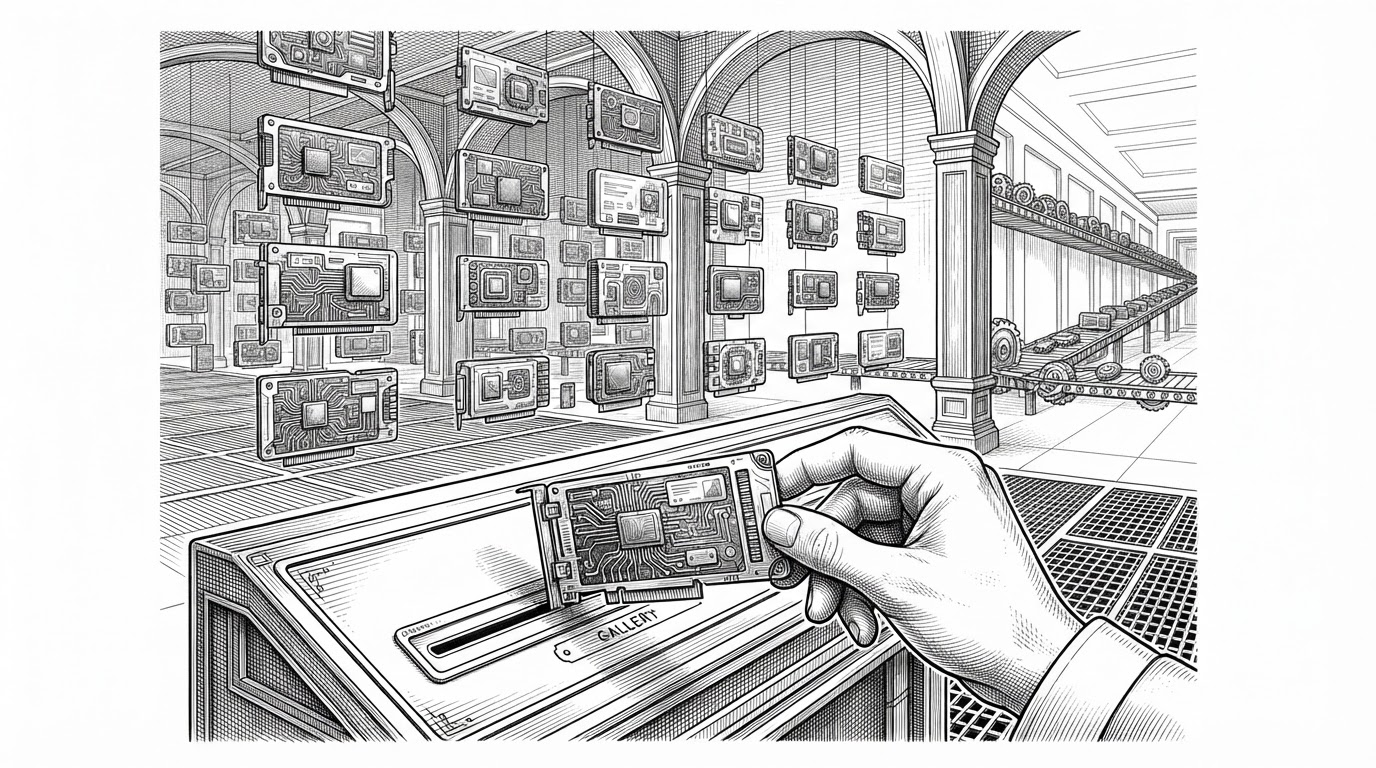
Shader translation is expensive, and the project found a way to share that cost. When the game hits a shader the translator has not seen, it stutters while the shader compiles. MacNativeGames lets players contribute the identifiers of the shaders they encounter, submitted through a GitHub issue template, and merges them into a shared list.
The list holds identifiers, not shader code, which keeps it on the right side of the line. The launcher's reminder to contribute is bilingual, in Chinese and English, and offers three honest choices: Send, Remind me next time, and Don't remind me again. Choosing Send opens a GitHub issue and reveals the file in Finder, ready to drag and drop. It is a small, well-designed community loop, and it is the warmest part of the whole repository.
What It Doesn't Do
The README is unusually honest about the edges, and this article should match that register.
- Supported game versions only. Not every revision of the game is wired up.
- No online play and no amiibo.
- New shaders can stutter the first time the game draws them.
- On iOS, memory pressure can terminate the game.
- You supply your own dump, keys, and system files. The project distributes none of it.
- An independent retail base NSP had not been tested in the described report; a locally derived fixture passed.
That last point is the one to hold onto. Headlines about a major Switch game running on an M4 are real, but the project's own documentation separates what has been demonstrated from what has been verified everywhere.
You must own the game.