Human Atlas: The Anatomy App That Turns 2,234 Meshes Into One Fast Browser Machine
A deep dive into the GPU tricks, exploded views, and data pipeline that make a web-based human body feel searchable, selectable, and strangely intuitive.
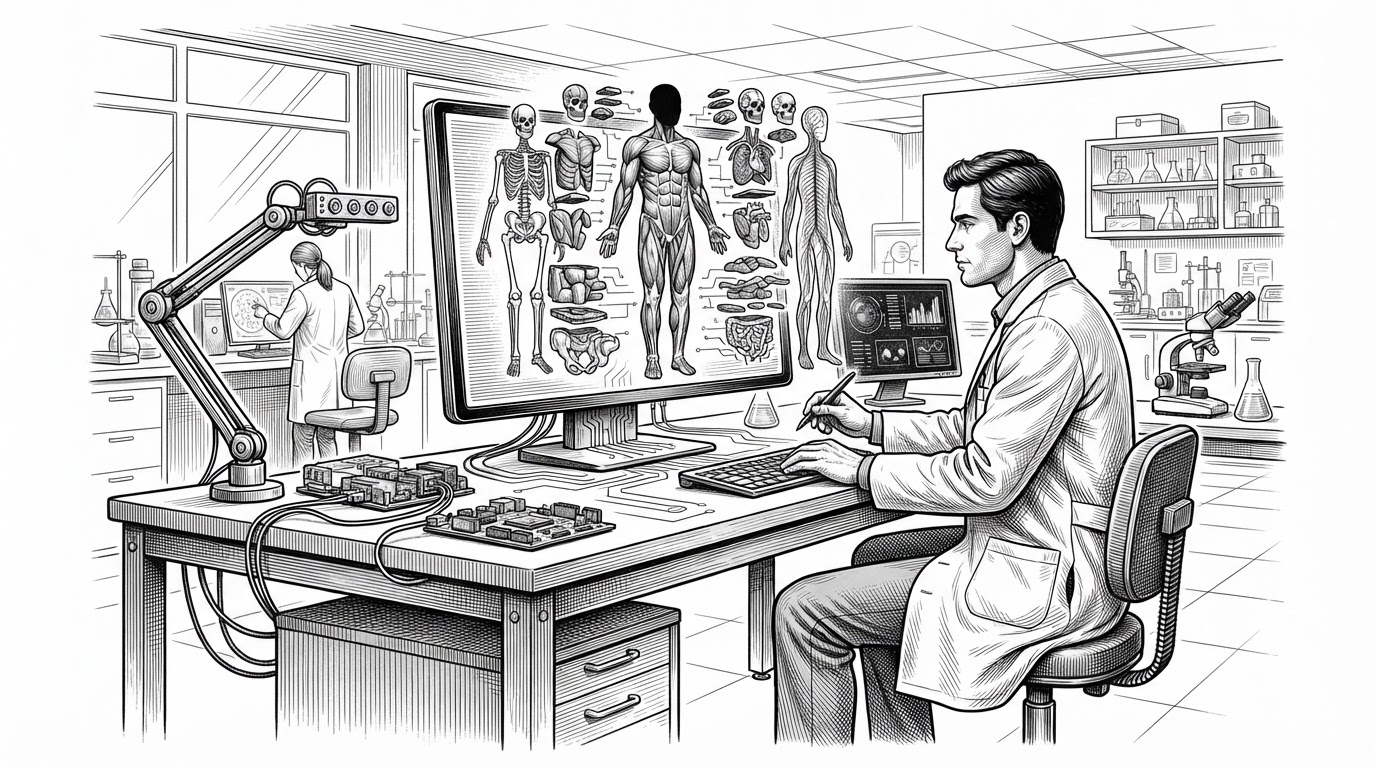
- Human Atlas is not impressive because it has anatomy. It is impressive because it makes 2,234 meshes feel like one interactive object.
- The core trick is GPU-managed state, which keeps visibility, selection, and exploded positioning responsive without turning the scene into thousands of slow UI objects.
- The exploded view is the interface breakthrough, because it turns a dense body model into an inventory you can inspect and mentally index.
- Its real audience is bigger than medical students. The repo reads like a template for web-native, AI-friendly 3D tools built from dense data.
The first surprise is not that human-atlas can render anatomy in the browser. It is that the browser stays calm while doing it. The repo turns a body with 2,234 selectable meshes into something that feels immediate, searchable, and almost tactile.
That matters because most 3D web apps break at the point where the scene becomes semantically rich. More parts usually means more draw calls, more state, more lag, more UI clutter. Human Atlas answers that with a different premise: treat anatomy as data that can be packed, filtered, and re-indexed, not as a pile of independent objects.
The browser should not feel this responsive
The project’s hook is simple. Load a giant anatomical dataset, let the user search systems, isolate parts, and explode the body into a readable inventory, then keep the interaction fluid. That is a hard interface problem, because body models are usually where the web starts to feel like a compromise.
Open-source 3D anatomy explorer: 2,234 selectable BodyParts3D meshes, system layers, search, and exploded views.
Human Atlas does not try to win by adding more clinical depth than the best commercial suites. It wins by making a developer-first atlas that feels lightweight in the hand. That is a different category of success.
The trick is not the model. It is the GPU state
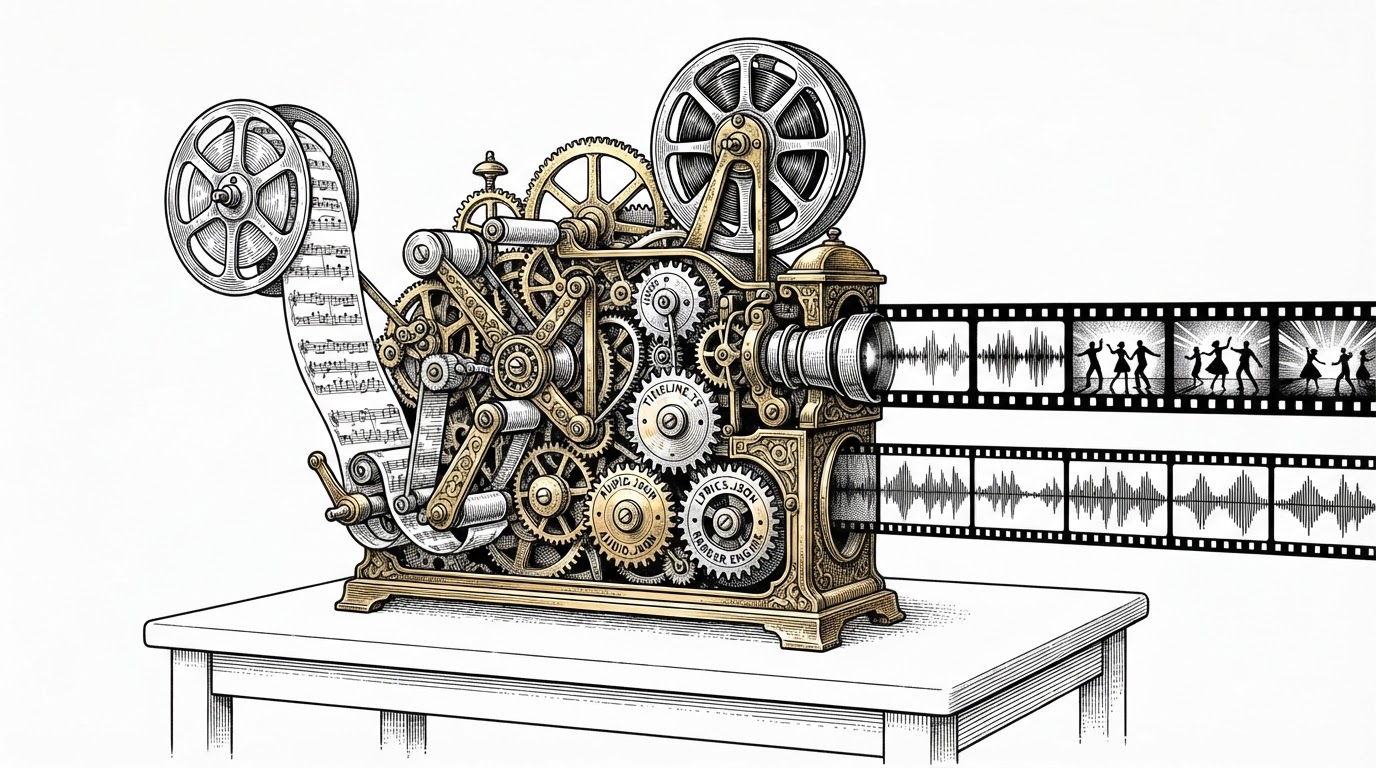
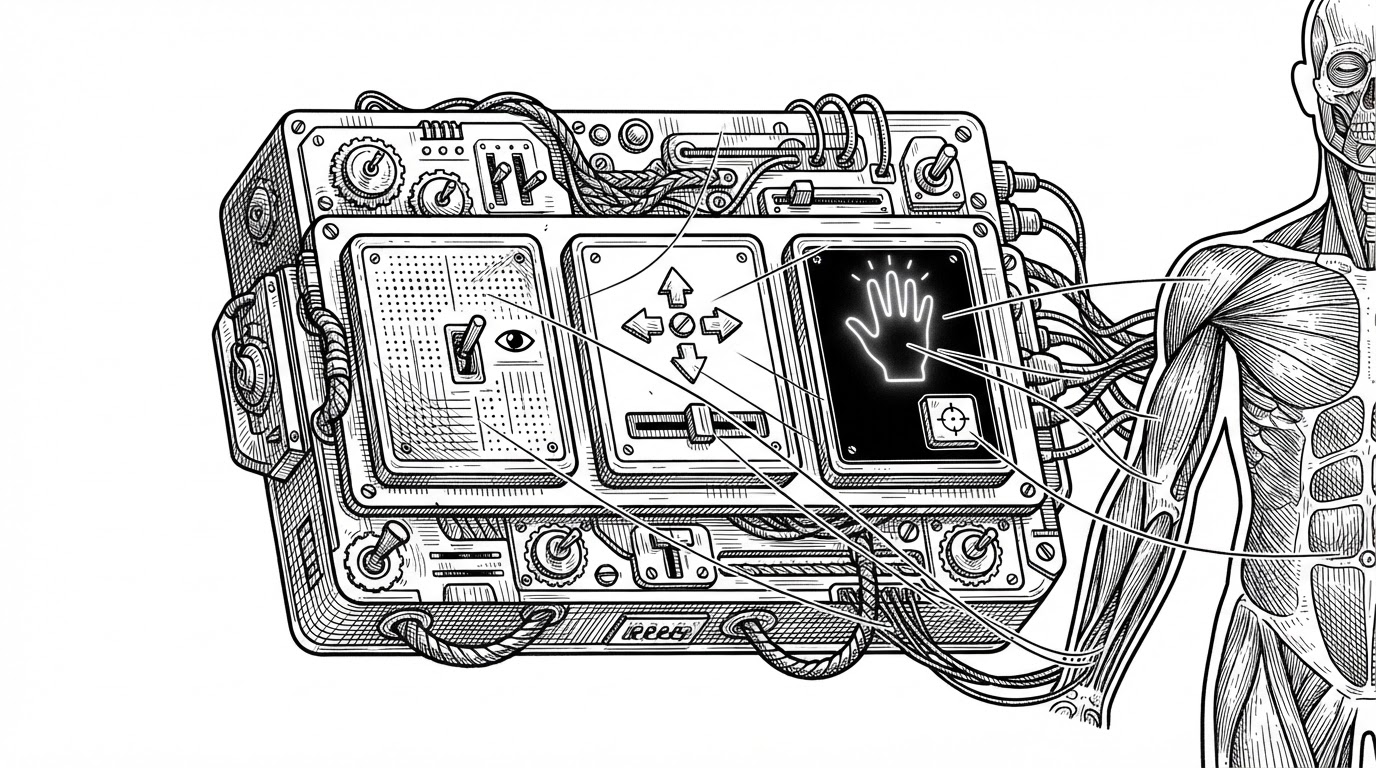
The rendering engine is where the project gets interesting. Instead of treating thousands of meshes as thousands of live scene objects, it pushes part state into GPU-accessible textures. Visibility, selection, and exploded positioning can then be updated as data, not as a forest of UI updates.
That is the key move. The CPU does less scene bookkeeping. The GPU does more parallel work. The result is not just faster rendering. It is a cleaner mental model for interaction, because the app can change many parts at once without making the interface feel busy.
Anatomy becomes legible when you can break it apart
The exploded view is the feature that changes the whole product. It is not a gimmick. It turns a dense anatomy model into an inventory, which is a much better way to inspect complex structure. You are no longer staring at a crowded body. You are looking at a body that has been re-authored for search and selection.
That readability comes from layout logic. The explode control interpolates between anatomical position and spaced-out positions, so the same structure can snap between being a body part and being a catalog entry. This is why the interface feels intuitive even before you learn the controls.
In practical terms, the atlas is re-indexing the human body. A muscle group, bone, or organ is not just geometry. It is a selectable concept, a visible state, and a place in a spatial map. Human Atlas keeps those layers synchronized.
The data pipeline does more work than the UI
The repo’s preprocessing scripts matter as much as the app code. Raw BodyParts3D anatomy is converted, validated, simplified, and bundled into binary geometry chunks plus metadata. That is what lets the browser load something this dense without turning every interaction into a download event.
The trade-off is explicit. The project aims for a small delivery footprint while keeping relative error low enough to preserve anatomy’s educational value. In other words, the data pipeline is doing compression without surrendering legibility.
That makes the repo feel less like a one-off demo and more like a repeatable production pattern. If you can preprocess a semantically rich 3D domain into compact binaries, the same architecture can be reused for other expert tools.
This is also a query engine for anatomy
The forward-looking part is not just the 3D viewer. The repo includes agent tooling that exposes anatomy as something software can inspect and search. That shifts the atlas from a human-only interface to a queryable system.
That idea is bigger than anatomy. It suggests a future where dense educational content is not trapped behind a mouse-driven scene. It can be addressed by agents, automated workflows, and other software that needs structured access to specialized domains.
How it compares to the rest of the field
Human Atlas sits in a very specific position. It is not trying to outclass commercial anatomy suites on completeness, and it is not just a raw model dump. It is a developer-first web atlas, with an AI-assisted pipeline and a design that favors lightweight interaction over institutional polish.
| Project | Primary strength | Where it beats human-atlas | Where human-atlas beats it | Best fit |
|---|---|---|---|---|
| Z-Anatomy | Community-led open atlas | Broader community labeling and translation efforts | More web-native interaction and a tighter browser-first feel | Open-source anatomy collaboration |
| Open Anatomy Project | Institutional medical grounding | Clinical interoperability and academic depth | More playful exploratory interaction and lighter delivery | Institutions and research workflows |
| Complete Anatomy | Feature-rich commercial reference | More detailed clinical content and pedagogy | Open codebase and developer-friendly experimentation | Medical education with paid polish |
| BioDigital Human | Browser-accessible professional library | Mature content library and pathology coverage | Open, hackable, and easier to customize | Schools and healthcare orgs |
| Visible Body | Student-friendly polished product | Polished learning flow and study aids | Developer-first architecture and no vendor lock-in | Students and mobile learners |
| Human Atlas | Web-first GPU-driven atlas | N/A | Fast, open, programmable, and unusually lightweight for its scale | Builders, educators, and AI experiments |
That positioning is the real story. Human Atlas is not the final word on anatomy software. It is a convincing proof that a browser can host a dense expert tool if the data pipeline, rendering strategy, and interaction model are designed together.
What this repo suggests about the next wave of educational software
The larger thesis is simple: domain software no longer has to choose between richness and reach. A browser can now host fast, semantically deep, programmable interfaces for expert knowledge, as long as the hard work happens below the surface.
Human Atlas is what that looks like in one specific field. It makes a huge anatomical dataset feel like a single instrument. That is why it stands out. Not because it is a 3D body on the web, but because it rethinks what the body can be in the browser.