DLSS 5 Swapper: The Tool That Tries to Teach Old Games New Rendering Tricks
An Electron app that scans binaries, stages reversible swaps, manages multiple backends, and pushes the DLSS 5 Feeder route into games and emulators that never shipped with it.
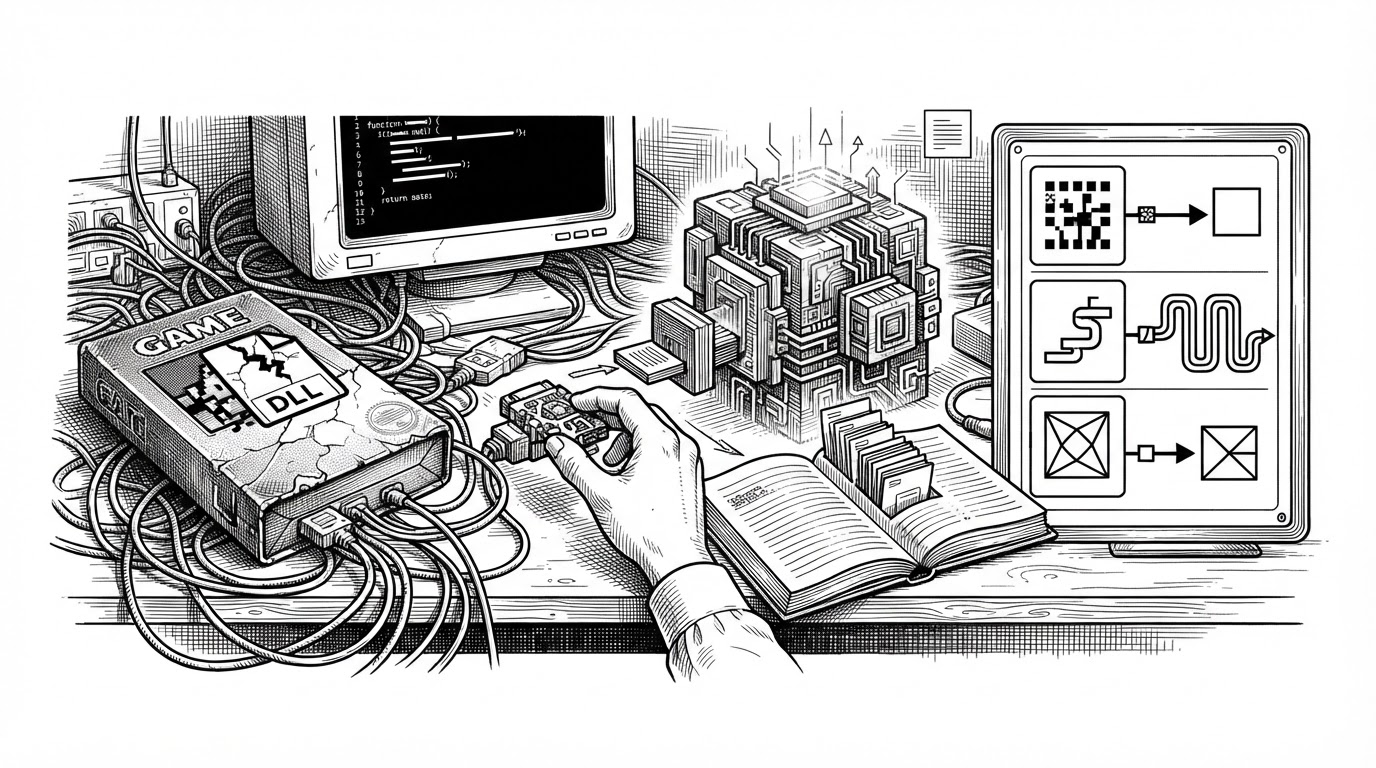
- DLSS 5 Swapper is best understood as a routing system for rendering compatibility, not a simple DLL swapper.
- Its Feeder path is the conceptual leap, because it tries to manufacture the conditions DLSS 5 expects in software that never planned for it.
- The project treats reversibility as a first-class feature, so file journaling and manifests are as important as the swap itself.
- Backend choice, scan logic, and overlay control turn a brittle modding workflow into an operational pipeline.
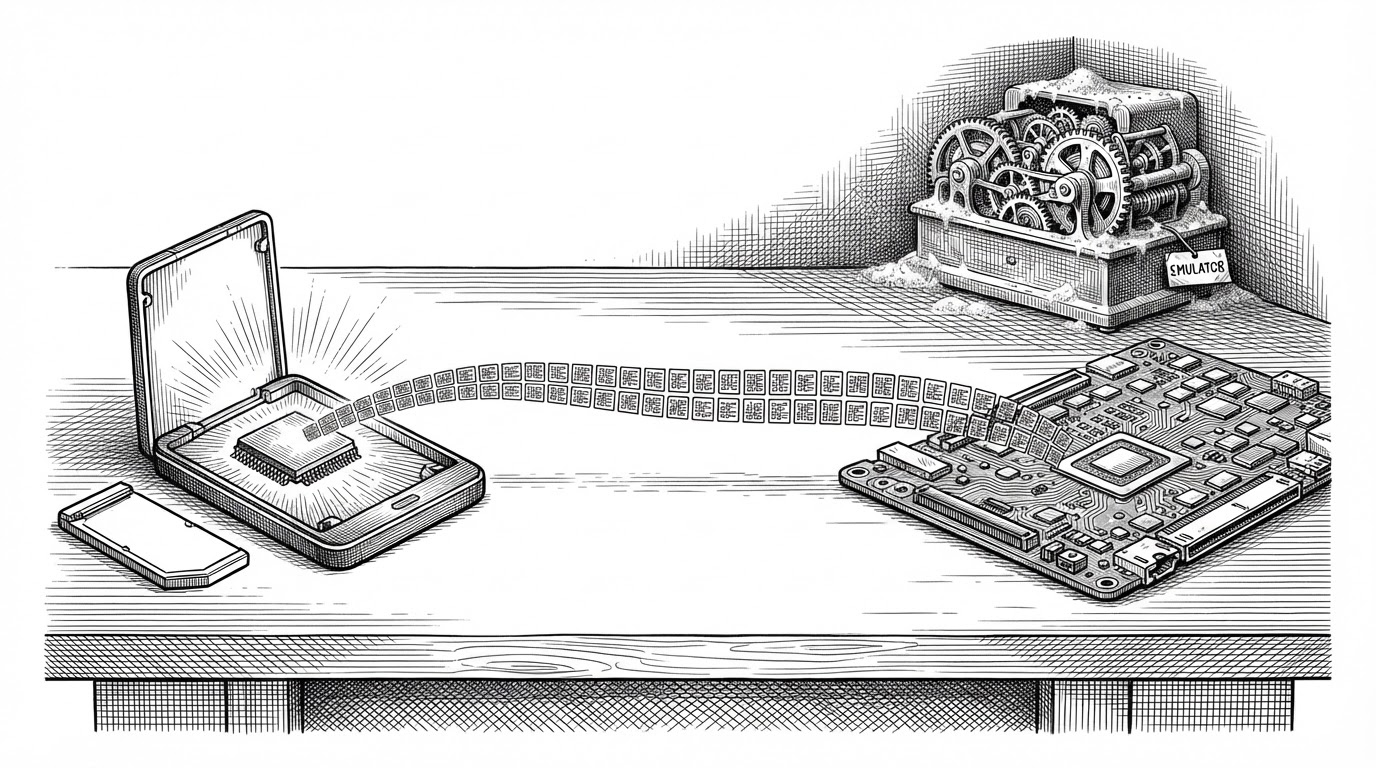
The headline trick is not the swap. It is the Feeder path, the part of the project that tries to make old games behave like supported candidates for DLSS 5 and related neural rendering features. That is a much bigger ambition than moving DLLs around. It is an attempt to coordinate the whole environment around the rendering pipeline.
The trick is not the swap, it is the feeder
In the repo’s own framing, DLSS 5 Swapper is a tool for installing, managing, and restoring DLSS 5 across games and supported emulators. The interesting part is what it does for titles that never shipped with native DLSS at all. Instead of treating that as a dead end, it tries to build a usable path through ReShade, RenoDX, backend selection, and staged file operations.
That is why the project feels different from a basic mod manager. It is not only asking, “Which files should I replace?” It is also asking, “What rendering path does this game look like, what backend should it use, and how do I make the change reversible?”
Why an Electron app is the right control plane
Electron is not the point here. Coordination is the point. The app splits responsibility across a renderer UI, core logic, shared definitions, and a C++ overlay, which is a sensible shape for a tool that needs both desktop ergonomics and low-level system work.
That split matters because the project has to bridge worlds. One side is a web-style control surface for scanning, selection, and state management. The other side is file transactions, executable inspection, and runtime overlay behavior. A single stack would be awkward. A coordinated stack is the product.
How the app figures out what a game is
The scan layer is the app’s understanding engine. It recursively walks directories, skips obvious dead zones, inspects executable headers, and infers whether a title is 32-bit or 64-bit, what API markers it exposes, and whether DLSS or ReShade traces are already present.
// Simplified from the scan layer
const results = await walk(gameDir, {
  skipDirs: ['node_modules', 'paks', 'cache']
});

for (const file of results) {
  if (file.endsWith('.exe')) {
    const pe = await parsePE(file);
    const api = detectApiMarkers(pe);
    const bitness = pe.is64Bit ? 'x64' : 'x86';
    // infer route, backend, and compatibility
  }
}
That sounds modest until you realize what it replaces. Manual modding often depends on the user knowing the right executable, the right wrapper, the right order, and the right backup steps. Here, the tool is doing the first pass of diagnosis for you.
The part that keeps it from becoming a mess
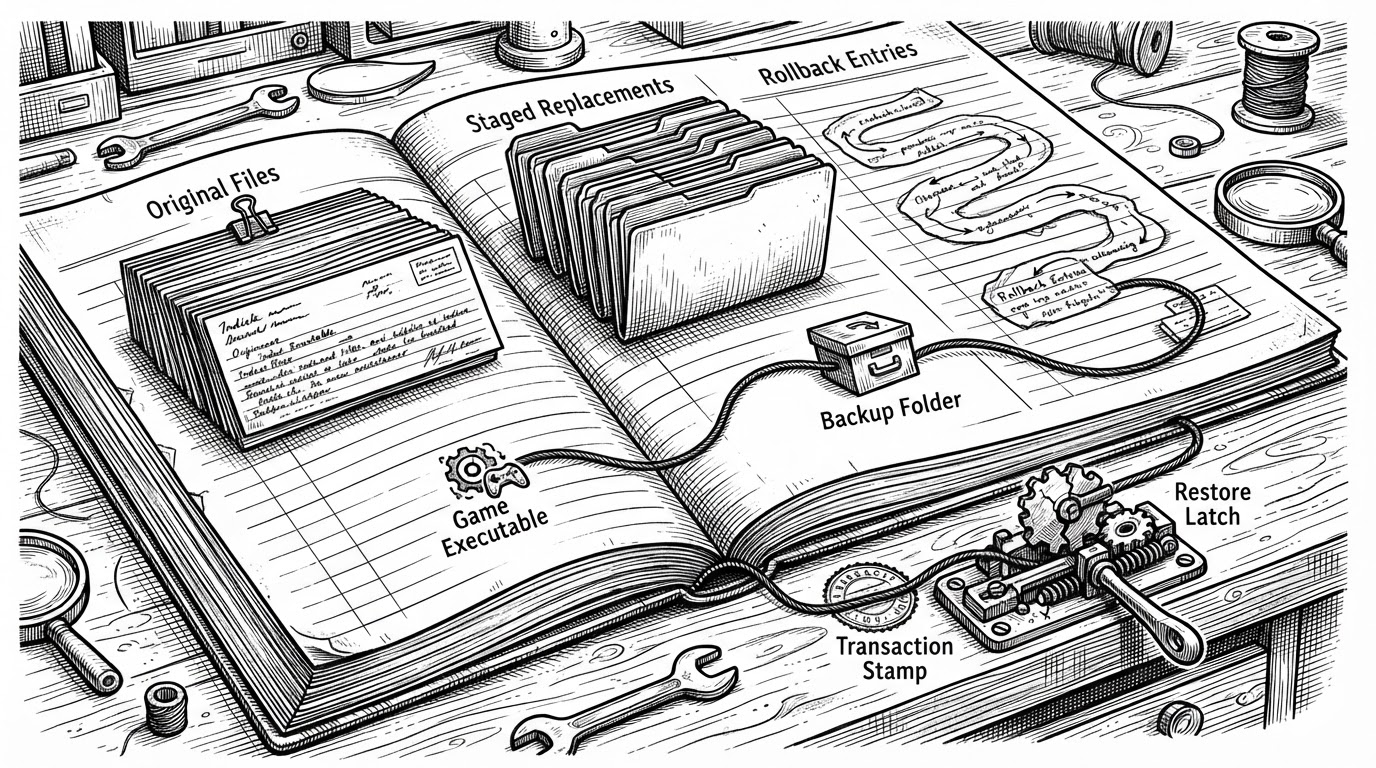
The real stabilizer is the journaling layer. Before files move, the app records the original state, then wraps the install in a transaction so a failure does not leave the game half-modified. That is the difference between a clever hack and a tool people can actually trust.
DLSS 5 Swapper is a powerful, easy-to-use tool for installing, managing, and restoring DLSS 5 across games and supported emulators. It features automatic game detection, optional drive scanning, DLSS5-Feeder for compatible titles without native DLSS, emulator support, and compatibility with DirectX 9/10/11/12, Vulkan, and OpenGL.
That README line is doing a lot of work, but the architecture backs it up. Unique backup paths prevent collisions, manifests preserve state, and the apply path behaves like a transaction instead of a blind overwrite. In modding, reversibility is a feature, not a cleanup task.
Backend switching is the real product
The backend manager is where the app stops being a one-shot installer and becomes a state machine. It can route a game through native, feeder, or OptiScaler paths while preserving profiles and user configs. That matters because the best path is not always the same path.
| Dimension | Manual modding | DLSS 5 Swapper |
|---|---|---|
| What it does | Copy files, edit configs, hope the launch works | Scans, stages, applies, and restores through a managed flow |
| Non-DLSS games | Usually a separate, fragile setup | Feeder route and emulator profiles extend compatibility |
| Rollback | Manual backup discipline | Manifest and journal driven restore path |
| Backend flexibility | One wrapper at a time | Native, feeder, and OptiScaler routes |
| Runtime tuning | Alt-tab and configuration files | Overlay control during play |
| Best fit | Experienced users who accept risk | Users who want a guided, repeatable install path |
That comparison is the point. The project is not merely trying to install another runtime. It is trying to manage route selection, preserve user state, and keep the whole thing switchable after the first launch.
The overlay closes the loop
The C++ overlay matters because the experience does not end at install time. Once the game is running, users need a way to adjust parameters without tearing the session apart. The overlay gives the system a live face, which is what makes the setup feel continuous instead of fragmented.
How it compares to manual modding and simpler swap tools
DLSS Swapper is the older, narrower idea: swap official DLSS versions where a game already has a path for them. DLSS5oneclick gets closer to the Feeder world, but DLSS 5 Swapper distinguishes itself by packaging the scan, route selection, journaling, overlay, and emulator support into one flow. OptiScaler is often the backend alternative, and in some cases the lighter one, but that is part of the point. DLSS 5 Swapper can treat it as a route instead of a separate project.
| Project | Primary role | Non-DLSS support | Rollback discipline | Runtime overlay | Best use |
|---|---|---|---|---|---|
| Manual modding | Ad hoc file replacement | Unreliable | User-managed | No | Power users who accept risk |
| DLSS Swapper | Official DLSS version manager | No | Partial | No | Games that already support DLSS |
| DLSS5oneclick | Automated DLSS 5 installer | Yes | Tool-assisted | Sometimes | Quick setup for compatible titles |
| OptiScaler | Upscaling backend/runtime | Yes | Narrower | Yes | Lower-overhead routing |
| DLSS 5 Swapper | Orchestrator and route manager | Yes | Manifest and journal based | Yes | Guided install and restore flow |
The broader lesson is bigger than one rendering trick. The repo shows how a hobbyist tool can act like a deployment system: detect, stage, verify, route, restore, and tune. That is a serious amount of operational thinking for a project in a modding niche.
Why it matters beyond one rendering trick
DLSS 5 Swapper is interesting because it does not romanticize complexity. It absorbs complexity, names it, and wraps it in guardrails. That is what makes the Feeder idea usable instead of merely clever.
If the future of game modding looks less like copying files and more like orchestrating state, this repo is already there. It treats compatibility as a pipeline, not a guess.