3D Model Anything Won't Scan Your Room Into a 3D Model
Wes Bos built an iPhone app that records LiDAR, hundreds of posed photos, and depth maps, then hands the reconstruction to a coding agent that checks every render against the originals.
I have discovered the the BEST way to get 3D modeling results from LLMs The app LiDAR scans the room while taking hundreds of high quality photos. Then a workflow + skill I've created models out every item recursively checking the model against the photo at the exact spot + angle where the photo was captured The result is a a dimensionally accurate and high quality model of your room All in my latest video on how to do it https://t.co/6fRpe3hd9b
- The pose-matched comparison loop is the whole idea: the agent renders its model from the exact camera positions the phone recorded, then checks that render against the original photograph.
- 3D Model Anything refuses the one-click scan on purpose, treating the capture as evidence and the reconstruction as an agent-guided editing job that produces Three.js scene code.
- The iPhone app keeps raw RoomPlan data alongside its derived output, so its first interpretation of the room is never locked in.
- Accuracy is checked by eye rather than by a similarity score, and the shipped office demo omits the source scan and photos that its Scan and Overlay modes would need.
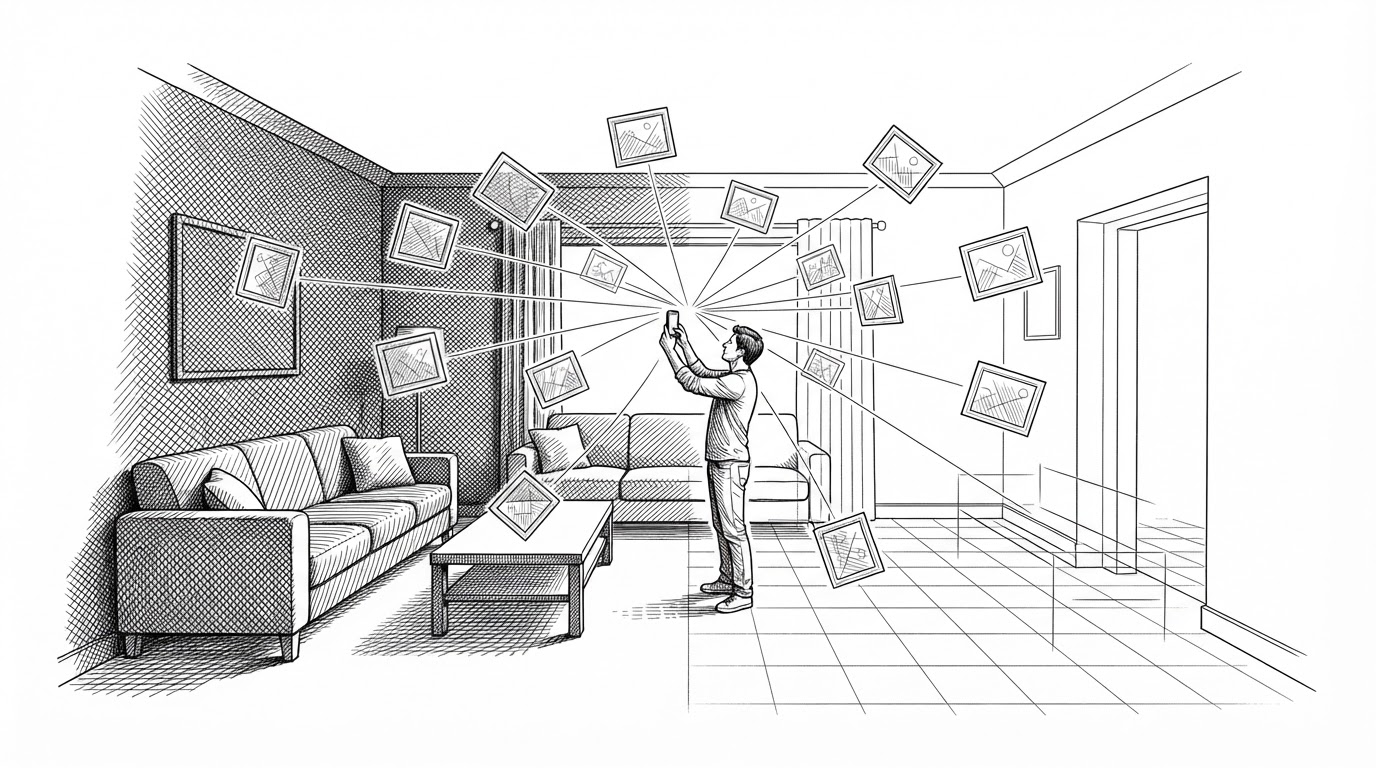
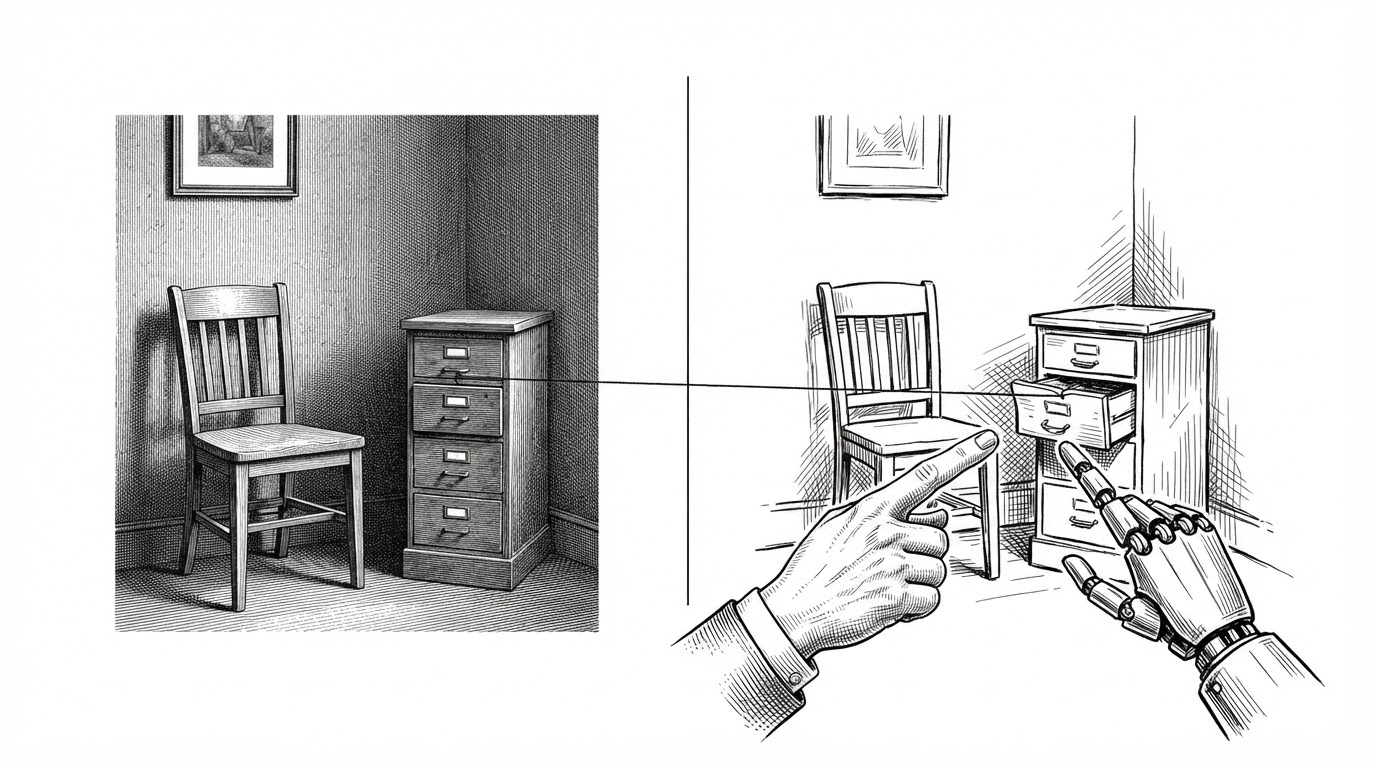
The agent renders the room from a camera position the phone recorded hours earlier. Then it sets that render next to the original photograph and looks for the mismatch. It is a small move, and it reframes what a scan is for.
The Render Meets the Photo
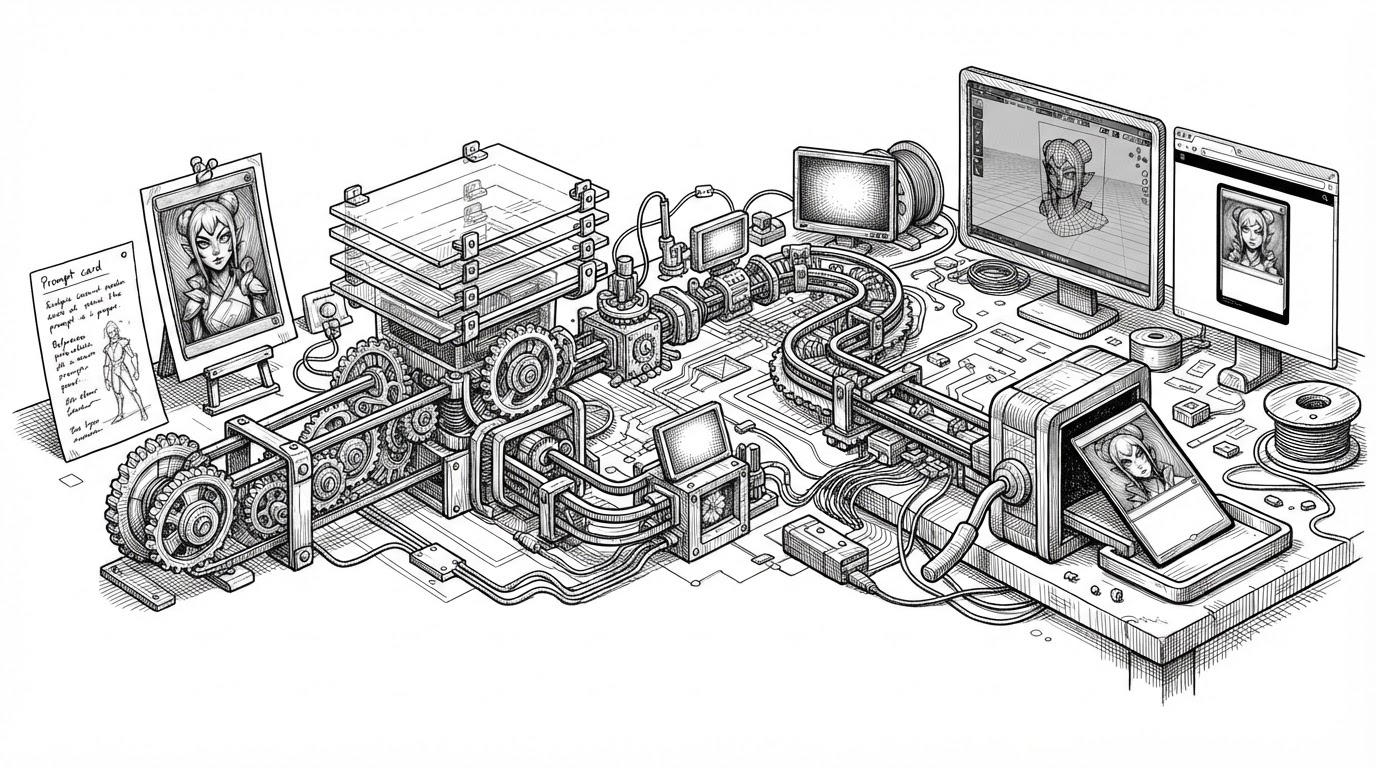
Most 3D scanning tools ask you to sweep a phone around a room and wait for a finished mesh. 3D Model Anything does something stranger. It captures the room as a pile of evidence, then hands the reconstruction to a coding agent that keeps checking its own work.
The check is the point. The iPhone app saves a full camera pose for every photograph: position, orientation, focal length, principal point, image size. Hours later, the agent renders the room it is building from that exact pose and drops the result next to the original shot. Where the two disagree, the model is wrong.
This is a feedback loop, not a one-shot conversion. The scan is not the deliverable. The scan is how the deliverable gets checked.
A Scanner That Refuses to Finish the Job
The README is blunt about the design intent.
The app records the evidence. The skill guides an agent through measurement, modeling and matched-camera visual comparisons. This is an iterative reconstruction workflow, not a one-click scan-to-perfect-model converter.
That refusal is deliberate. LiDAR gives you structure and rough furniture boxes. Photos give you appearance and detail. Neither one alone produces a scene you can open, inspect, and change. So the project splits the job: the phone gathers evidence, and the agent builds an editable Three.js scene from it.
The deliverable is code, not a frozen mesh. You can select an object, move a wall, swap a material, or rerun the whole thing with a better prompt. A photogrammetry mesh gives you a surface you can look at. This gives you a room you can edit.
What the Phone Actually Records
Everything downstream depends on what the capture app writes to disk. The export is a bundle called house-capture/5, and it is built to be re-read, not just replayed.
- manifest.json: what is in the bundle
- structure.json / .usdz: all rooms merged by StructureBuilder
- rooms/room-N.json: the CapturedRoom as RoomPlan encodes it
- rooms/room-N-data.json: raw CapturedRoomData, re-runnable through RoomBuilder
- worldmap.arworldmap: the ARKit world map for relocalization
- mesh/room-N.ply: the LiDAR mesh, with a normal and a coverage score per vertex
- photos/photos.json: camera pose and intrinsics for every photo
- depth/NNNNN.f16: 256 by 192 Float16 depth with a UInt8 confidence map
The standout detail is that raw data sits next to derived data. The app stores CapturedRoomData so RoomBuilder can be run again later with better settings. The phone does not lock in its first interpretation of the room. It records what it saw and defers the judgment.
The coverage engine is the same philosophy applied to the live capture. It scores every vertex of the LiDAR mesh by how well the photos taken so far show it: close enough for detail, roughly head-on, sharp, and not occluded, checked against each photo's depth map. The ring that shows this on screen is labeled "Photo detail," not "Scanned," because it measures photo quality on observed geometry rather than how much of the room you have walked.
The Agent's Loop
The reconstruction lives in a skill called scan-to-threejs. A skill is a set of instructions and helper scripts that tells a coding agent how to do a specific job, and this one is unusually disciplined about evidence.
The agent measures the scan, models the room as Three.js objects, renders from the recorded camera poses, compares those renders against the photos, and iterates. The skill ships about twenty Python, shell, and Node scripts to support the work, including a bundle reader, an orthographic projector, and a photo-comparison tool.
Use captured geometry as measurement evidence and posed photos as visual evidence. Build editable geometry, then compare it against those inputs. Conversion produces a measured baseline; detailed reconstruction requires modeling and visual review.
The loop is honest about its own softness. There is no objective similarity score. The comparison tools stitch images together; they do not grade the match. The agent, and the person looking over its shoulder, decide what counts as close enough, fix the largest discrepancy, and go around again.
The skill also tells the agent to record uncertainty rather than invent measurements, and to measure the big dimensions first. That is a quiet admission that the system is a collaborator, not an oracle.
Where It Fits
The obvious comparison is to the one-click scanners people already use. The difference is not that 3D Model Anything captures more. It is what happens after the capture, and who does the work.
| Approach | What you get | Who reconstructs | How accuracy is checked | Openness |
|---|---|---|---|---|
| 3D Model Anything | Editable Three.js scene code | A coding agent, guided by a skill | Render vs. original photo from the same recorded pose | MIT code, separate asset license |
| Apple RoomPlan | Parametric room plan and recognized objects | Apple framework | Framework output, not photo-matched | Closed framework |
| Polycam | Scan assets and meshes | Cloud processing | Not pose-matched | Closed product |
| Matterport | Hosted digital twin | Hosted platform | Not pose-matched | Closed platform |
| Nerfstudio | Radiance field and view synthesis | You train a model | Learned, not measured geometry | Open, research-oriented |
Only one row checks its work against the original photograph from the exact camera position that took it. That is the column that matters.
The Honest Limits
The project is candid about what it does not do. Fine details can exceed what the scan resolves, so a small object or a tight joint may come out approximate. Photo comparison is human and agent judgment rather than a metric, which means quality depends on how hard the operator pushes.
The shipped office demo also omits its original scan and photo assets. That disables the demo's Scan and Overlay modes. You can explore the reconstruction and the browser playground, but not the evidence that produced them. You can use those modes with your own captures.
And the iPhone app is source-available, not a download. Building it needs Xcode, and an App Store release should not be assumed. The code and skill are MIT-licensed, while the supplied office assets carry their own terms.