Sign-Language-Translator: When a Webcam Learns to Ignore Everything Except the Hand
A Python vision pipeline that turns finger-spelling into a clean skeletal signal, then pushes it through a recognition stack built for real-world clutter, not lab-perfect backgrounds.
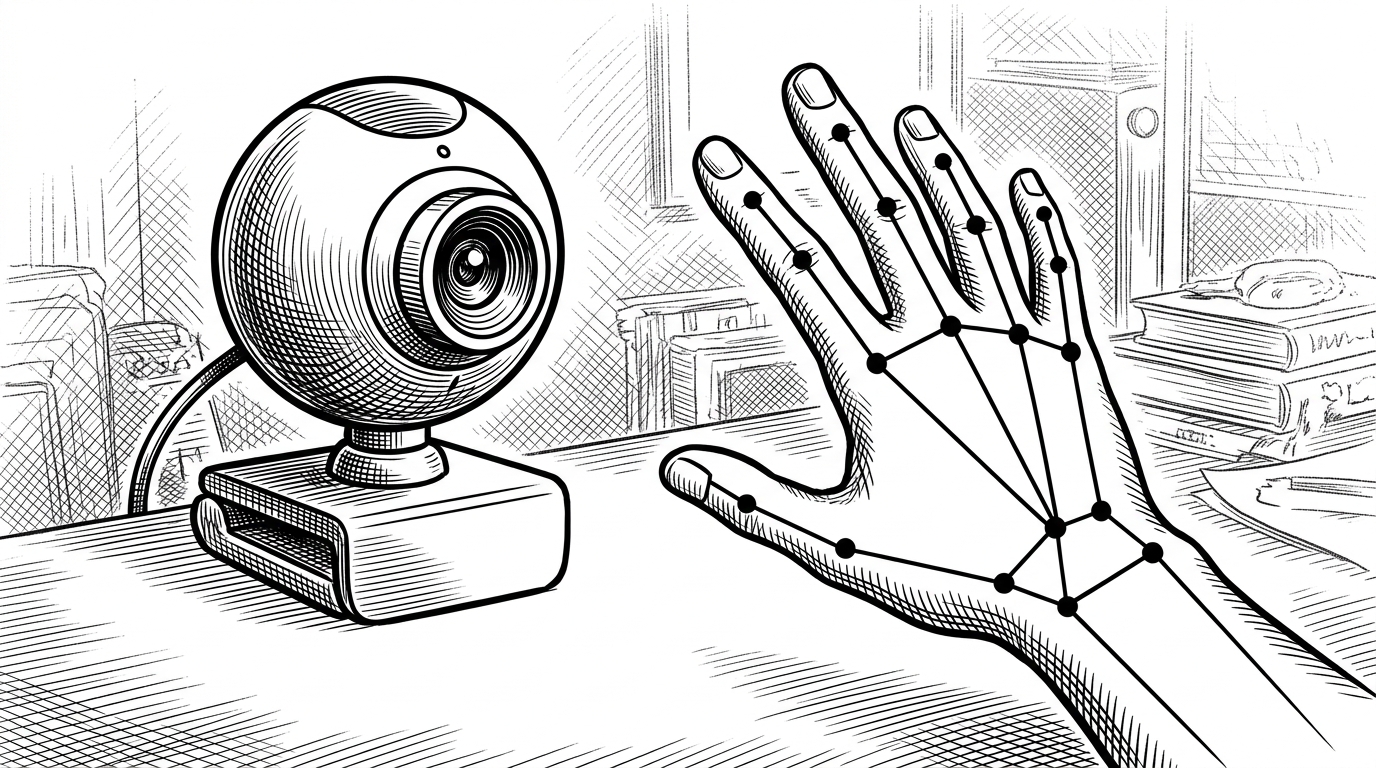
- The repo’s smartest move is to translate the hand into geometry, because that makes the system less sensitive to clutter, lighting, and camera quality.
- This is a finger-spelling tool, not a full sign-language solver, and that narrower scope is what makes the pipeline feel practical.
- The model is doing more than classification. It is filtering jitter so the interface can become text and speech instead of a flickering demo.
- The project is a lesson in assistive UX: reduce the signal, then make the output immediately usable.
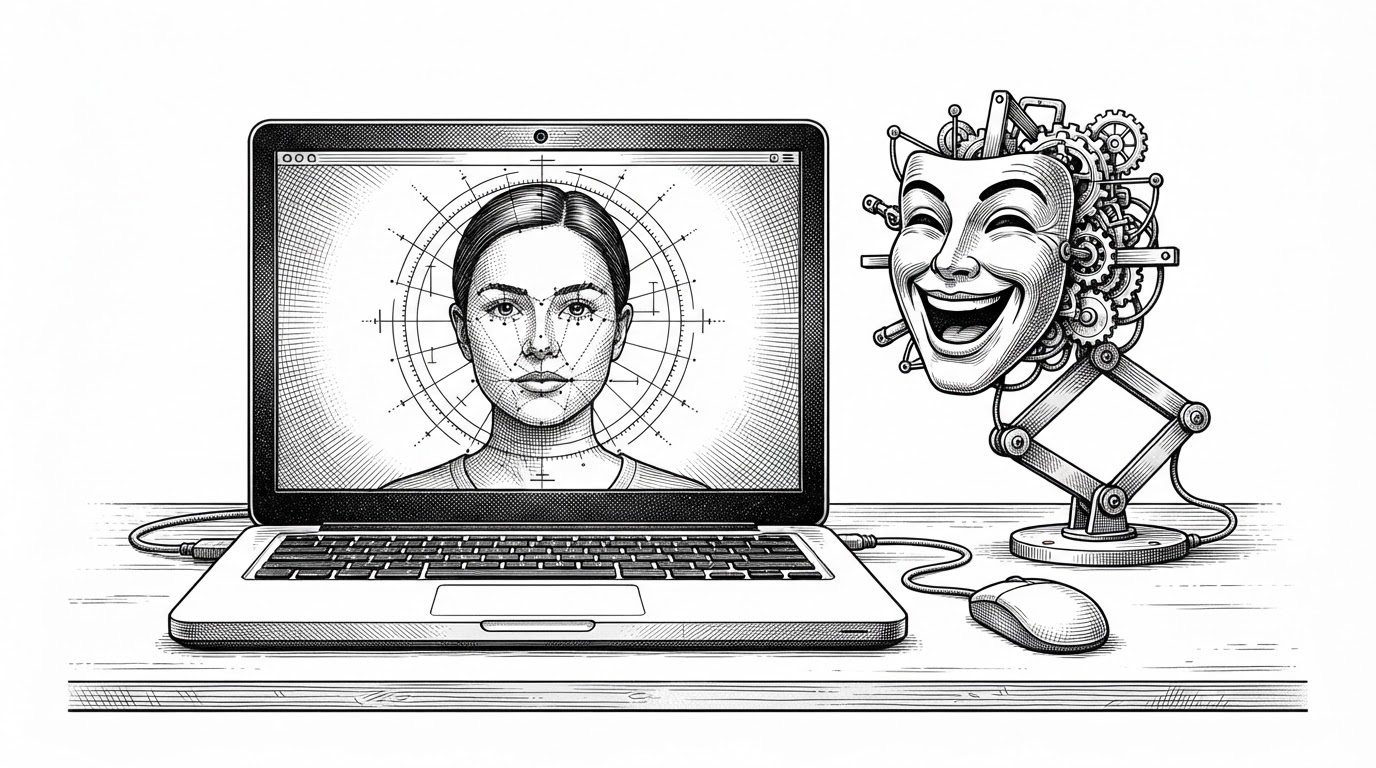
The easiest way to miss this repo is to treat it like another sign-language demo. That misses the point. The interesting move is that it refuses to trust raw pixels and instead asks a narrower question: what if the hand itself is the only thing worth learning from?
The Hand, Not the Background, Is the Product
Most amateur vision projects die on the same hill. They need a clean background, stable lighting, and a cooperative camera. Sign-Language-Translator changes the bargain by reducing the scene to hand landmarks, so the room stops mattering almost as much as the pose.
Why Finger-Spelling Is the Right Problem to Solve First
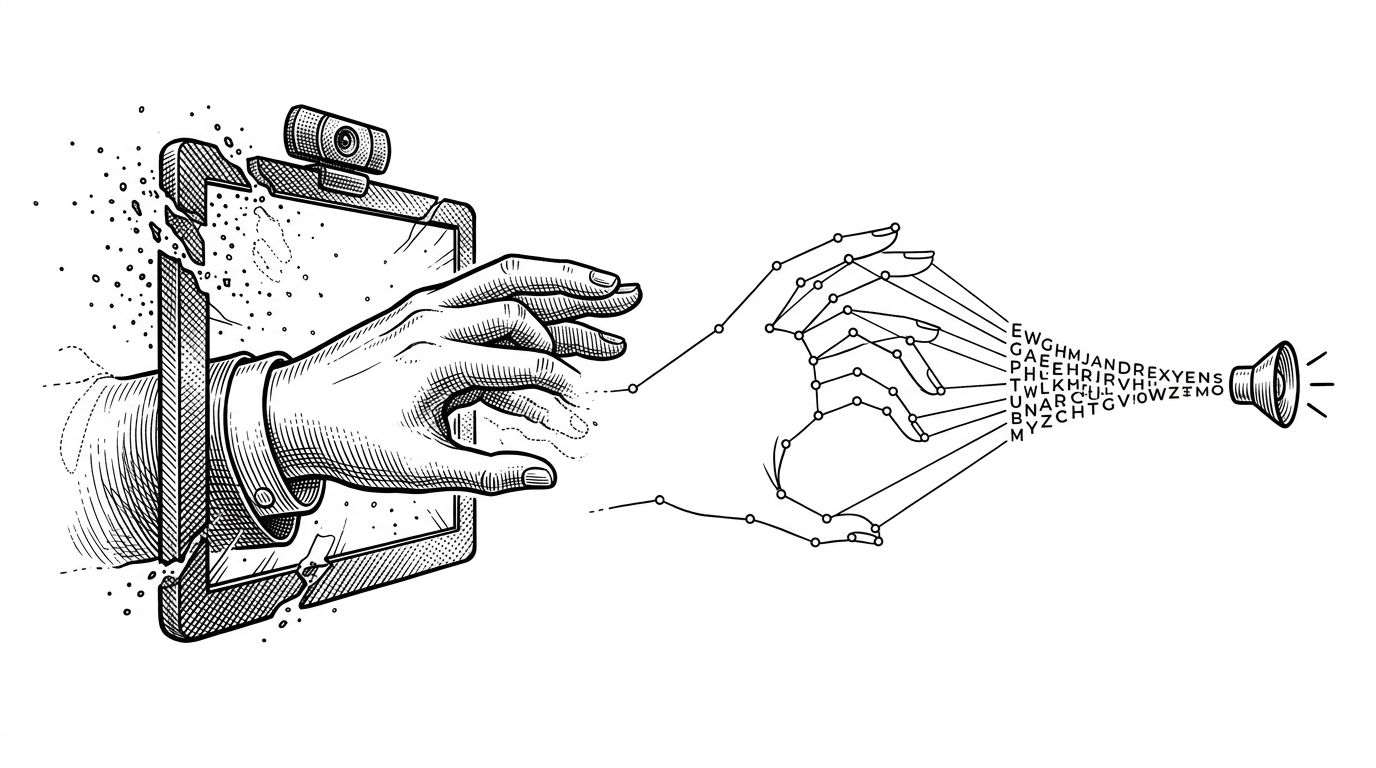
The repo is disciplined about scope. It is not claiming to solve the full grammar of sign language, which would be a much larger linguistic and cultural challenge. It focuses on finger-spelling, the alphabet-level problem where a hand pose maps to a letter.
| Dimension | Raw-image sign recognition | Landmark-based finger-spelling |
|---|---|---|
| Input type | Full frame pixels | Hand geometry and joint positions |
| Sensitivity to background | High | Low |
| Data requirements | Large, diverse image sets | Smaller, more structured samples |
| Generalization | Fragile in clutter | Better in everyday rooms |
| Deployment | Heavier on compute and tuning | Lighter and easier to debug |
| Typical failure mode | Background or lighting confusion | Landmark detection errors |
From Webcam to Skeleton Map
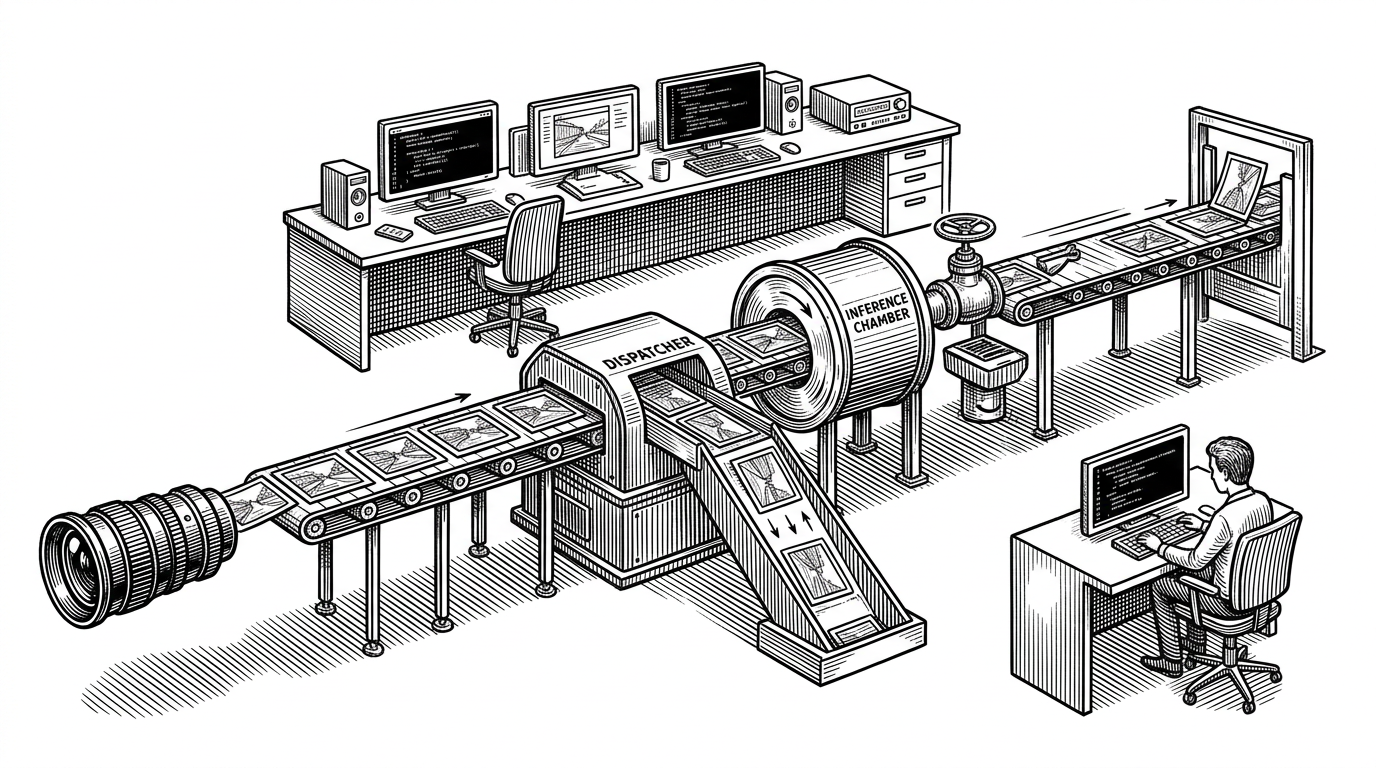
The pipeline is straightforward, which is part of its appeal. OpenCV captures the webcam stream. MediaPipe finds the hand and its 21 landmarks. The system then renders a simplified hand representation that becomes the input to the recognition stack.
That move matters because it turns the learning problem into a representation problem. The model is no longer asked to decode skin tone, room texture, or camera noise. It is asked to read posture, joint relationships, and the shape of the fingers.
The code path in plain terms
frame = cv2.VideoCapture(0).read()
hand_landmarks = mediapipe_hands.process(frame)
skeleton = draw_landmark_map(hand_landmarks)
prediction = model.predict(skeleton)
spoken = tts.say(prediction)
The Model Is Really a Noise Filter
The most useful way to think about the model is not as a letter oracle, but as a stabilizer. If the repo uses a CNN and LSTM stack, the CNN can read spatial structure in the hand shape while the LSTM can help smooth the sequence so a shaky frame does not become a wrong character.
| Component | Job | Why it helps |
|---|---|---|
| MediaPipe | Find the hand landmarks | Removes the background from the problem |
| CNN | Extract shape features | Reads the spatial geometry of the pose |
| LSTM | Smooth predictions over time | Reduces flicker in the output |
| TTS layer | Speak the result | Turns classification into communication |
That last step is easy to overlook. Text-to-speech changes the product from a classifier into a bridge. The output is not just a label on a screen. It is something a listener can use immediately.
What This Project Gets Right About Assistive UX
The best assistive tools do not merely predict. They reduce friction between intent and expression. Here, that means showing text and speaking it aloud, which matters more than a technically impressive confidence score.
The project’s product judgment is good: it chooses a constrained signal, a concrete output, and a workflow that can survive imperfect environments. That is why the abstraction is the story, not a footnote.
Where It Fits in the Real World
This is best read as a focused prototype, not a finished platform. Compared with manual transcription, it is faster. Compared with generic speech tools, it serves a different use case. Compared with raw-image sign recognition, it has a cleaner path to robustness because it works from a smaller, more structured input.
| Alternative | Strength | Weakness |
|---|---|---|
| Manual transcription | Accurate when a person is available | Slow and labor intensive |
| Generic speech tools | Easy to deploy | Only helps users who can speak |
| Raw-image sign recognition | Looks impressive in demos | Breaks down in clutter |
| Landmark-based finger-spelling | Robust and compact | Limited to the narrower task |
That is the right trade. The repo does not pretend to solve everything. It shows how to build something practical by refusing to learn the wrong thing.