Persona Turns Voice AI Into a Desktop Character
A cross-platform Electron app that captures system output, lip-syncs a 3D avatar, and gives agents a body they can actually use.
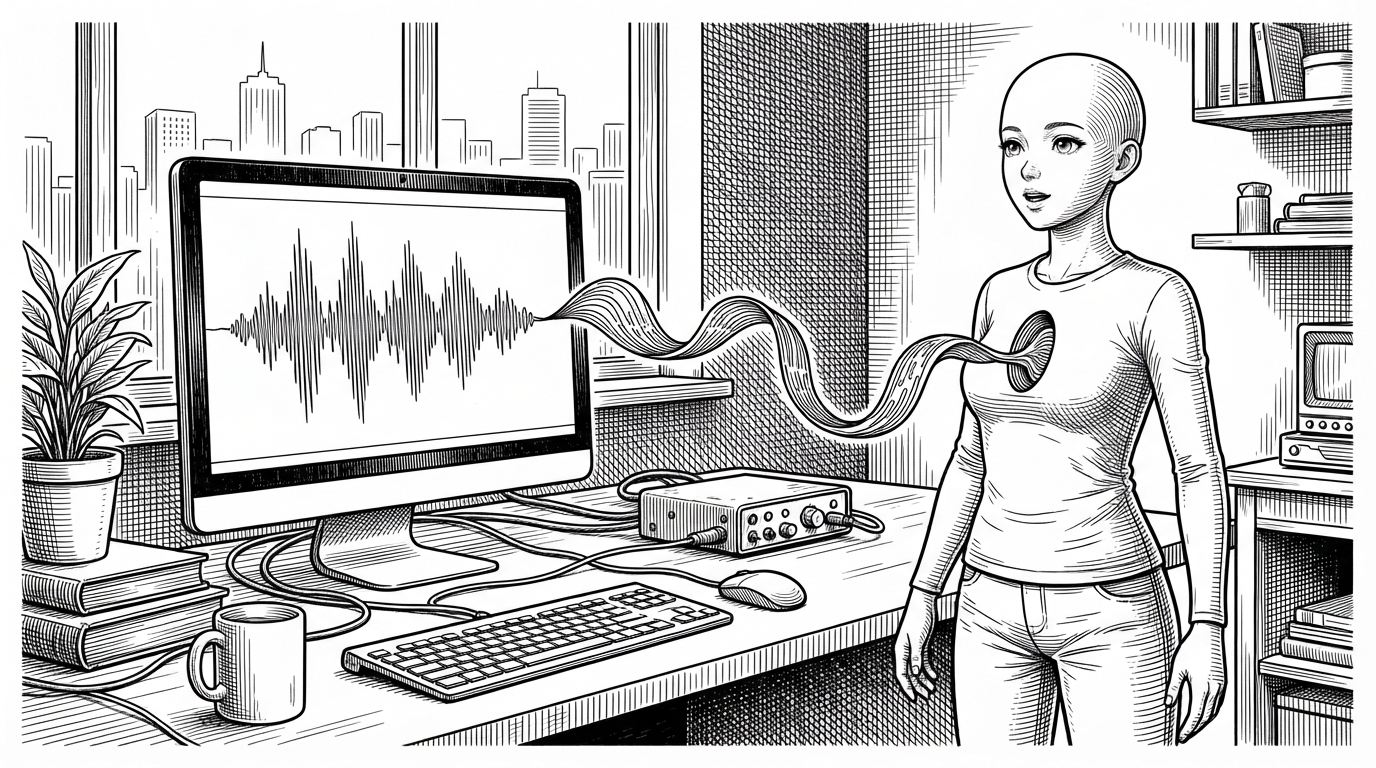

Bringing real-time voice to life.
- Persona is interesting because it closes the loop between voice output, avatar motion, and agent control instead of stopping at lip sync.
- Its real invention is infrastructural, not cosmetic: system audio capture, process discovery, and audio gating make the character react to other apps without a microphone-first workflow.
- MCP turns the avatar from a passive visualizer into an interface an agent can intentionally drive.
- The project competes less with model platforms than with the idea that voice AI should remain invisible on the desktop.
Most voice AI still feels like a disembodied utility. Persona tries to fix that by giving the assistant a body, a face, and a place on your desktop. The result is less like a widget and more like a character that shares your screen.
Voice AI Usually Stops at Audio. Persona Adds Presence.
That is the useful mental model here. Persona is not trying to outgun model providers or replace chat UIs. It is building the missing visual layer for voice agents, so the interaction feels anchored in a room instead of floating in a speaker.
The Trick: It Listens to Other Apps, Not Your Mic
This is the part that makes Persona feel different from a standard avatar demo. It does not rely on a microphone pointed at the room. It listens to system output audio, which means it can react to apps like ChatGPT Desktop, a browser-based agent, or another local voice source already speaking through the machine.
Three Signals Drive the Illusion
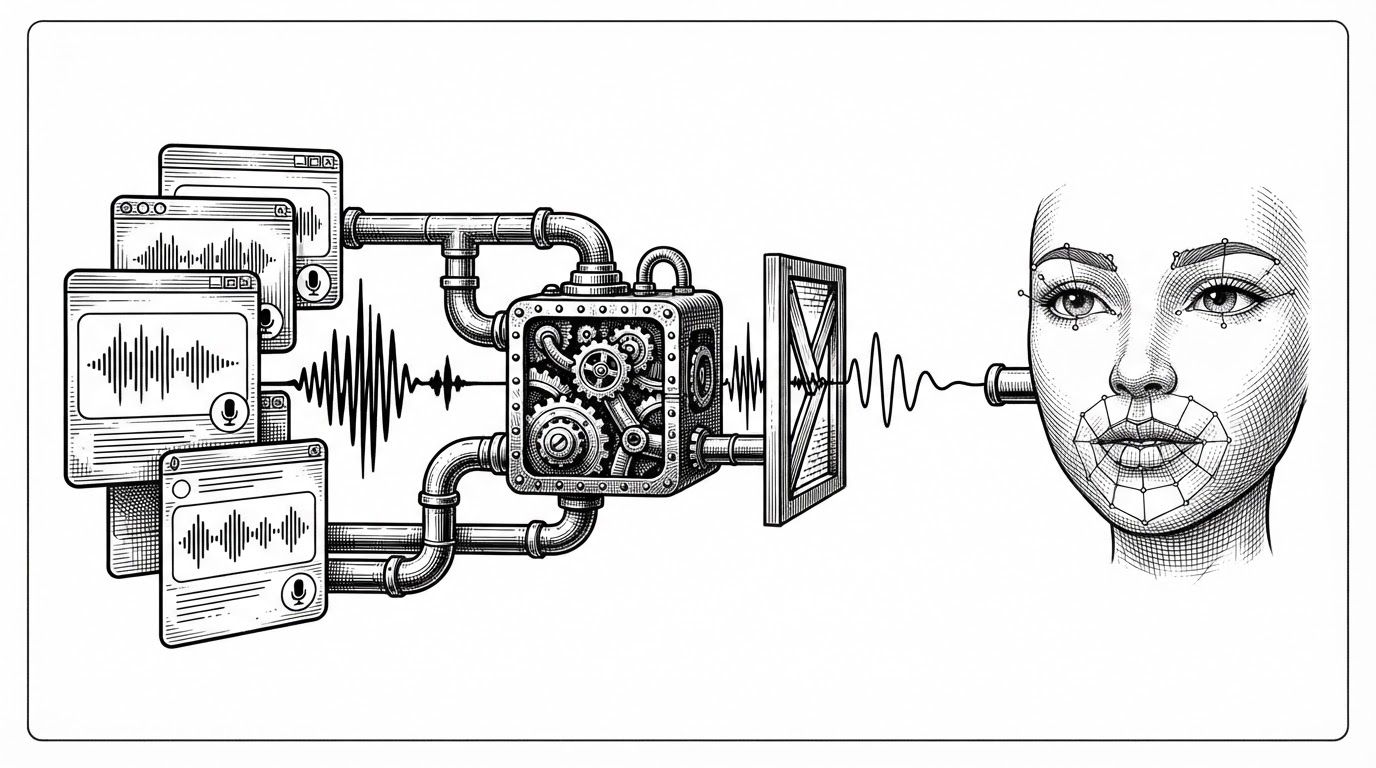
Under the hood, Persona turns a raw audio stream into three distinct states. Amplitude drives lip sync. The activity gate decides whether the avatar is speaking or idle. Animation hooks handle expression and motion so the face does not feel frozen between syllables.
// Conceptual flow inside the renderer
if (audioGate.isSpeaking(amplitude)) {
  vrm.expressionManager.setValue('Aa', amplitudeToMouthShape(amplitude))
  setAvatarState('speaking')
  playSpeakingMotion()
} else {
  setAvatarState('idle')
  playIdleMotion()
}

// The important part is not the exact code shape.
// It is that input audio becomes gated state, then state becomes motion.
That separation matters. The app is not just drawing a mouth that opens and closes. It is coordinating timing, state, and expression so the avatar stays believable when speech is intermittent or noisy.
MCP Gives the Avatar an API for Emotion
The Model Context Protocol is what pushes Persona past passive visualization. With tools such as play_animation, show_window, and get_status, an agent can intentionally drive the character instead of waiting for audio to do all the work. That makes the avatar feel like a controllable interface, not a decorative effect.
play_animationlets the agent trigger a named motion or expression on demand.show_windowgives the agent a way to bring the character back into view.get_statusexposes the current state so the agent can coordinate with the UI.
This is the strongest product idea in the repo. A face that only mirrors sound is a visualizer. A face that also accepts commands becomes an interface layer for embodied AI.
Why the Plumbing Is More Interesting Than the Mascot
The durable parts of Persona are the parts most users never see. Native sidecars isolate audio capture from the Electron main process. N-DJSON streaming keeps the communication path simple. Process discovery avoids listening to the wrong source, and the asset model keeps user customization separate from packaged defaults.
| Design choice | What it buys | Why it matters |
|---|---|---|
| Native helper processes | Safer audio capture with less main-process complexity | Keeps the Electron app stable while handling OS-level loopback quirks |
| Noise gating | Speech detection instead of raw amplitude noise | Prevents the avatar from twitching at every stray system sound |
| Process discovery | Targets the real voice-producing app | Reduces false positives when multiple apps are active |
| Immutable user assets | Customizable characters without breaking defaults | Makes the project easier to ship, update, and reset |
Those choices make Persona feel less like a hackathon novelty and more like a real desktop system. The mascot is the visible payoff. The plumbing is what makes the payoff repeatable.
What Persona Is Really Competing With
Persona is not trying to beat voice platforms on breadth or models on raw capability. It is competing with a narrower idea: that voice AI should remain mostly invisible. In that sense, its peers are not just other apps. They are the defaults that make voice feel like a black box.
| Project | Primary focus | Visual embodiment | Desktop integration | Openness / extensibility |
|---|---|---|---|---|
| Persona | Desktop avatar for voice AI | Strong | Strong | Open source and hackable |
| Vapi | Low-latency voice platform | None by default | External integration | Commercial platform |
| Retell AI | Voice agent infrastructure | None by default | External integration | Commercial platform |
| Hugging Face Speech-to-Speech | Foundational speech stack | None by default | Model and pipeline oriented | Open source |
| qwen-audio-agent | Agent runtime and audio reasoning | Limited | Model-centric | Open source |
That table is the real comparison. Persona wins by owning embodiment, not by claiming to be the whole stack.
Built for a Future Where AI Lives on the Desktop
Persona points toward a simple but important shift. As voice interfaces become more common, the interesting question is no longer whether AI can talk. It is how it should appear, where it should live, and how much agency it should have over its own presentation.
Shikhar’s README line says the project is about bringing real-time voice to life. The code backs that up. It listens to the system, watches for speaking, animates a face, and gives an agent tools to steer the performance when it wants to.