PrepBuddy-frontend: The Mock Interview App That Treats Voice Like a First-Class Feature
A lean React SPA turns interview prep into a live simulation, using Whisper-powered transcription, sequential evaluation, and a deliberately simple architecture to make practice feel immediate.
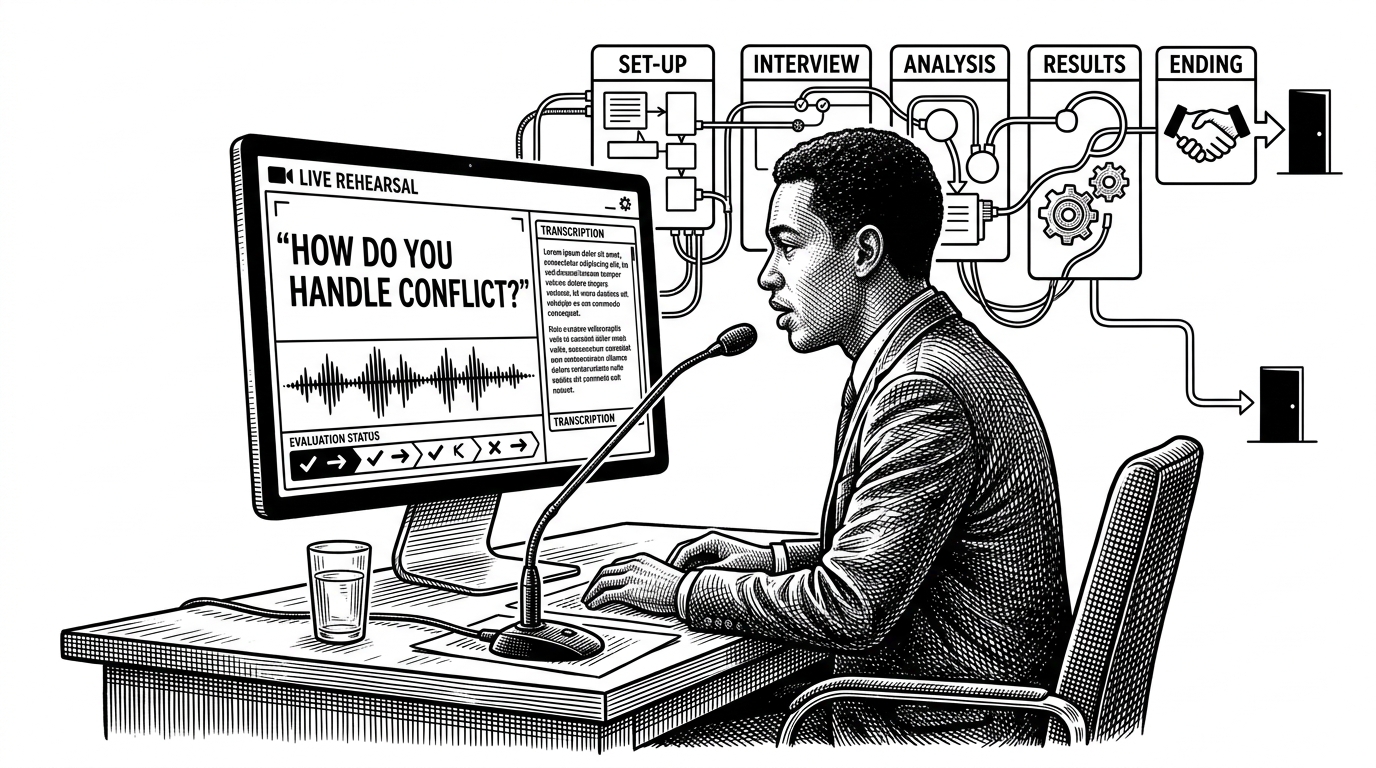

PrepBuddy is a comprehensive college placement and interview preparation platform designed to streamline your journey towards landing your dream job. It provides a curated collection of resources, practice problems, and tools to help you master essential skills for technical interviews.
- PrepBuddy’s main idea is to make interview prep feel like a live rehearsal, not a content library.
- Its strongest technical move is pairing Whisper transcription with domain keywords so technical speech lands more accurately.
- The frontend stays lean by using small, focused patterns like Context, Axios interceptors, and route gating instead of heavy state machinery.
- The project is more ambitious in behavior than in packaging, which makes it feel like an MVP with a clear product thesis.
Why PrepBuddy Feels Like a Real Interview, Not a Study App
Most prep tools hand you a list of questions and call it progress. PrepBuddy tries to do something harder: keep the candidate inside a single live session where question flow, voice capture, timing, and evaluation move together. That shift changes the product from passive study material into a rehearsal system.
That is the real hook. The app is not chasing breadth first, it is chasing the feeling of being in the room. Once you see that, the rest of the codebase reads as support for one goal, make the interview loop feel immediate.
The Clever Bit: Whisper Plus Technical Keyword Priming
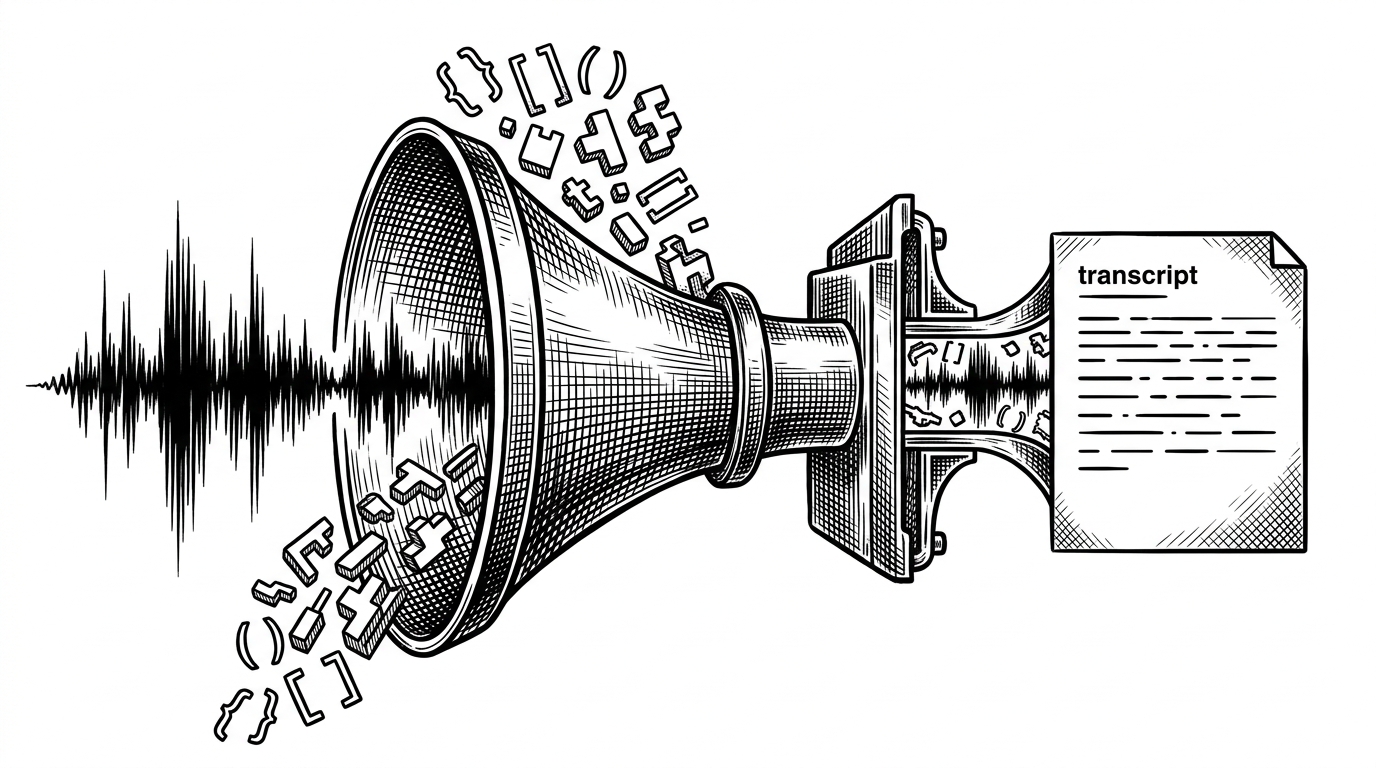
PrepBuddy does not rely on a generic browser speech API and hope for the best. It sends audio to Groq’s Whisper model, then primes the transcription with technical vocabulary like React, Node.js, hooks, var, let, and const. That matters because interview answers are full of words that common dictation systems mangle.
How the Interview Engine Moves From Answer to Evaluation
The most interesting code lives in Interview.jsx. It tracks the current question index, stores answers by question, and manages a timer so the session feels bounded. That sounds standard until you notice how voice and submission are wired together.
const [current, setCurrent] = useState(0);
const [answers, setAnswers] = useState({});
const [timer, setTimer] = useState(0);
const mediaRecorderRef = useRef(null);

const handleSubmitAll = async () => {
  for (let i = 0; i < questions.length; i++) {
    await submitAnswer(i, answers[i]);
  }
};
The app uses the MediaRecorder API to capture audio blobs, then sends them through the transcription path before storing the result against the relevant question. The sequential submission pattern is the subtle product decision here. Instead of dumping everything at once, it submits answers one by one, which makes the UI feel like it is evaluating in motion.
That choice also keeps the session legible. The user can see where they are in the flow, which answer is being evaluated, and when the system has moved on. For a mock interview tool, that matters more than raw feature count.
Why the Stack Stays Small
The architecture stays disciplined. React Context handles auth state, Axios interceptors inject the token automatically, React Router gates protected routes, and Vite plus Tailwind keep the build loop fast. There is no sign of state-management theater, just enough structure to support the product.
| Layer | PrepBuddy choice | Why it works |
|---|---|---|
| Auth | React Context plus localStorage sync | Simple enough for a small app, easy to reason about |
| API calls | Axios instance with request interceptor | Token handling stays out of page components |
| Routing | React Router protected routes | Private screens stay behind a clean gate |
| Styling and build | Tailwind CSS and Vite | Fast iteration with minimal runtime overhead |
That restraint is the point. The codebase solves product complexity without introducing a stack that is heavier than the problem.
What the Dashboard Is Really Optimizing For
The dashboard is not just a summary panel. It computes best session and total score on the fly, then normalizes difficulty and scoring into a readable surface. That turns a backend record into something a candidate can scan in seconds.
In other words, the UI is trying to make progress obvious. If the interview flow is the rehearsal, the dashboard is the postgame review.
| Platform | Primary goal | Interaction model | Voice or simulation focus |
|---|---|---|---|
| PrepBuddy-frontend | Practice interviews in a live session | Question flow, voice capture, sequential evaluation | High |
| LeetCode | Solve coding problems | Problem-first, code execution, discussion | Low |
| GeeksforGeeks | Learn and review CS material | Article-heavy, broad reference library | Low |
| InterviewBit | Follow a structured coding curriculum | Curated problem path, guided practice | Medium |
The difference is philosophical. LeetCode, GeeksforGeeks, and InterviewBit are strong at content or structured problem solving. PrepBuddy is trying to make practice feel closer to the actual event.
What the Codebase Signals About the Project’s Stage
The package version is still 0.0.0, and the README still looks closer to a scaffold than a finished product. That usually reads as immaturity, but here it also reads as focus. The implementation has a coherent product thesis even if the packaging is still catching up.
That is often what early strong products look like. The vision is clear before the polish is complete.