itsgiving: The Webcam Meme Engine That Learns Your Face
A lightweight Python app that calibrates to your neutral face, scores expressions relative to that baseline, and pushes live meme overlays into Zoom, Meet, and Discord as a virtual camera.

- itsgiving treats humor as a sensing problem by learning each user's neutral face before it decides what counts as an expression.
- Its calibration model replaces fixed thresholds with personalized statistics, which makes the trigger logic more resilient and less goofy than it sounds.
- The runtime stack is small but deliberate: MediaPipe detects landmarks, OpenCV composites frames, and pyvirtualcam sends the result into meeting software.
- The repo behaves like production software in hobbyist clothing, especially in its dependency pinning and preflight crash check.
Why This Webcam App Feels Smarter Than It Looks
Most webcam meme tools are blunt instruments. They watch for a face, look for a trigger, and fire an effect. itsgiving does something more interesting: it learns what your face looks like when nothing is happening, then interprets everything else relative to that baseline.
That small change turns a novelty into a lesson in human-computer interaction. A naturally expressive face does not get punished by hardcoded thresholds, and a subtle face does not get ignored just because it is not performing loudly enough for a generic model.
I build ML models at Google by day and make strange little projects at the intersection of tech and art by night.
From Neutral Face to Meme Trigger
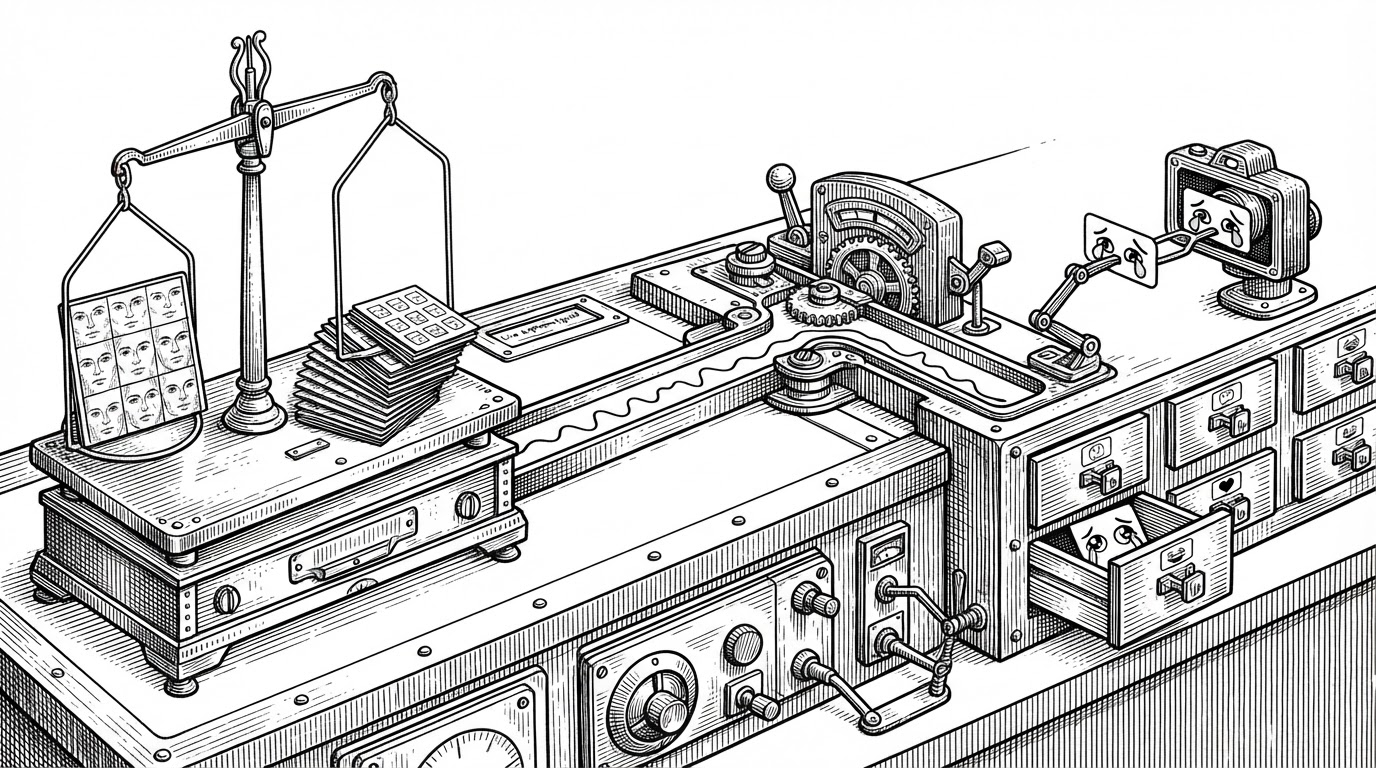
The key move is calibration. During a short startup window, the app records the user's resting face and stores summary statistics in calibration.json. Instead of asking whether a feature is above some universal threshold, it asks how far the current reading has drifted from that person's own mean.
The statistical trick under the hood
The repo's second version moves from magic numbers to a personalized score. A baseline model stores the user's typical values for dozens of blendshapes, then compares live input using distance from that baseline rather than absolute shape values.
# Conceptual version of the v2 logic
for feature_name, live_value in live_blendshapes.items():
    mean = calibration[feature_name]["mean"]
    sigma = calibration[feature_name]["sigma"]
    z = (live_value - mean) / max(sigma, 1e-6)
    if abs(z) > trigger_threshold:
        trigger(asset_map[feature_name])
What Happens on Every Frame
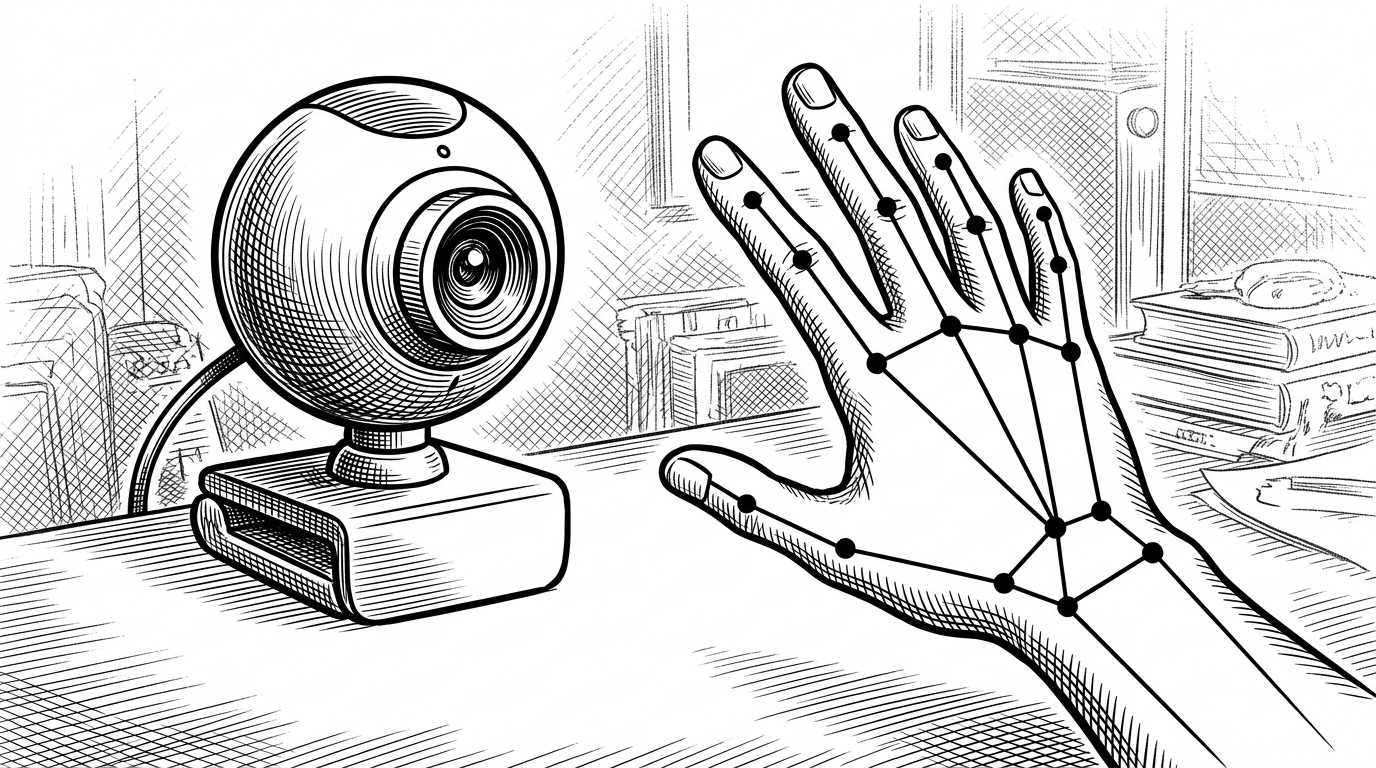
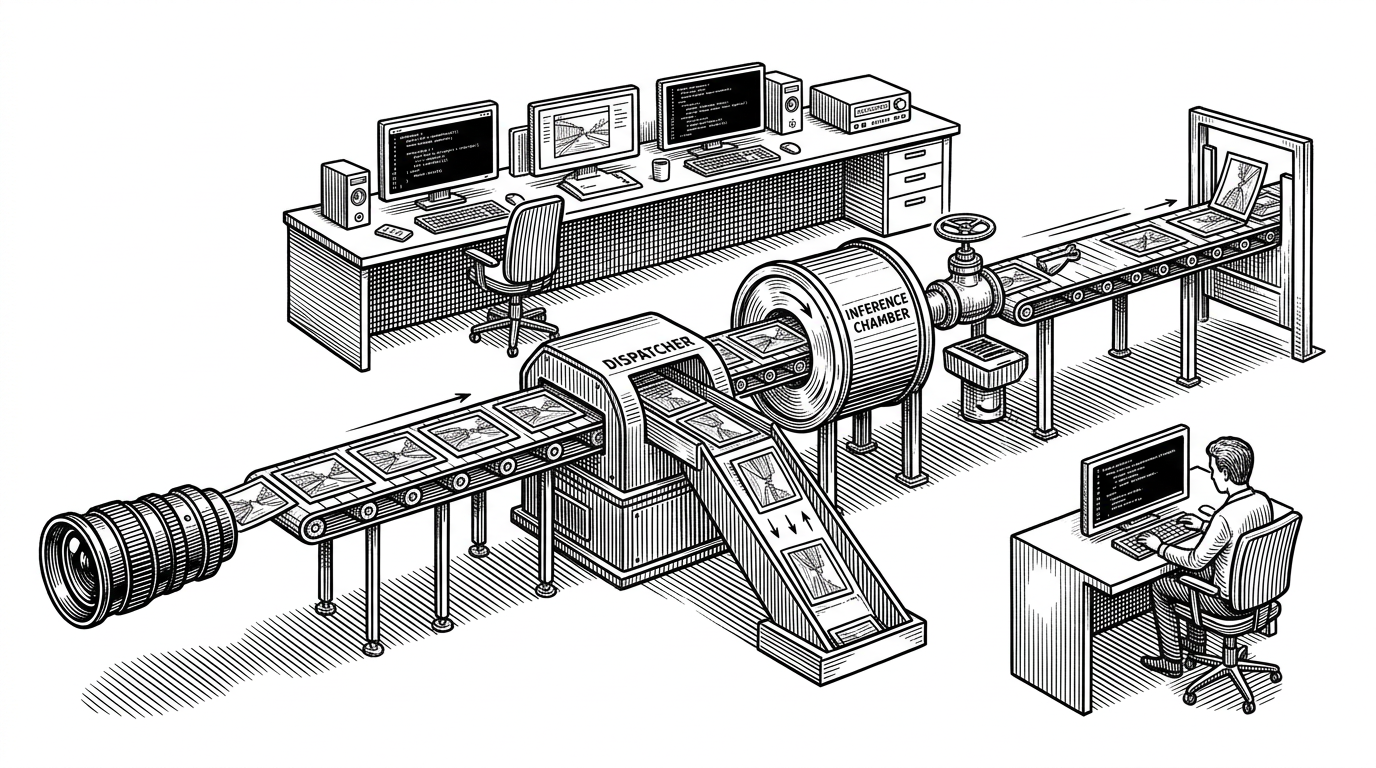
The runtime pipeline is direct. OpenCV grabs a frame, MediaPipe extracts face, hand, and pose landmarks, and the decision logic decides whether the current gesture crosses a calibrated boundary. If it does, an asset is composited into the frame and sent onward through pyvirtualcam.
The codebase stays small by keeping the responsibilities separate. Landmark detection is one concern, asset timing is another, and camera output is a third. That separation matters because each step can fail for different reasons.
frame = camera.read()
landmarks = detector.process(frame)
choice = decide(landmarks, calibration)
overlay = assets[choice].frame_at(time.monotonic())
composited = compositor.apply(frame, overlay)
virtual_cam.send(composited)
The asset system is also more careful than a joke repo usually needs to be. GIF timing is handled with frame duration math, and resized versions are cached so the app does not waste time calling cv2.resize on every frame.
Express yourself in meetings (with memes, of course).
The Preflight Trick That Keeps the App from Vanishing
The sharpest engineering move in the repo is the preflight subprocess. MediaPipe can crash the process at a native level on some macOS setups, which means a normal try-catch block is not enough. So the app spins up a throwaway subprocess first, checks whether the detector initializes cleanly, and only then continues.
That is a tiny idea with a lot of practical value. It turns a mystery crash into a diagnostic step, and it shows that the project is written by someone who has already been burned by dependency and platform fragility.
Why It Beats the Usual Virtual Camera Stack for This Job
This project is not trying to replace OBS or Avatarify. It wins by being narrower. It is built for one interaction model: personal expression triggers a meme overlay, automatically, without a scene switcher or a face-swap pipeline in the middle.
| Tool | Trigger model | Weight | Personalization | Setup style | Best use |
|---|---|---|---|---|---|
| itsgiving | Calibrated expression scoring | Lightweight Python app | High | Focused and automatic | Meme-native meeting overlays |
| OBS virtual camera | Manual scene switching | Heavier suite | Low | Broad and configurable | Production streaming and recording |
| Avatarify | Face animation from a source image | Computationally heavier | Medium | Model-driven setup | Animated avatar effects |
| Native meeting reactions | Built-in buttons and emojis | Very light | Low | Minimal | Quick social feedback |
| Snap Camera | Preset filters and effects | Legacy consumer app | Low | Simple when available | Historical reference for fun filters |
The comparison is really about control. General tools give you flexibility, but itsgiving gives you a very specific form of automation that feels tailored to a person instead of a room.
A Tiny Repo With Production Habits
The repository looks like a small project, but it carries itself like a serious one. Dependencies are pinned, assets are organized, fallback paths exist for missing media, and the code comments explain why certain version combinations are intentionally avoided.
That is what makes the project stick. It is funny enough to share, but disciplined enough to run. It reads like a prototype for personalized HCI, not a disposable demo.