comfy_nv_video_prep: The Video Editor Hidden Inside ComfyUI
NVIDIA's comfy_nv_video_prep turns masks, crops, and keyframes into portable workflow state, so video prep happens before generation instead of after it.
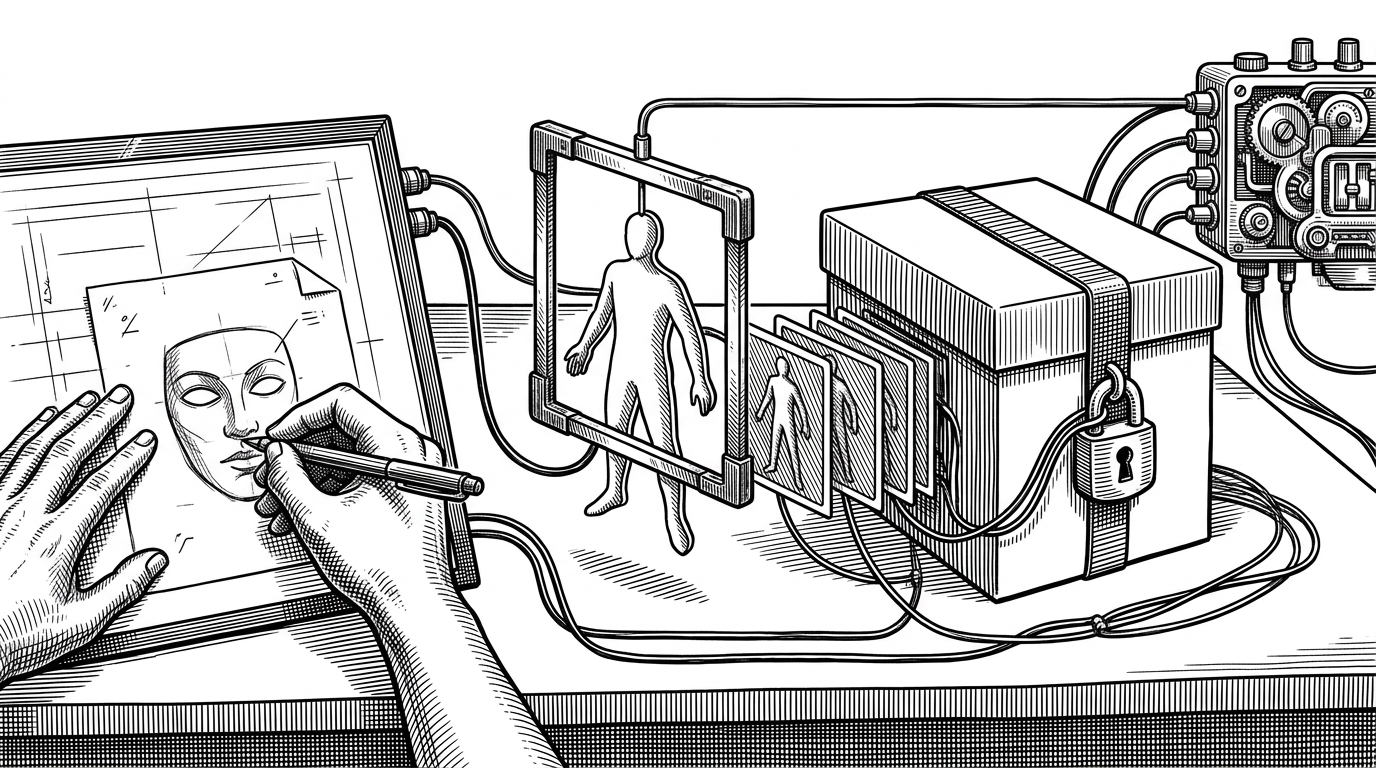
- comfy_nv_video_prep turns a ComfyUI workflow into a portable pre-production surface, so masks and keyframes survive beyond a single browser session.
- Its most important trick is that UI state is serialized into workflow JSON, which makes the editor feel like a database-backed timeline instead of a disposable canvas.
- The TTM path combines interactive segmentation, affine transforms, and background inpainting to give video subjects real spatial control before generation.
- The repo matters because it moves AI video from prompt-led experimentation toward repeatable shot planning.
Most AI video tools ask for a prompt and a lot of patience. comfy_nv_video_prep asks for something else: a place to decide where a subject sits, how it moves, and which parts of the frame survive the trip. The repo treats pre-production as a first-class step inside ComfyUI, which is why it feels closer to a shot-planning tool than a plug-in.
A small repo with a big idea
The codebase is split cleanly between Python and JavaScript. Python nodes handle image processing, tensor work, and model integration, while the JS frontend extends the ComfyUI canvas with interactive cropping, mask drawing, and keyframe editing. The repository feels like a focused NVIDIA side project, with a small code surface and one contributor doing most of the work, which usually means the tool is solving a very specific problem.
Today’s upscalers take minutes to upscale a 10‑second clip into 4K resolution. Now, users can quickly upscale generated video to 4K with NVIDIA RTX Video Super Resolution, available as a node for ComfyUI.
What makes it different
The repo's most interesting move is persistence. Standard ComfyUI mask drawing is ephemeral. Here, the browser serializes what you drew into a hidden string widget as a base64 PNG, then the backend rehydrates it into tensors. The workflow JSON becomes a portable memory layer.

| Dimension | Typical ComfyUI video setup | comfy_nv_video_prep |
|---|---|---|
| Control over motion | Prompt the model and refine later. | Place subjects, set keyframes, and edit paths before sampling. |
| Persistence | Canvas state is easy to lose. | Masks and animation data live in hidden workflow widgets. |
| Segmentation | Use one-off masks or external prep tools. | Use SAM2 prompts when available, with manual polygons as a fallback. |
| Cleanup | Patch holes and framing in post. | Inpaint the background and move subjects inside the same graph. |
How the bridge works
The VideoPrepPreviewBridge is the quiet centerpiece. It stamps previews with hashlib.md5 and time.time() so the UI does not cling to stale cache entries. nodes_preview_bridge_advanced.py stores the mask in mask_data, and the JavaScript bridge sends the canvas state back as a string, not a transient UI object.
That is a practical design choice, not a clever stunt. Workflows move between machines, collaborators, and sessions. If the mask and crop live only in browser memory, the shot is fragile. If they live in JSON, the shot travels.
Inside the TTM editor
The Time-to-Move editor is the repo's most ambitious piece. A ttmState object tracks layers, keyframes, and segment points. If SAM2 is installed, point prompts can generate precise masks. If not, the editor falls back to manual polygons, so the workflow still works instead of collapsing.
VideoPrep TTM Compose & Animate behaves like a mini compositor. It applies affine transforms, hue shifts, and background inpainting with cv2.INPAINT_TELEA to fill the holes left behind when subjects move. The snap_to_grid setting keeps crop sizes friendly to latent diffusion, which is the kind of small detail that saves a lot of downstream failure.