WICG/html-in-canvas: When HTML Stops Living Above the Canvas
A browser proposal that lets real DOM content participate in layout, hit-testing, and accessibility, then get drawn into 2D and 3D rendering pipelines as a native primitive.
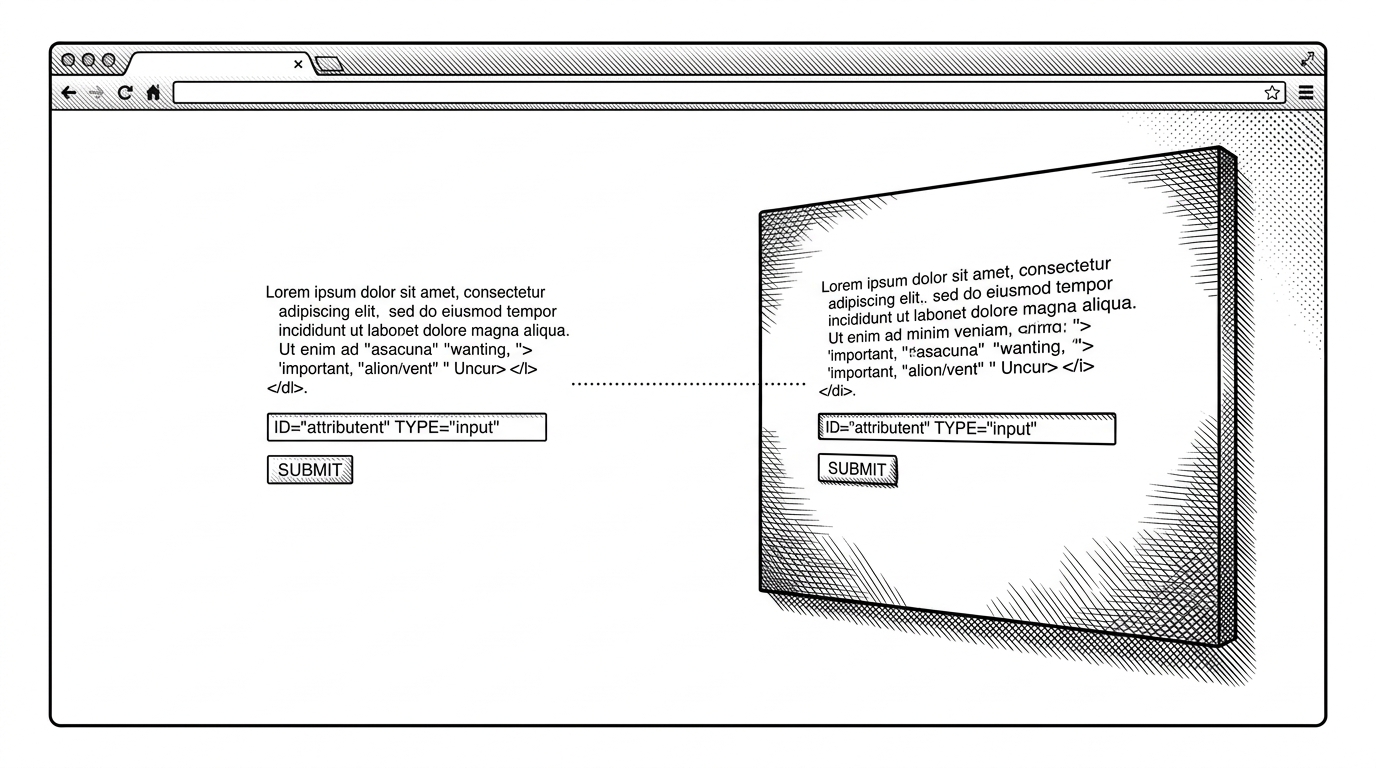
- html-in-canvas flips the usual model by letting the browser keep DOM semantics while canvas consumes the rendered result as an input primitive.
- The proposal matters because it removes the old tradeoff between rich HTML behavior and custom rendering pipelines built on pixels, screenshots, or duplicated accessibility.
- `layoutsubtree`, `drawElementImage`, and `onpaint` form a synchronization loop that keeps interactive content aligned with what the canvas draws.
- The same primitive is interesting in both 2D and GPU pipelines because it can feed textures without forcing developers to abandon native text, focus, or selection.
The interesting part of WICG/html-in-canvas is not that HTML can appear inside a canvas. It is that HTML can stay HTML while the canvas treats it like a first-class rendering source. That is a different promise from screenshots, overlays, or manual redraws. It is a browser-native bridge between layout and graphics.
Why canvas UIs keep hitting the same wall
Traditional canvas apps have always paid a tax. If you want text, you rebuild layout. If you want inputs, you fake them. If you want selection, focus, or accessibility, you stitch on a parallel system and hope it stays in sync. The result can look good, but it tends to be fragile and expensive.
| Approach | Fidelity | Accessibility | Interactivity | Maintenance |
|---|---|---|---|---|
| Manual canvas UI | High visual control, low browser help | Usually custom and incomplete | Everything must be rebuilt | Heavy |
| html2canvas or screenshot capture | Good for snapshots, weak for live UI | Not native | Mostly static | Medium to heavy |
| SVG foreignObject | Useful for some layout cases | Better than raster capture, still limited | Mixed | Medium |
| DOM over canvas overlay | Strong native behavior | Strong | Good, but layered and awkward | Medium |
| html-in-canvas | Native HTML behavior with drawable output | Native | Native, with canvas control | Lower once supported |
That contrast is the whole point. Existing approaches are compromises. This proposal tries to remove the compromise itself.
`layoutsubtree` is the real shift
The foundation is the `layoutsubtree` attribute. It tells the browser to treat the canvas's children as a real layout subtree, which means the engine can do the work it is already good at: sizing, wrapping, hit-testing, focus, and accessibility. The canvas is no longer just a dead rectangle fed pixels. It becomes a container for live DOM that can later be drawn.
This is where the proposal starts to feel less like a novelty and more like a new rendering model. Layout stays native. The canvas gets a drawable subtree.
`drawElementImage` and `onpaint` close the loop
The paint event is the sync point. In the examples, `onpaint` fires when the subtree changes, the canvas redraws, and `drawElementImage` returns a transform matrix. That matrix is the clever part. Apply it back to the live element, and the invisible DOM lines up with the drawn version. Selection, focus rings, context menus, and hit-testing all stay anchored to the real element.
canvas.onpaint = (event) => {
  ctx.reset();
  const transform = ctx.drawElementImage(drawElement, 0, 0);
  drawElement.style.transform = transform.toString();
};
That return value turns the API from a one-way snapshot into a synchronized system. It is not just rendering. It is keeping browser behavior and drawn output in lockstep.
Nice to see excitement around the proposed html-in-canvas feature, but remember you can already put canvas behind/atop HTML elements. The benefits of this new feature are: ➡️ Readbacks (eg sending to a VideoEncoder) ➡️ Showing HTML on non-planar shapes ➡️ Using shaders on HTML
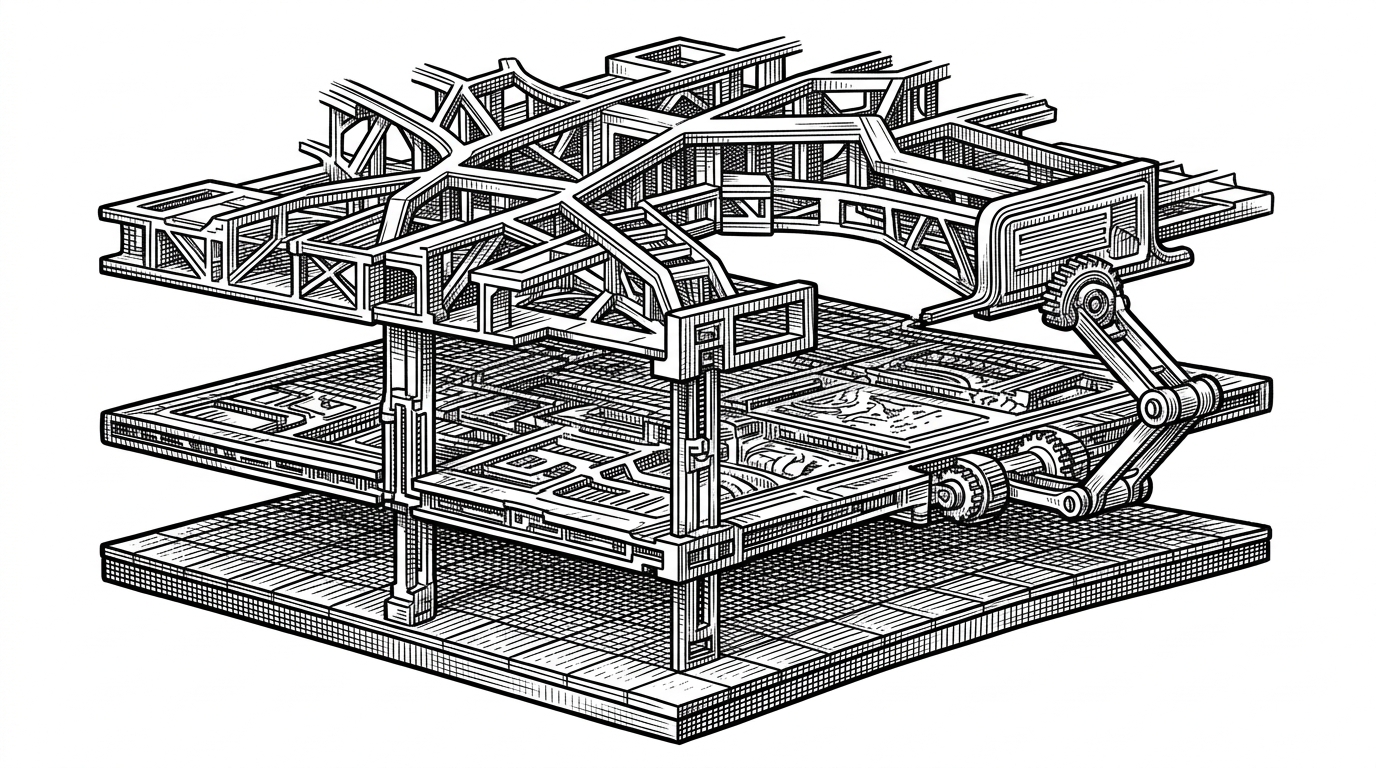
The same idea scales to WebGL and WebGPU
The proposal gets more interesting when it leaves 2D. In the 3D examples, the HTML subtree can be turned into a texture source. That means a game HUD, a tool palette, a data label, or a text-heavy panel can be authored as real HTML and then fed into a shader pipeline.
This is why the project matters to engine builders and creative app teams. You keep the browser's text layout and accessibility model, but the output can be projected, warped, shaded, or composited like any other graphics asset.
| Use case | Old workaround | html-in-canvas |
|---|---|---|
| Game HUD | Custom bitmap text or overlay DOM | Native HTML rendered into a texture |
| Rich chart labels | Manual canvas text layout | Browser layout inside the subtree |
| Interactive panels in 3D | Overlay layers or duplicated UI | The same DOM can participate in the scene |
| Shader effects on text | Pre-rasterize, then distort | Draw HTML, then feed it forward |
That is the practical upside. HTML stops being a layer above graphics and becomes material for graphics.
What it replaces, and what it does not
This proposal is not a generic screenshot API. It is not trying to replace every existing HTML-to-image tool. It is trying to give the platform a native primitive for drawing live, interactive, accessible DOM content into canvas pipelines. That is a narrower goal, but it is the one that removes the most painful hacks.
| Alternative | Strength | Weakness | Why html-in-canvas is different |
|---|---|---|---|
| html2canvas | Easy snapshotting | Rasterizes a page, loses live behavior | This is a browser primitive, not a capture library |
| rasterizeHTML | Useful for rendering HTML to canvas | Still a workaround with coverage gaps | This keeps the DOM authoritative |
| SVG foreignObject | Can embed HTML in SVG | Compatibility and fidelity limits remain | This is designed around canvas and GPU flows |
| Overlay DOM | Strong native semantics | Awkward for transforms and 3D scenes | This lets canvas consume the content directly |
That distinction matters. The best part of the repo is not a clever hack. It is the attempt to make the hack unnecessary.
Why this matters for engine authors and app builders
For browser engineers, html-in-canvas is a bridge between subsystems that usually stay separate. For app builders, it means fewer duplicated code paths and fewer accessibility tradeoffs. The work is still experimental, but the direction is clear: keep HTML native, then let graphics pipelines borrow it.
The first rule of html-in-canvas api, never share anything but a video of your html-in-canvas demo.
That joke lands because the demos are compelling. The deeper point is stronger: the web has spent years pretending that rich UI and custom rendering were separate worlds. This proposal argues they do not have to be.