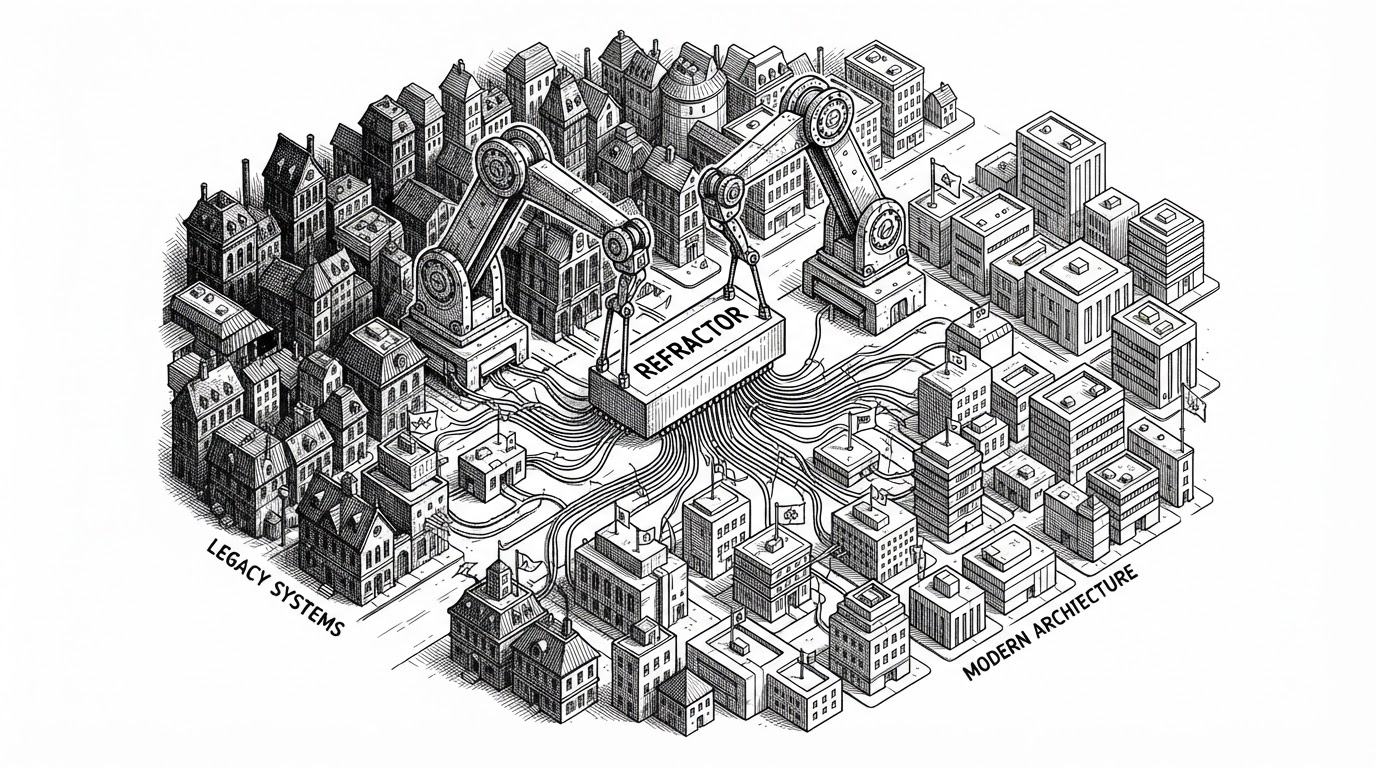
Goose: The Rust Agent That Tries to Fix Its Own Tools
A native AI workspace for developers, built around local execution, MCP extensions, and a surprising idea: when a plugin fails, let the agent help debug the plugin.
- Goose is best understood as a local agent runtime, not a chatbot, because it can execute, edit, test, and recover inside the developer’s machine.
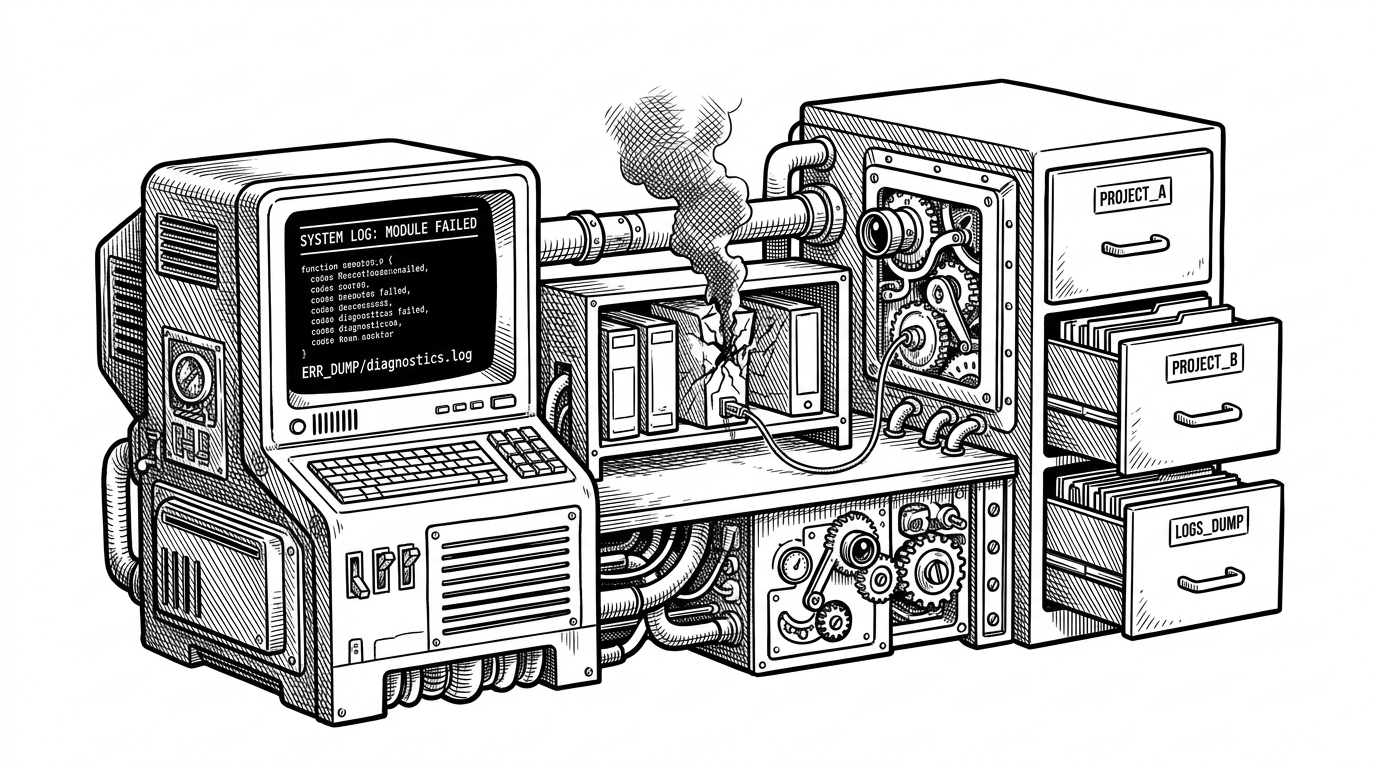
- Its most distinctive move is self-repair: when an extension fails, Goose can open a debugging path instead of treating the failure as a dead end.
- ACP and MCP make Goose feel less like a single product and more like a protocol adapter between model providers and tool ecosystems.
- Rust matters here because the project is doing the expensive work of file crawling, process control, and terminal orchestration on the local machine.
The agent that helps debug its own environment
Most coding assistants stop when a tool breaks. Goose does something stranger and more useful: the session builder can offer help debugging the extension itself. That means a failed plugin is not just an error state. It becomes another task the agent can work on.
That detail matters because it changes the mental model. Goose is not a chat box that occasionally calls tools. It is closer to a resilient desktop utility that can inspect its own workspace, recover from extension problems, and keep the workflow moving.
an open source, extensible AI agent that goes beyond code suggestions - install, execute, edit, and test with any LLM
What Goose is actually built to do
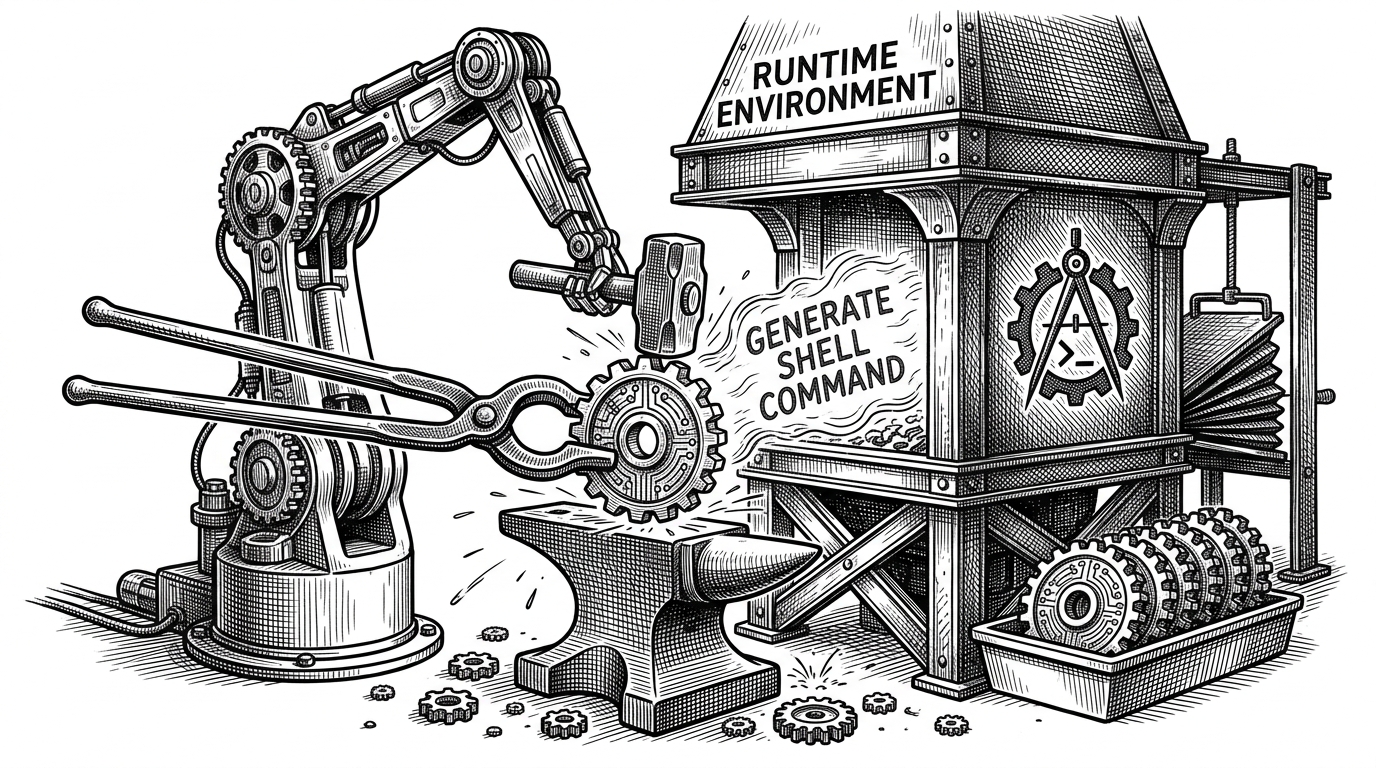
The repository describes Goose as a general-purpose AI agent that runs on your machine. In practice, that means it can work through shells, files, tests, and long-running tasks without forcing everything through a web UI.
goose
  -> plan a task
  -> call a tool
  -> edit files
  -> run tests
  -> inspect failures
  -> retry with updated context
The important contrast is with suggestion-first tools. A suggestion tool gives you code. Goose tries to complete the loop from intent to execution, which is why the local runtime matters so much.
The Rust workspace that keeps the pieces separated
Goose is split into crates for a reason. The core engine lives in crates/goose, the terminal interface in crates/goose-cli, protocol support in crates/goose-acp, and tool integration in crates/goose-mcp. That structure keeps the agent logic, transport layers, and user interfaces from collapsing into one monolith.
That separation also explains the project’s shape. Goose is not just a CLI, and it is not just a desktop app. It is a layered runtime that can be delivered through different surfaces while keeping the orchestration logic intact.
A small architecture snapshot
| Layer | What it owns | Why it matters |
|---|---|---|
| goose | Core agent logic and provider abstractions | Keeps the decision-making loop portable |
| goose-cli | Terminal session, input, completion, history | Turns the agent into a real shell workflow |
| goose-acp | Agent-client protocol support | Lets Goose talk to multiple model providers |
| goose-mcp | Model Context Protocol integration | Connects Goose to external tools and extensions |
The session loop: state, history, and command completion
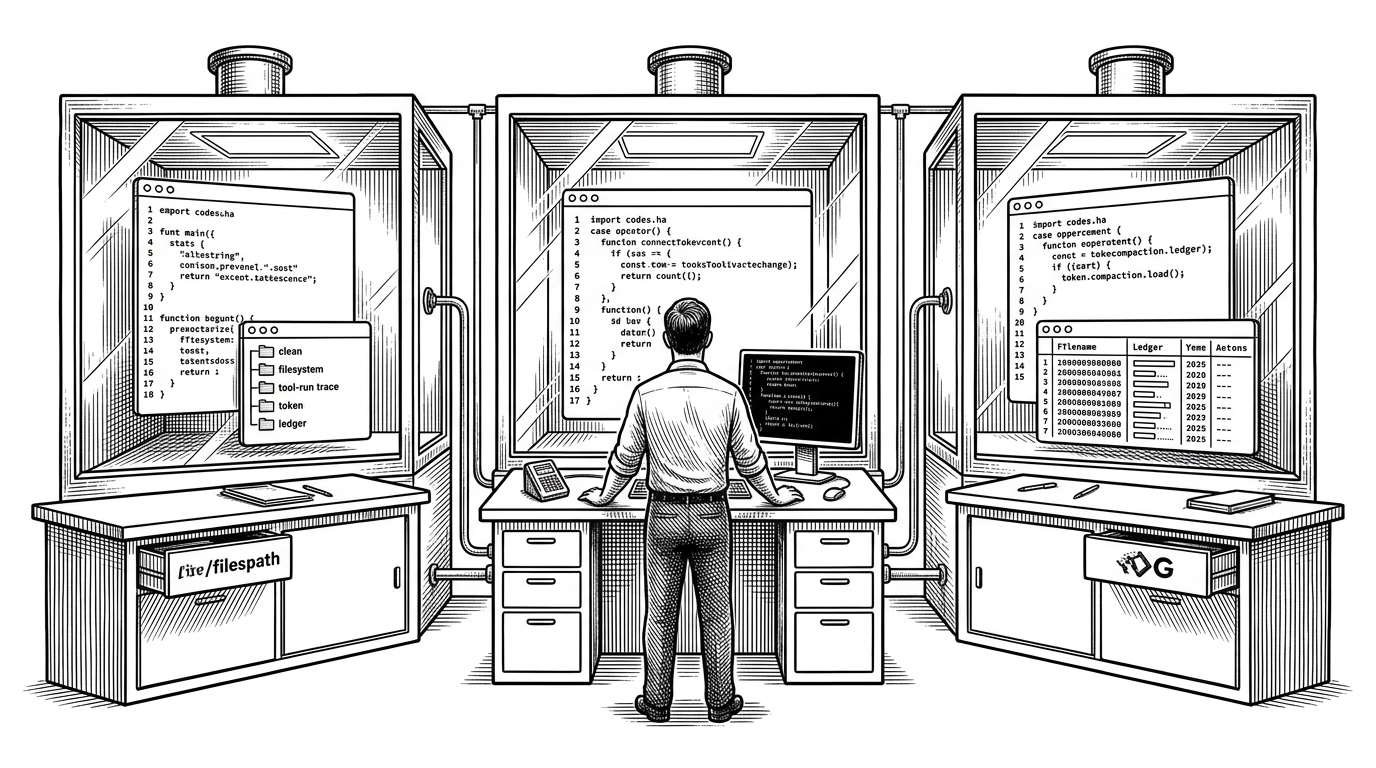
The session layer is where the product stops being abstract. CliSession keeps the agent, conversation, and completion cache together, while a HistoryManager persists what happened across runs. That makes Goose feel like a working terminal, not a disposable prompt.
// Simplified flow
let mut session = CliSession::new(agent, conversation);
session.history.restore();
session.completions.refresh();

while let Some(input) = session.read_line()? {
    let result = session.agent.run(input).await?;
    session.history.store(result);
}
The point is persistence. A stateless model can answer a question. A session-aware agent can remember the last command, the last error, and the last file it touched. That is the difference between a demo and a tool.
Why ACP and MCP make Goose feel like a universal adapter
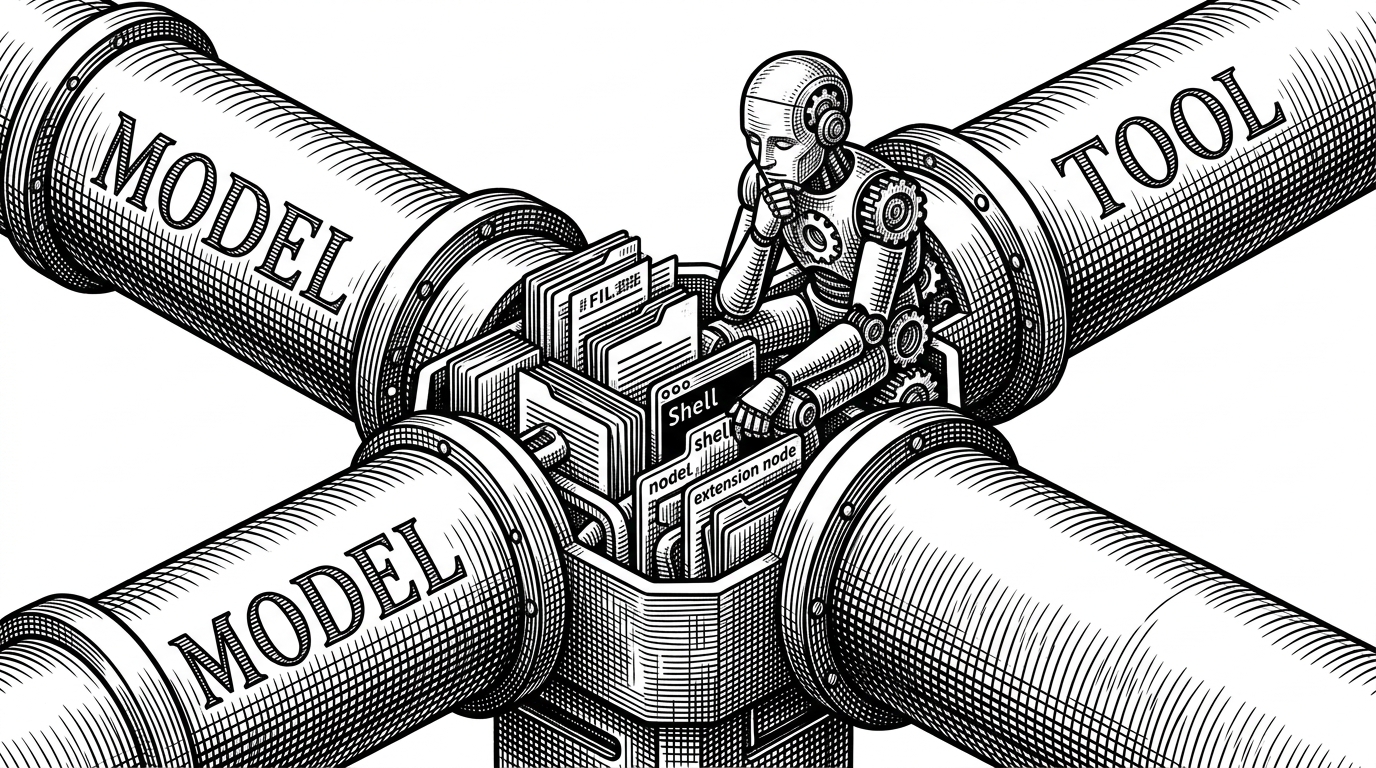
Goose’s strategic value comes from sitting between two standards. ACP is the model-facing side. MCP is the tool-facing side. Together they let Goose swap model providers without rewriting the tool layer, and swap tools without rethinking the model interface.
goose is a general-purpose AI agent that runs on your machine. Not just for code — use it for research, writing, automation, data analysis, or anything you need to get done.
| Tool | Primary mode | Where it lives | How it handles tools | Local execution | Goose’s difference |
|---|---|---|---|---|---|
| GitHub Copilot | Suggestions | Editor | Lightweight or implicit | Partial | Goose executes the workflow end to end |
| Claude Code | CLI agent | Terminal | Built into the CLI | Yes | Goose can sit above multiple providers and tool sets |
| n8n | Workflow automation | Web and self-hosted | Visual nodes and integrations | Sometimes | Goose is terminal-native and developer-local |
| Composio | Tool orchestration | Integration layer | Connector abstraction | Depends | Goose combines orchestration with local execution |
This is why the extension failure path is such a strong signal. A tool ecosystem is only as good as its recovery story. Goose treats recovery as part of orchestration, not an exception to it.
Why the editor escape hatch matters
The editor flow is almost understated, which is why it feels right. Goose can write prompt context to a temporary markdown file, open your $EDITOR, and parse the result back into the session. That respects how developers already think and work.
It is a small feature with a big implication. Goose is not trying to trap you in one interaction style. It gives you a terminal loop, an editor loop, and a tool loop, then keeps them in sync.
Rust is not just a preference here
Rust fits the workload. Goose is spawning processes, crawling files, parsing code, managing interactive state, and coordinating asynchronous tool calls. Those are exactly the places where memory safety and predictable performance are not ideological points. They are product characteristics.
A local agent that feels sluggish or fragile loses trust fast. Rust gives Goose a credible path to staying responsive while handling the messy parts of a developer machine.
How Goose compares to the rest of the agent stack
The easiest mistake is to compare Goose with everything labeled AI. That blurs the real question. Goose is not trying to win at autocomplete. It is trying to occupy the layer where models, tools, shells, and sessions meet.
| Category | Typical strength | Typical limitation | Where Goose sits |
|---|---|---|---|
| Suggestion-first assistants | Fast inline help | Need manual execution | Below Goose |
| CLI agents | Direct terminal control | Often tied to one model or workflow | Adjacent to Goose |
| Workflow platforms | Broad automation | Less native to developer shells | Orthogonal to Goose |
| Goose | Local execution plus protocol mediation | Requires comfort with terminal workflows | The orchestration layer |
That positioning is the reason Goose matters beyond one repository. It is a pattern for how agent software might be built when the machine itself is the workspace.
Why the Foundation move matters
The move from Block to the Agentic AI Foundation under the Linux Foundation is more than a rename. It suggests that Goose is being treated as infrastructure, with governance and ecosystem continuity becoming part of the story.
That matters because agent tooling is becoming a standards game. The projects that define the seams between models, tools, and local execution are likely to outlast any single product cycle.