CharacterView: The SwiftUI GIF Bridge That Turns Mascots Into State Machines
A tiny `UIViewRepresentable`, a cache, and one clever request guard make animated characters behave like app state, not flaky media assets.
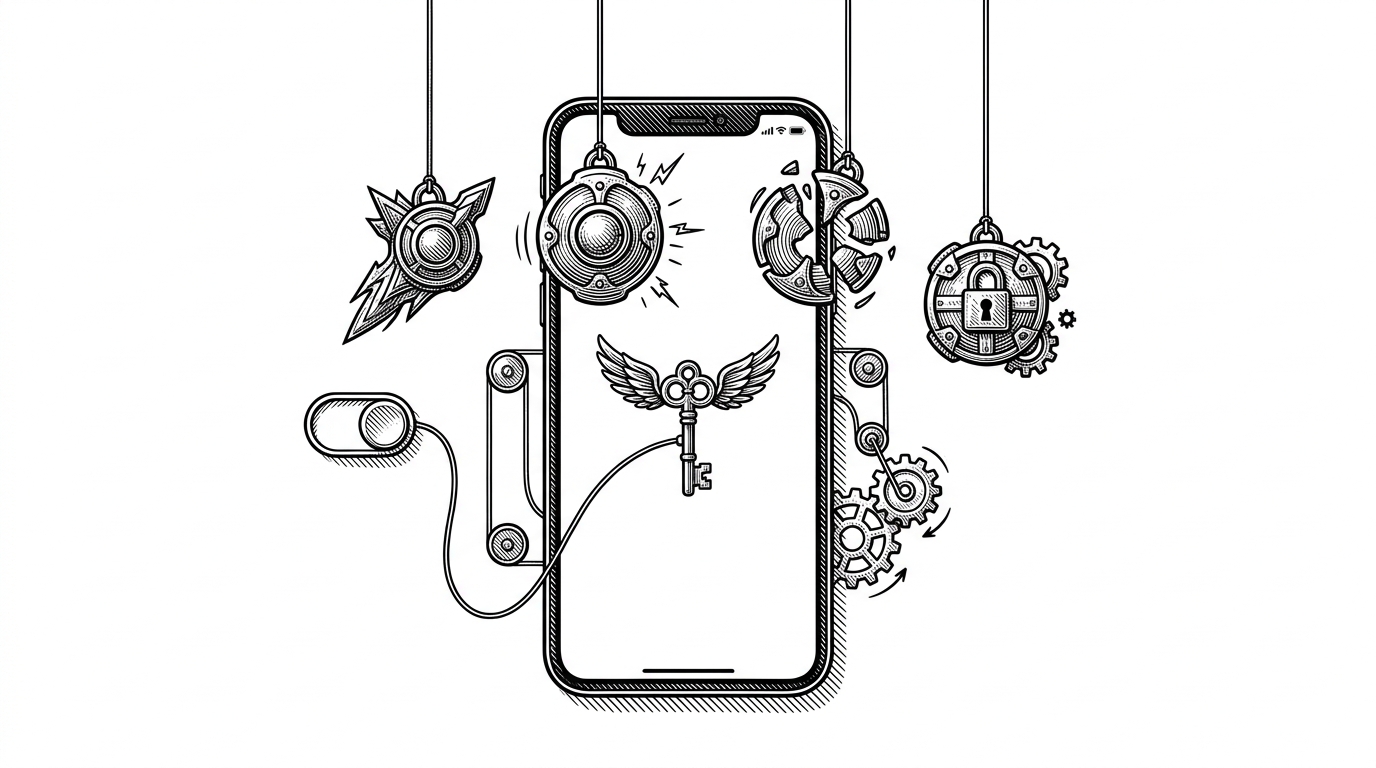
- CharacterView is less about GIF playback than about keeping animated characters aligned with SwiftUI state.
- Its sharpest trick is a tiny request token that stops stale async decodes from winning the render race.
- UIKit is not a retreat here, it is the practical escape hatch that makes animated assets feel native.
- The repo trades generality and memory thrift for a simple API that fits mascot-style UI very well.
The last animation request wins
The interesting problem here is not "how do I show a GIF?" It is "how do I make the right animation win when state changes faster than decoding can finish?" CharacterView treats animation like a request lifecycle, so a stale frame cannot sneak back in after the user has already moved on.
That guard is the whole point. The view stores the latest requested key, kicks off decoding, and then checks again before it applies the result. If the state has already changed, the old animation gets dropped on the floor, which is exactly what you want when UI decisions are arriving in a burst.
final class Coordinator {
    var lastState: CharacterState?
}

func updateUIView(_ imageView: UIImageView, context: Context) {
    guard context.coordinator.lastState != state else { return }
    context.coordinator.lastState = state
    setImage(for: state, in: imageView)
}
Why SwiftUI still needs a UIKit bridge here
SwiftUI gives the app state, but `UIImageView` still does the dirty work of rendering the animated asset. `UIViewRepresentable` is the escape hatch that makes the bridge explicit. The component does not pretend SwiftUI has native GIF ergonomics it does not have.
That is a good trade. The repo keeps the SwiftUI surface tiny, then hands the heavy lifting to the part of the platform that already knows how to play animated images reliably. You get a declarative API at the edge and an imperative renderer underneath, which is a sensible split for this job.
One file, three layers
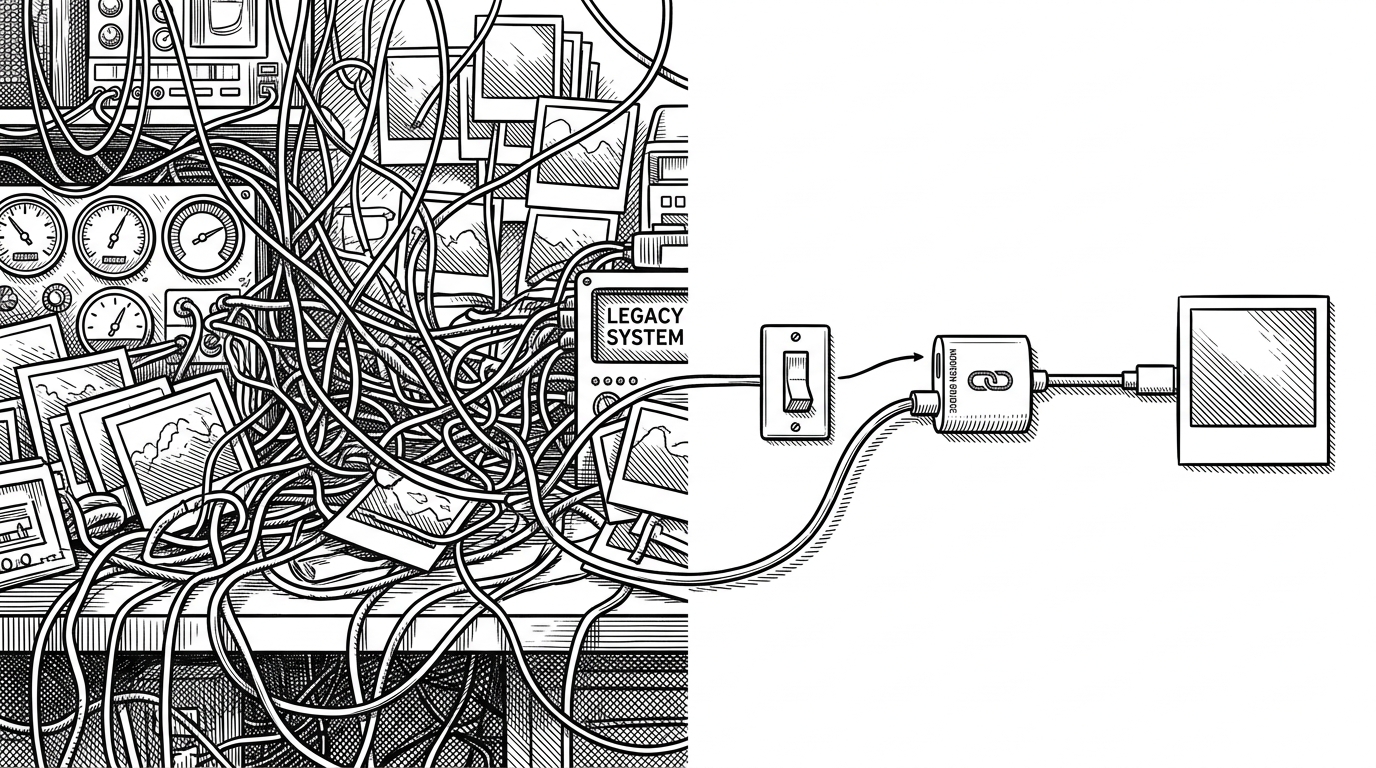
The repo is small, but the structure is clean. `CharacterView.swift` separates into three layers: the SwiftUI wrapper, the `CharacterState` naming scheme, and the cache. That is enough to make the whole thing feel intentional instead of accidental.
enum CharacterState: String {
    case idle = "Idle"
    case dance = "Dance"
    case levelUp = "LevelUp"
    case gameOver = "GameOver"
}That token check is the subtle part. The view tags the request, then waits for the async decode to return. If the tag no longer matches, the image is discarded, which keeps rapid state changes from flickering back to an older mascot pose.
The cache is the real engine
The cache is what turns a cute demo into something that can feel polished. It preloads frames, decodes work on a background queue, and keeps an inflight set so the same asset is not decoded twice at once. The payoff is smooth transitions when the user triggers a new state.
The trade-off is easy to see. Decoded `UIImage` objects cost memory, but for small character sprites that is a fair price for responsiveness. This repo is choosing fast perception over theoretical efficiency, and that is the right call for mascot UI.
final class GifCache {
    static let shared = GifCache()
    private let decodeQueue = DispatchQueue(label: "gif.cache.decode", qos: .userInitiated)
    private var cache: [String: UIImage] = [:]
    private var inflight = Set<String>()

    func preloadAll(_ names: [String]) {
        names.forEach { _ = image(baseName: $0) { _ in } }
    }
}
CharacterView vs the obvious alternatives
CharacterView makes sense because it sits in the narrow middle ground. It is simpler than wiring animation by hand, but more controlled than treating GIFs like generic images. That is a useful place to be when the only job is, "show the right animated character for the current state."
| Approach | Setup cost | State mapping | Async safety | Performance | Best for |
|---|---|---|---|---|---|
| Plain SwiftUI image handling | Lowest | Manual | None | Fine for still images | Static artwork |
| Manual UIKit wiring | Medium | Custom | Depends on you | Good | One-off animation screens |
| CharacterView | Low | Built in | Guarded | Smooth for small sprites | State-driven mascots |
What this repo gets right, and what it leaves out
The biggest strength here is restraint. CharacterView does not try to become a universal animation framework, and that keeps the surface area small enough to understand at a glance. It is opinionated in exactly the right places: naming, caching, and request ordering.
That also defines its limits. It is best for character-driven UI, not for every media-heavy app. If you want a tiny, reliable bridge from SwiftUI state to animated mascots, this is a sharp little pattern. If you want a general-purpose animation system, you should build something broader.