sdzoom: The Stable Diffusion Testbed That Treats Your Desktop Like a Bottleneck
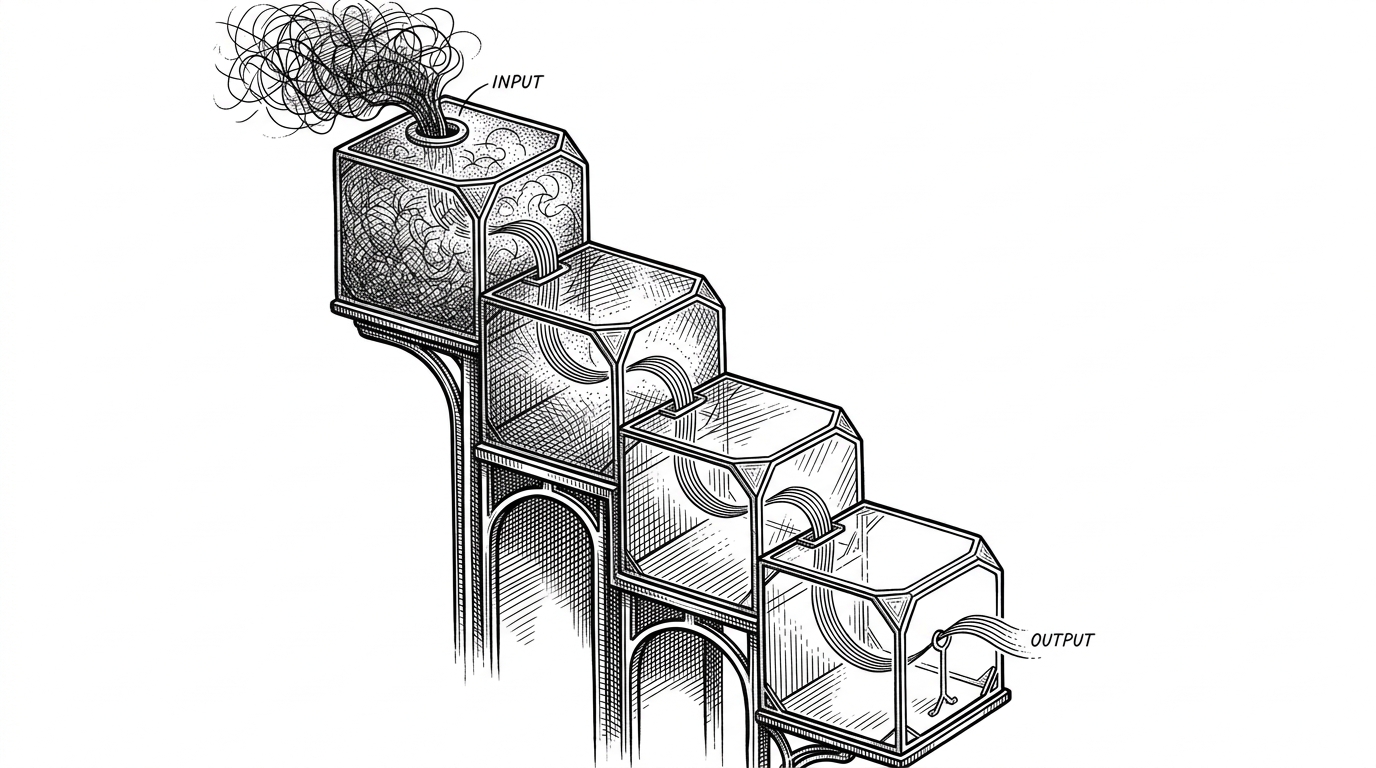
A lean Latent Consistency Model playground that swaps waiting for live prompt blending, tiny autoencoding, and ruthless performance hacks.
- sdzoom treats latency as the creative medium, so the real product is not image quality but the feeling of immediate control.
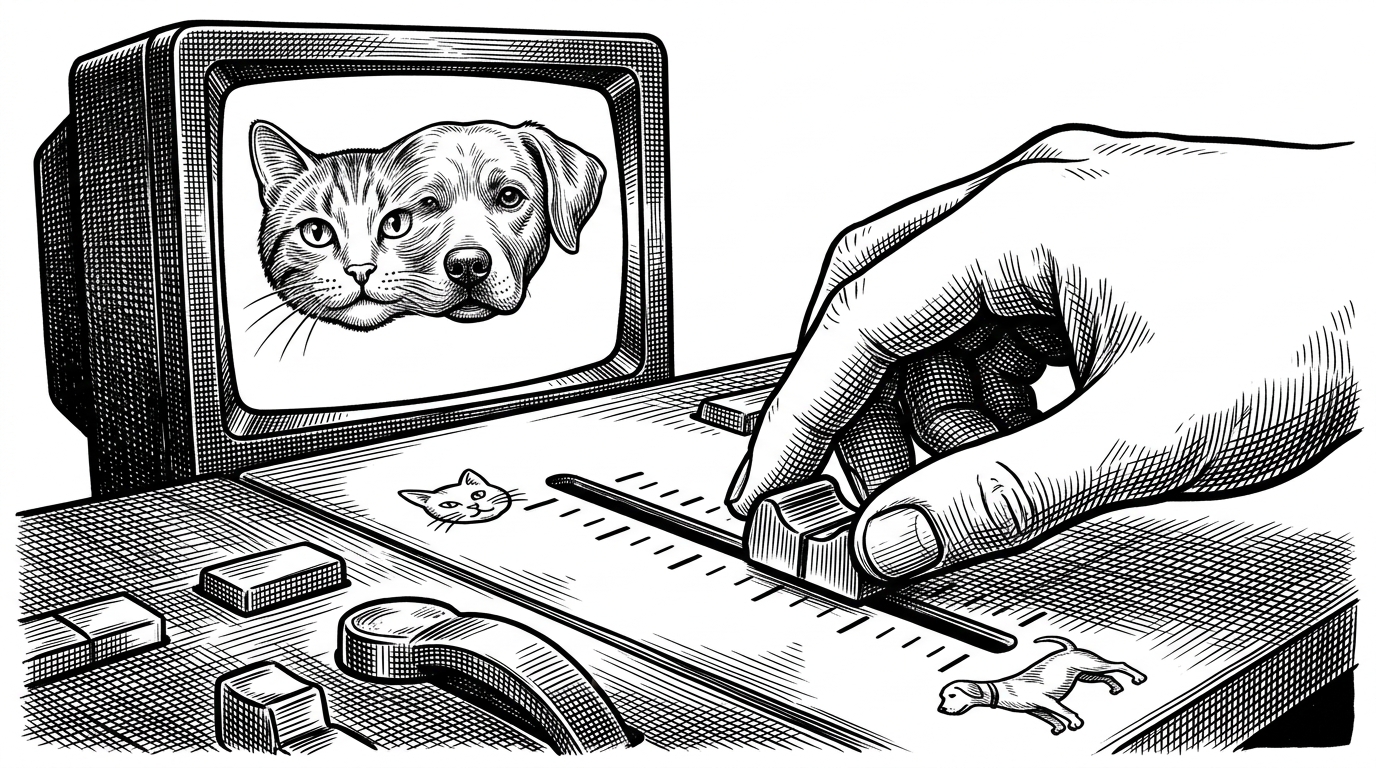
- Its most distinctive move is live prompt interpolation, which turns concept selection into a continuous slider instead of a batch request.
- The optimization stack matters because every layer gets trimmed, from float16 and TF32 to TAESD replacing a slower VAE.
- The repo’s hardest line is operational, not graphical: once inference gets fast enough, the desktop itself becomes part of the performance budget.
The real product is latency
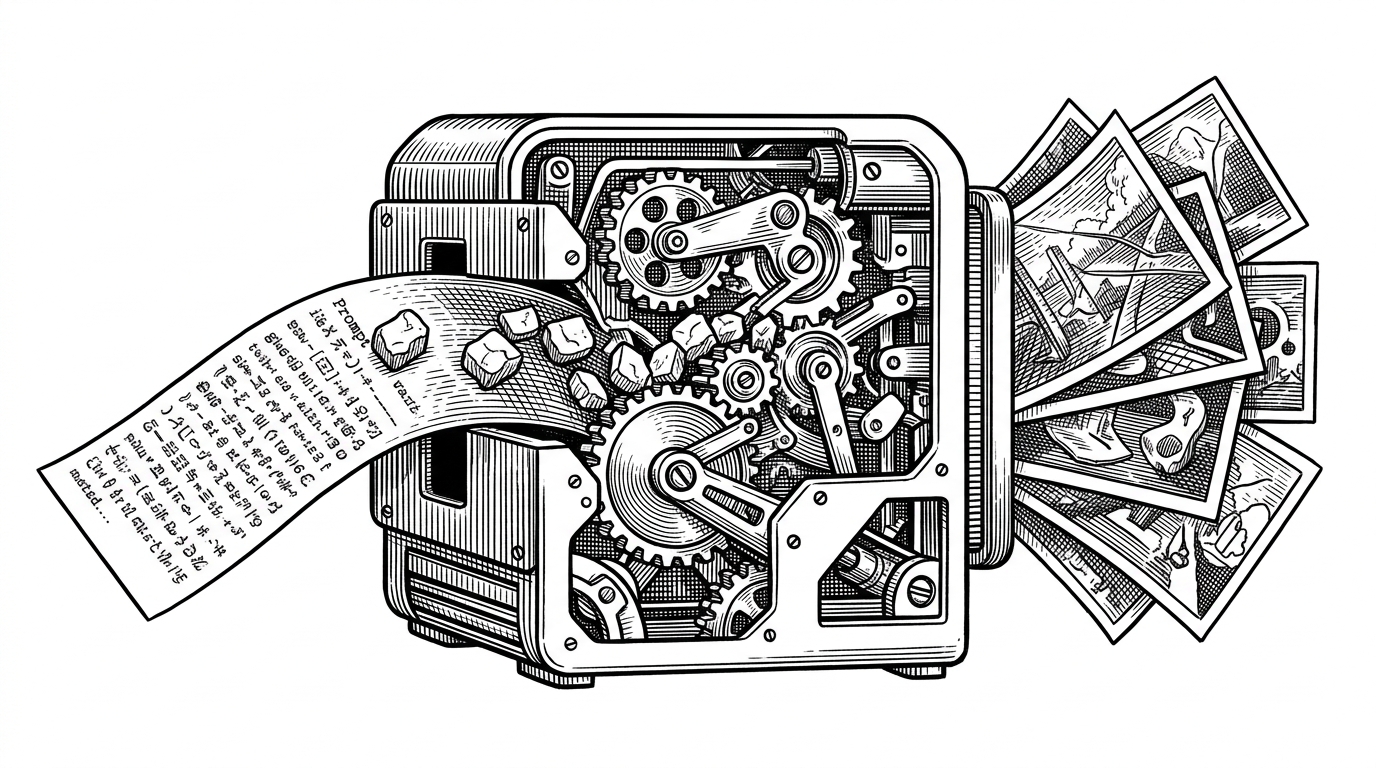
Most Stable Diffusion tools ask you to wait. sdzoom asks a different question: how close can image generation get to a live control surface? That shift changes the whole experience. The app is not trying to be the most polished generator. It is trying to make the gap between a prompt change and a visible update feel almost frictionless.
That is why the repo reads like a systems notebook more than a creative app. The interesting unit is not the image, it is the millisecond budget. Once generation gets fast enough, the bottleneck moves. The GPU is no longer the whole story.
How prompt blending becomes a live control
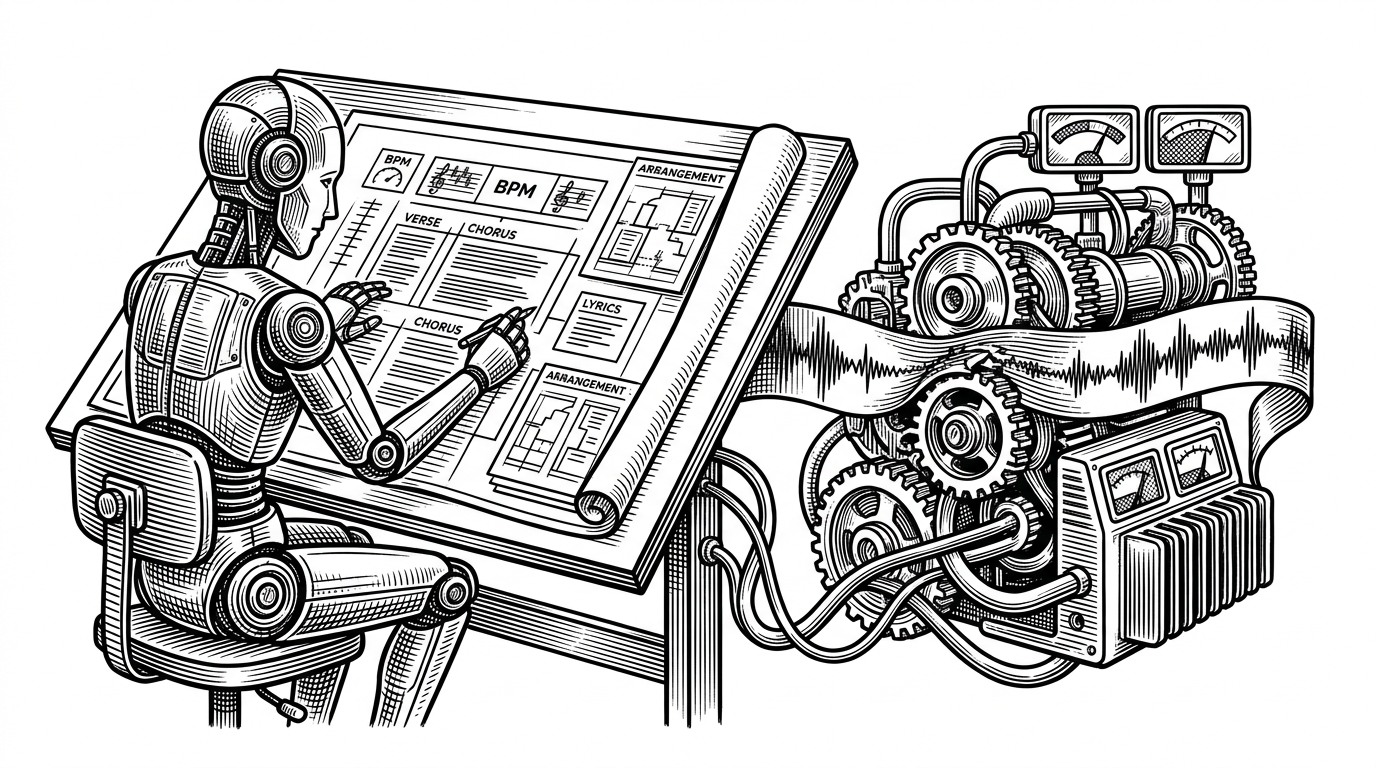
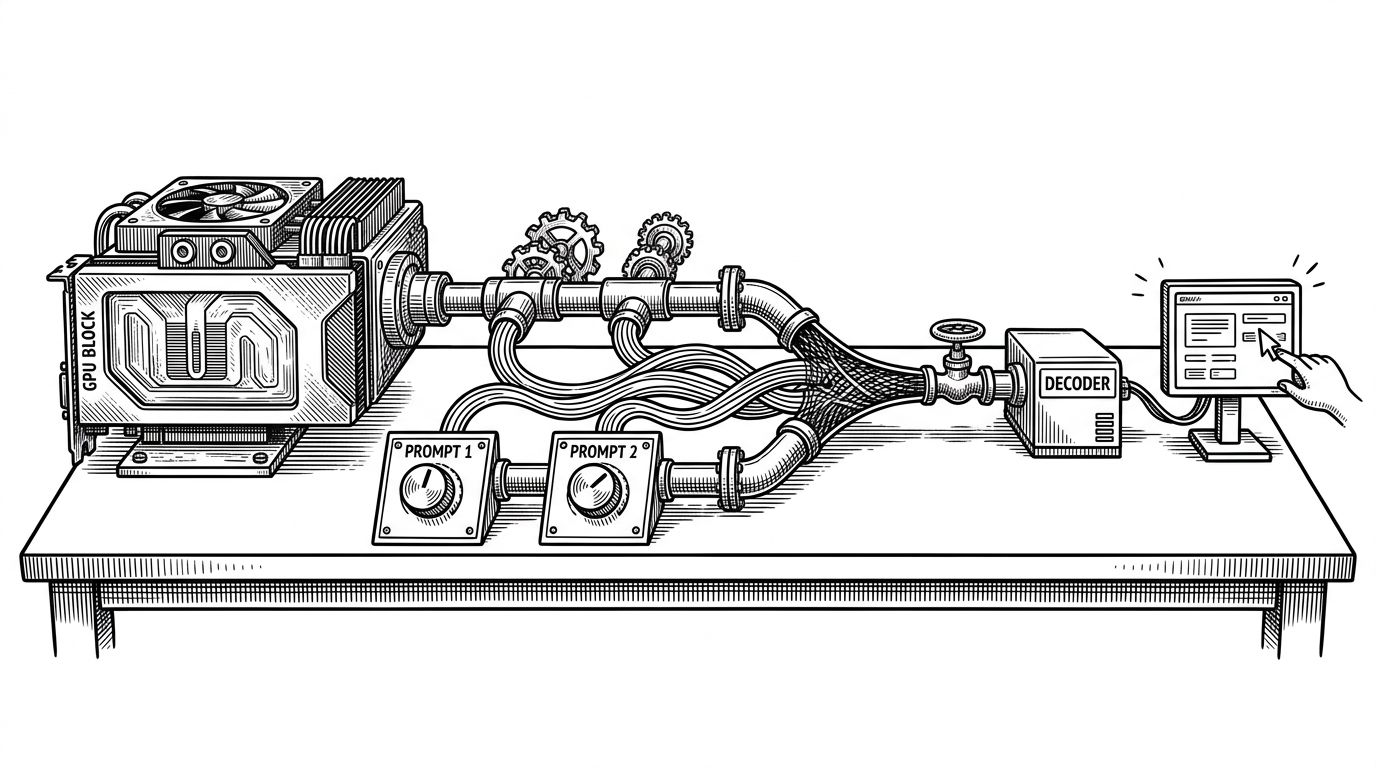
The clearest example is the prompt slider. Instead of committing to a single text prompt, sdzoom blends prompt1 and prompt2 using a slider value, then pushes that blended intent through the pipeline. The result is not a hard switch between concepts. It is a semantic gradient.
That matters because it reframes image generation as exploration. You are not waiting for an endpoint. You are steering toward one.
Why LCM changes the pace of the whole system
The technical trick behind that experience is the Latent Consistency Model. LCMs are built to do useful work in fewer steps than classic diffusion loops, which is why they can feel responsive instead of glacial. Fewer denoising steps means less time spent in the core sampling loop, which makes the rest of the stack visible again.
That is the key insight here. Once the sampler gets fast, everything around it starts to matter more. Prompt handling, decode time, Python overhead, device transfer, even the desktop session. Speed does not remove complexity. It redistributes it.
The optimization stack is the story
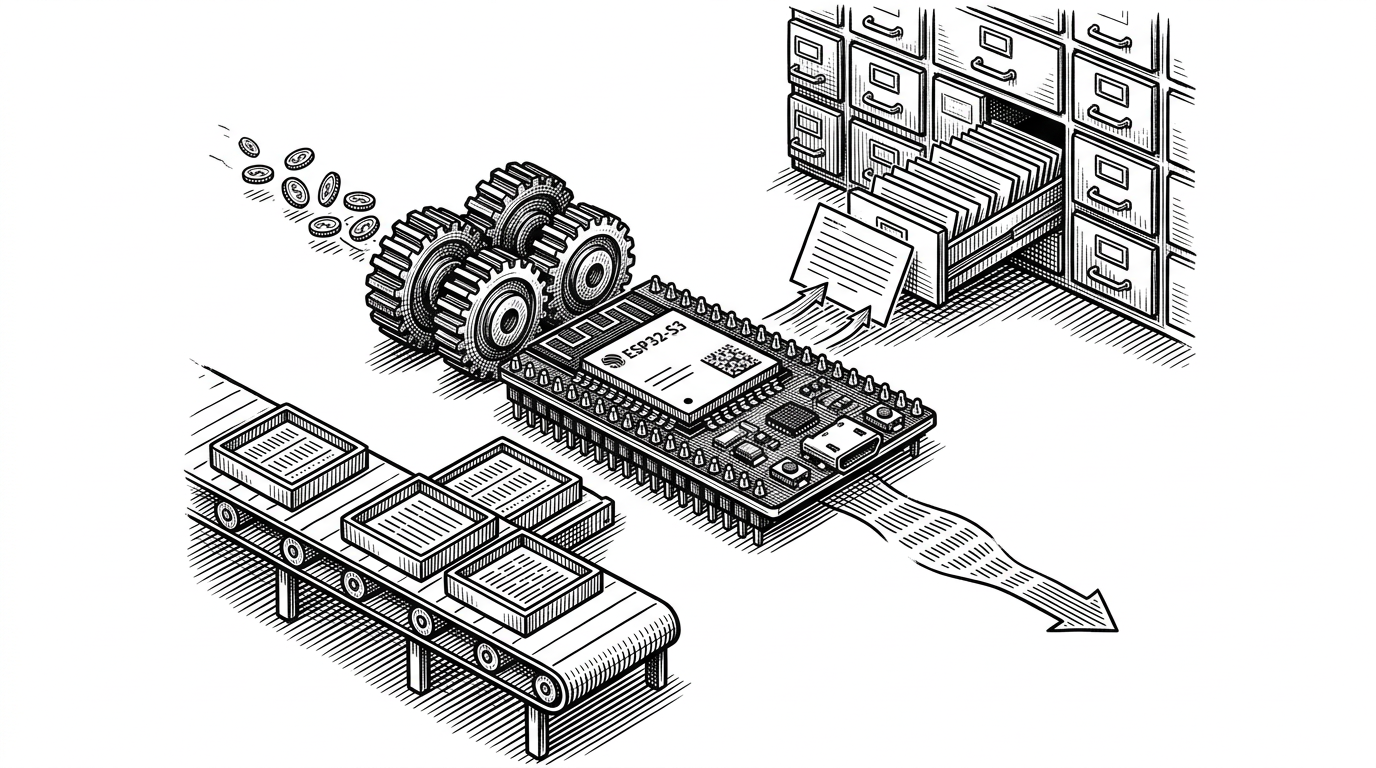
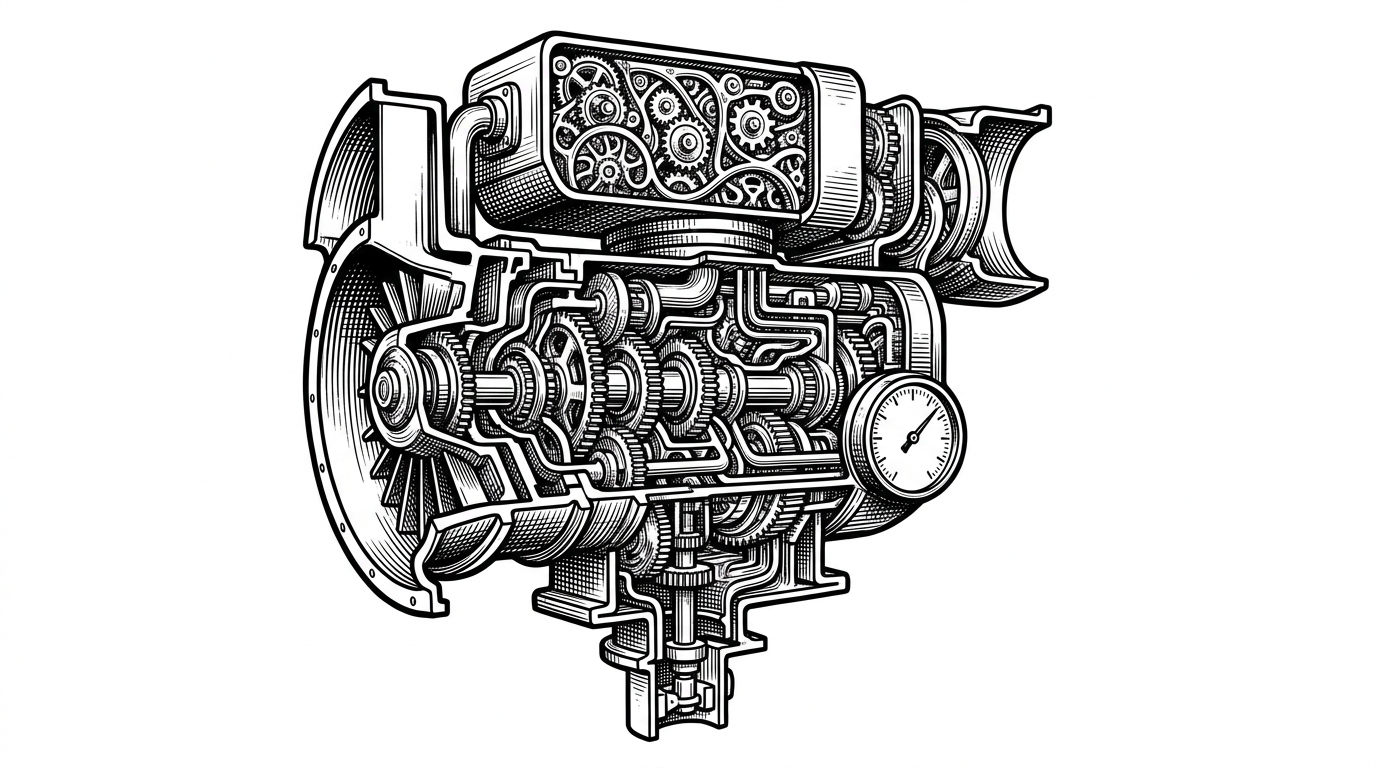
The repo’s performance work is not one trick. It is a stack of small cuts. The code leans on torch.float16, TF32, channels_last, xformers, and torch.compile. It also swaps in madebyollin/taesd, a tiny autoencoder that shortens the decode path enough to matter when the rest of generation is already very fast.
| Layer | Conventional setup | sdzoom setup |
|---|---|---|
| Compute precision | Safer defaults | float16 and TF32 for throughput |
| Memory layout | Generic tensor layout | channels_last for the GPU path |
| Attention | Baseline attention | xformers when available |
| Compilation | Eager execution | torch.compile where it pays off |
| Decode stage | Standard VAE | TAESD to shrink the bottleneck |
The important detail is the VAE. In slower systems, it hides in the noise. In a fast loop, it becomes visible as a real tax. Replacing it is not cosmetic. It is the difference between a demo that feels snappy and one that still feels like waiting.
When the GPU is fast enough, the desktop gets in the way
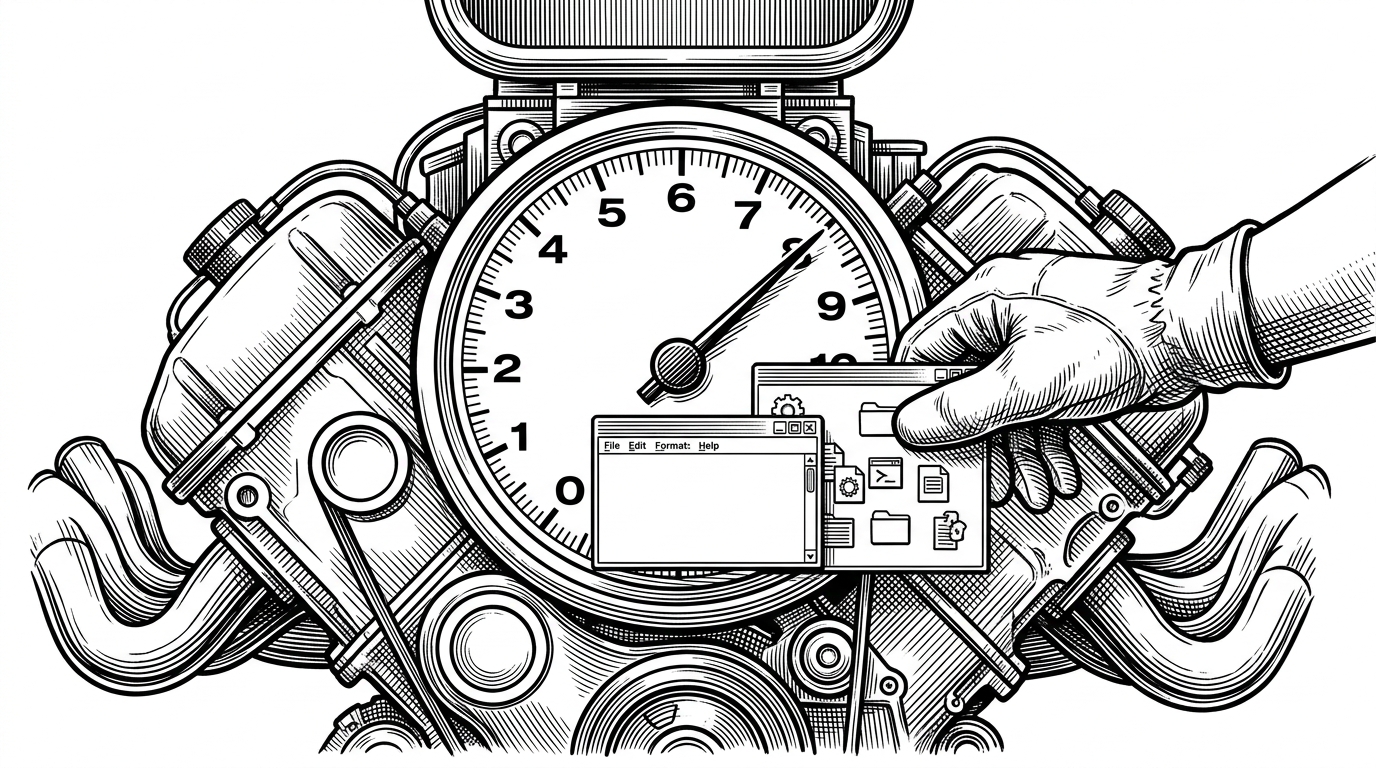
The benchmark script pushes the idea further. In its most aggressive mode, the repo pauses Chrome and gnome-shell so the CPU can hold higher boost clocks while the GPU churns. That is a remarkable trade. The desktop is no longer a neutral stage. It is part of the performance problem.
This is the part that makes sdzoom feel like a lab notebook from the edge of consumer hardware. The project is willing to annoy the operating system if doing so buys a few more milliseconds. That is not a general-purpose product instinct. It is a research instinct.
| Question | Conventional Stable Diffusion UI | sdzoom |
|---|---|---|
| Primary interaction | Submit a prompt and wait | Tune a live slider and watch concepts mix |
| Optimization goal | Usability and breadth | Latency and responsiveness |
| Pipeline shape | Feature-rich, multi-purpose | Lean, stripped-down, inference-first |
| View of the desktop | Background environment | A bottleneck to manage |
| Audience | Broad creators and tinkerers | Performance-minded builders and researchers |
What sdzoom is not
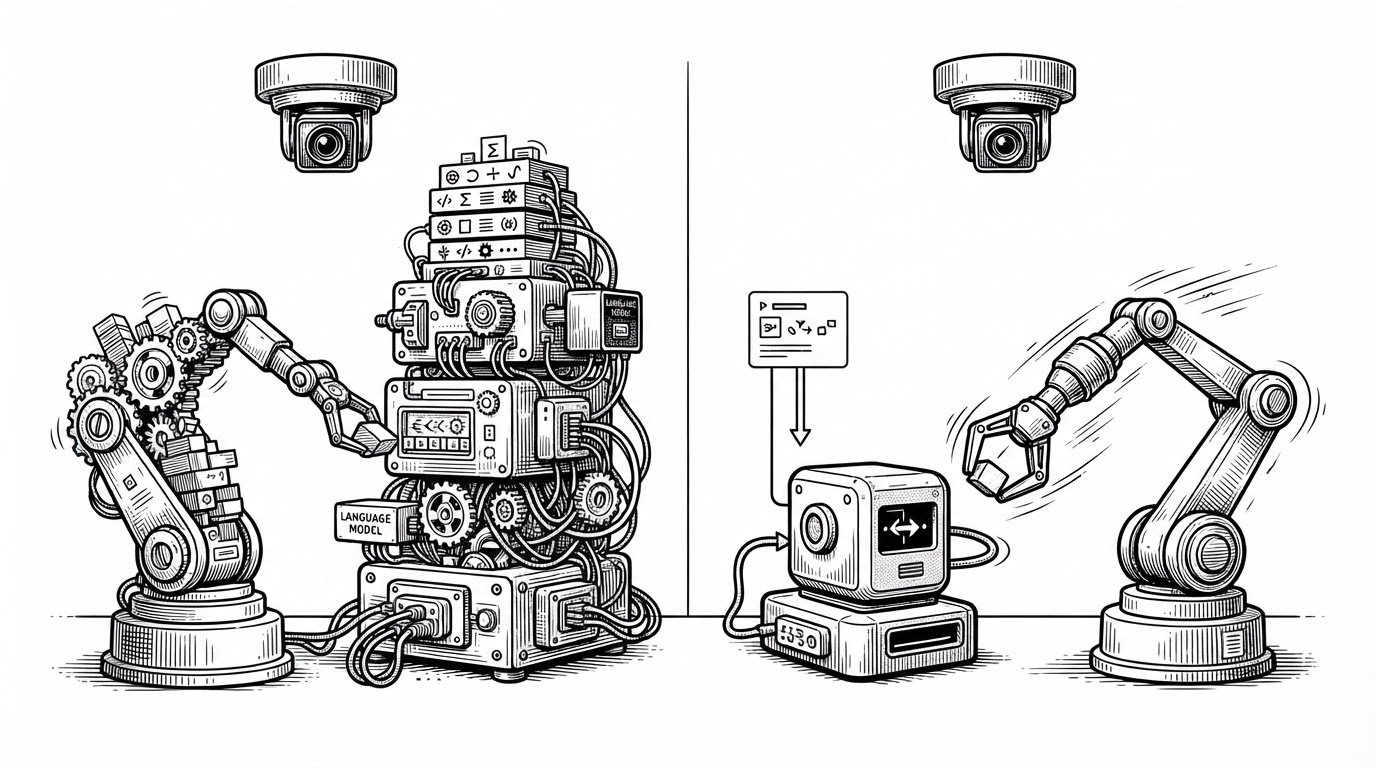
It is not trying to replace Automatic1111 or ComfyUI. Those tools are broader, more configurable, and more established. sdzoom is narrower on purpose. It strips the problem down to a fast loop, a live control, and a pipeline that tells you where the time goes.
That narrower scope is the differentiator. Conventional tools are command centers. sdzoom is a benchmark with a UI, and that is exactly why it is interesting.
| Tool | Strength | Trade-off |
|---|---|---|
| Automatic1111 | Breadth and ecosystem | More UI and workflow overhead |
| ComfyUI | Node-level flexibility | More setup and more cognitive load |
| Infinite zoom extensions | Familiar web UI integration | Usually focused on output sequences, not live latency |
| sdzoom | Real-time prompt blending and speed | Much less general-purpose |
The repo is also useful because it makes a future design space legible. Once generation is fast enough, interfaces stop being “prompt boxes” and start becoming instruments. sdzoom is one of the clearest examples of that shift.