homebrew-tmuxai: The Tiny Homebrew Tap That Lets tmux Host an AI Assistant
homebrew-tmuxai is mostly a distribution layer, and that is the point. It turns a context-aware terminal assistant into something tmux users can install without changing their habits.
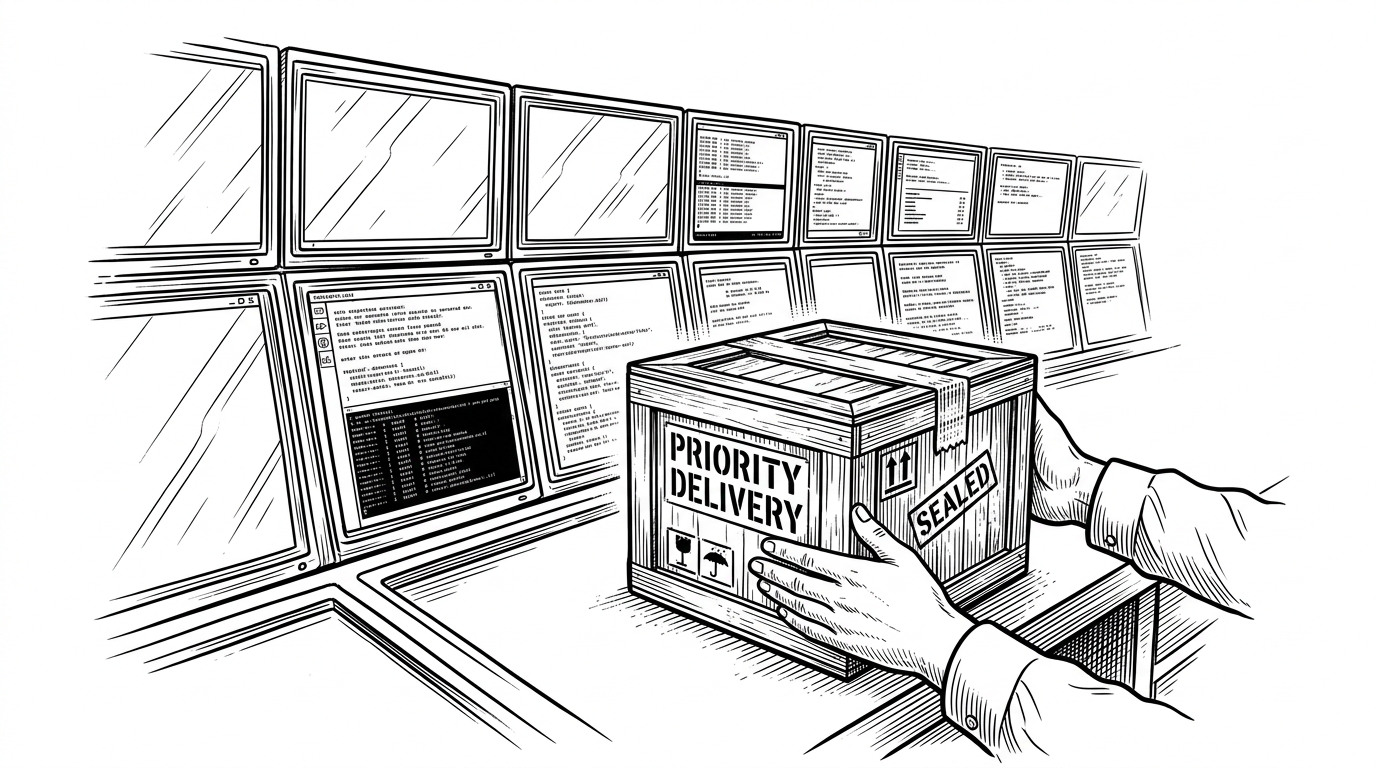
- homebrew-tmuxai matters because it makes a niche AI terminal assistant feel like a normal Homebrew install.
- The project’s real bet is non-intrusion: it works inside tmux instead of asking users to abandon their existing pane workflow.
- GoReleaser and a single Ruby formula turn release automation into trust, portability, and predictable upgrades.
- Compared with full terminal replacements and generic CLI helpers, tmuxai wins by staying close to the context tmux users already have.
Most AI terminal tools try to become the terminal. This one does the opposite. homebrew-tmuxai packages tmuxai, an AI-powered assistant for people who already live inside tmux, and makes it available through the most boring install path possible: brew install.
A tap, not a platform
The repository is tiny by design. Its center of gravity is Formula/tmuxai.rb, a generated Homebrew formula that points at release tarballs, checks SHA256 hashes, installs the compiled binary, and runs a version test. In practice, that means the repo is not inventing the product. It is packaging the upstream Go tool so Homebrew users can trust it, update it, and move on.
AI-Powered, Non-Intrusive Terminal Assistant
Why tmux is the right host
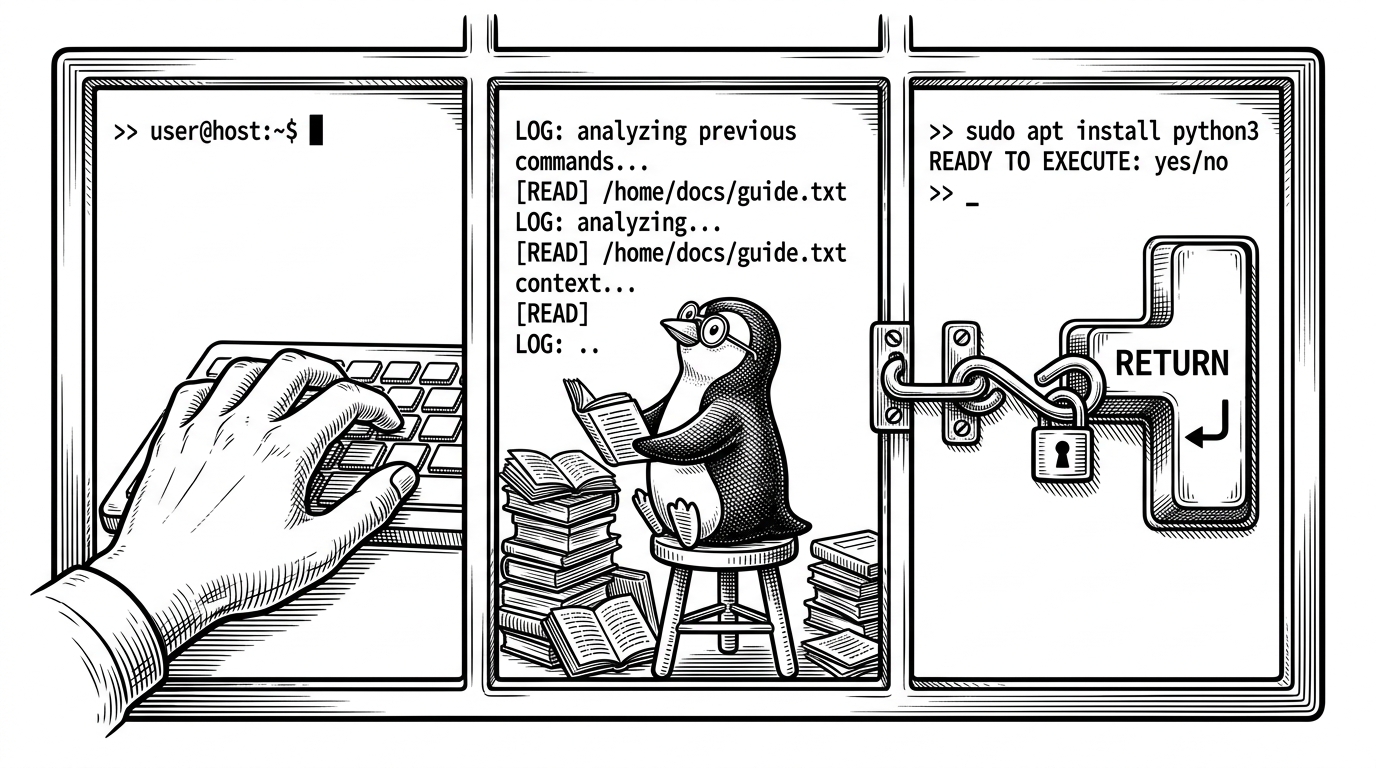
tmuxai’s core thesis is that the assistant should join the workspace, not replace it. tmux already gives power users a mental model built from sessions, panes, and splits, so the tool can observe that structure and stay out of the way. Its three modes, Observe, Prepare, and Watch, reflect that philosophy: watch the workspace, prepare help in context, then act only when the user is ready.
What the formula actually does
The formula handles the unglamorous work that makes software feel reliable. It chooses the right binary for macOS or Linux, on Intel or ARM, downloads the matching archive, verifies the checksum, and drops the executable into the user’s PATH. The test block is small but important, because tmuxai version proves the installed binary can run in the local environment before Homebrew calls the job done.
That release story also explains the project’s shape. The tap points at a versioned upstream artifact, and the upstream project can evolve without making every user compile from source. Version 2.1.2 added explicit pane selection and support for the GitHub Copilot provider, which is a useful clue: the project is trying to make context and control more precise, not more magical.
Compared with the rest of the terminal AI crowd
| Tool | Where it lives | What it changes |
|---|---|---|
| homebrew-tmuxai | Inside tmux, installed through Homebrew | Adds an assistant without asking users to leave their existing pane workflow. |
| Warp | A full terminal application | Rebuilds the terminal experience around its own interface and AI features. |
| Generic CLI AI tools | A shell command or prompt loop | Answer questions fast, but usually see only one prompt at a time. |
That comparison is the whole story. Warp tries to own the terminal. Generic CLI tools usually stay at the level of single-shot prompts. tmuxai is narrower and more practical: it assumes tmux is already the center of gravity, then adds a context-aware assistant around that reality.
tmuxのsession内で動作するAIアシスタント。画面を3分割して1つのpaneをチャット用にすると。なるほどtmux活用してる。homebrewでインストール可
That reaction gets the appeal right. The value is not novelty for its own sake. It is the feeling that the assistant understands the room you already built, then quietly slots into it.