homebrew-code-forge: The tiny Homebrew tap that makes Forge feel native
A Ruby Formula, a shell updater, and a Cloudflare Worker turn release binaries into one clean install path for a terminal-first coding agent.
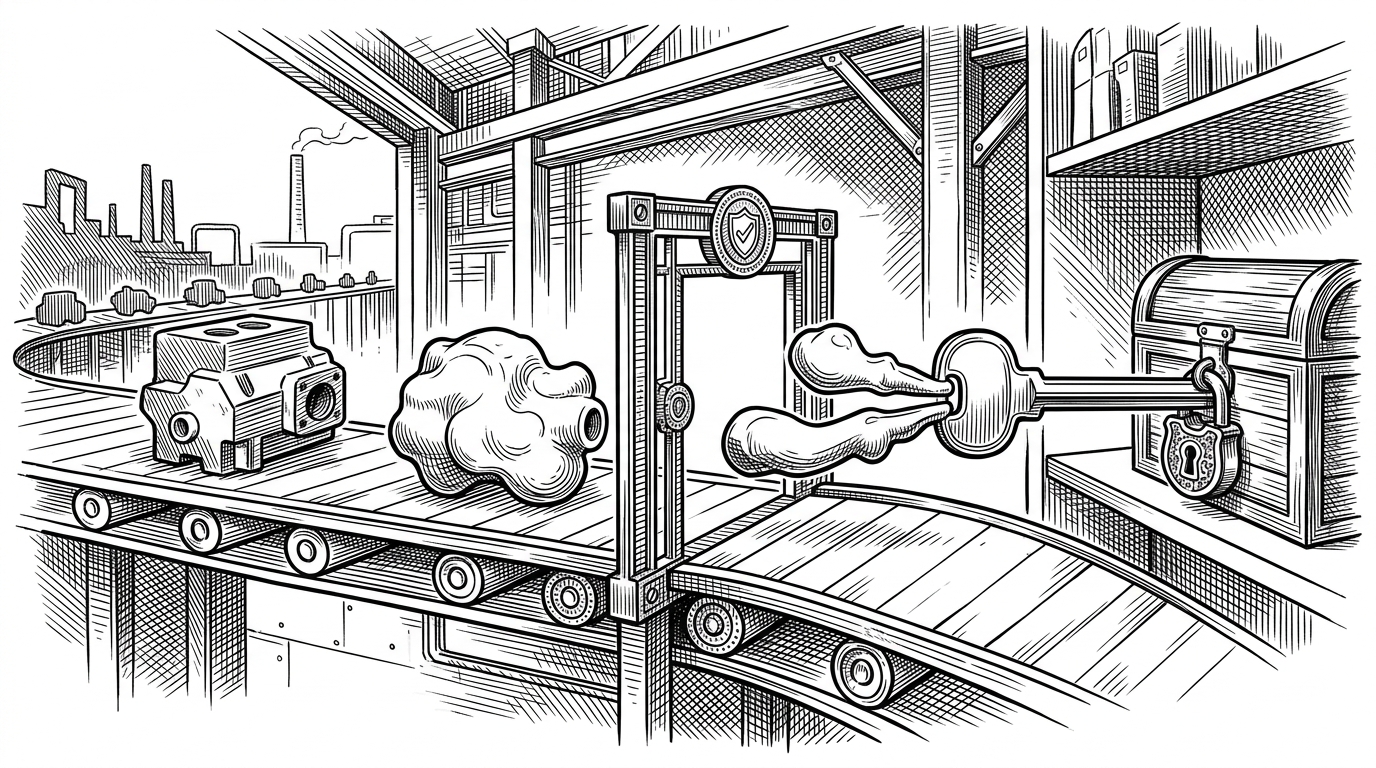
- This repository is a distribution layer whose value is to collapse release engineering into one familiar install command.
- The Formula handles architecture-specific binaries, while the updater script keeps hashes and version strings in sync with new releases.
- The Cloudflare Worker endpoint suggests that binary delivery is being treated as an edge service, not just static storage.
- Forge's terminal-first positioning makes packaging part of the product, because the install path shapes the user experience.
This repository is not where Forge is built. It is where Forge becomes installable, turning release artifacts into the single command developers actually type: brew install antinomyhq/code-forge/code-forge.
That matters because the real project is a terminal-first coding agent. The maintainer describes Forge as an AI enabled pair programmer, and also as a comprehensive coding agent that integrates AI capabilities with your development environment. The tap is the last mile between that promise and a working shell prompt.
AI enabled pair programmer for Claude, GPT, O Series, Grok, Deepseek, Gemini and 300+ models
A comprehensive coding agent that integrates AI capabilities with your development environment
What lives in the tap
The repo is small because its job is narrow. Formula/code-forge.rb is the contract with Homebrew, and update-formula.sh is the automation that keeps that contract current. One file tells Brew where to fetch the right binary for the current CPU, and the other file rewrites version and checksum metadata when a new release lands.
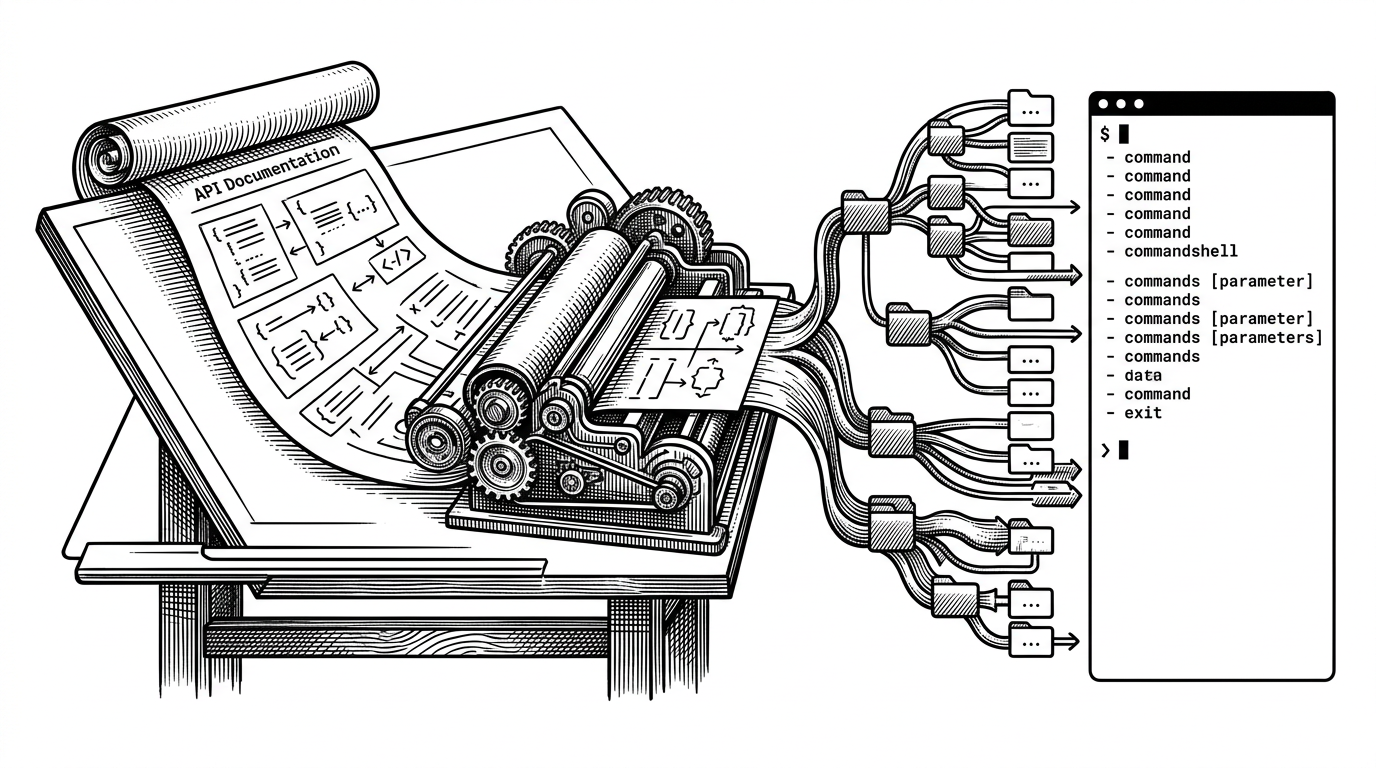
Read the system from left to right. A release is published upstream, the download path points at a Cloudflare Worker endpoint, the Formula chooses the right architecture, and the install step renames the downloaded binary to forge. The user sees one command. The repo keeps the hardware split invisible.
Why the Worker URL is the tell
The download URLs point at release-download.tailcall.workers.dev, which is the most revealing detail in the repo. It suggests that binary delivery is being fronted by an edge service instead of a plain storage bucket, so routing, logging, or redirect policy can live outside the package manager while the install experience stays simple.
| Approach | What the user gets | What maintainers must carry |
|---|---|---|
| Direct binary download | A fast path to the latest asset, with no package manager in the middle. | Every user replays the release logic by hand. |
| This Homebrew tap | One Brew command, architecture-aware installs, and checksum-pinned binaries. | A Formula, an updater script, and release metadata that must stay aligned. |
| Hand-maintained formula | A familiar distribution model for Brew users. | More manual edits whenever versions, hashes, or asset names change. |
That comparison is the real story. The tap is not trying to be clever, it is trying to be boring in the best possible way. It makes a Rust CLI, a remote release service, and a package manager feel like one system.