Plant-Disease-Detection: When a CNN Repo Becomes a Portable Plant Lab
A small Python project hides a bigger idea: sometimes the most useful open-source ML repo is the one that ships the data, the model, and the whole experiment in one place.
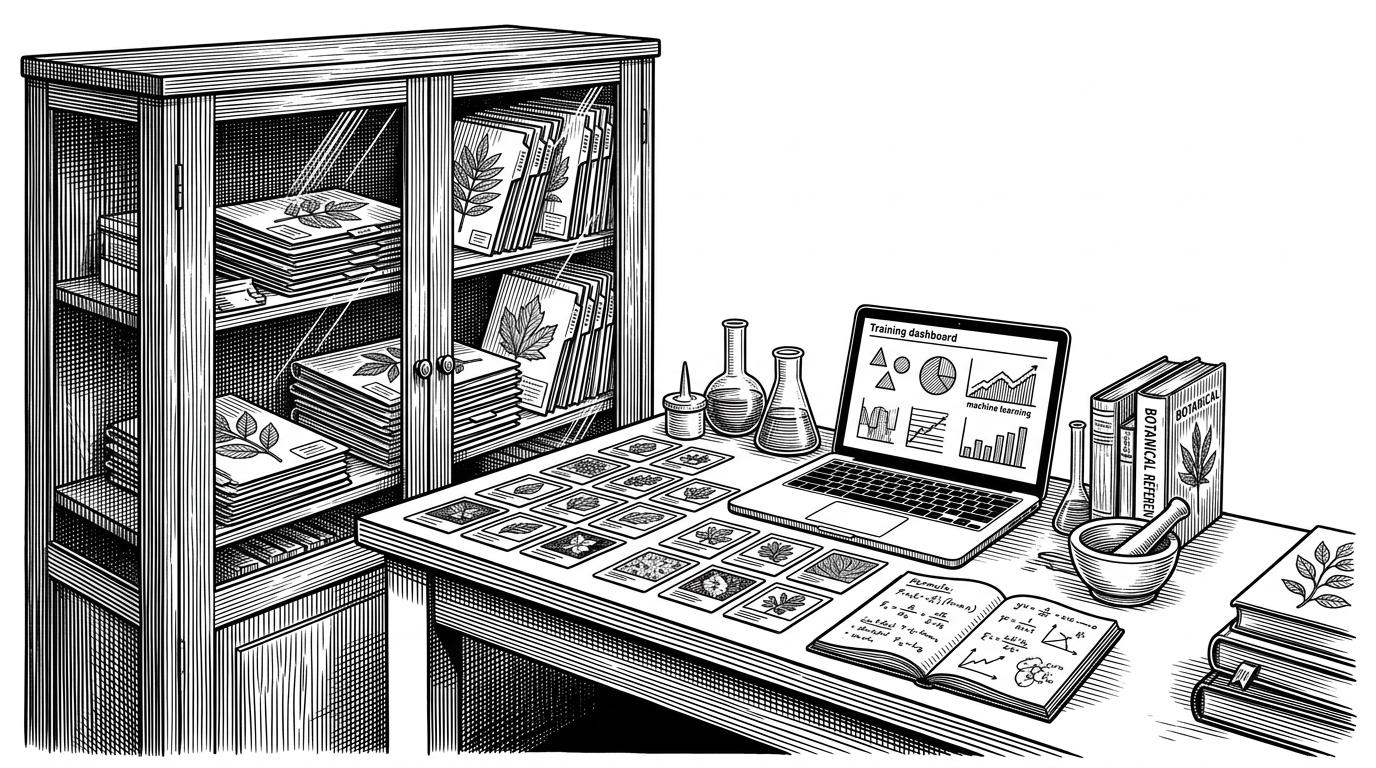
- The repo’s real innovation is packaging, not model novelty, because the dataset lives beside the code and turns the project into a runnable lab.
- That choice improves onboarding and reproducibility, but it also inflates the repository and weakens the clean separation most production teams want.
- The training flow is classic CNN plumbing, yet the directory structure itself becomes metadata, which is the part worth noticing.
- This is strongest as a teaching or prototyping asset, not as a durable reference implementation or a field-ready product.
The real product is reproducibility
Most plant-disease repos ask you to fetch data first, then trust that the links still work, then hope the code matches the tutorial. This one makes a different bet. It keeps the PlantVillage images inside the tree, so the repository behaves less like a code sample and more like a portable diagnostic lab.
That matters. For a beginner, it removes the first failure point. For a researcher, it preserves the training context. For anyone who has watched an ML tutorial age badly, it is a quiet act of maintenance.
The project is about detecting the diseases of plants using the images of their leaves.
The tradeoff is obvious once you see it. Data-in-the-repo makes the project easier to run, but harder to keep tidy. It blurs the line between source code, artifact, and dataset, which is exactly why it is interesting.
What lives inside the tree
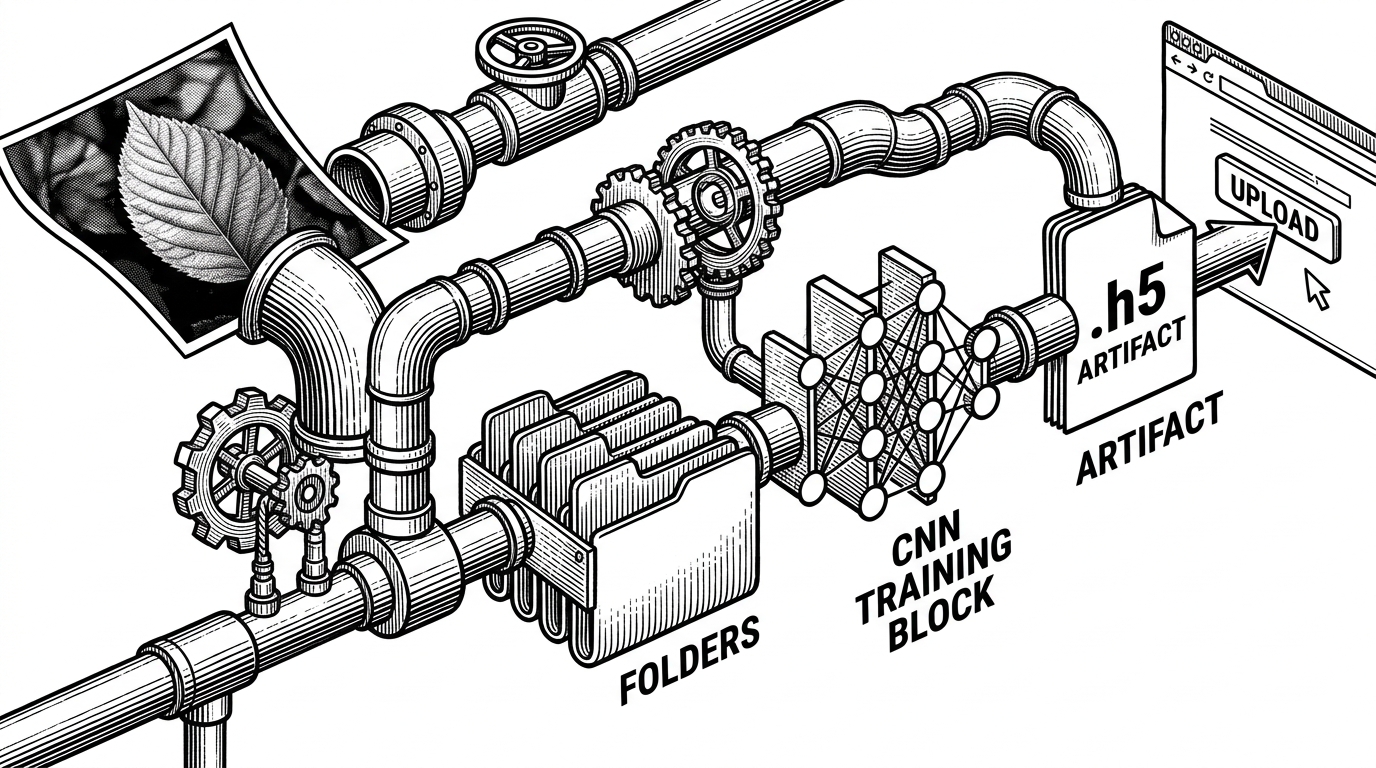
At a glance, the repository structure tells the whole story. A PlantVillage/ directory holds the images. The presence of .gitignore hints at a Keras-style workflow, likely with saved .h5 artifacts and a virtual environment. The rest is implied by the project description: load images from folders, train a classifier, then expose predictions through a small interface.
Plant-Disease-Detection/
├── PlantVillage/
│   ├── Pepper__bell___Bacterial_spot/
│   ├── Tomato___Late_blight/
│   └── ...
├── .gitignore
└── model.h5   (implied artifact)
That folder layout is not just storage. It is metadata. In many Keras and TensorFlow setups, the directory name becomes the class label, which means the repo’s structure is already part of the training signal.
How the CNN story fits the packaging
The machine learning part is familiar on purpose. Images are grouped by class, batches are fed into a CNN, weights are saved, and the trained model handles new uploads. Nothing here tries to reinvent image classification. The point is that the familiar pipeline is easier to approach when the data is already in the repository.
That design choice changes the developer experience more than the model architecture does. Instead of stitching together a download script, a preprocessing step, and a notebook environment, you can inspect the project in one place. For educational work, that is often the difference between a repo people clone and a repo people only browse.
| Packaging style | What ships | What it optimizes for | Main cost |
|---|---|---|---|
| Bundled dataset repo | Code, data, and model artifacts together | Immediate reproducibility and onboarding | Larger repo size and weaker separation |
| Modern modular stack | Code plus external datasets and reusable components | Maintainability and reuse | More setup friction |
| Production plant app | Model, UI, guidance, and operational layer | Field use and user trust | Much higher engineering complexity |
The useful insight is not that CNNs work. Everyone in this space already knows that. It is that the repo treats the dataset folder structure as part of the interface, which makes the whole system legible to a newcomer.
Why this is not Plantix
The comparison is not really about accuracy. It is about intent. Plantix-style products are built for diagnosis in the field, with guidance, UX polish, and operational reliability. This repository is built to show a working path from leaf image to predicted class, with much less concern for product maturity.
| Dimension | This repo | Plantix-style product | Modern open-source stack |
|---|---|---|---|
| Primary goal | Teach and demonstrate | Diagnose and advise | Build reusable components |
| Data handling | Bundled inside the repo | Managed as a product asset | Externalized and versioned |
| User experience | Basic demo flow | Polished mobile workflow | Developer-first tooling |
| Maintenance burden | Low in the short term, messy later | High, but centralized | Distributed across modules |
| Best fit | Learners and prototypers | Farmers and field workers | Teams building their own systems |
First Ai tech I’ve seen with real life utility. Tech is gaining traction on GitHub today getting close to 1k stars and multiple ones are getting deployed on pump. I’ll be pushing the first one devved by staccanna team. He is in the community. @imdevPU23 created an AI + IoT htt
That reaction captures the cultural pull of the category. Plant diagnosis feels useful in a way many demo apps do not. But utility alone does not make a repo production-ready. It just makes the gap between demo and deployment easier to see.
The hidden cost of shipping data with code
Bundling the dataset solves one problem and creates three more. The first is size. The second is version clarity, because it becomes harder to know which data snapshot produced which weights. The third is maintenance, since code and data evolve on different schedules.
That is why this pattern makes sense in a classroom or prototype, but becomes awkward in a long-lived product repo. A teaching project benefits from being self-contained. A team product usually benefits from clean boundaries, explicit dataset versioning, and reproducible pipelines outside the source tree.
The project’s own footprint hints at its stage. There is structure, but not much ceremony. That is fine. In fact, it is part of the honesty of the repo. It is not pretending to be a polished platform.
Who this repo is actually for
This is for people who want a working end-to-end example more than they want a reference architecture. If you are learning image classification, teaching a class, or prototyping a plant-health demo, the bundled dataset is a feature. If you are building a durable system, it is a caution sign.
The project is about detecting the diseases of plants using the images of their leaves.
That is the cleanest way to read the repository. It is a compact lab, not a benchmark winner. Its value is that it collapses the distance between seeing the code and running the experiment.