ai-font-renderer: pretext turns text layout into a cached math problem
A JavaScript and TypeScript engine that measures text once, then reuses cached widths to wrap and size it without leaning on the DOM every time.
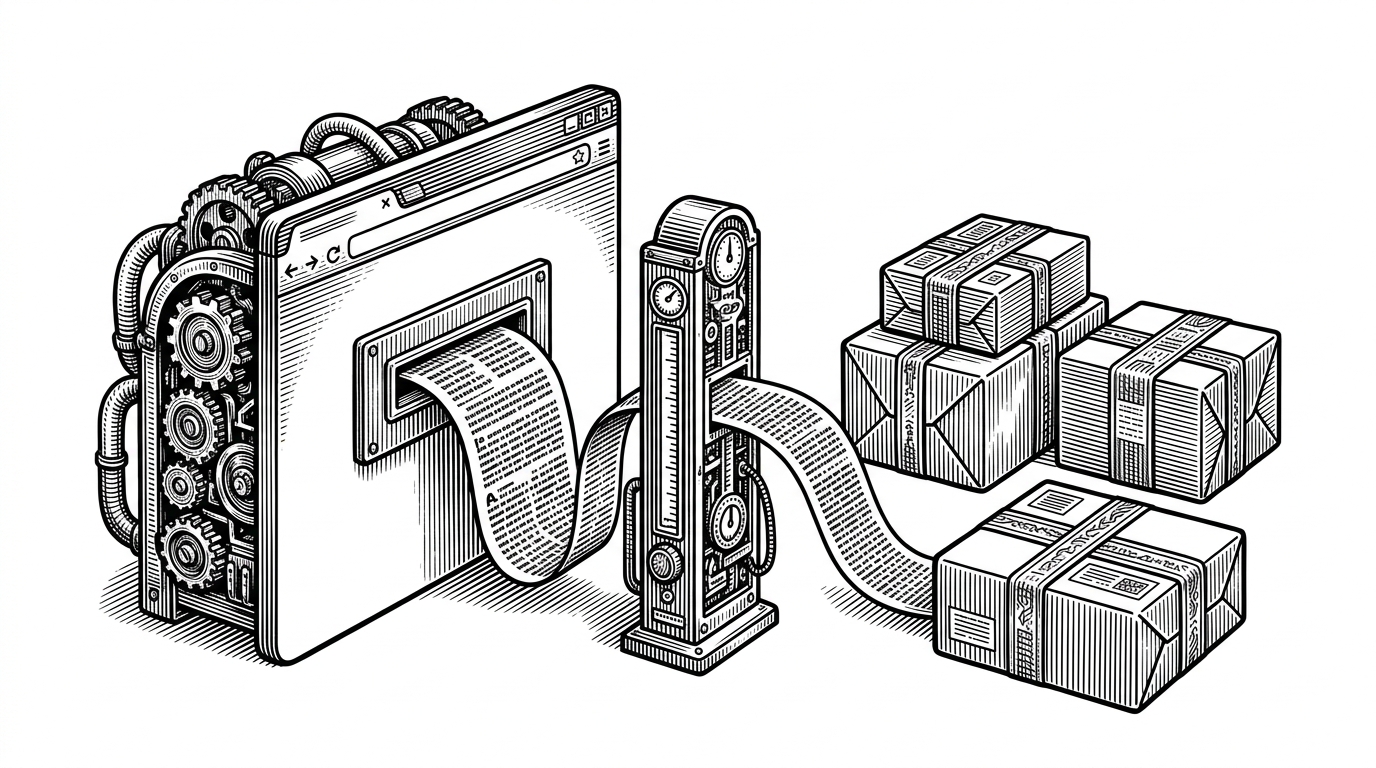
- pretext is interesting because it turns repeated text layout into arithmetic over cached measurements instead of a browser round trip.
- Its core boundary is simple and powerful: prepare once, then layout many times as widths change.
- The library matters most where text gets measured constantly, especially in SSR, Canvas, WebGL, and virtualized lists.
- Its trade-off is clear: you exchange the browser's black box for a more programmable layout model that depends on prepared font context.
Most text measurement feels like a browser side effect. You render something, ask for a width, and hope the DOM does not wake up half the page to answer. pretext takes that hidden cost and makes it explicit: measure first, then reuse the result as often as you need.
pretext's trick is to split the job in two
The repo centers on a two-stage API. prepare() does the expensive work once for a text and font context, then layout() turns the cached widths into line breaks and total height with plain arithmetic. That matters because width changes become cheap, repeatable, and predictable.
import { prepare, layout } from "pretext";

const prepared = prepare("The quick brown fox jumps over the lazy dog", {
  font: "16px Inter"
});

const result = layout(prepared, {
  width: 280,
  lineHeight: 1.4
});

console.log(result.lines, result.height);
Inside the pipeline, it is mostly bookkeeping
The intellectual move here is boring in the best way. pretext treats character widths as data, then builds layout from that data instead of asking the browser to recompute everything on demand. That is why the library can stay useful across DOM rendering, Canvas, SVG, and server-side workflows.
Pure JavaScript/TypeScript library for multiline text measurement & layout. Fast, accurate & supports all the languages you didn't even know about. Allows rendering to DOM, Canvas, SVG and soon, server-side.
That README line is doing real work. It promises a layout engine, not a widget, and the architecture follows through. Once widths are cached, the hot path becomes simple enough to reason about, which is exactly what you want when text is being wrapped over and over in a responsive UI.
Why this matters for real apps
The value shows up anywhere repeated measurement is the bottleneck. Long lists need stable item heights. Server rendering needs text that does not flicker during hydration. Canvas and WebGL apps need text without shuttling every measurement back through the DOM. Multilingual products also benefit because mixed scripts, emoji, and bidirectional text are not edge cases anymore, they are the job.
pretext versus the old way
| Approach | Where measurement happens | Hot path cost | Environment flexibility | Best fit | Trade-offs |
|---|---|---|---|---|---|
| DOM measurement | Inside the browser after insertion and style calculation | High, because repeated reads can force reflow | Browser DOM only | One-off measurements where native browser truth matters | Accurate, but tied to the DOM and expensive when repeated |
| pretext | Once in prepare(), then reused in layout() | Low, because later passes are pure computation | Browser, Canvas, SVG, and server-side contexts | Repeated wrapping, virtualization, SSR, and graphics-heavy UIs | Fast and portable, but depends on prepared font context and a modeled layout boundary |
This is not a replacement for the browser. It is a narrower tool with a sharper boundary. If you need the browser's exact layout engine, use it. If you need to measure once and keep reusing the answer, pretext is the cleaner abstraction.
What pretext is really teaching us
The broader lesson is architectural, not typographic. A lot of browser work looks expensive because we keep asking the browser to solve the same subproblem repeatedly. pretext shows that if you isolate the stable part, cache it, and keep the math honest, a hard rendering task becomes much easier to use, easier to test, and easier for other tools to build on.