ftmotion-extrusion-simulator: FTMotion: Debugging 3D Printer Physics in the Browser
How a strict TypeScript port of Marlin's C++ motion algorithms turns the slow, wasteful process of tuning hardware into an instant visual sandbox.
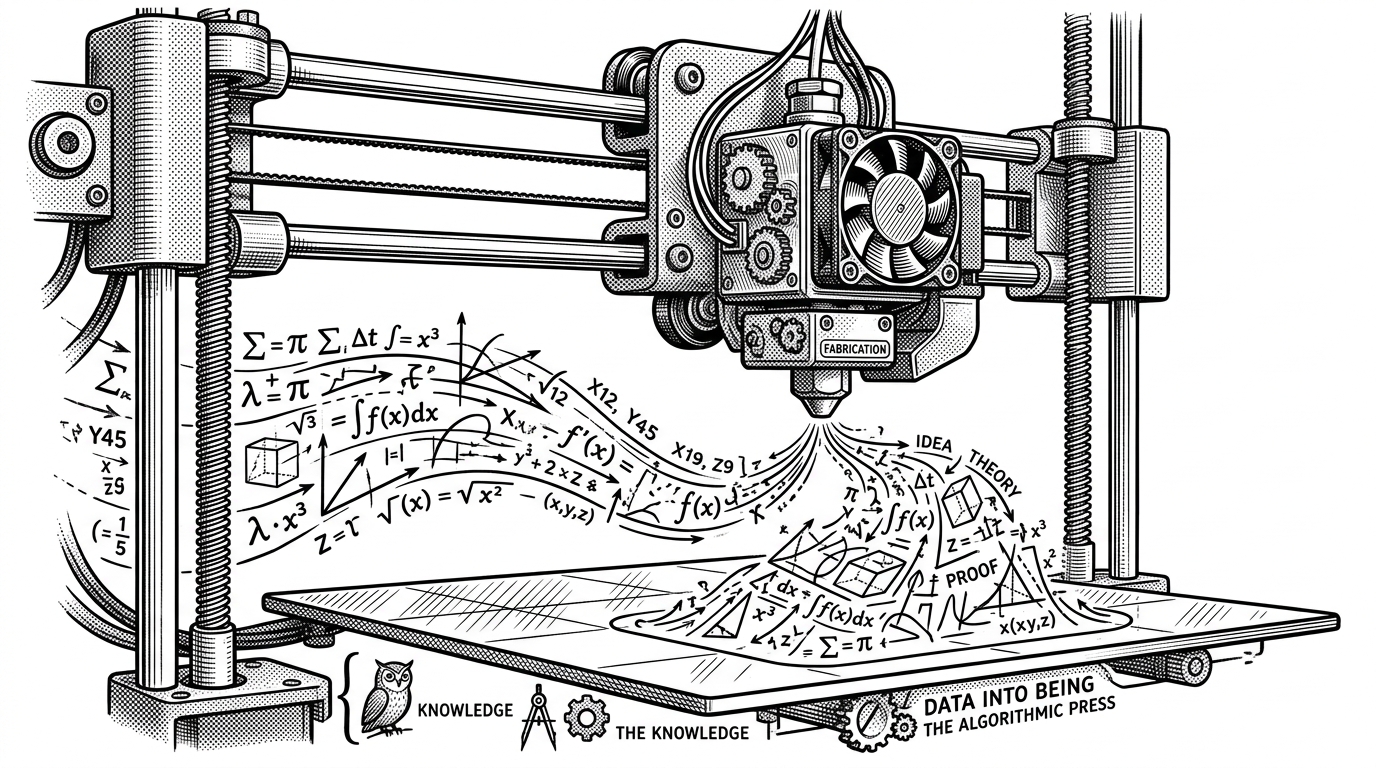
- FTMotion Simulator ports complex C++ motion calculus directly into strict TypeScript to create a high-performance visual sandbox.
- It replaces the wasteful process of printing physical calibration cubes with instant, high-fidelity browser-based feedback.
- The tool visualizes the shift from legacy S-Curve motion to Sextic polynomials, eliminating infinite jerk spikes in hardware.
- By treating the 3D printer nozzle as a first-order lag system, the simulator accurately models the physical pressure lag of molten plastic.
The Calibration Cube Problem
The hardest part of developing firmware for hardware is the feedback loop. To test a new motion algorithm in a 3D printer, developers traditionally write C++ code, compile it, flash it to a microcontroller, and print a physical calibration cube. They then inspect the plastic for bulging corners or skipped layers to see if their math was correct. It is a slow, opaque process where the physical hardware acts as a black box.
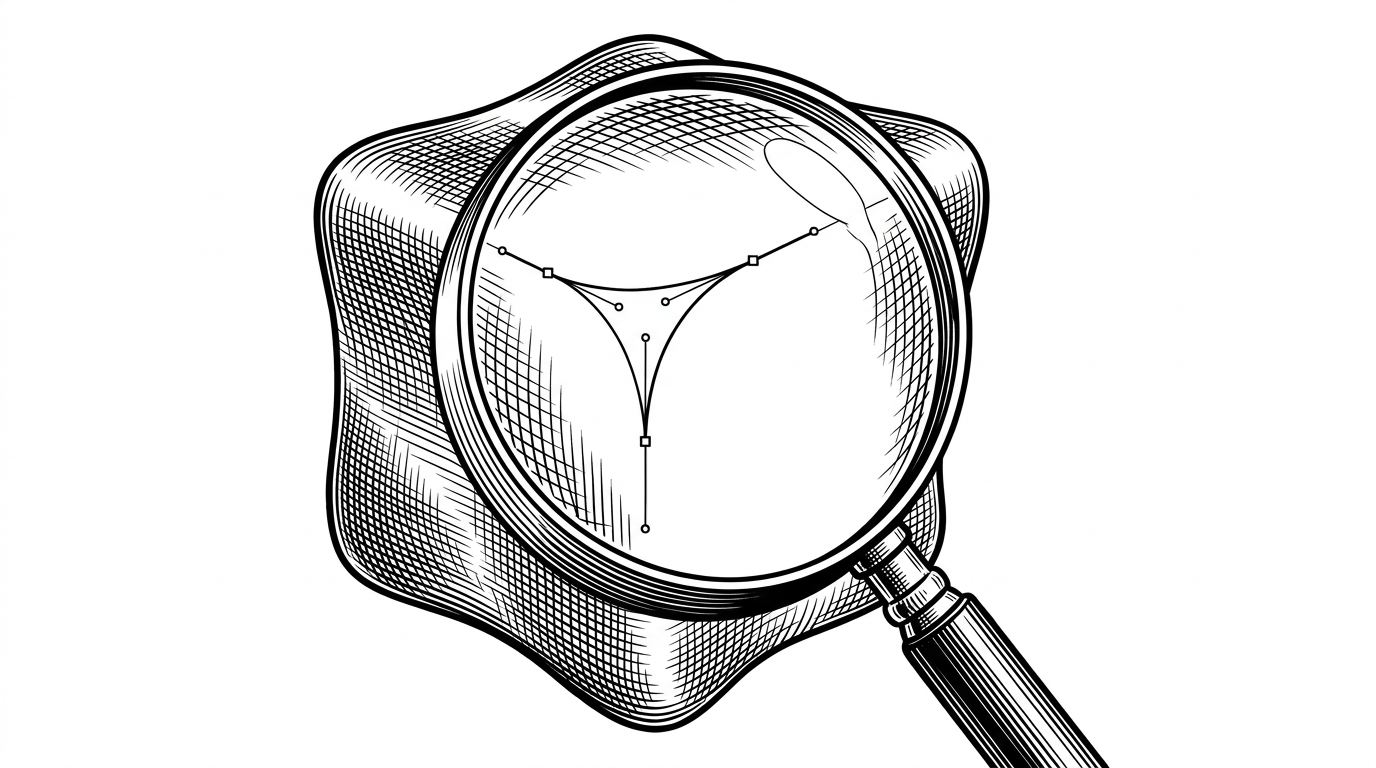
The FTMotion Simulator breaks this cycle entirely. It provides an environment where developers can see exactly how a change in acceleration or jerk settings will affect the final extrusion path before a single stepper motor ever turns.
A Mathematical Mirror in TypeScript
This tool is not a rough approximation. It is a direct translation of Marlin's complex C++ motion generation into strict TypeScript. The core of the simulator relies on a one-to-one port of the Poly6TrajectoryGenerator. By moving this logic to the browser, the developer leverages the HTML5 Canvas API to render high-performance visualizations of the resulting arrays.
This architecture bypasses heavy frontend frameworks. It uses a lightweight development stack to ensure that the visualization runs fast enough to provide instant feedback as users drag sliders for acceleration and velocity.
The End of the Trapezoid
Legacy 3D printer firmware relies heavily on trapezoidal motion profiles. These profiles suffer from infinite jerk spikes when transitioning between constant velocity and acceleration. FTMotion introduces Sextic (6th-order) polynomials to explicitly solve this mechanical issue.
By using a normalized time variable, the FTMotion algorithm ensures that acceleration transitions smoothly. The simulator allows users to visually scrub through these curves, verifying that the math produces a continuous flow without mechanical shock.
Simulating the Melt Zone
The simulator goes beyond mere travel motion. It tackles the physics of extrusion by simulating Linear Advance. The code calculates three distinct traces: the planned path, the path modified by the advance algorithm, and the effective real-world result.
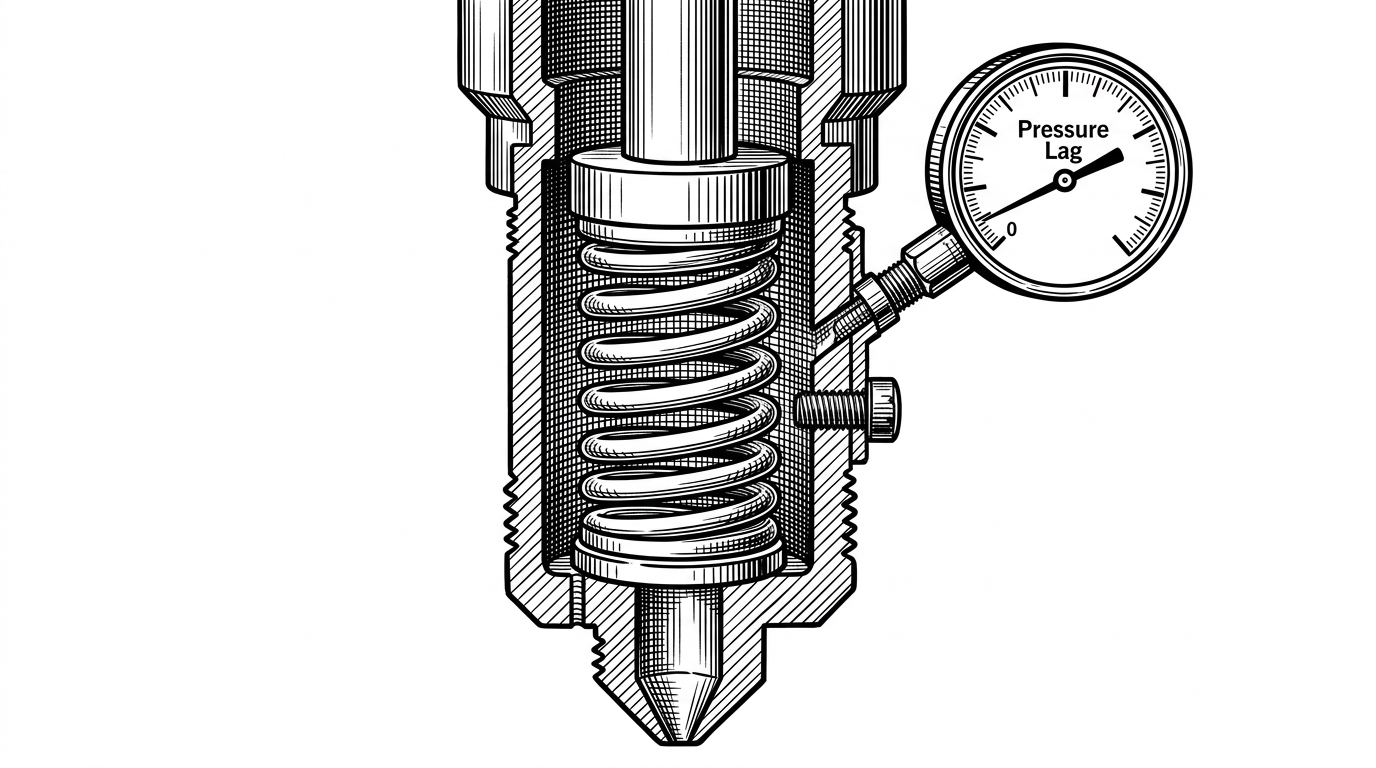
By treating the nozzle and molten plastic as a first-order lag system, the tool can visually predict physical pressure lag. This mathematical compensation is crucial for achieving clean, sharp corners on a physical print.
I've tested your`FT_MOTION` code in the last Marlin bugfix, great work, nice improvement in sound.
The Firmware Convergence
The changes visualized in this simulator represent a significant shift for Marlin. By aligning its unit definitions and pressure management systems with modern alternatives, FTMotion brings robust, predictable motion control back to the core firmware.
| Feature | Legacy Marlin | FTMotion Simulator | Klipper |
|---|---|---|---|
| Motion Planning | Trapezoidal | Sextic Polynomial | Kinematic |
| Extrusion Advance | Abstract K-factor | Time-based physical constants | Time-based physical constants |
| Debugging Method | Print-and-Measure | Visual Browser Simulation | Print-and-Measure |
As these features are adopted by the community, the need for blind hardware tuning diminishes. The ability to see and adjust motion physics in a browser shifts the burden of proof from the physical print bed to the digital canvas.