cafeg: The Android app that latches onto live audio sessions
A foreground service, a broadcast receiver, and Android’s audio effects API combine to add binaural virtualization and reverb directly onto playback sessions.
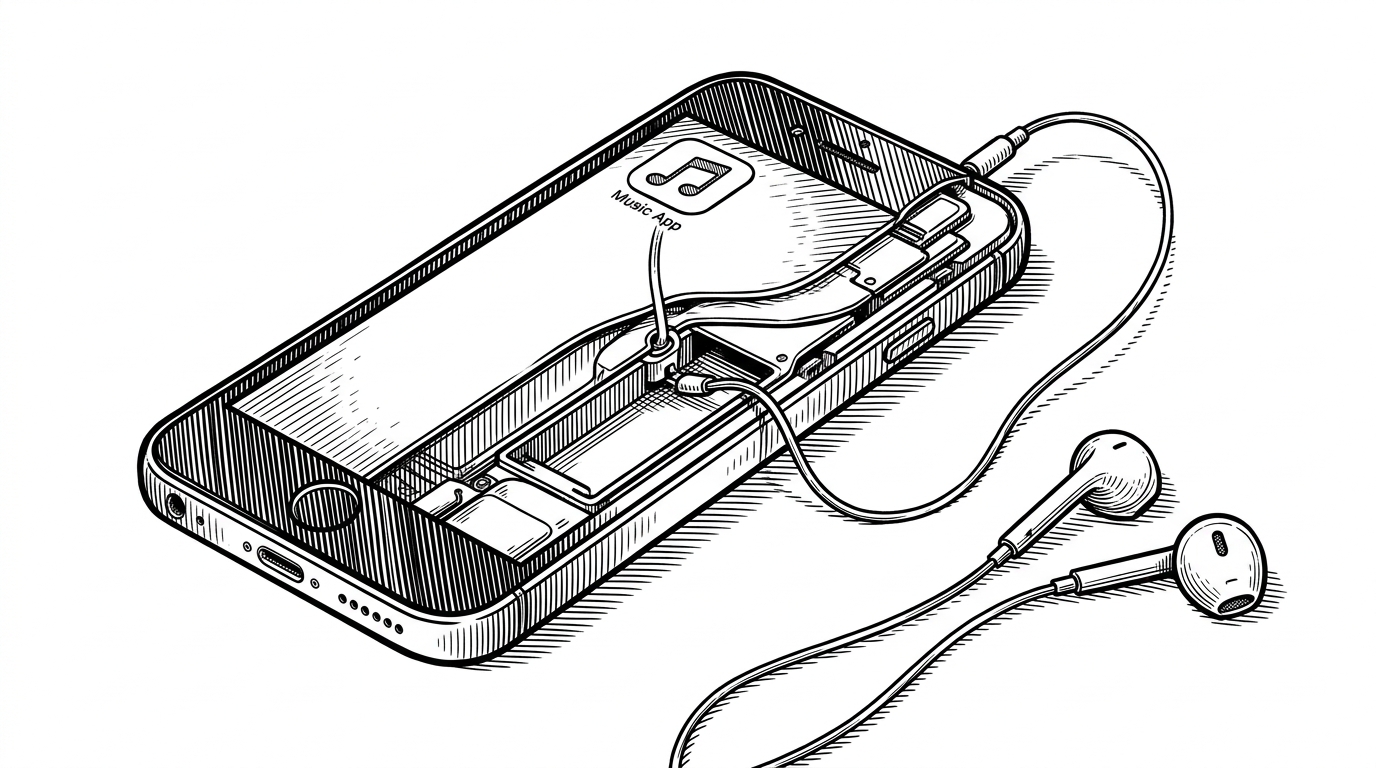
- cafeg’s core move is to treat Android audio sessions as live attach points, then bind effects to them the moment playback starts.
- A foreground service keeps the DSP chain alive while the UI stays thin and reactive.
- The project’s real differentiator is not an equalizer curve, but session-bound virtualization and reverb pushed into binaural headphone playback.
- It feels polished because the control layer is small and the effect chain does the real work.
The hidden attach point in Android audio
The surprising thing about cafeg is not that it adds audio effects. It is that it waits for Android to announce a live session, then moves in at that exact moment. The app listens for the broadcast that opens an audio effect control session, captures the session ID, and treats that ID like a handle on the sound itself.
That turns a normal playback event into a control surface. Instead of asking you to route audio through a custom player, the repo follows the system’s own broadcast trail and attaches to whatever app is already talking.
How a session ID turns into sound shaping
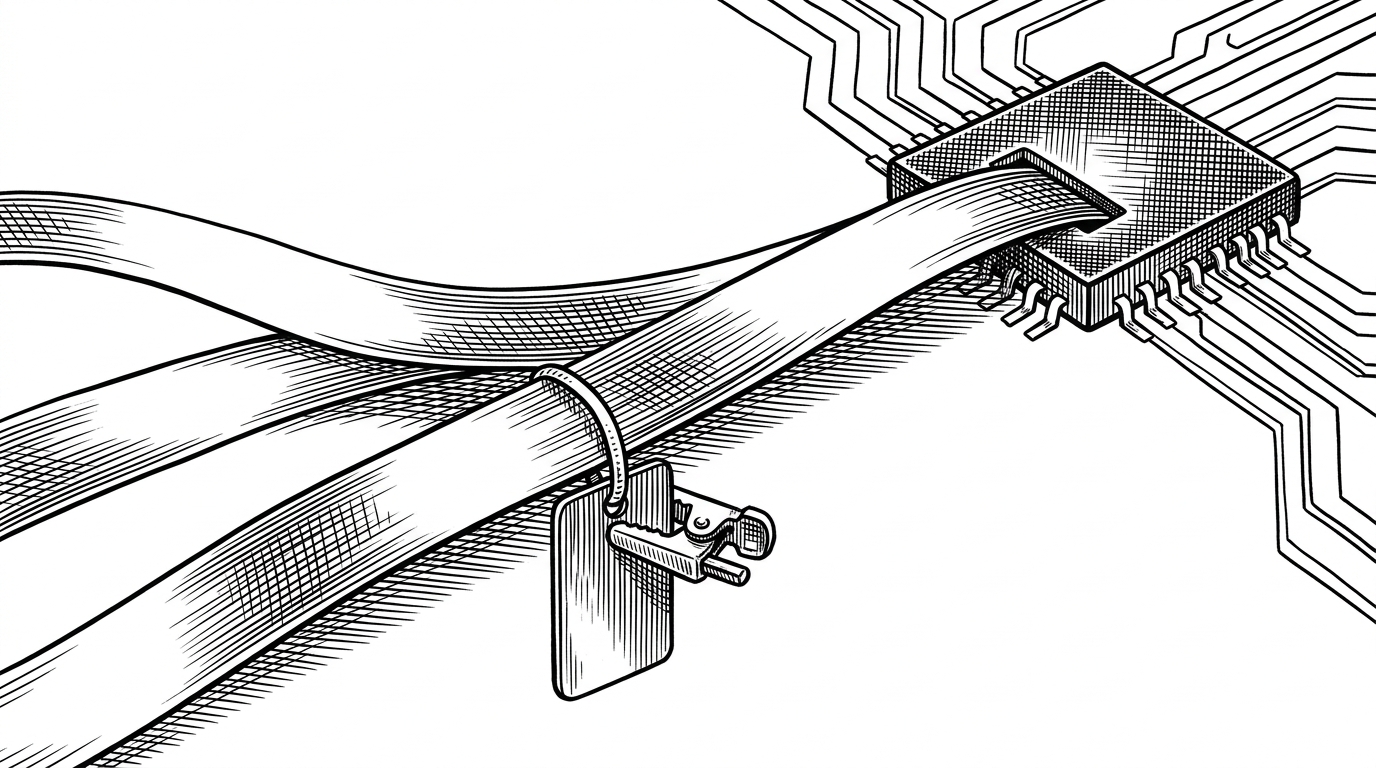
The code path is short, which is part of the appeal. AudioSessionReceiver catches the system event, forwards the session ID and package name, and hands them to CafeModeService. The service runs in the foreground so Android is less likely to evict it, which matters when your whole product depends on staying attached to playback.
Inside the service, the session ID becomes the anchor for two effect objects. Virtualizer handles spatial spread, and PresetReverb adds a room-like tail. The app does not remix audio in software. It binds into Android’s own audio effects layer and lets the platform do the work.
private fun attachEffects(sessionId: Int) {
    virtualizer = Virtualizer(0, sessionId).apply {
        enabled = true
        forceVirtualizationMode(Virtualizer.VIRTUALIZATION_MODE_BINAURAL)
    }

    presetReverb = PresetReverb(0, sessionId).apply {
        preset = PresetReverb.PRESET_LARGEROOM
        enabled = true
    }
}

class AudioSessionReceiver : BroadcastReceiver() {
    override fun onReceive(context: Context, intent: Intent) {
        val sessionId = intent.getIntExtra(AudioEffect.EXTRA_AUDIO_SESSION, -1)
        if (sessionId != -1) {
            context.startService(
                Intent(context, CafeModeService::class.java)
                    .putExtra(EXTRA_SESSION_ID, sessionId)
            )
        }
    }
}
Why binaural mode is the real design choice
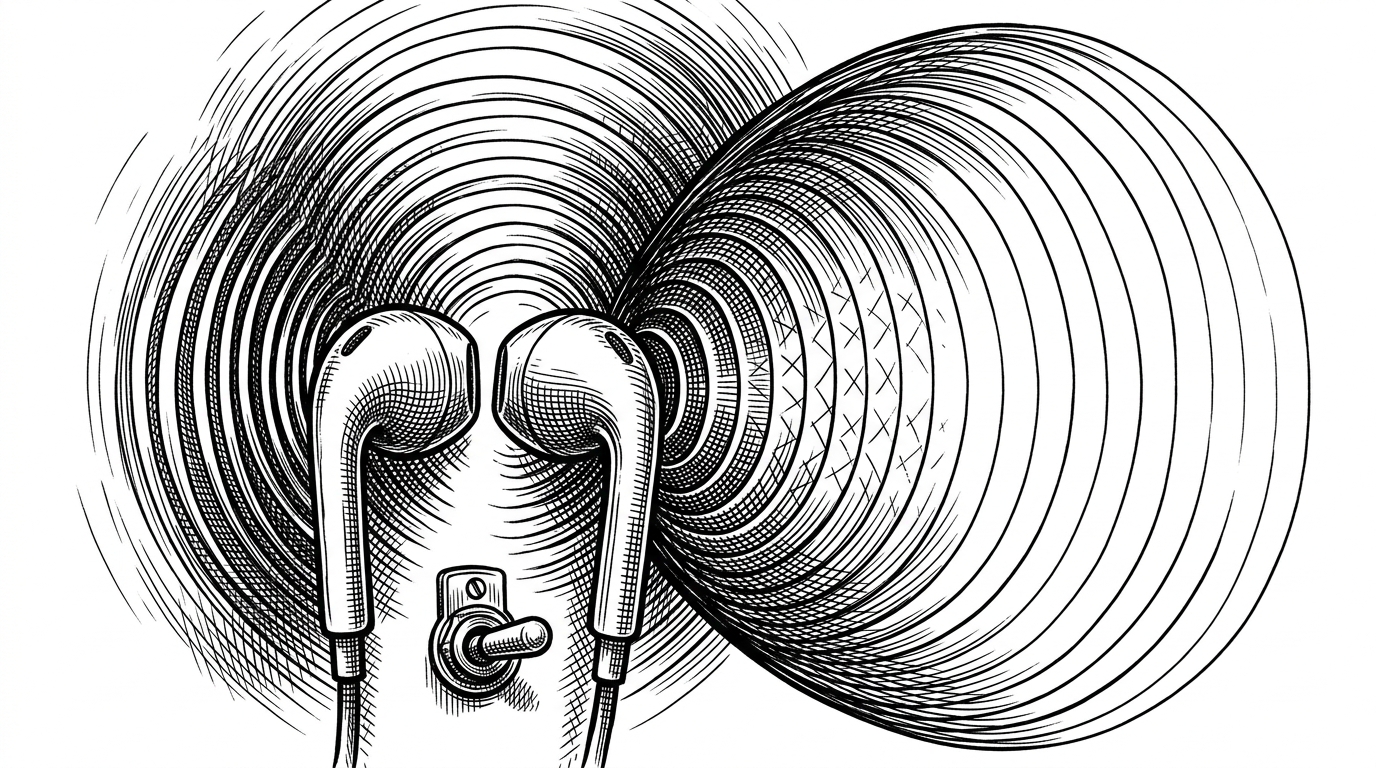
The standout line in the service is the explicit VIRTUALIZATION_MODE_BINAURAL call. That is not a default setting. It is a point of view. The project is not trying to be a generic equalizer with more knobs. It is trying to make headphones feel larger than they are.
That narrows the promise in a useful way. Binaural processing only makes sense when the listener is wearing headphones, but when it works it changes apparent space rather than just tone. That is why cafeg reads more like a spatial audio experiment than a bass booster in a prettier shell.
The UI is a remote control, not the engine
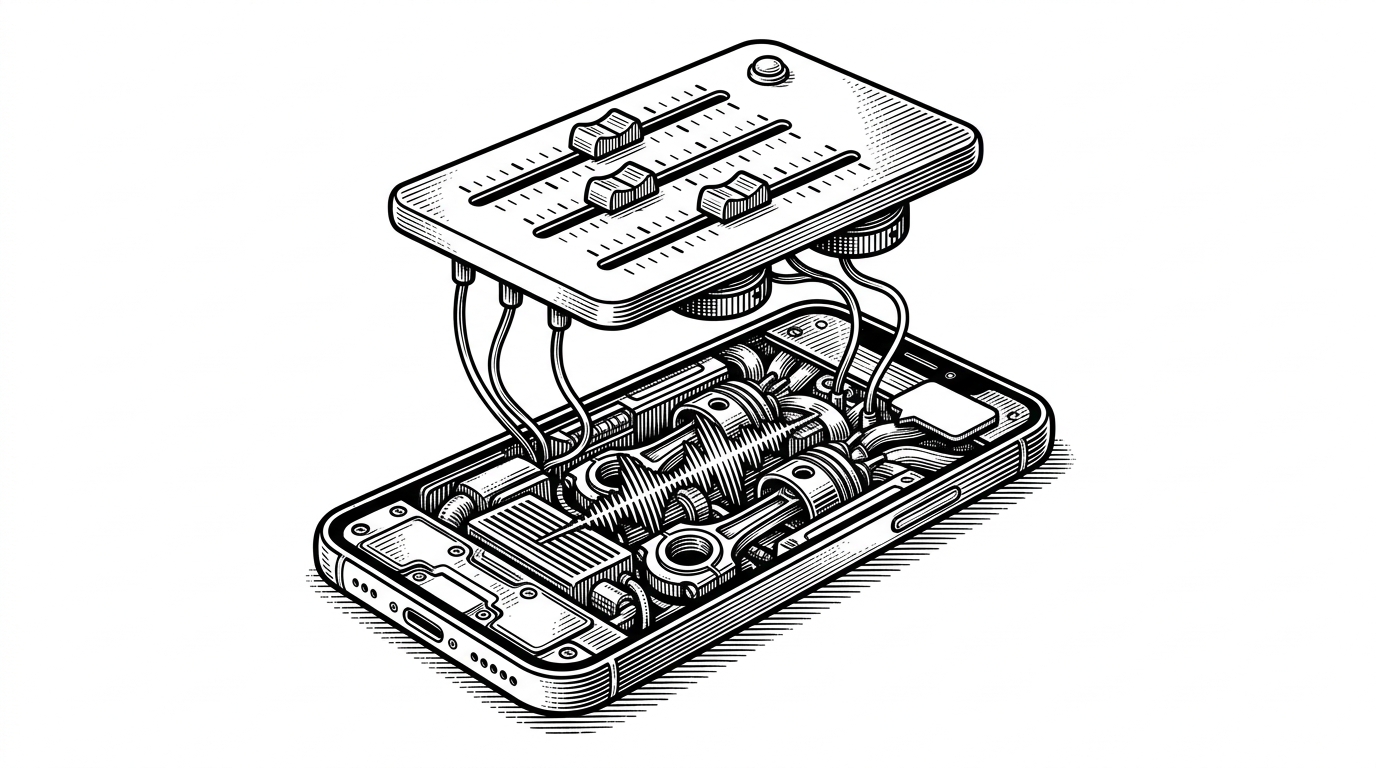
MainActivity behaves like a remote. Sliders send ACTION_UPDATE_PARAMS intents, and a status receiver keeps the screen in sync with whatever the service is doing underneath. That split is clean, and it makes the app feel more expensive than its code volume suggests.
This is where the project’s design polish shows. The repository reads like an audio product, with a premium visual language and a small set of controls that never pretend to be the engine. That restraint is part of the charm.
What this does better than ordinary EQ apps
| Dimension | Ordinary EQ apps | cafeg |
|---|---|---|
| Where processing happens | Usually in a software layer or inside a self-contained player | Inside Android’s audio effects stack, bound to a live session |
| How it starts | User picks a source or opens a custom player | The system broadcasts a session event and the app attaches itself |
| What it changes | Frequency balance, presets, and broad tone shaping | Spatial virtualization plus preset reverb on the active session |
| Persistence | Often depends on the app staying open | A foreground service keeps the effect chain alive |
| User experience | Feels like a utility | Feels like a system-level audio patch |
A prototype with a premium skin
There is not much public lore around this repository. The README is a placeholder, the footprint is thin, and the project appears to have a single maintainer. That is not a weakness in the article, it is the story.
What remains is a compact proof that Android exposes enough surface area to do something surprisingly elegant. With one receiver, one foreground service, and two effects, cafeg turns a hidden platform hook into a product-shaped audio trick.