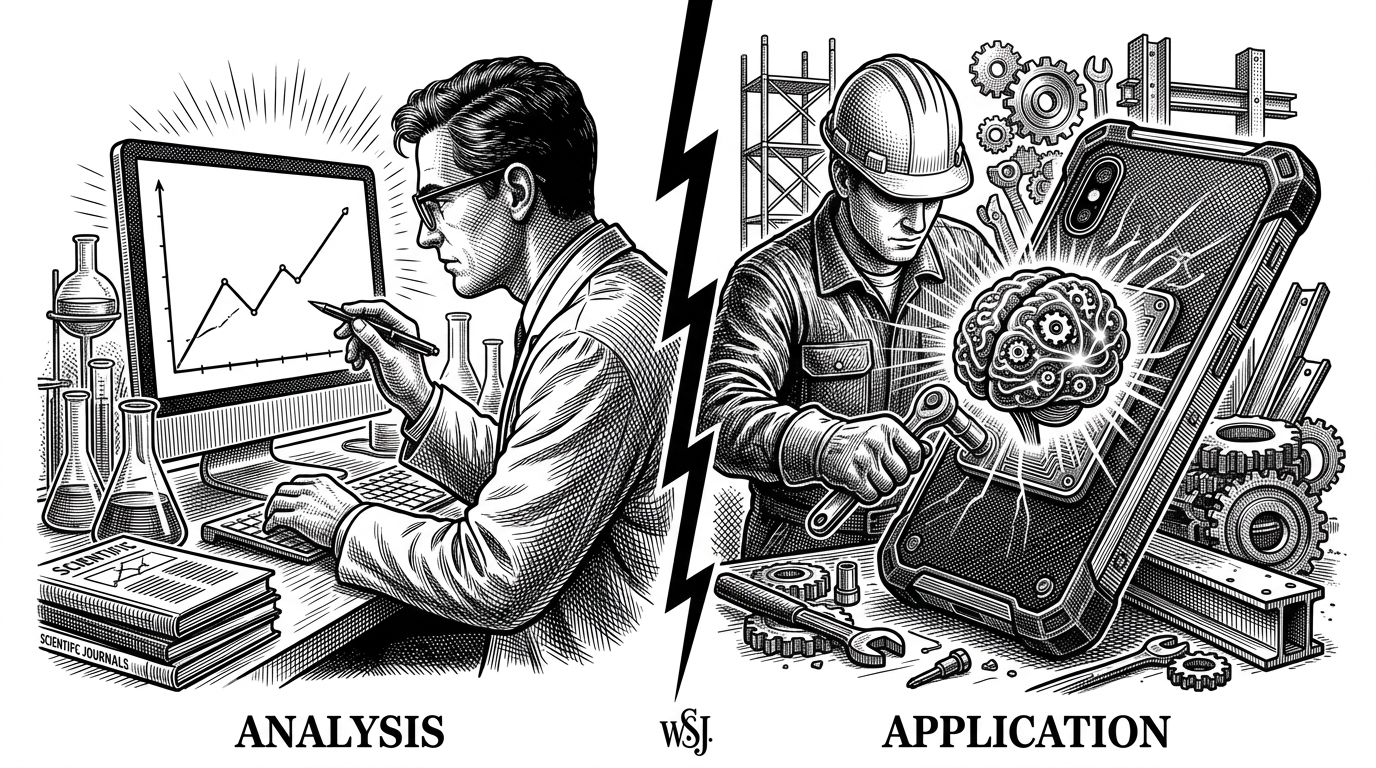
Beyond the Notebook: Engineering On-Device Intelligence with hgayan7/Tutorials
A masterclass in bridging the gap between raw ML models and the disciplined architecture of production-ready Android apps.

- The repository bridges the gap between theoretical ML models and production-ready Android architecture.
- A boolean locking mechanism prevents redundant activity launches during high-frequency camera frame processing.
- The project implements a reactive UI pattern using Room and LiveData to ensure local data persistence.
- Defensive programming techniques manage the Android Alarm Manager to prevent ghost notifications during battery-saving modes.
Most artificial intelligence tutorials live in the pristine, abstract world of Python notebooks. In these sandboxes, memory is infinite, power consumption is an afterthought, and the lifecycle of an application ends when the kernel dies. But what happens when you need that intelligence to live on a phone in someone's pocket?
The hgayan7/Tutorials repository answers this question by forcing AI into the messy, constrained reality of Android engineering. It is less a collection of "Hello World" scripts and more a "Polyglot Rosetta Stone" for transitioning from data science to mobile engineering. The project demonstrates that "AI features" are ultimately just data streams that require rigorous architectural plumbing to be useful.
The Frame Processor Loop
The repository's Barcode Scanner tutorial serves as the hero example of "Real-time AI." The challenge here isn't just recognizing a QR code; it's recognizing it while the camera is feeding 30 frames per second into the processor without melting the device or crashing the UI.
The code manages the camera lifecycle and coordinates with Firebase ML Kit to detect QR codes. It converts raw camera bytes into FirebaseVisionImage objects for analysis. The critical engineering detail is an isQR flag that acts as a primitive "debounce" or lock. This prevents the app from launching multiple instances of the main activity once a code is successfully scanned during rapid fire detection.
The Single Source of Truth
Once the ML Kit vision model successfully extracts the data, the repository shifts focus to the "boring" but essential part of mobile engineering: persistence. The project uses the Room database and LiveData to ensure that once the AI "sees" something, it is immediately and safely saved.
This follows the reactive UI pattern. The application doesn't query the database directly; instead, it interacts with a BarcodeViewModel. When returning from the scanner activity, the logic uses barcodeViewModel.isAlreadyPresent to check for duplicates before inserting a new contact, ensuring clean data without blocking the main thread.
| Concept | The Notebook Way | The App Way |
|---|---|---|
| Environment | Python / Jupyter | Kotlin / Android |
| Lifecycle | Eternal / Static | Fragile / Activity-based |
| Success Metric | Validation Loss | Frame Latency |
| Data Handling | In-memory Arrays | Room / SQLite Persistence |
Scheduling the Invisible
While the barcode scanner handles real-time streams, the repository's Alarm Manager module tackles a different kind of complexity: scheduling the invisible. Background work is notoriously difficult on Android due to aggressive battery management systems like Doze mode.
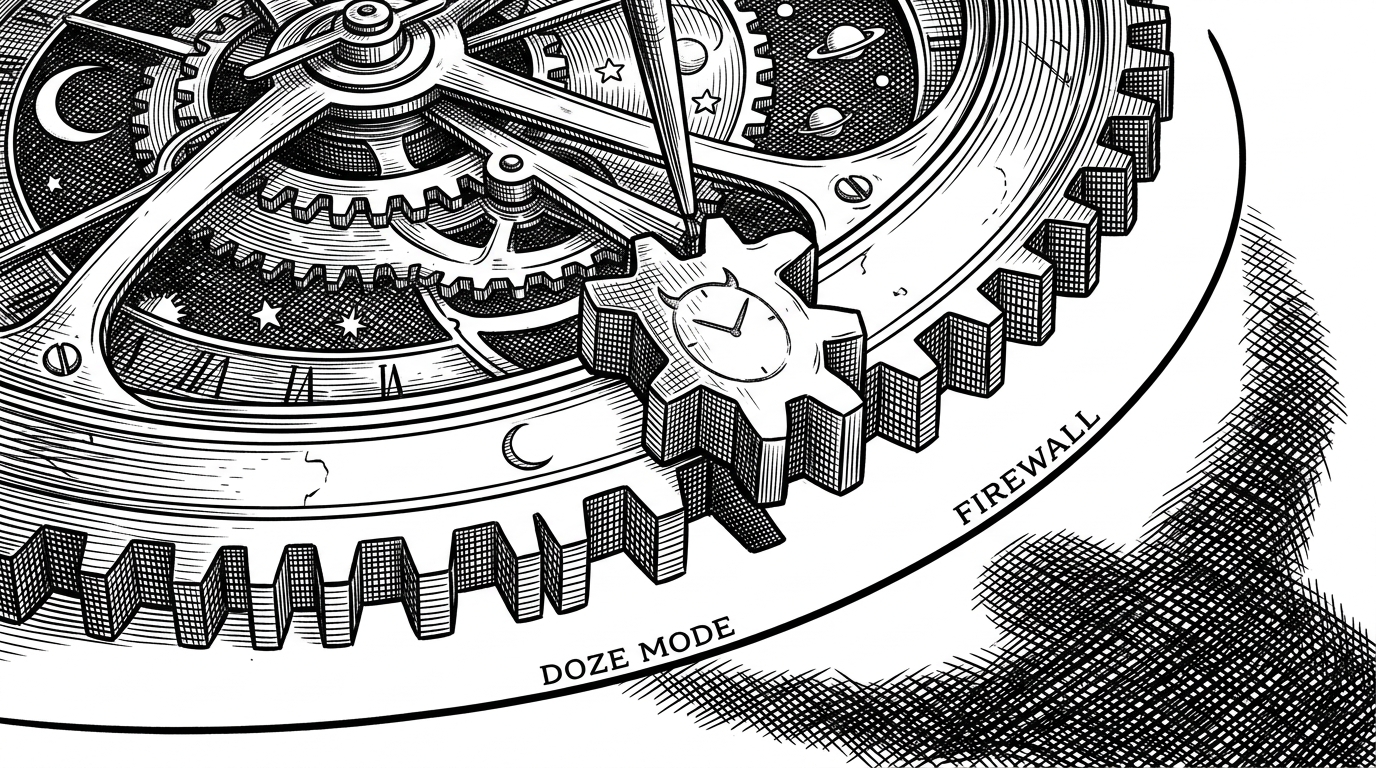
The AlarmViewModel acts as the brain of the logic. It calculates the time, generates unique request codes based on that time (e.g., 10:30 becomes 1030), and manages both the System Alarm and the local Room database. It utilizes setExactAndAllowWhileIdle, the most aggressive method to ensure an alarm triggers even when the device is asleep.
When an alarm is deleted, the ViewModel doesn't just remove the database entry; it recreates the PendingIntent to explicitly cancel the scheduled system alarm, preventing ghost notifications. This level of defensive programming highlights the high technical bar required for reliable background operations.
The Mobile-AI Rosetta Stone
hgayan7/Tutorials stands as a practical bridge between two distinct engineering disciplines. It shows that building "Local-First" intelligent systems requires more than just a good model; it requires the disciplined architecture of MVVM, the reliability of Room, and a deep understanding of the operating system's constraints.