homebrew-lumen: When the install is the product
homebrew-lumen turns an AI git helper into a one-command habit by doing almost nothing, very well.
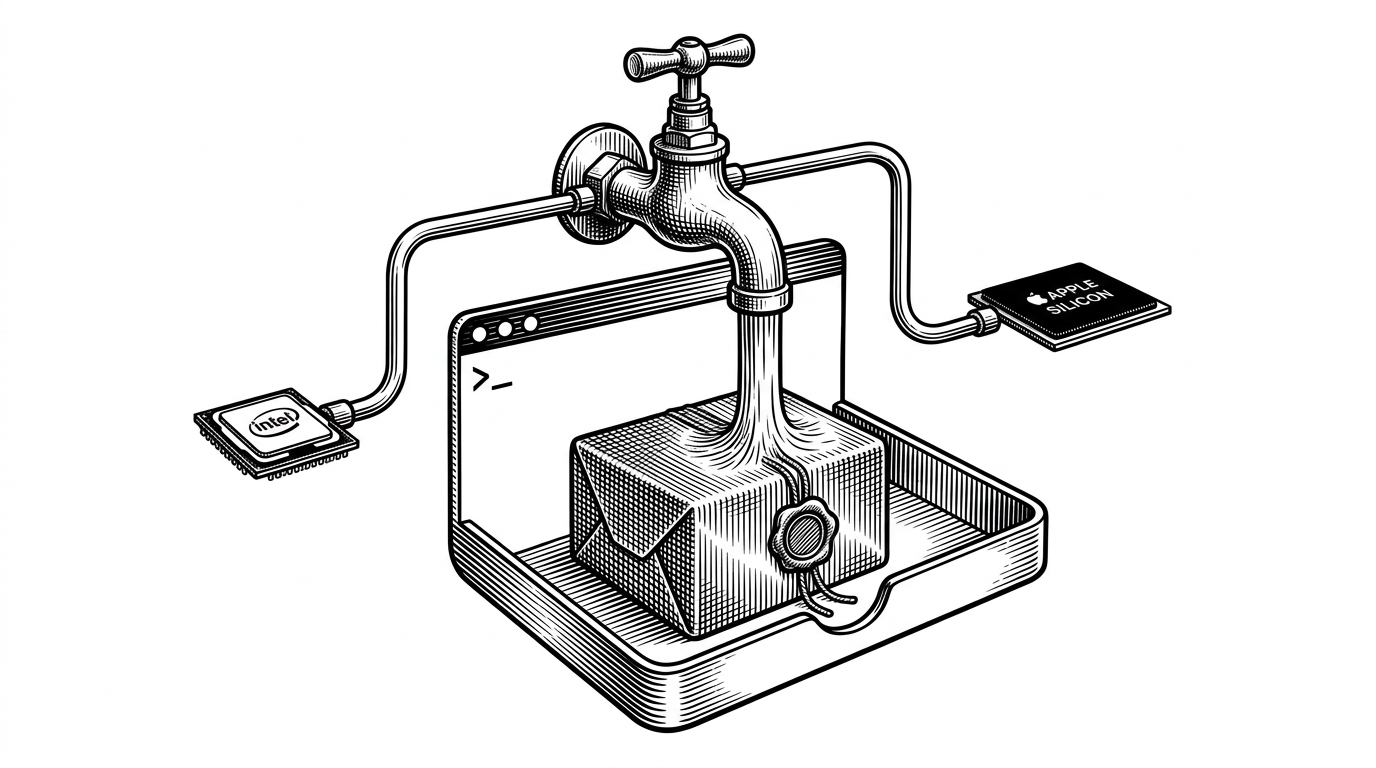
- homebrew-lumen treats distribution as part of the product, not a wrapper around it.
- The formula is tiny because Homebrew already solves the hard parts of architecture detection, checksum verification, and PATH installation.
- Lumen's appeal is the workflow it compresses, from reading a diff to drafting a conventional commit in one place.
- The tap makes a broader Rust AI tool feel native to developers who would rather trust brew than improvise their own install path.
Most developer tools compete on features, but homebrew-lumen competes on the moment of installation. It sits between a polished Rust CLI and the machine you actually use, and it makes the first run feel boring in the best possible way.
A tap with almost no surface area
The repository is a Homebrew tap, which means its job is narrower than a full application repo and stricter than a random download page. It publishes a formula that tells Homebrew which binary to fetch, how to verify it, and where to place it so the lumen command lands in your PATH.
That sounds mundane until you remember what the upstream tool is trying to do. Lumen is a Rust-based git companion that pairs a readable diff viewer with AI help for commit messages and summaries. The tap is the delivery layer that makes that promise easy to try.
I think I can implement this quite easily, however I don't have the required hardware to run a model locally to test it.
Works like a charm, however the display in terminal shows plain `\n` instead of converting them to line skip.
What the formula is really doing
The core logic in Formula/lumen.rb is small, but each line earns its keep. Homebrew uses on_intel and on_arm blocks to fetch the right precompiled tarball for the current CPU, then checks the SHA256 digest before unpacking anything.
That design gives you a fast install with no local build step, which is exactly why binary-only distribution is attractive for a CLI like this. The trade-off is obvious too. You are trusting the upstream release pipeline to publish the right artifacts for both architectures, and the tap becomes a thin but important layer of supply-chain discipline.
Why this route matters
This is where homebrew-lumen becomes more than a packaging repo. It gives a tool with a fairly ambitious pitch, prettier diffs plus AI commit drafting, a distribution path that feels normal to the people most likely to use it. No build system to learn. No bespoke install script to distrust. Just brew, verify, run.
| Project | Center of gravity | Why it matters |
|---|---|---|
| homebrew-lumen | Homebrew distribution for Lumen | Makes a Rust AI git tool one brew command away. |
| delta | Pretty terminal diffs | Excellent pager, but no AI commit drafting. |
| difftastic | Structural diffs | Great when syntax matters more than lines. |
| opencommit | AI commit messages | Focused on message generation, not the review loop. |
That comparison is the real story. Delta and Difftastic are strong because they focus hard on diffing. OpenCommit is focused on message generation. Lumen is trying to connect the two, and the tap makes that broader workflow feel lightweight instead of experimental.
The bigger lesson
Developer tooling is often judged by what it can do, but adoption is often decided by how it lands. homebrew-lumen is a reminder that the last mile matters: a clean binary, the right checksum, the right architecture, and one command that gets out of the way.
That is why this tiny repository is worth paying attention to. It does not try to outshine the upstream app. It makes the app feel inevitable.