Play-Compatibility: The GitHub Issues Database Behind Play!
How a PS2 emulator tracker turns issue templates, labels, and GitHub Actions into a living compatibility pipeline.
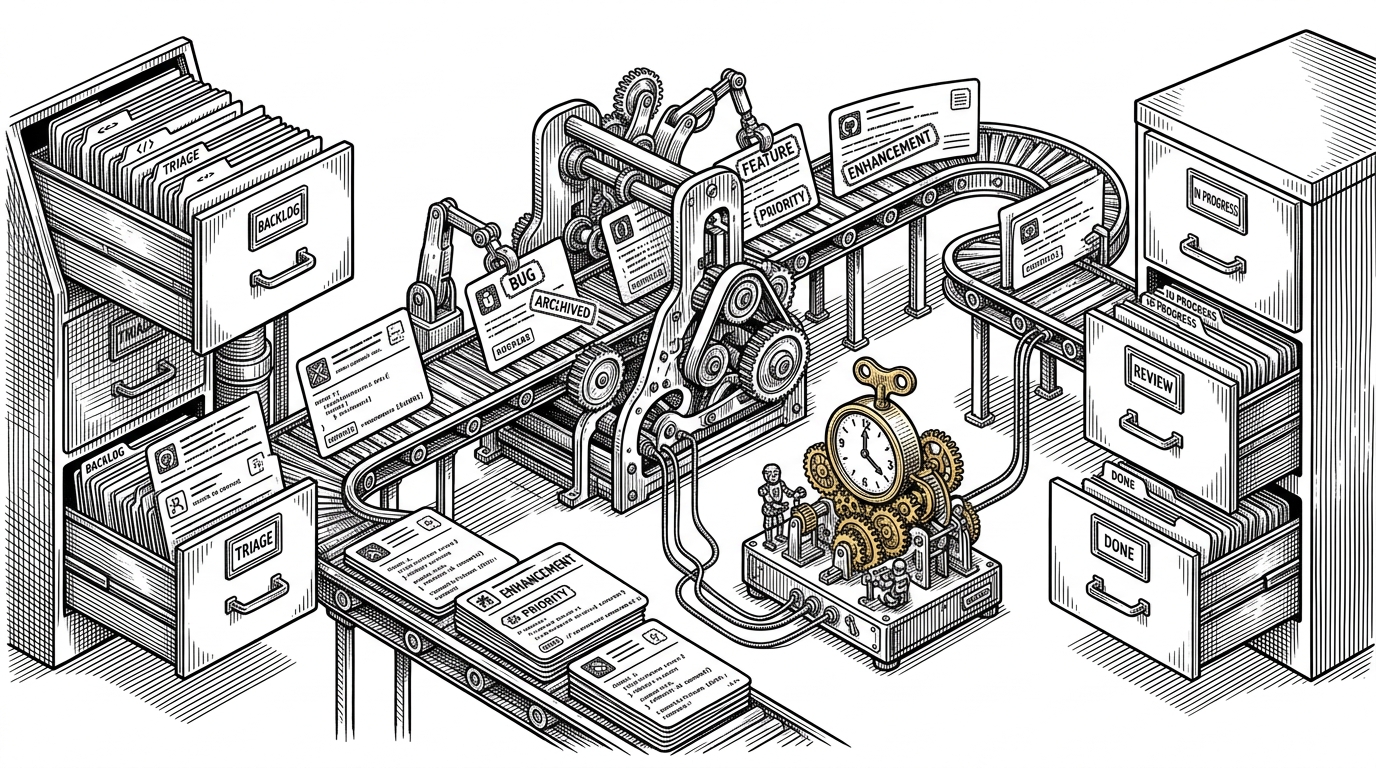
- Play-Compatibility treats GitHub Issues like a production database, not a comment box.
- Its real innovation is not the tracker itself, but the way templates, labels, and Actions enforce trustworthy data.
- The compatibility scale is strict enough to separate a true playable result from a report that only looks promising.
- Compared with spreadsheets or standalone web forms, the GitHub-native model lowers contributor friction while making validation more automatable.
Most compatibility trackers are front ends. This one is infrastructure. Play-Compatibility turns GitHub Issues into the submission form, the label set into structured state, and GitHub Actions into the nightly processor that keeps the public report honest.
That matters because emulator compatibility is easy to blur. A game that boots is not the same as a game that survives menus, saves, or a full playthrough. This repo is built to keep those differences visible.
GitHub Is the Database
The neat trick here is not that the tracker lives on GitHub. It is that the repository uses GitHub’s existing strengths as core product features: authentication, attachments, history, moderation, and discovery. A contributor opens an issue, drops in evidence, and the issue itself becomes the durable record.
That makes the repo feel less like a website and more like a headless CMS for compatibility data. The open-source community already knows how to use GitHub. This project simply asks GitHub to do one more job.
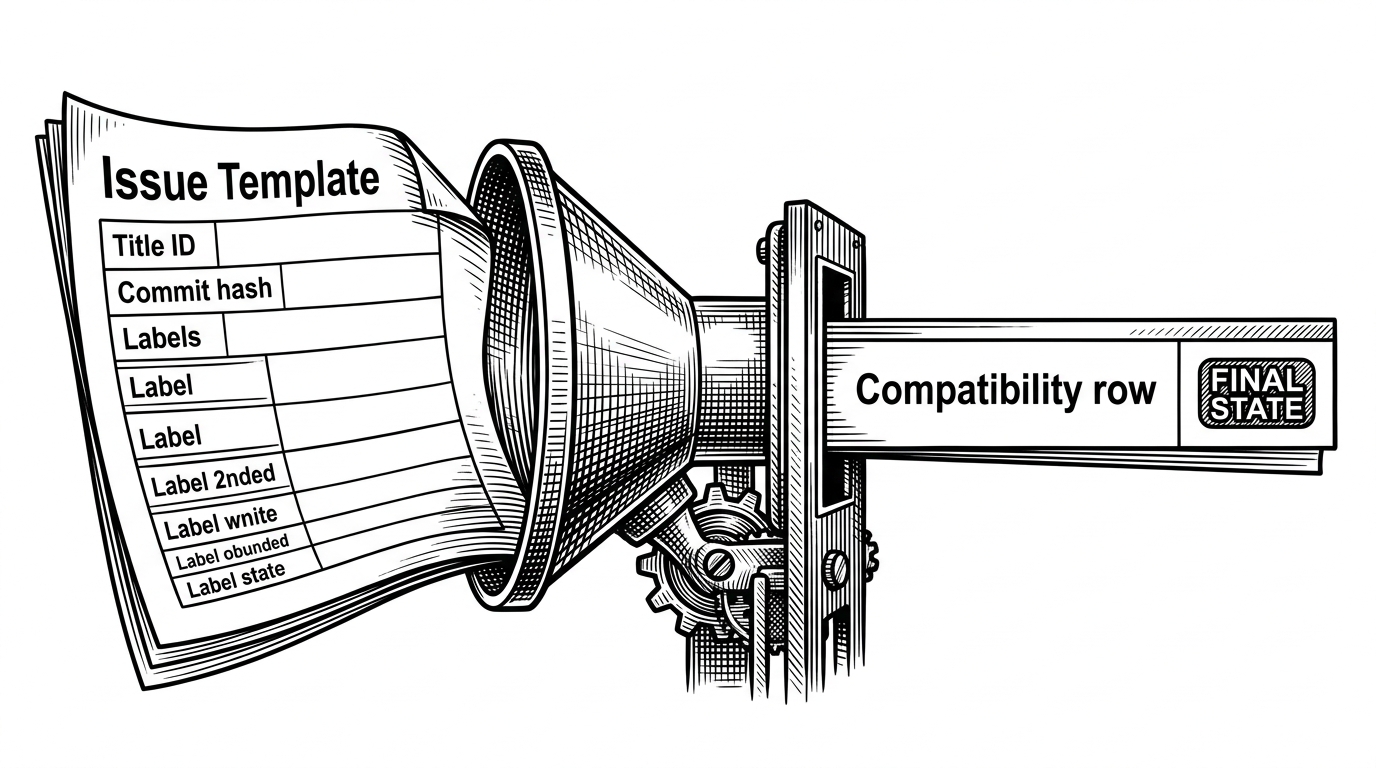
The Issue Template Is the Schema
The template in .github/ISSUE_TEMPLATE/report-compatibility.md is doing database design work. The title format forces a unique game identifier, and the commit hash requirement anchors each report to a specific emulator build. That gives maintainers a way to compare reports across versions instead of treating every submission as a floating opinion.
[titleid] Title Name

Last Tested On: <commit hash link>
Platform:
Status:
Notes:
This is strict on purpose. The repo is not trying to collect vibes. It is trying to collect comparable observations.
| Tracker model | Contributor friction | Validation | Transparency | Automation |
|---|---|---|---|---|
| Play-Compatibility | Low if you already use GitHub | High, because the template and labels constrain input | High, because issues and comments are public | High, because Actions can rebuild the report automatically |
| PCSX2 compatibility site | Moderate, through a dedicated submission flow | High, but managed outside GitHub | High for users, lower for contributors | Moderate, because the database is separate from the issue stream |
| Spreadsheet tracker | Very low to start | Low, unless people self-police | Mixed, because edits can be opaque | Low, because data cleanup is mostly manual |
state-playable means that the game is fully playable. It's important to notice that you can't use external save files to progress beyond some parts where the emulator itself would have a gamebreaking issue (if you need a save to bypass an issue, the game isn't playable). For games where saving/loading is mandatory to keep your progress in some meaningful way, not being able to save also makes the game not playable.
The Compatibility Scale Has Teeth
The five-tier scale is simple on the surface: nothing, loadable, intro, ingame, playable. But the definitions are strict enough to matter. Especially at the top end, the project refuses to call something playable if the user has to cheat around a bug with an external save file.
That is the difference between a casual tracker and a serious one. The labels are not just status markers. They are a contract about evidence.
What the Workflow Actually Does
The workflow file, .github/workflows/generate-report.yaml, is a compact ETL job hiding in plain sight. It checks out PlayServices, builds the validator, fetches issues, checks labels and metadata, aggregates the results, and publishes the report on a schedule.
That separation is smart. The compatibility repo stays clean and focused on data. The logic lives in the service repo, where it can evolve without turning the tracker into a maintenance swamp.
The effect is familiar to anyone who has built data products: raw submissions come in messy, validation filters them, and a stable public view comes out the other side. GitHub is just the transport layer.
Why This Beats a Spreadsheet
A spreadsheet can track compatibility. It can even be collaborative. What it usually cannot do is enforce structure, preserve provenance, and regenerate a canonical report without manual cleanup. This repo gets those things by standing on GitHub’s native primitives instead of building a separate portal.
That also lowers contributor friction. If you already have a GitHub account, you know how to file an issue. The project is asking for disciplined input, but it is not asking people to learn a new system.
| Question | Play-Compatibility | Spreadsheet tracker |
|---|---|---|
| Who owns the source of truth? | The issue history and labels | Often the sheet itself, sometimes nobody clearly |
| How is data normalized? | By template and validator | By manual discipline |
| Can the report rebuild itself? | Yes, through Actions | Usually not |
| Can contributors follow the evidence trail? | Yes, in the issue thread | Sometimes, if notes are kept well |
That is why the repo feels durable. It trades presentation polish for operational honesty.
This is the official Play! compatibility tracker. Based on the same concept for cxbx: https://github.com/Cxbx-Reloaded/game-compatibility.
The Real Product Is Trust
The compatibility list is useful because it is harder to game than most. The repo keeps the definition of success narrow, the input format strict, and the update path automated. That makes the signal more trustworthy than a loose community list that mixes partial progress with finished results.
In other words, this is not just about collecting reports. It is about preserving a clean line between works a bit and works well enough to trust.