larksuite/oapi-sdk-go-demo: The Chat Room That Runs the Workflow
A surprisingly practical Go demo for the official Lark SDK, where composite APIs, interactive cards, and chat-name state turn a messaging surface into an operations engine.
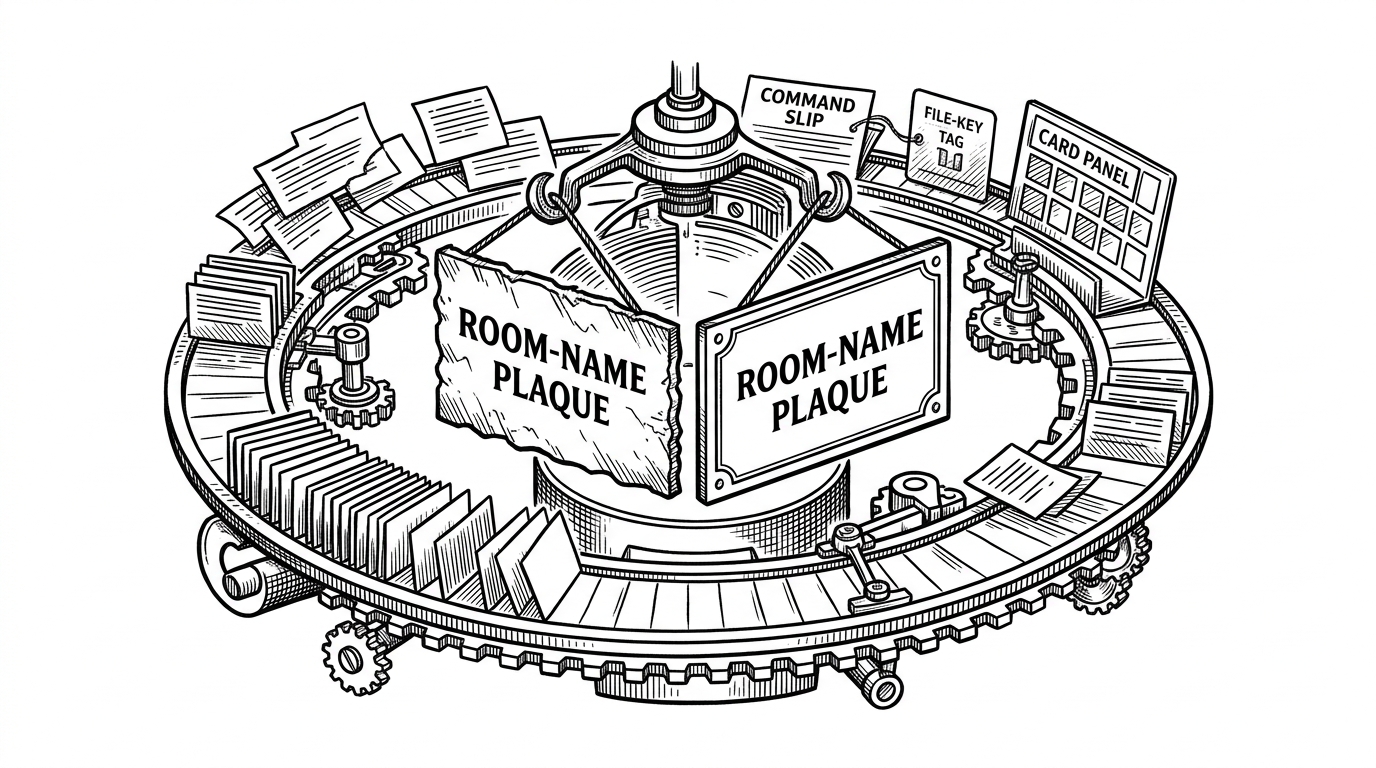
- The repo turns Lark's messaging surface into a state machine by letting the chat room title carry incident status.
- Its real lesson is orchestration, because the useful feature appears only after several atomic SDK calls are stitched into one workflow.
- The demo favors template-driven cards and explicit API steps over clever abstractions, which keeps the flow editable and predictable.
- Compared with community SDKs, the official examples win on fidelity even when they trade away some ergonomics.
The chat name is the state machine
The most memorable thing in this repo is also the smallest. A chat room title changes with the incident, so the room itself tells you whether the work is still active or already closed.
That sounds like a UI flourish until you see the larger pattern. The bot is not just replying to messages. It is keeping the visible state of the room, the card, and the action in sync.
message event
  -> parse command
  -> inspect current room state
  -> rename chat if needed
  -> update the incident card
  -> send the result back to the room
Why this repo exists at all
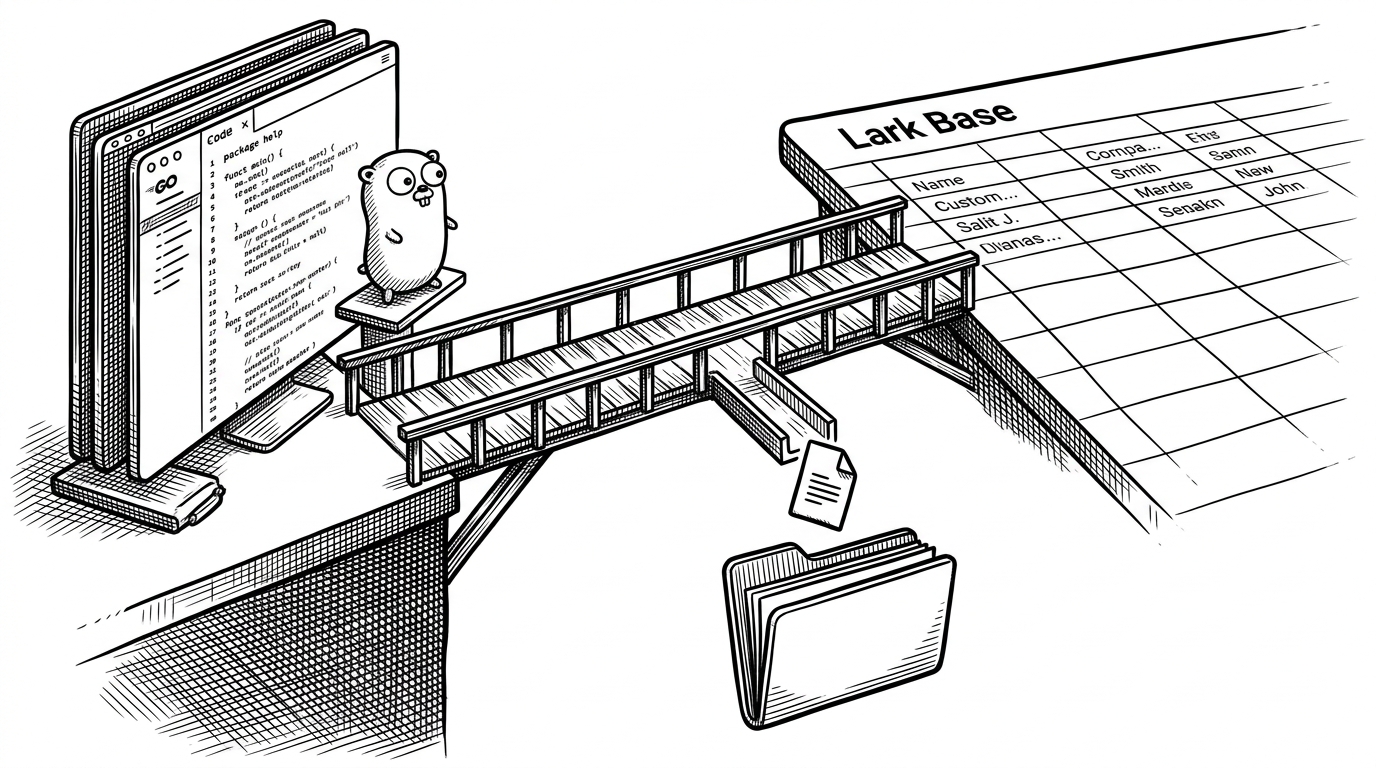
larksuite/oapi-sdk-go-demo is the official recipe book for the Go SDK. It is not trying to be a framework, and it is not trying to invent a higher abstraction. It shows how the platform wants you to stitch its primitives together.
That is why the repo is organized around workflows rather than isolated endpoints. The point is not here is how to call one API. The point is here is how to turn several API calls into one useful business action.
From webhook to workflow
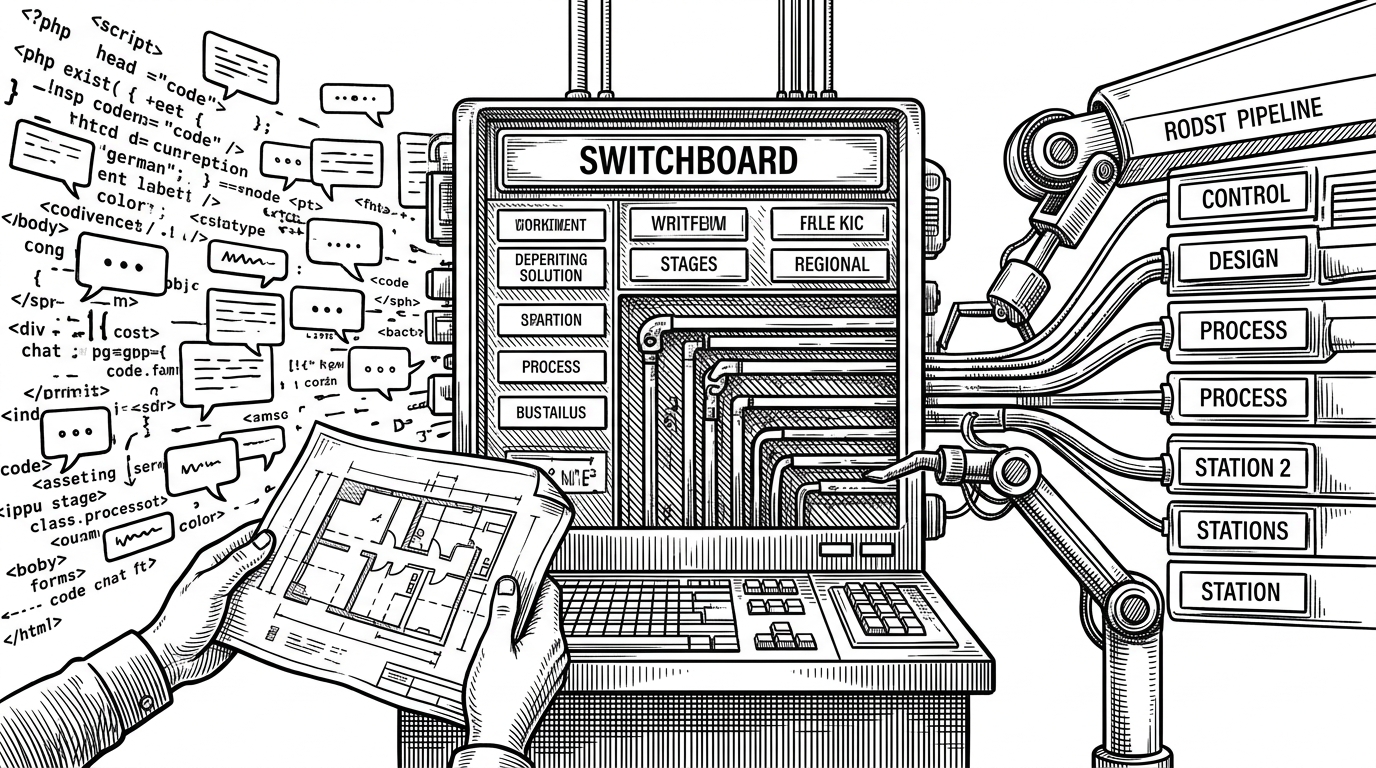
The quick_start robot is the best proof that this is not toy code. An inbound event lands on an HTTP handler, a command gets parsed, and the bot decides whether the room should be marked in progress or solved.
Once you read the loop this way, the moving parts stop feeling mysterious. The chat update is not a side effect. It is the interface.
incoming message
  -> parse /solve
  -> read room state
  -> rename chat if the prefix still says in progress
  -> update the incident card
  -> notify the room
Composite APIs are the real product
The composite_api directory is where the demo becomes a pattern library. Send a file, send an image, walk a department tree, copy a sheet range. Each helper hides the annoying part that every real team ends up reimplementing.

That matters because users never ask for a file_key. They ask for a report to land in the room. The composite layer keeps the code focused on the outcome instead of the transport details.
upload file
  -> get file_key
  -> insert file_key into message payload
  -> send one business action
Card templates keep the UI editable
The same pragmatism shows up in the incident card flow. The repo keeps the card in a JSON template, then fills in live values at runtime. That is a clean handoff between design and code, because the visual structure stays stable while the content changes.

The visual design can live in a tool, in a template file, or in a designer's handoff. The Go code only needs to swap in the keys, labels, and image references.
The SDK is strict. The demo is pragmatic.
The official Go SDK leans hard on builders. That buys type safety and consistency, but it can feel ceremonial when the endpoint is simple or the typed wrapper lags the API surface.
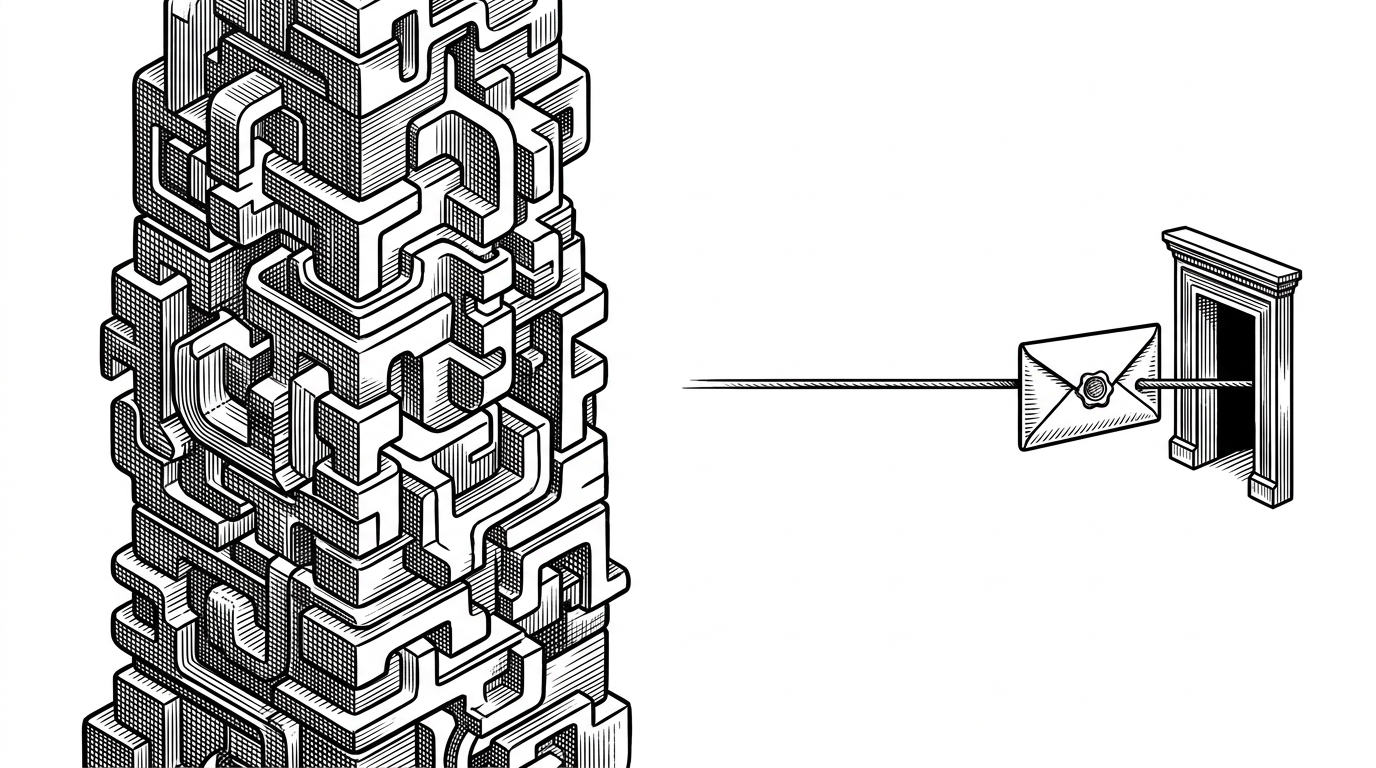
The sheets examples make the compromise explicit by dropping to a direct request path when needed. The lesson is not skip the SDK. It is keep an escape hatch for the edge cases the generated layer has not smoothed over yet.
Official demo, community SDK, or bot-first library
| Project | Philosophy | Coverage | Strength | Trade-off | Best for |
|---|---|---|---|---|---|
| <a href='https://github.com/larksuite/oapi-sdk-go-demo'>larksuite/oapi-sdk-go-demo</a> | Official examples that teach intended usage | Selected workflows built around the official SDK | Closest match to the platform's preferred patterns | Less broad than community SDKs | Teams standardizing on the official Go SDK |
| <a href='https://github.com/chyroc/lark'>chyroc/lark</a> | Community SDK with broad coverage and generated upkeep | Wide API and callback surface | Breadth and testing convenience | Different ergonomics from the official SDK | Teams wanting breadth and test helpers |
| <a href='https://github.com/go-lark/lark'>go-lark/lark</a> | Messaging-first and bot-friendly | Focused on chats, notifications, and bot flows | Fast path for lightweight ChatOps | Narrower surface than full-platform SDKs | Notification bots and simpler messaging tools |
The official demo wins when fidelity matters. Community SDKs may feel broader or friendlier, but this repo is the clearest guide to the platform's intended Go shape.
What a reader should steal from this repo
The transferable lesson is not build on Lark. It is to treat the chat surface as part of the system, not as a notification pipe.
- Compose small API calls into one operation the user can understand.
- Keep visible state close to the conversation.
- Use templates for cards when design is easier to edit outside code.
- Reach for raw requests only when the SDK gets in the way.
That is why this repo feels more useful than a standard sample collection. It shows how a room, a card, and a few API calls can act like a lightweight workflow engine.