ljg-skill-clip: A clipboard pipeline for Claude Code
A single SKILL.md file turns "save this" into a structured workflow, fetching web content, cleaning it, tagging it, and filing it into Org-mode with almost no friction.
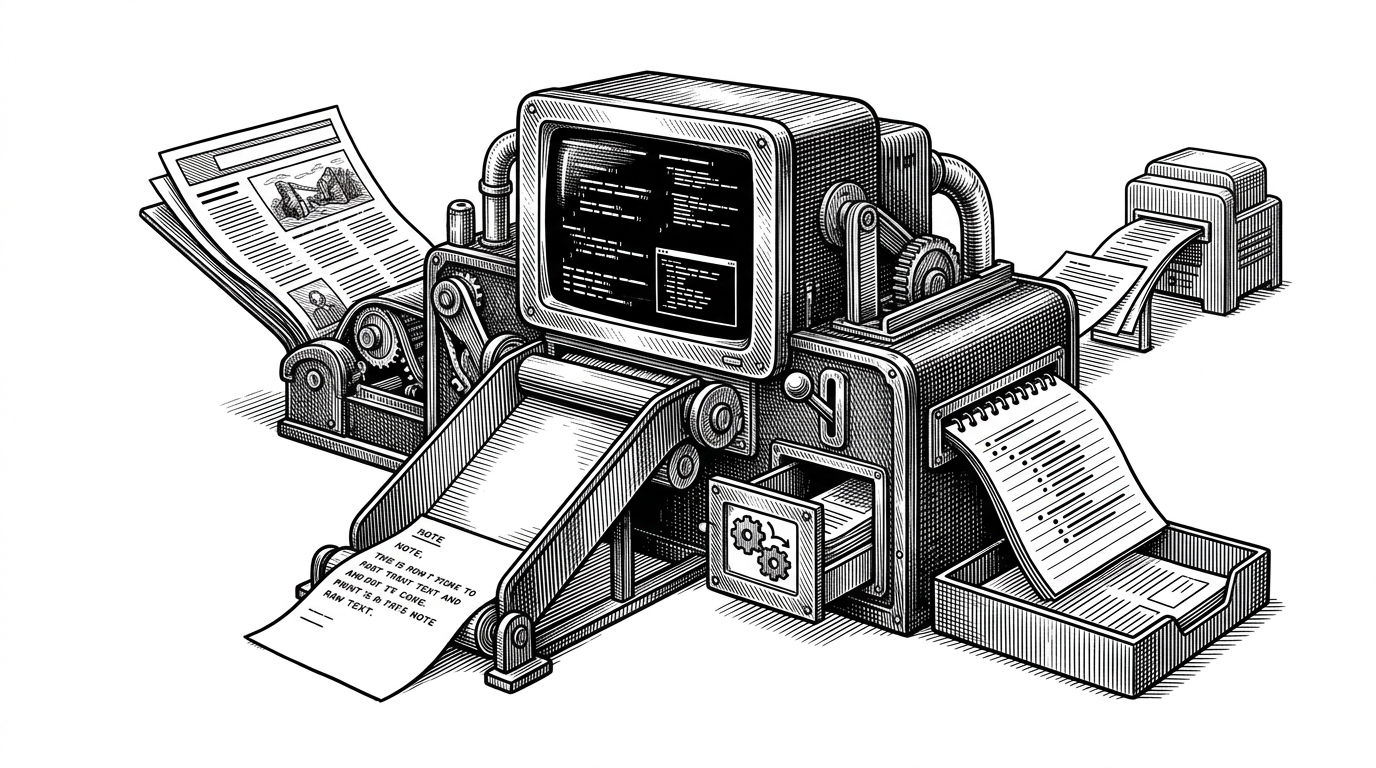
- ljg-skill-clip turns Claude Code into an intake router that normalizes capture before it ever becomes a note.
- Its real invention is not scraping, but the discipline of forcing every path into one local Org-mode inbox.
- The +xray handoff makes the skill modular, so the prompt behaves more like a Unix pipeline than a static command.
- The repo is opinionated enough to be narrow, which is exactly why it feels useful to power users.
A clipboard you can talk to
Most clipping tools ask you to stop thinking and start copying. This repo does the opposite. You speak to Claude Code, pass it a URL or a block of raw text, and ljg-skill-clip turns that intent into a structured capture that lands in inbox.org.
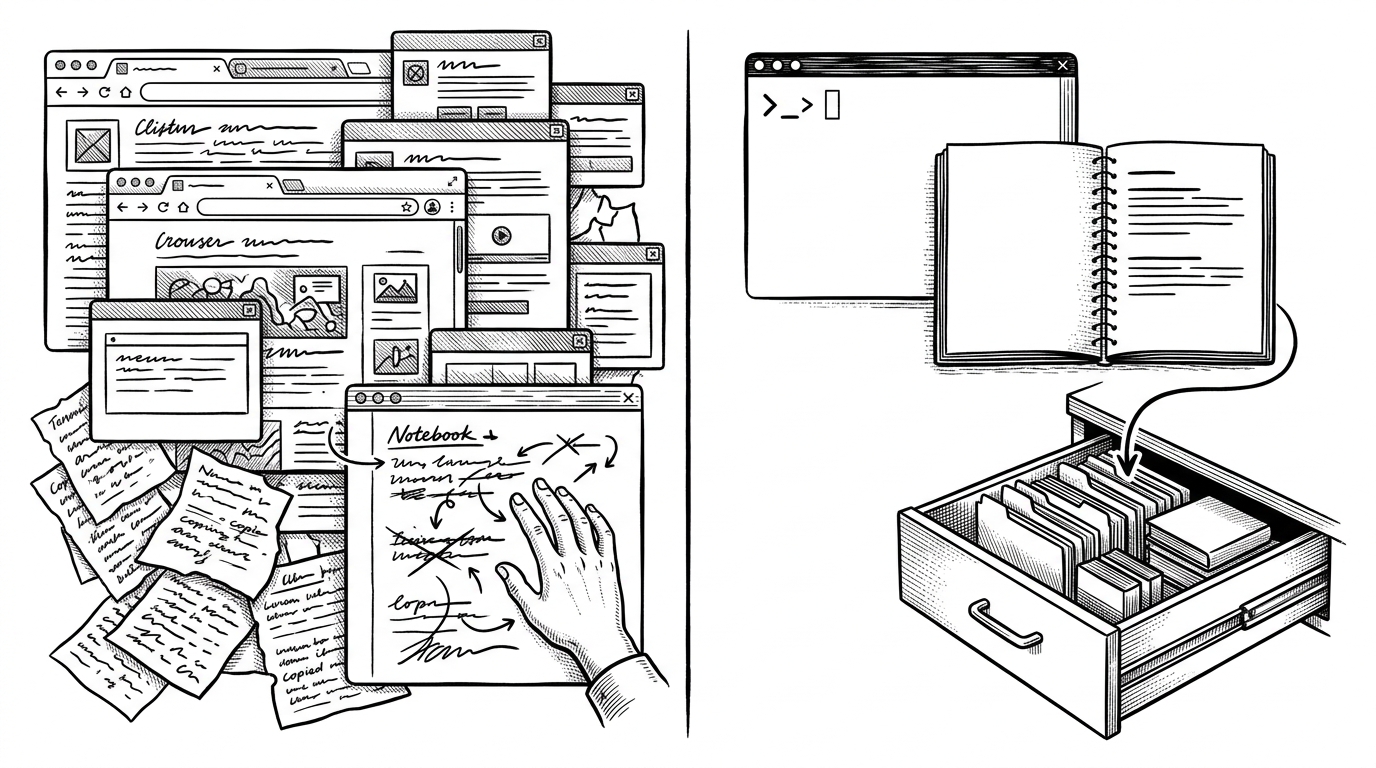
That sounds small until you notice the shape of the workflow. There is no browser extension to babysit, no new database to learn, no second app fighting for attention. The skill behaves like a tiny intake desk with one rule: everything gets normalized before it touches disk.
值钱的不是 7 个 skill 本身,而是它把“理解内容 → 重写表达 → 视觉转译”做成了一套可拼装的工作流。
Inside SKILL.md, the prompt as a state machine
The surprise is how procedural the markdown is. The skill branches on input type, calls Claude's WebFetch tool when there is a URL, strips junk, translates Markdown into Org syntax, maps tags, and appends the result with metadata. In other words, a prompt file is acting like a control program.
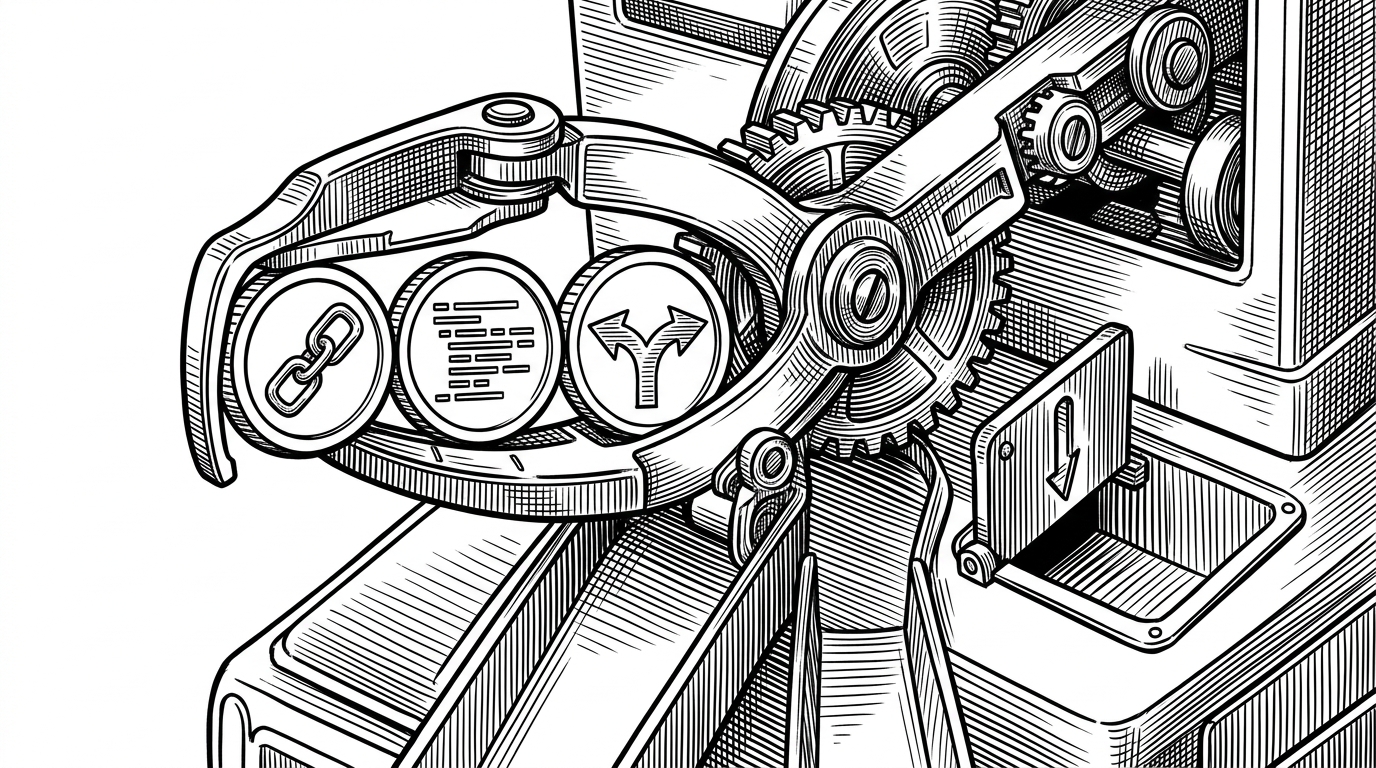
That branching matters because it keeps the user in intent space. The same phrase, "clip this," can resolve into different execution paths without forcing the user to pick tools first. The skill becomes a router for meaning, not just a command wrapper.
* Captured item title
:PROPERTIES:
:SOURCE: https://example.com/article
:STATUS: clipped
:END:
Short body text in Org syntax.

IF input is URL:
  fetch
  clean
ELSE:
  parse text
convert to Org
tag
append to inbox.org
IF +xray:
  hand off to ljg-xray
Why Org-mode is the destination
Org-mode is not an incidental output format. It is the destination that makes the rest of the design worth caring about. Plain text stays portable, grepable, and local. A single inbox.org file also creates a clear rule: capture fast first, organize later.
That choice tells you who this is for. It is for people who would rather own their notes than rent them from a SaaS database, and who want an AI front end without giving up a text-first back end. The repo is opinionated, but the opinion is coherent: keep the source of truth boring and durable.

The +xray escape hatch
The cleanest sign of design maturity here is the handoff. Instead of bloating one skill until it does everything, ljg-skill-clip can pass special cases to a sibling skill through +xray. That is familiar Unix thinking, translated into Claude Code: one tool for intake, another tool for deeper analysis.
This is where the repo stops feeling like a prompt and starts feeling like a system. The skill is not just reacting to input, it is deciding when it should stop and let another module take over. That boundary keeps the workflow legible and keeps the responsibilities separate.
值钱的不是 7 个 skill 本身,而是它把“理解内容 → 重写表达 → 视觉转译”做成了一套可拼装的工作流。
What it beats, and what it does not
Against browser clipper extensions, the advantage is fewer context switches. Against note apps, the advantage is less schema and less UI. Against a normal script, the advantage is that the agent can make judgment calls before the file write.
| Dimension | Browser clipper | Note app | ljg-skill-clip | Normal script |
|---|---|---|---|---|
| Input path | Point and click in the browser | Copy and paste into an app | Speak the request in Claude Code | Write or wire every input path yourself |
| Output shape | Often raw text or a highlight dump | Rich, but tied to app structure | Org-mode entries in one inbox | Whatever the script was coded to emit |
| Local ownership | Depends on the extension | Depends on the platform | Plain text in a local file | Depends on your storage choice |
| Extensibility | Usually limited | Moderate, but UI-heavy | +xray can hand off to a sibling skill | High, but fully manual |
| Best fit | Casual clipping | General note taking | Claude Code plus Org-mode power users | Developers who want full control |
The trade-off is obvious and acceptable. This only shines if you already want Claude Code in the loop and you value Org-mode as a storage layer. If you want a general-purpose consumer clipper, this is too opinionated. If you want a capture pipeline that feels like a dialogue, that opinion is the product.
Origin context: Li Jigang's style
Li Jigang's work has a recognizable shape. It treats prompts as engineered artifacts, not loose prose, and it prefers composable skills over sprawling applications. That matters here because ljg-skill-clip does not read like a one-off utility. It reads like a narrow, repeatable interface.
The GitHub avatar portrait matters because the repo feels signed. The value is not just in the capture flow itself, but in the discipline behind it. The implementation stays small, the workflow stays explicit, and the destination stays local.
Why this matters beyond one repo
What this repo suggests is bigger than clipboard capture. It points to a category of software where a short instruction file can own the decision tree, the formatting rules, and the destination. That is a useful pattern for power users because it scales by composability, not by UI surface area.
If the future of agent tooling is going to be practical, it will look less like one giant app and more like a handful of small skills that know exactly where to hand things off. ljg-skill-clip is a clean example of that idea already working.