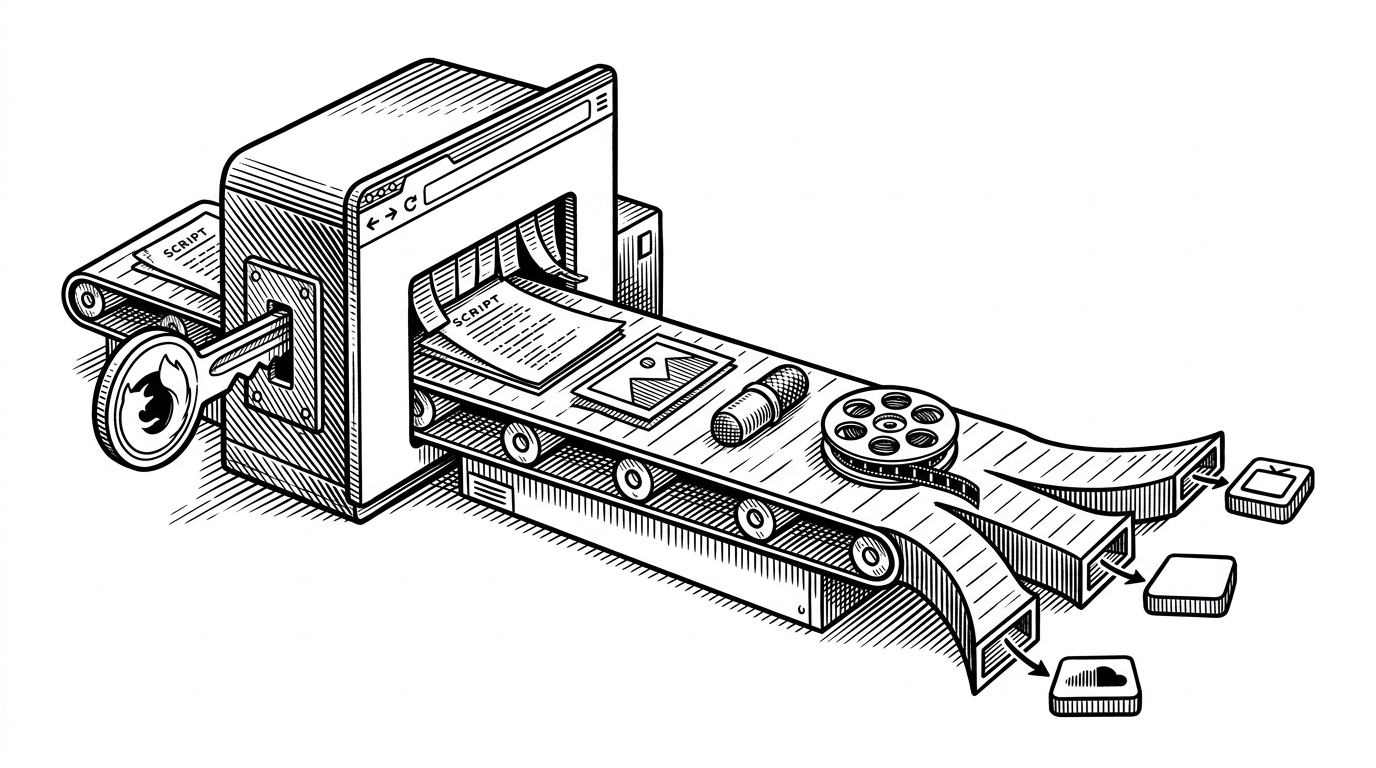
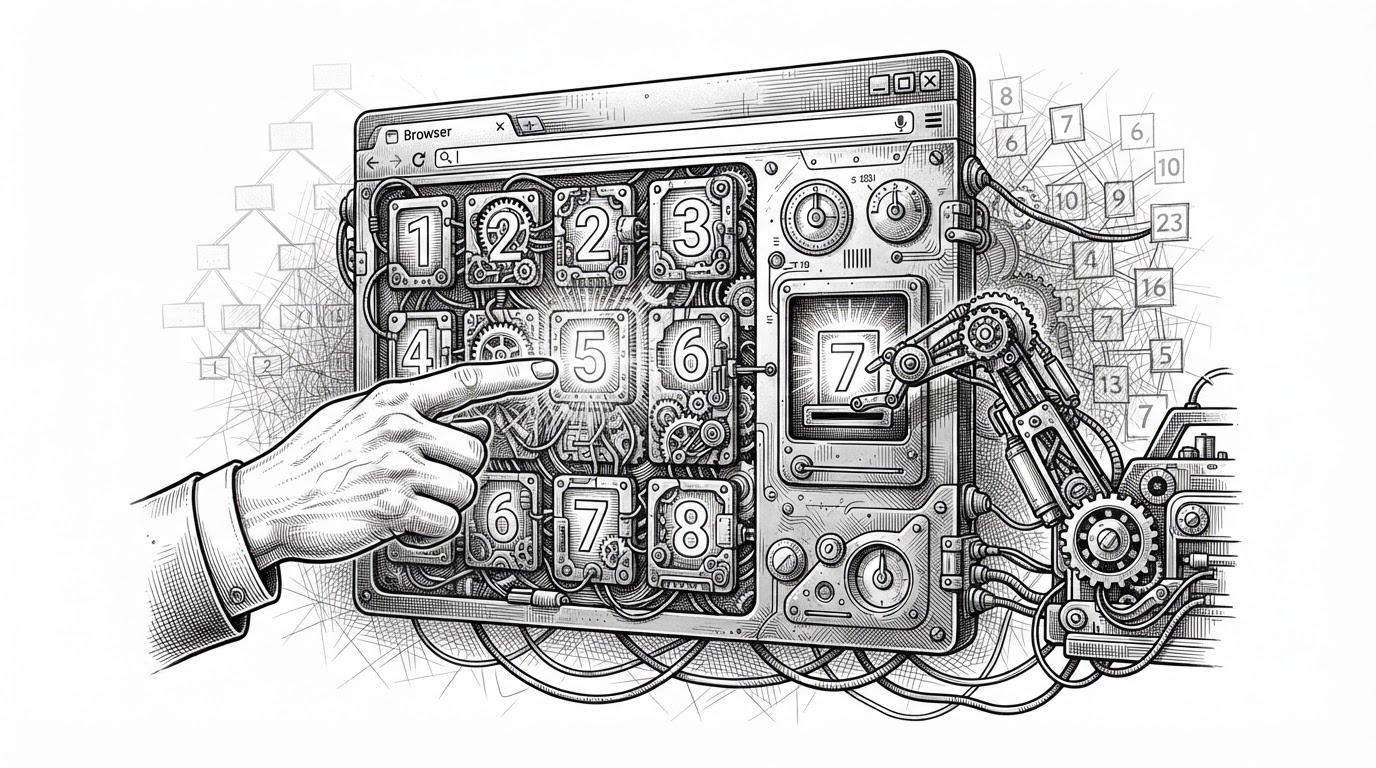
`headless-terminal` turns TUIs into something an agent can actually see
A persistent daemon, a Ghostty-backed screen model, and wait conditions that make terminal automation feel less like guessing and more like control.

Headless Terminal is a Docker container that provides a full-featured terminal emulator in your browser, powered by GoTTY.
- `ht` matters because it treats a terminal session as a persistent, inspectable state machine instead of a firehose of bytes.
- Ghostty gives the project a higher-fidelity screen model, which makes modern TUIs easier to interpret than with simpler VT parsers.
- The wait primitives are the real automation feature, because reliable control depends on knowing when text appears, when the terminal goes idle, and when a process exits.
- The skill directory shows the intended audience clearly: this repo is built for agents as much as for humans.
The terminal is not the problem. Visibility is
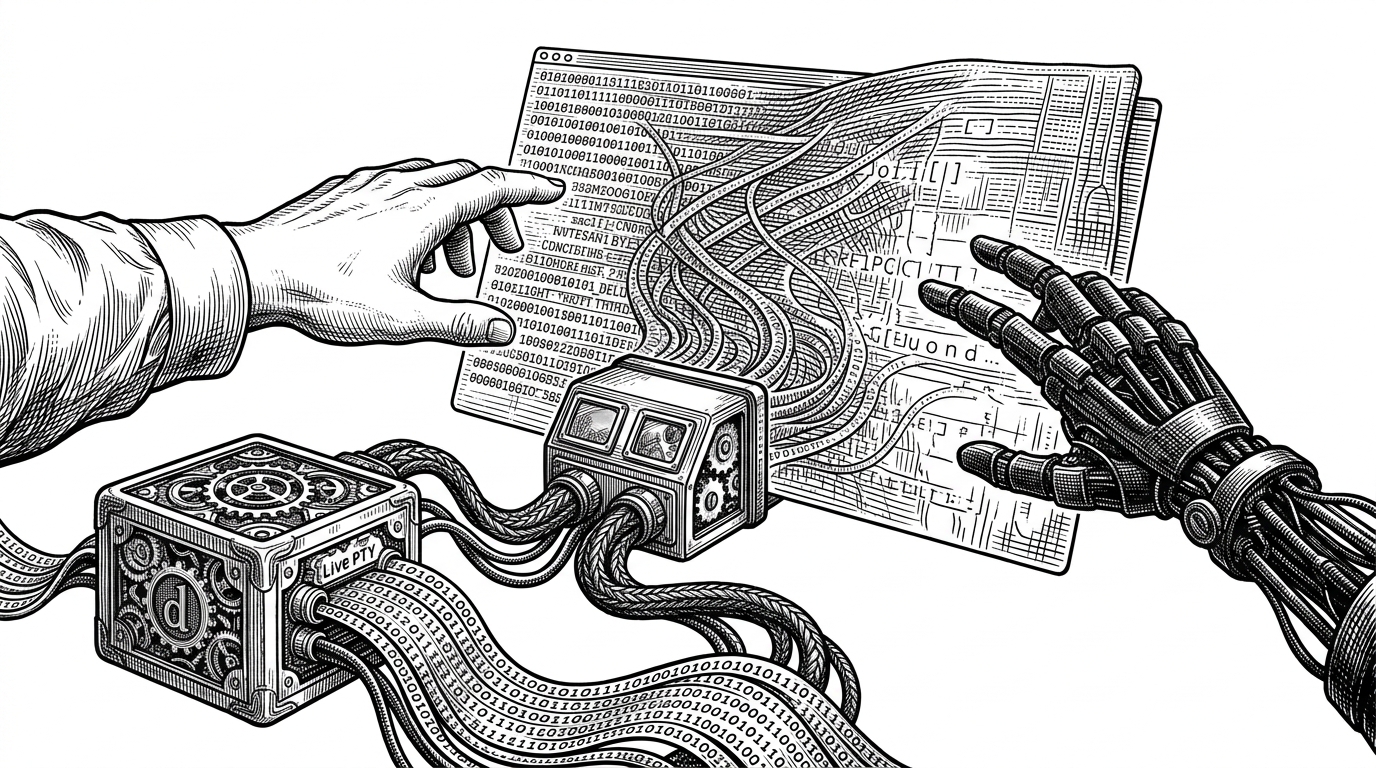
Modern agents can write code, but they still stumble on live terminal apps. A TUI is not a neat stream of stdout lines. It repaints, moves the cursor, handles escape sequences, and changes meaning based on what is already on screen. That makes naive scripting brittle the moment the program starts behaving like a real interface.
`headless-terminal` starts from that frustration. The point is not to wrap a shell in a prettier transport. It is to make terminal state legible enough that another process can reason about it without guessing.
What `ht` actually is
At the repo level, `ht` is a small system with a clean split: `cmd/ht` for the CLI, `internal/daemon` for long-lived session management, `internal/session` for the PTY and screen model, `internal/protocol` for the wire format, and `third_party/libghostty-vt` for the emulator core. That structure matters because the daemon is not a convenience layer. It is what makes the terminal persistent enough to observe.
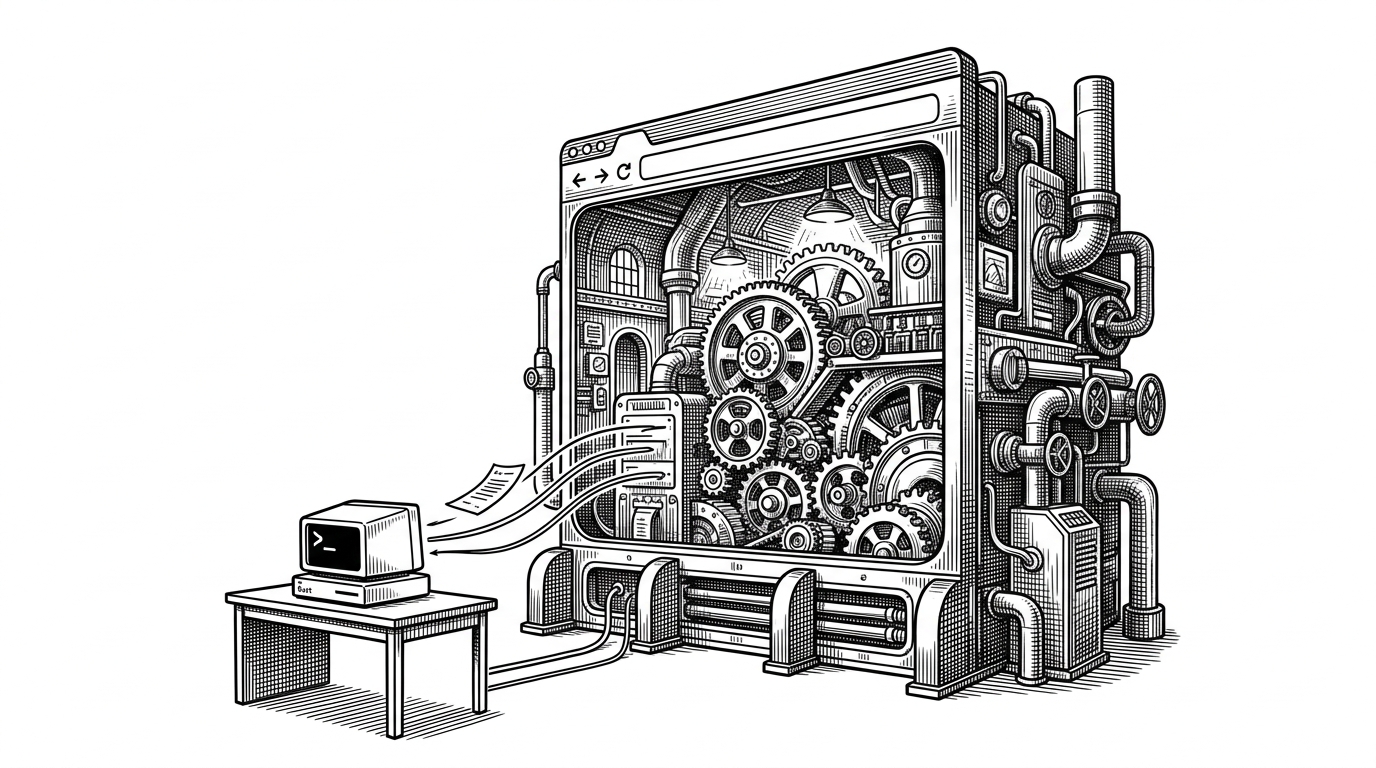
The architecture is easy to miss if you only look at the CLI. The interesting move is that a session owns a real PTY and a terminal emulator core, so the project can preserve what the screen looks like, not just what the child process happened to print.
The key move: treat the screen like state
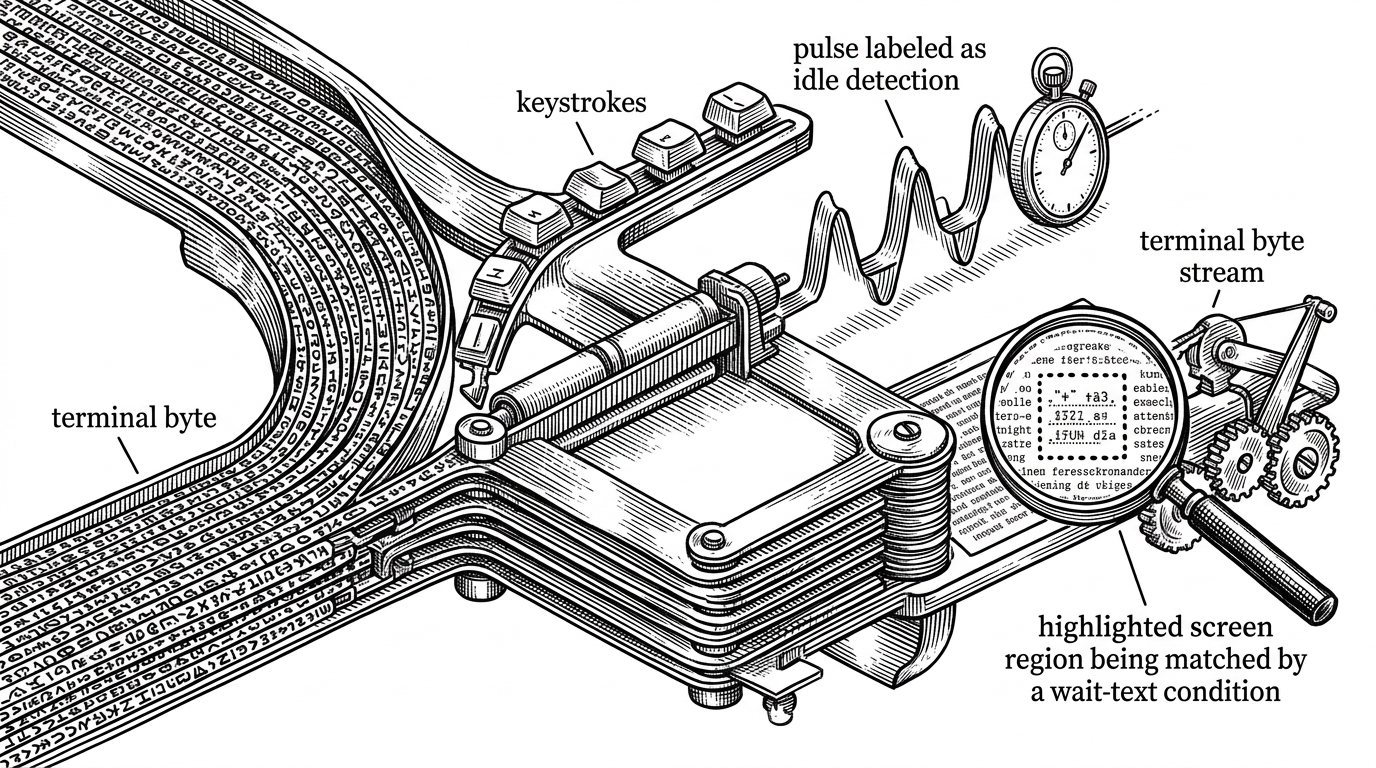
This is the project’s best idea. The session does not merely mirror input and output. It fans PTY bytes into a living screen model and into watchers at the same time, so a client can query what is visible, wait for a condition, and then continue only when the terminal has actually reached the expected state.
That distinction sounds subtle until you compare it with brittle automation. If a command arrives too early, the app may ignore it or batch it. If a match is checked against stale text, the client moves on too soon. `ht` is trying to make those failure modes visible and controllable.
Why the wait strategy matters more than the renderer
The renderer is important, but synchronization is where the product earns its keep. The project’s pacing and wait primitives turn the terminal into something closer to a cooperative API. The model is simple: type at a human-like rate, watch for the right text, wait for idle silence, or block until exit.
| Wait mode | What it watches | Why it helps | Failure it avoids |
|---|---|---|---|
| Pacing | Keystroke cadence | Prevents input from being batched by the target app | Commands arriving too fast |
| wait-text | Rendered screen content | Confirms the UI actually reached the expected state | Reading stale output |
| wait-idle | Silence on the wire | Waits for activity to settle before continuing | Acting during a repaint or partial update |
| wait-exit | Process lifecycle | Stops only after the child process ends | Moving on while the TUI is still running |
That is the real automation layer. A terminal tool that cannot coordinate timing is just a prettier pipe. `ht` makes timing part of the interface.
Why Ghostty is the differentiator
A lot of terminal tooling leans on basic VT parsing and gets by until the first modern TUI throws something weird at it. Ghostty changes the ceiling. By using a high-fidelity emulator core, `ht` can track cursor movement, colors, and more complex escape behavior with much better fidelity than a simple text scraper.
That matters because the screen is the product. If the model lies, the agent lies to itself. Fidelity is not a nice-to-have here. It is the contract.
How `ht` compares to the terminal stack around it
Most adjacent tools solve one slice of the problem. Some expose a terminal in a browser. Some automate interactions. Some render a terminal well. `ht` is trying to combine screen state, persistence, and wait semantics into one control surface.
| Project | Primary purpose | Preserves screen state | Automation-friendly | Backend model | Best use case |
|---|---|---|---|---|---|
| `ht` | Agent-facing terminal control | Yes | Yes | Daemon plus PTY plus emulator core | Driving TUIs reliably |
| `expect` | Scripted terminal interaction | Partially | Yes | Text matching over spawned processes | Legacy shell automation |
| `ttyd` | Share a terminal over the web | Yes, as a live terminal view | Limited | Websocket-backed PTY | Remote browser access |
| `wetty` | Web terminal in Node | Yes, as a rendered session | Limited | Node PTY plus xterm.js | Web-based shell access |
| `gotty` | Expose CLI tools over the web | Yes, as a streamed session | Limited | Go PTY bridge plus browser UI | Quick terminal sharing |
| `xterm.js` | Browser terminal renderer | No, not by itself | No | Frontend component only | Building custom terminal UIs |
That comparison is the point. Most of the stack around a terminal is either transport or presentation. `ht` is interested in the in-between layer where a running TUI becomes readable enough to automate.
Why the skill directory matters
The `skill/` directory is a strong signal. It says the repo is not only documenting how humans should use the tool, but how an agent should think about it. That is a useful distinction. A system designed for collaboration between human and model needs instructions that live with the code, not somewhere off to the side.
It can be used to provide terminal access to a server, or to embed a terminal in a web application.
That is also why the repo feels unusually deliberate. The interface is not just a CLI surface. It is a workflow contract for whoever, or whatever, is driving the terminal.
The trade-off: power, but only if the model can wait
`ht` is elegant because it recognizes the real problem. Terminal automation fails less because the shell is mysterious and more because timing is hard. The project’s answer is persistence, a faithful screen model, and explicit wait primitives. Put together, they turn a fragile interaction into something that can be reasoned about.
That is also the limit. If the caller cannot pace input or wait on the right condition, the terminal still wins. The project does not eliminate coordination. It makes coordination visible.