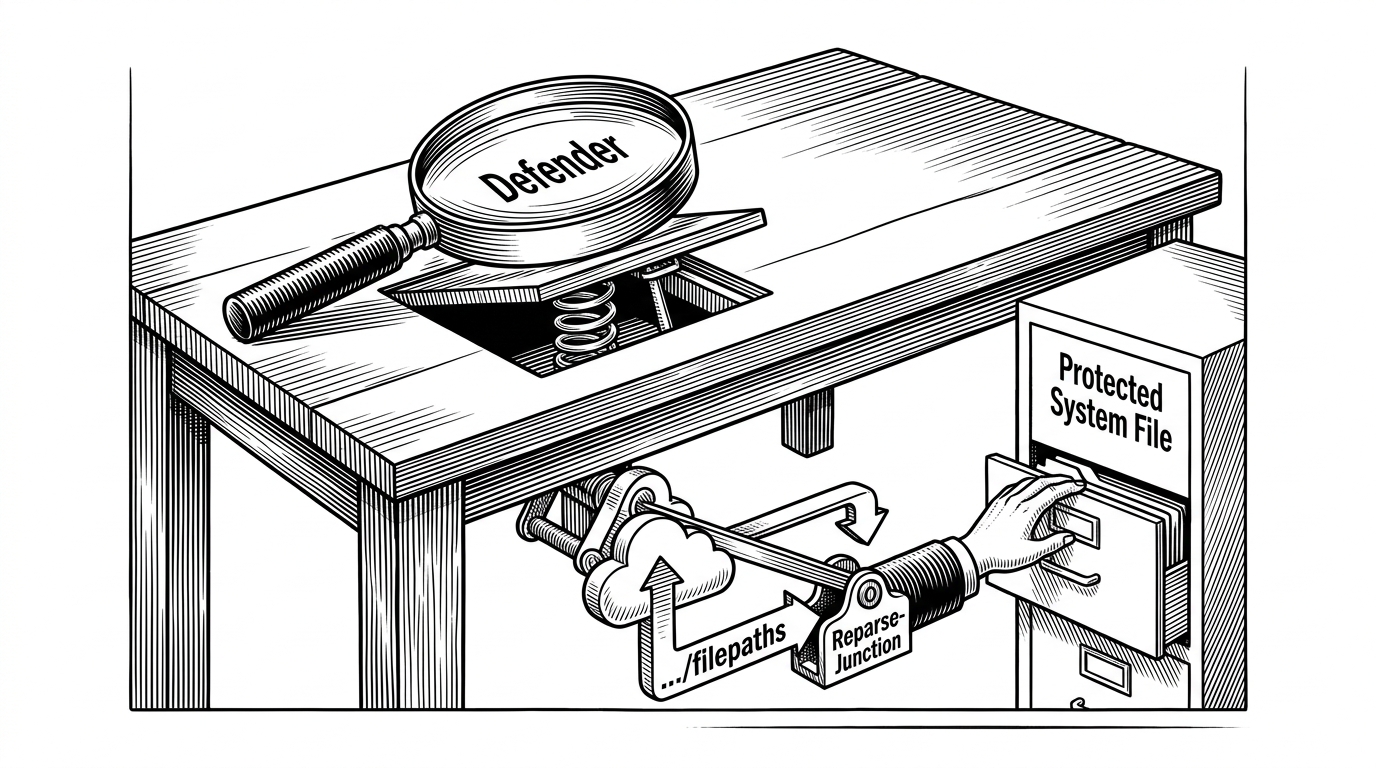
UnDefend: How a User-Mode File Lock Can Trip Up Windows Defender
A tiny C++ proof of concept targets the update gap, not the scanner, showing how timing, NTAPI calls, and shared file handles can undermine a security engine from standard-user context.
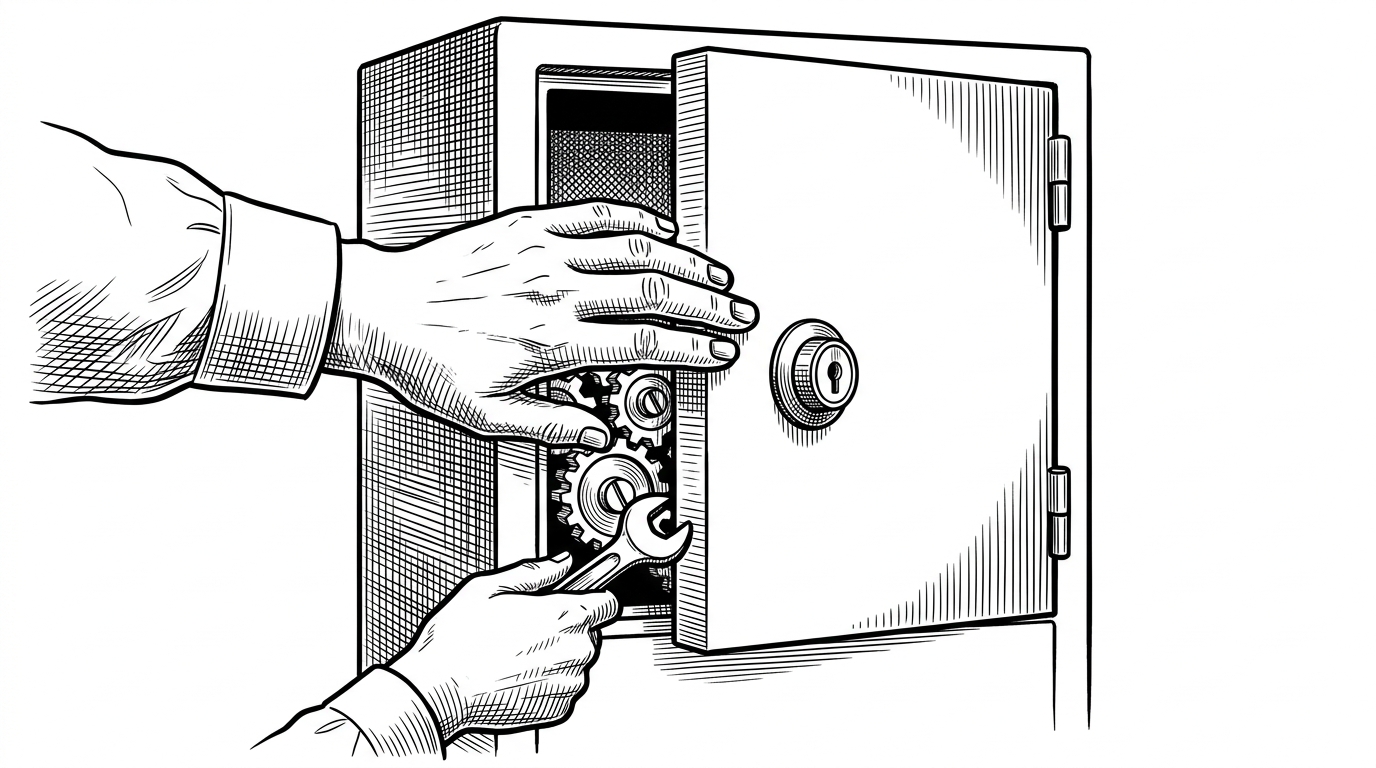
- UnDefend's trick is not privilege escalation. It is a race against Windows Defender's own update lifecycle.
- The repo shows how file locks can become a security boundary problem when a low-privilege process reaches the right path first.
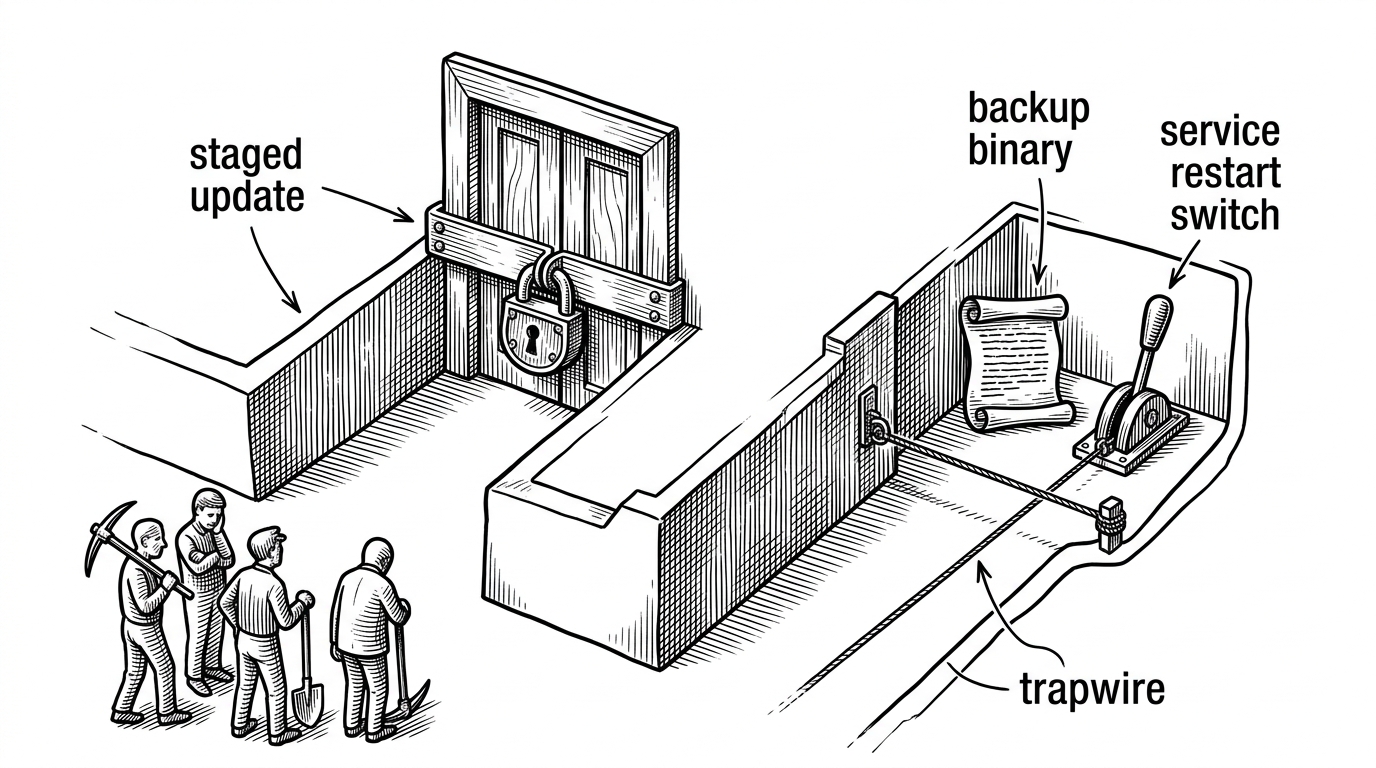
- Its two modes aim at different stages of the same weakness: definition staging and platform replacement.
- The broader lesson is uncomfortable. Security software still depends on ordinary software mechanics, and those mechanics can fail under contention.
Most security discussions focus on what gets blocked. UnDefend is interesting because it focuses on when. The repo's core move is simple: if a standard user can lock the right files at the right moment, even a heavyweight security engine can stumble while it is trying to update itself.
That makes the project less like a conventional AV killer and more like a timing lesson. Defender is strongest when its own maintenance path is smooth. UnDefend tries to make that path rough, and the result is a surprisingly ordinary failure mode: a file operation that cannot complete.
The weird part is how ordinary this attack is
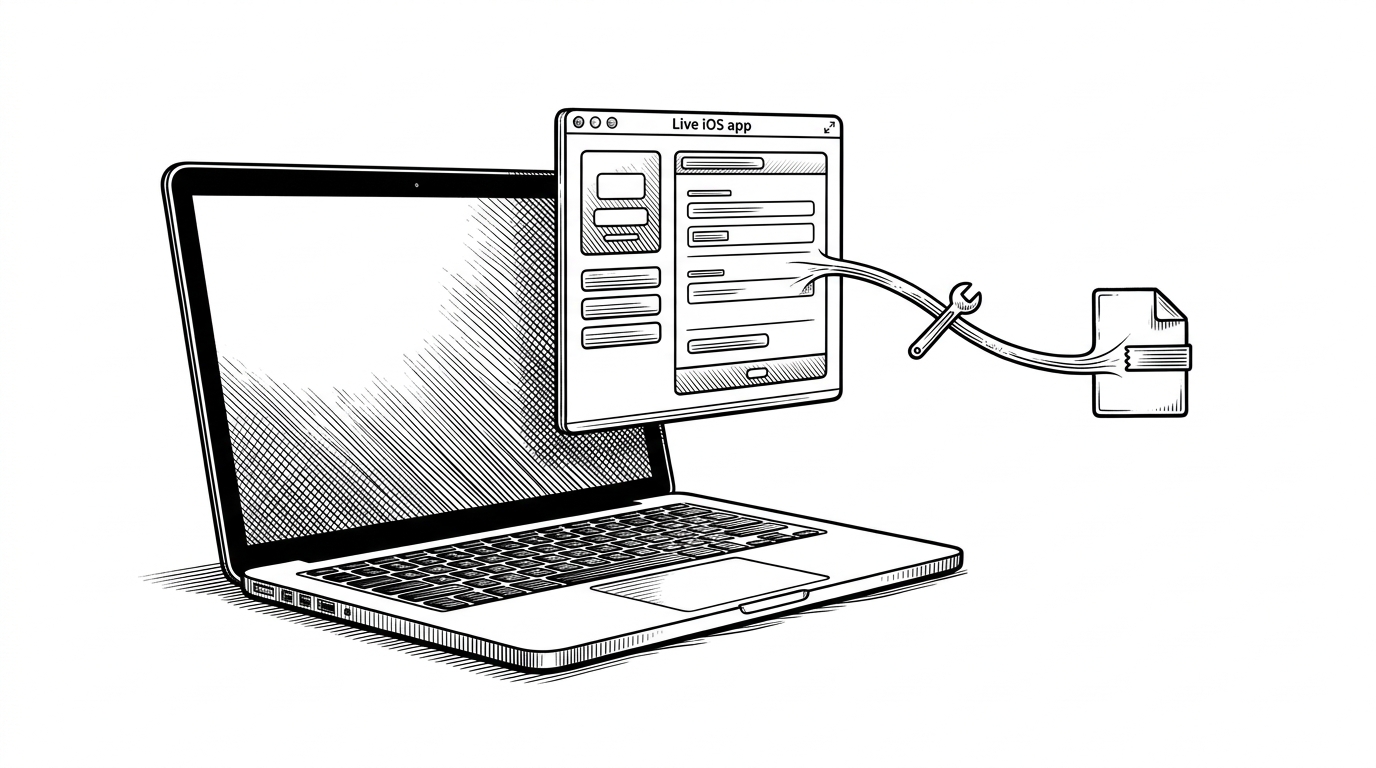
There is no kernel exploit here. There is no admin prompt to bypass. The PoC leans on file semantics, handle ownership, and a narrow race window around Defender's update flow. That is what makes it unsettling. The weakness is not exotic. It is the kind of thing every operating system has to get right, every day.
Two modes, one premise
| Expected Defender behavior | What UnDefend targets | Required privilege | Failure mode | Reliability |
|---|---|---|---|---|
| Download, stage, and replace files cleanly | The same staging and replacement window | Standard user in the demonstrated path | Update error or engine disruption | Opportunistic, depends on timing |
| Keep definitions and platform files writable only during controlled maintenance | Exclusive locks on files in transit | No admin rights shown in the PoC | Service cannot finish a write or swap | Higher for passive mode, lower for aggressive mode |
| Recover quickly from failed updates | Service restart and initialization transitions | No kernel component needed | Degraded availability | Fragile by design |
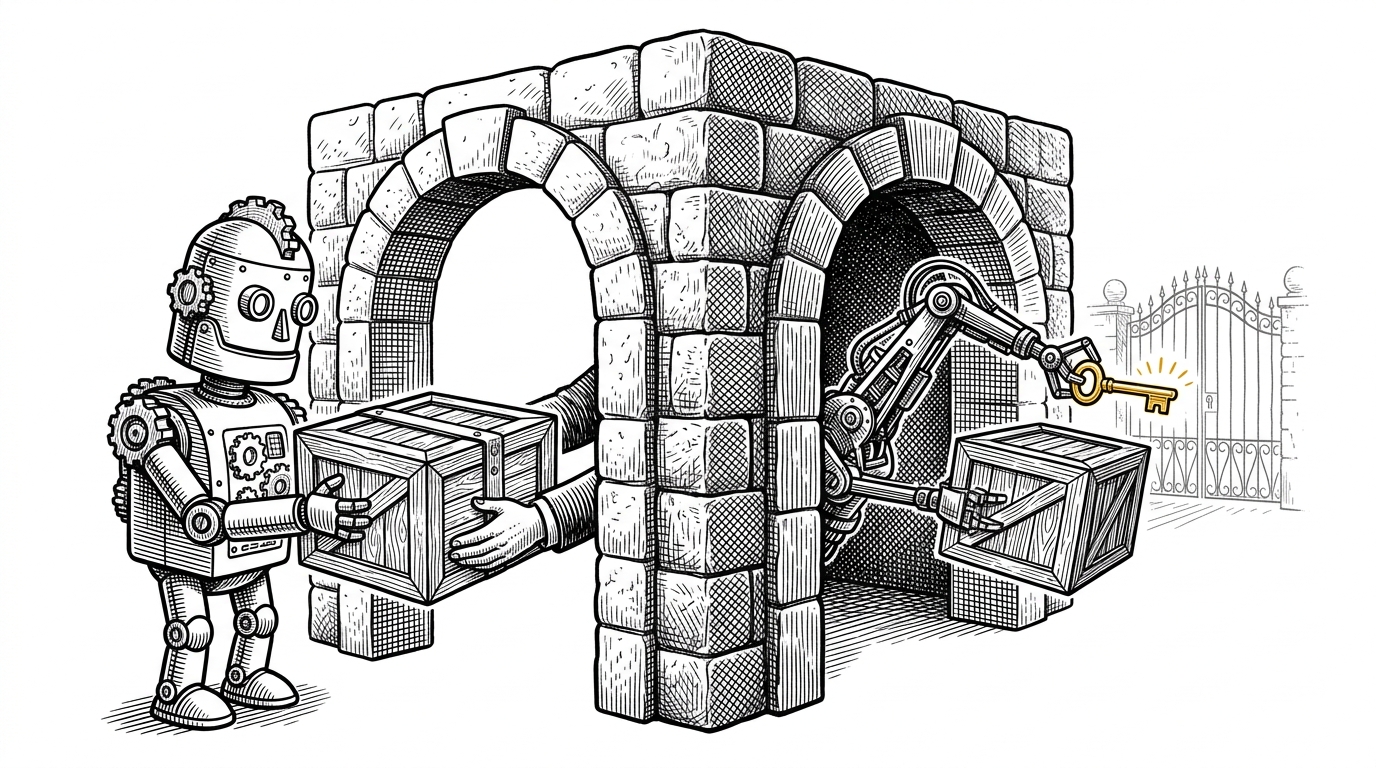
The table hides the real drama, which is that both modes depend on the same idea: reach the relevant file before Defender does. Passive mode goes after signature updates. Aggressive mode watches for a platform transition and tries to seize the replacement path while the service is still mid-move.
Why NTAPI matters here
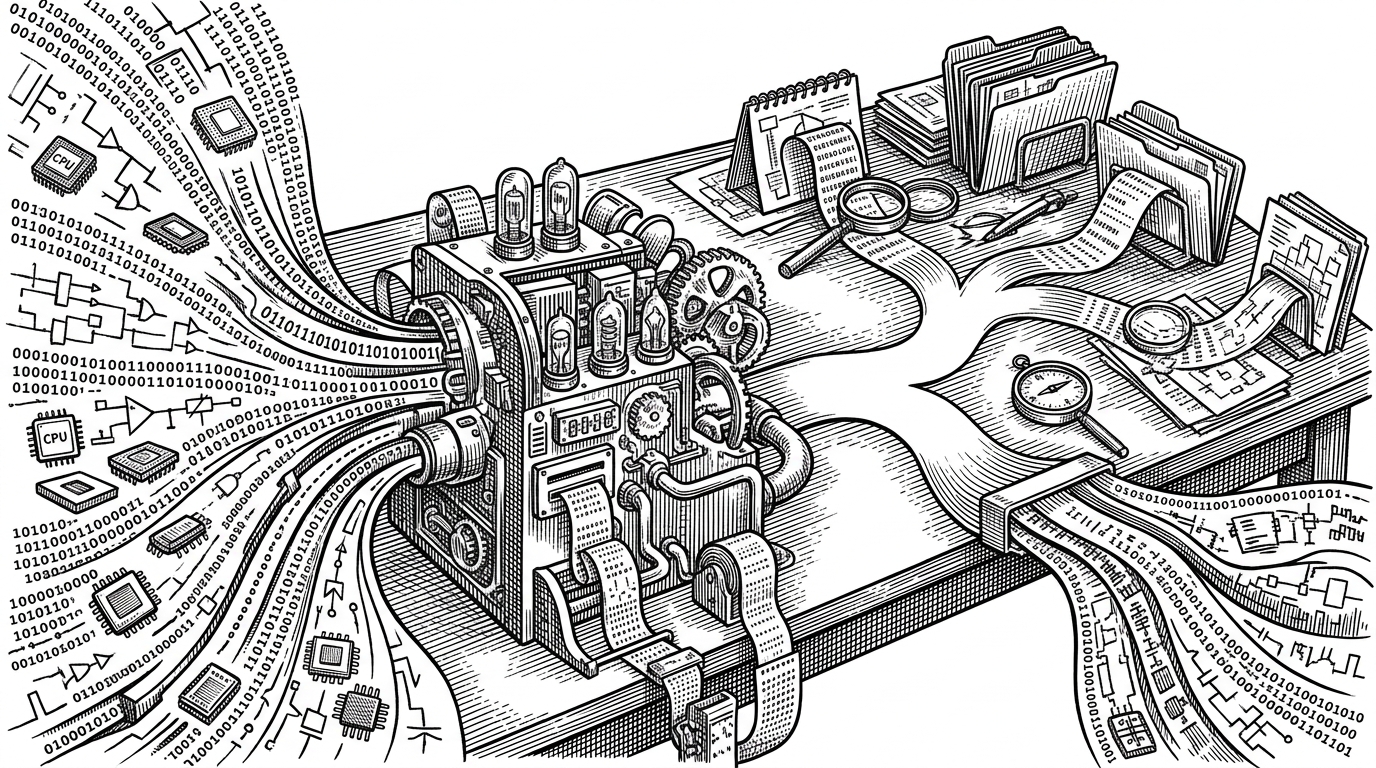
The implementation is intentionally close to the metal. Instead of leaning on higher-level file helpers, the code uses native Windows calls such as NtCreateFile and keeps track of handles in a protected list. That matters because the repo is not trying to be elegant. It is trying to stay close enough to the system that timing and locking behavior remain visible.
// High-level shape of the PoC
HANDLE h = NtCreateFile(..., OBJ_CASE_INSENSITIVE, ...);
LockFileEx(h, LOCKFILE_EXCLUSIVE_LOCK, ...);
TrackHandle(gHandleTracker, h);

// Passive mode watches signature locations and holds the lock
// Aggressive mode watches Defender state transitions and tries
// to lock backup or replacement binaries before initialization.
That handle tracker is the quiet center of the design. Once a file is locked, the program wants to keep it locked long enough to spoil the update. The critical section around the tracker is not there for style. It is there because the entire approach depends on persistent ownership of a small set of files.
The race condition is the real product
UnDefend is best understood as a state transition attack. Defender is safe while it is idle. It is also relatively safe while it has already finished replacing files. The gray zone in between is where the PoC lives. That gray zone is not glamorous, but it is exactly where a lot of real reliability bugs live too.
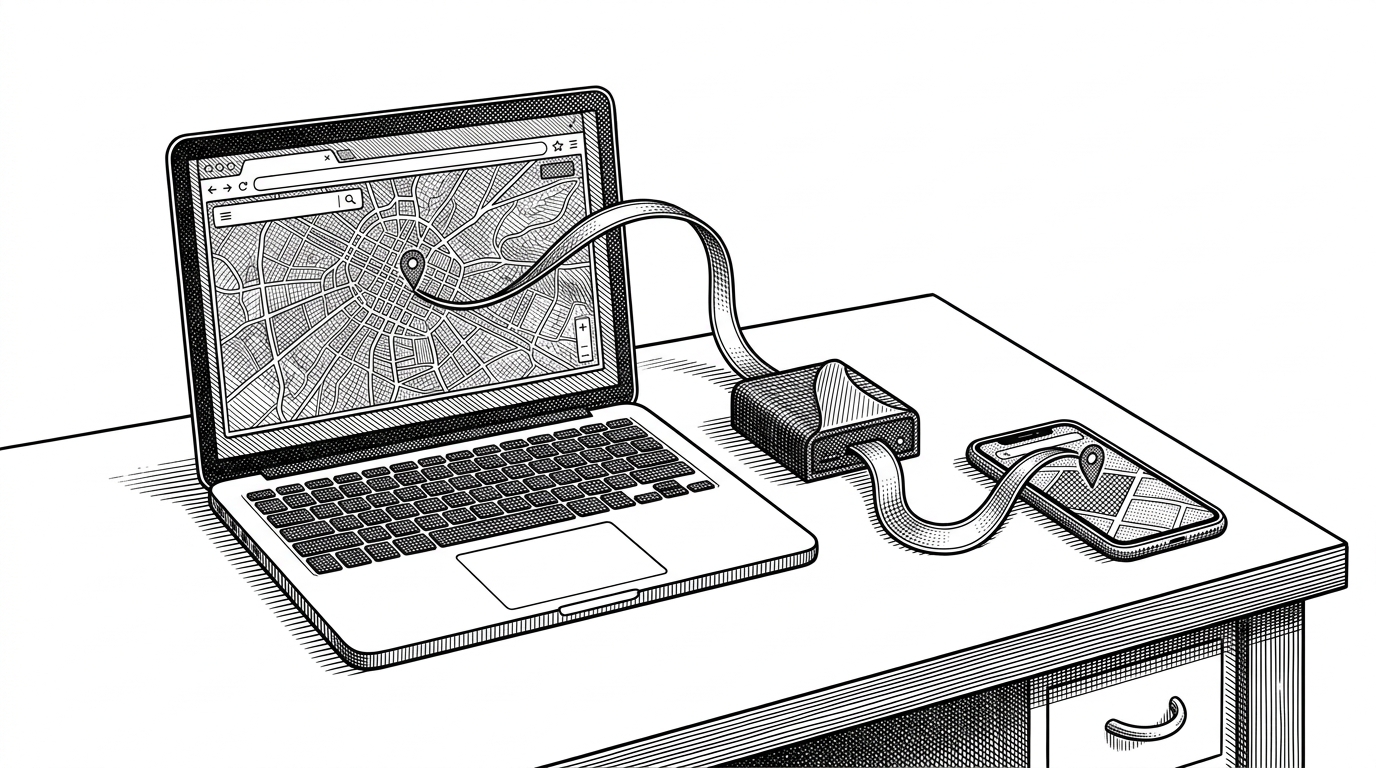
The interactive diagram above should be read as a race, not a flowchart. A token moves from source to staging to install. If UnDefend lands its lock before the install step completes, the package stops moving. In aggressive mode, the same idea applies to service restart and initialization instead of definition download.
What this is, and what it is not
| What it is | What it is not |
|---|---|
| A proof of concept for file-lock interference against a security product | A polished, reliable weapon |
| A demonstration that low-privilege interference can matter | A privilege escalation exploit |
| A timing and lifecycle lesson about Defender updates | A claim that Defender is universally bypassable |
| A rough repository with obvious experimental edges | A production-ready persistence framework |
The project is explicit about its roughness. That is part of the signal. You can read it as a reminder that dangerous behavior does not always arrive wrapped in polished tooling. Sometimes it arrives as a crude demonstration that still works well enough to prove the point.
Why security teams should care
Security software is software. That sounds banal until a low-privilege process starts interfering with the software's own maintenance path. Then it becomes a product question, not just a malware question. Can the engine update itself cleanly under contention? Can it recover when a handle is already taken? Can it tolerate interference from the same user context it is supposed to protect?
Those are boring questions right up until they are not. UnDefend is interesting because it turns a boring operating-system primitive into a security lesson. The lesson is broader than Defender. Any security product that relies on staged replacements, temporary directories, and clean service restarts has a surface area worth testing.