Shoot-a-Zombie: The Tiny Pygame Shooter That Teaches You How Games Actually Work
A manual collision system, a hand-rolled animation loop, and a one-file game state machine turn a simple zombie clicker into a lesson in game logic.
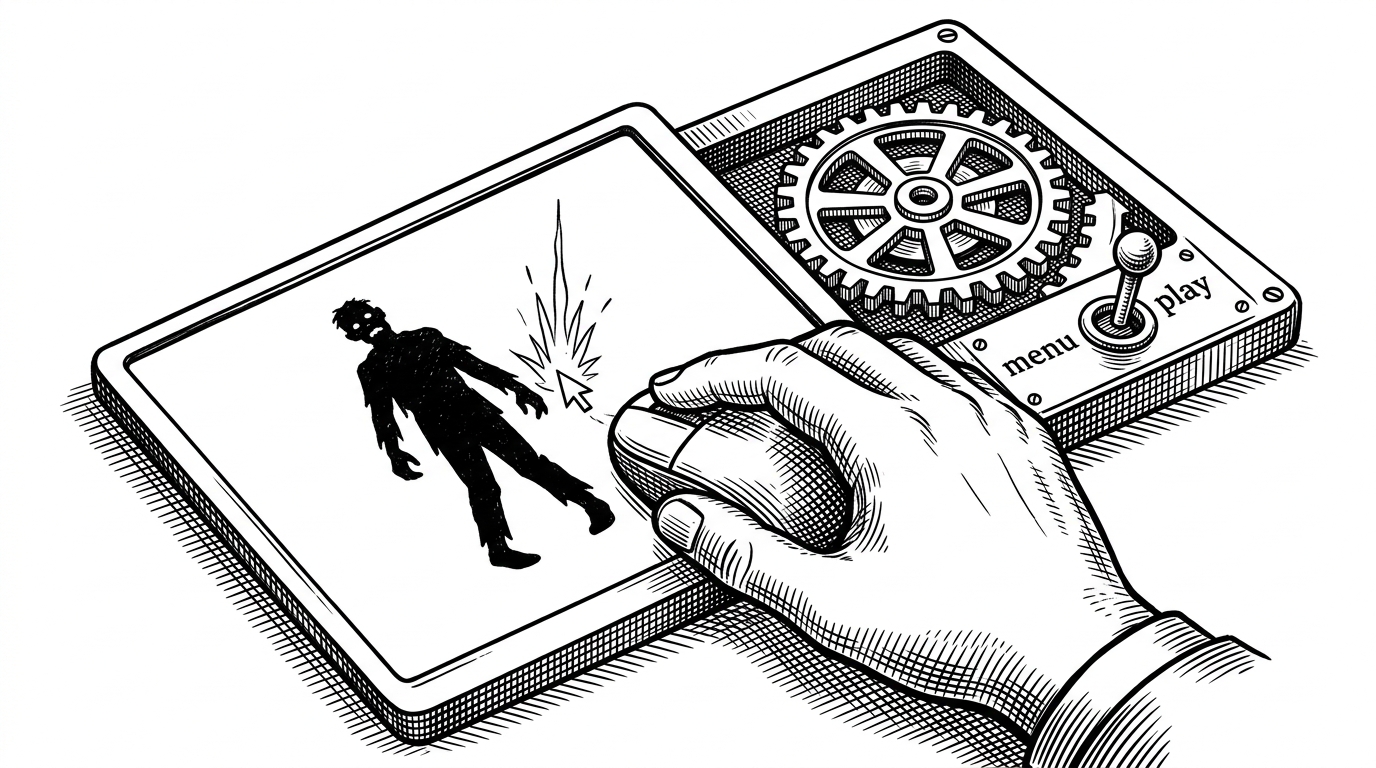
- Shoot-a-Zombie is interesting because it refuses to hide the hard parts of game programming behind convenience layers.
- The repo’s core lesson is that animation, collision detection, and state changes become understandable when they are written directly.
- Its small scope is a strength because every moving part stays visible enough to study and modify.
- Modern Python packaging makes the project feel reproducible even though the game itself is intentionally minimal.
Why this game matters
This is not a zombie game story. It is a story about deliberate implementation. Shoot-a-Zombie takes a tiny arcade premise and uses it to show how a game actually hangs together: input, state, animation, collision, feedback.
That makes it a better teaching object than a flashier project. The code is small enough that you can see the whole loop, but not so small that it cheats on the interesting parts.
The odd choice that makes it interesting
The repo’s real differentiator is restraint. Instead of leaning on higher-level abstractions, it implements the essentials by hand: a custom animation cycle, a manual area check for hits, a simple state switch, and a tiny explosion system for the shot feedback.
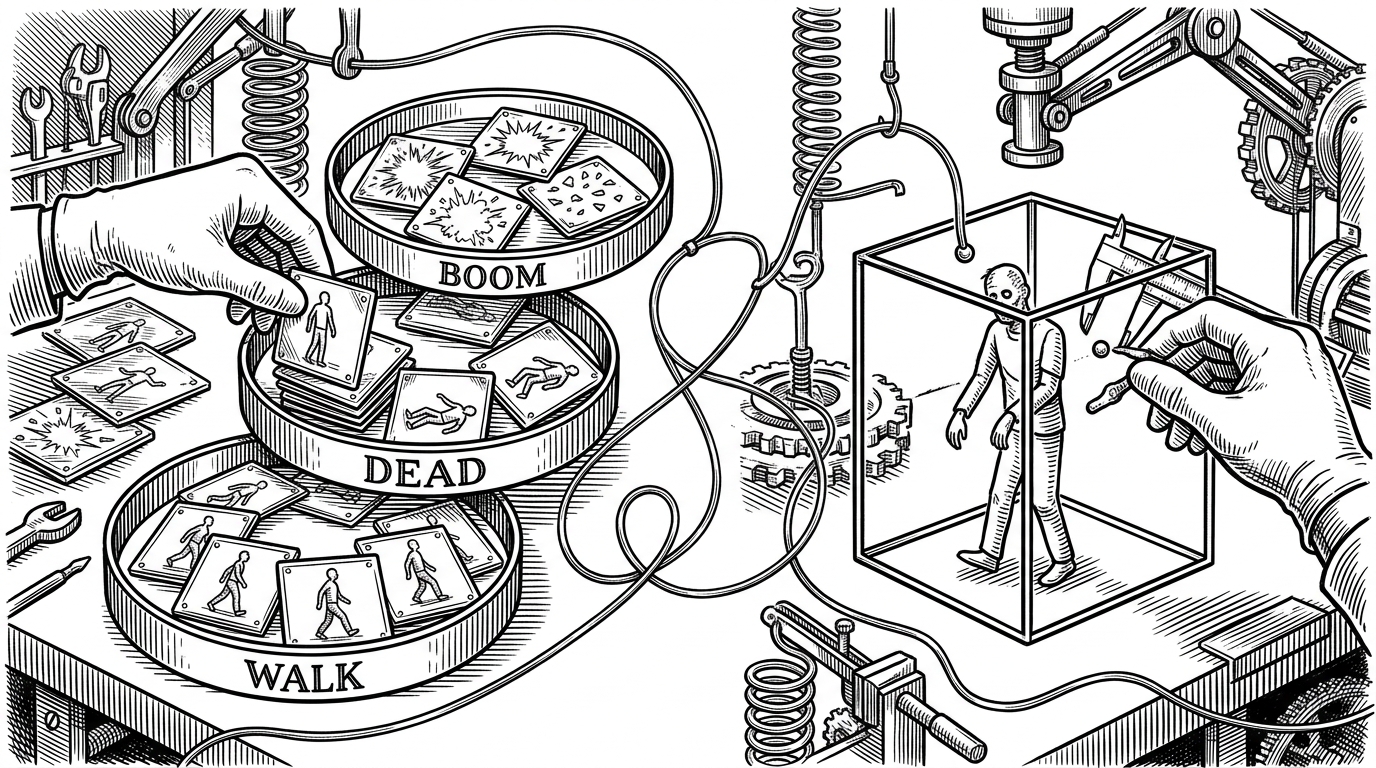
That choice matters because it keeps the learning surface exposed. You can trace a click from mouse event to game consequence without having to mentally subtract engine magic.
How the game loop is stitched together
In main.py, the game is organized around a small state machine. A page variable toggles between menu and gameplay, while level logic adjusts the number of zombies so the difficulty curve can climb without introducing extra systems.
The hit logic is equally direct. On mouse click, the code checks whether the cursor falls inside a zombie’s area, then branches into score changes, death handling, and a side effect animation if the shot lands.
# Conceptual shape of the animation reset
try:
    current_frame = self.state[self._index]
except IndexError:
    self._index = 0
    current_frame = self.state[self._index]
That pattern is revealing. Instead of hiding frame sequencing behind a helper that feels magical, the code treats animation as a list with a cursor. If the cursor runs off the end, it wraps.
What the loop is doing in plain English
| Step | What happens | Why it matters |
|---|---|---|
| Input | A mouse click is captured during play. | The game starts with player intent, not automation. |
| Hit test | The click is checked against zombie bounds. | This keeps collision logic understandable and editable. |
| State change | A zombie can die, score can rise, and misses can accumulate. | The game’s consequences are easy to trace. |
| Progression | Level logic increases zombie count over time. | Difficulty grows without needing a second system. |
Why the sprite system feels so teachable
The sprite layer in sprites.py keeps the object model simple. A base class handles position and frame cycling, and a zombie subclass loads its own animation frames from the asset directory instead of hardcoding each one by hand.
That makes the code more readable than clever. You can tell how a zombie works by following the filenames, the list of frames, and the loop that advances them.
# Conceptual structure
class Sprites:
    def display_state(self):
        # advances animation frames
        ...

class Zombie(Sprites):
    # loads walk frames from assets/
    ...
The interesting tradeoff is that the implementation favors legibility over runtime optimization. For a small 2D game, that is a reasonable trade if the goal is to learn the moving parts.
Juice, but make it simple
The boom effect is the best kind of small design choice. It is not a particle system. It is a scaling image sequence, and that is enough to make a hit feel real.
This is the project’s strongest lesson in feedback design. A little visual payoff turns a mechanical click into a satisfying event.
Modern Python polish on a small project
The presence of pyproject.toml and uv.lock is worth noticing. On a repo this small, modern packaging does not add glamour, but it does add durability.
| Concern | Traditional small-project setup | This repo |
|---|---|---|
| Environment setup | Ad hoc dependencies and manual installs | Locked, reproducible Python tooling |
| Distribution | Loose scripts and local assumptions | A cleaner project boundary |
| Maintenance | Works on the author’s machine | Easier to recreate elsewhere |
| Signal | Feels disposable | Feels intentionally maintained |
What this teaches better than a more polished game
A more polished zombie shooter might have smoother art, richer effects, and a bigger feature set. But it would often teach less, because its mechanics would be harder to inspect.
Shoot-a-Zombie is valuable precisely because it is small, rough, and legible. It shows the fundamentals without dressing them up, which makes it a better artifact for learning how game code behaves under the hood.
| Dimension | Shoot-a-Zombie | Heavier zombie game |
|---|---|---|
| Animation | Manual frame cycling you can read in one sitting | Often abstracted behind engine helpers or larger asset pipelines |
| Collision | Explicit cursor-to-bounds checks | Usually tucked into broader object systems |
| State | One simple page switch and a few counters | More screens, more rules, more hidden flow |
| Learning value | High, because every part is exposed | Lower, because the system is doing more of the explaining |
| Polish | Minimal by design | Usually the main selling point |
That is the real payoff. The repo is not trying to impress you with scale. It is trying to make the basics impossible to ignore.