roerohan/slate: Teaching AI to See Its Own UI Bugs
How a render-and-compare reinforcement learning loop uses computer vision to train Vision-Language Models for pixel-perfect Tailwind generation.
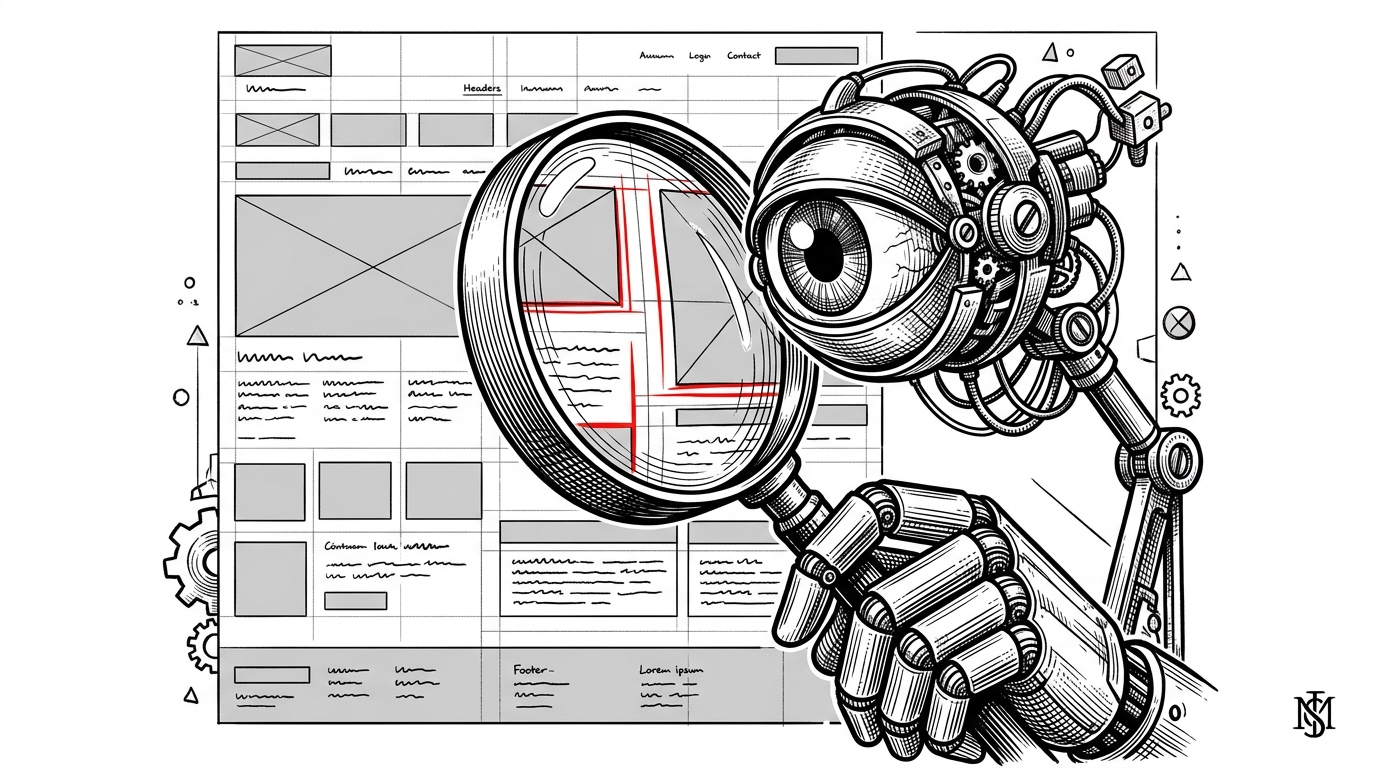
- Slate uses a render-and-compare pipeline to calculate loss via computer vision, treating UI generation as a spatial problem rather than a text prediction task.
- The system implements Group Relative Policy Optimization (GRPO) to simulate evolutionary design, selecting the best layout from a batch of attempts without needing a separate critic model.
- A multi-turn self-correction loop feeds red-line diff images back to the Vision-Language Model, allowing it to debug its own visual output.
- A rigorous TypeScript data pipeline enforces a token budget and uses headless browsers to filter out broken HTML fragments before training begins.
The Blindness of Code Generation
Before diving in, a quick disambiguation: this article covers roerohan/slate, an experimental reinforcement learning framework. It is entirely unrelated to the massive React rich-text editor, ianstormtaylor/slate, despite the name collision. Our focus is on the former—a project aimed at solving a fundamental flaw in how AI writes user interfaces.
When a standard Large Language Model (LLM) generates a UI component, it is flying blind. It predicts text tokens (HTML and CSS classes) based on a prompt, but it never actually sees the result. It treats complex spatial layouts, padding, and alignment as flat text strings. This often leads to code that compiles but looks visually broken, because the model lacks spatial awareness of the rendered DOM.
The Render-and-Compare Engine
Slate tackles this blindness by giving the AI "eyes." It implements a render-and-compare pipeline that fundamentally changes the reward signal used during training. Instead of relying solely on text-based next-token prediction loss, Slate compiles the generated HTML, takes a screenshot, and uses computer vision to calculate a mathematical reward.
The core of this logic lives in rl/reward.py. Slate uses the Structural Similarity Index Measure (SSIM) to compare the model's rendered screenshot against a target reference image. This visual similarity is then converted into a scalar reward signal.
However, relying purely on visual similarity opens the door to "reward hacking." If the target reference is a minimalist, mostly white design, a model could achieve a high SSIM score simply by generating a completely blank white page. To prevent this, Slate implements a "Content Gate." If the text or color similarity falls to zero, the SSIM score is heavily penalized, ensuring the model actually generates the required content, not just a visually similar background.

GRPO for Visual Layouts
To optimize the model based on this visual reward, Slate utilizes Group Relative Policy Optimization (GRPO), the same algorithm popularized by DeepSeek-R1. This approach eliminates the need for a massive, separate "critic" model during training.
Instead, for every screenshot in the training data, the model generates a group of different completions (usually four). Slate renders all four attempts and calculates the advantage by comparing each completion's reward to the mathematical average of the group. This simulates an evolutionary design process, where the model learns to favor the layout that performs best relative to its peers.
The Red-Line Diff and Self-Correction
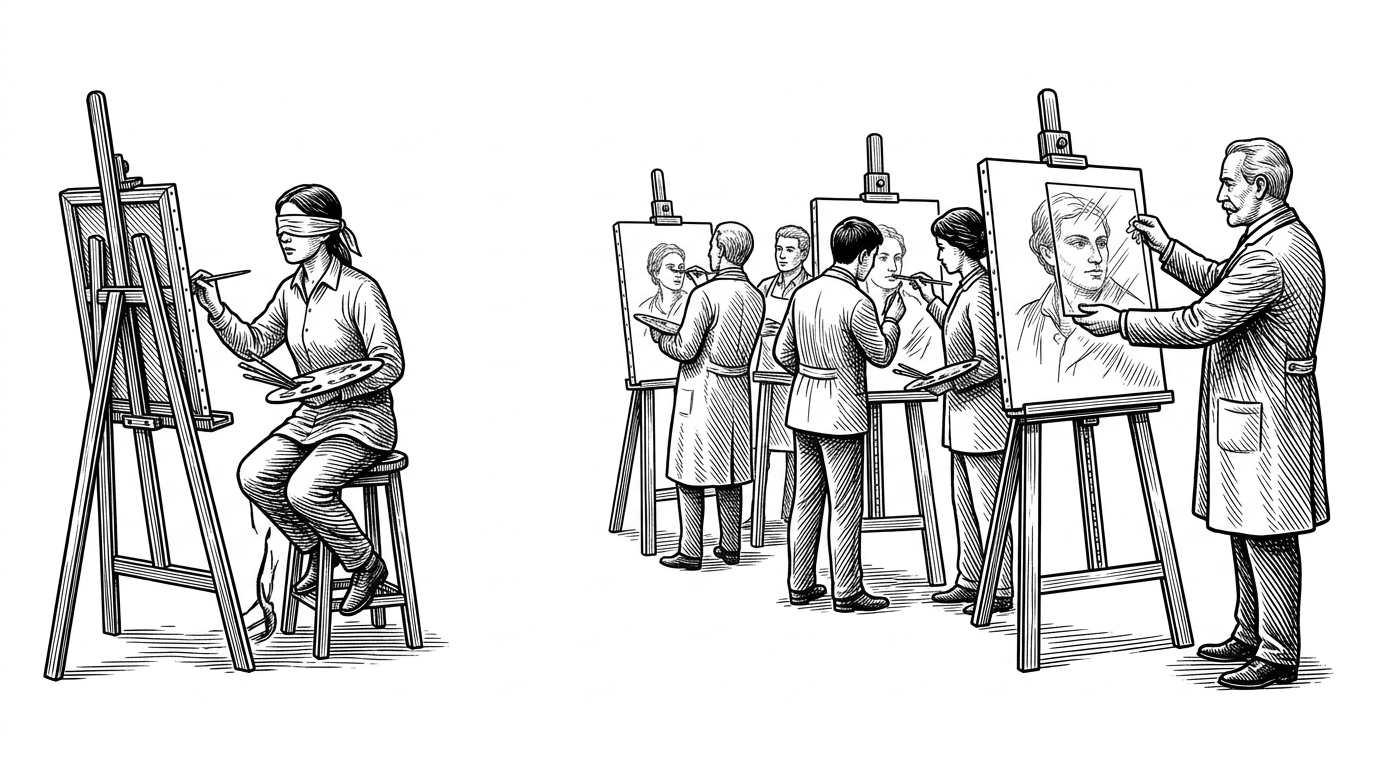
The most sophisticated aspect of Slate is its multi-turn training logic, found in multi_turn.py. It doesn't just teach the model to write code on the first try; it teaches the model to debug.
When the model makes an attempt, Slate uses NumPy to generate a diff image highlighting pixel-wise discrepancies in stark red. This image, along with a feedback prompt, is fed back into the model's context window. The AI is forced to look at its own visual failures and issue a correction, effectively simulating a senior developer reviewing a pull request with visual red-lines.
| Feature | Standard LLM UI Generation | Slate Visual RL Pipeline |
|---|---|---|
| Feedback Loop | Text-based compiler errors | Pixel-perfect visual SSIM diffs |
| Optimization | Next-token prediction loss | Group Relative Policy Optimization (GRPO) |
| Correction | Zero-shot guessing | Multi-turn visual red-line debugging |
| Hardware Profile | Massive cluster fine-tuning | LoRA Rank 32 via Tinker SDK (consumer viable) |
Orchestrating the Edge
Running this pipeline requires robust data engineering. The src/ directory contains a TypeScript orchestration layer that prepares the HuggingFace WebSight dataset for training.
This pipeline strictly enforces a 4096-character token budget and utilizes Cloudflare Browser Rendering to test every HTML snippet before it enters the training set. If a snippet produces a blank or broken visual, it is discarded. This ensures that the Python RL suite only spends compute on viable, renderable examples.