Kalim_Backdoor: How a DLL Turns a Windows Shortcut Into Persistence
Inside a MuddyWater-linked backdoor that hides behind COM, phones home through a fake updater routine, and keeps its shell and exfiltration threads running in parallel.
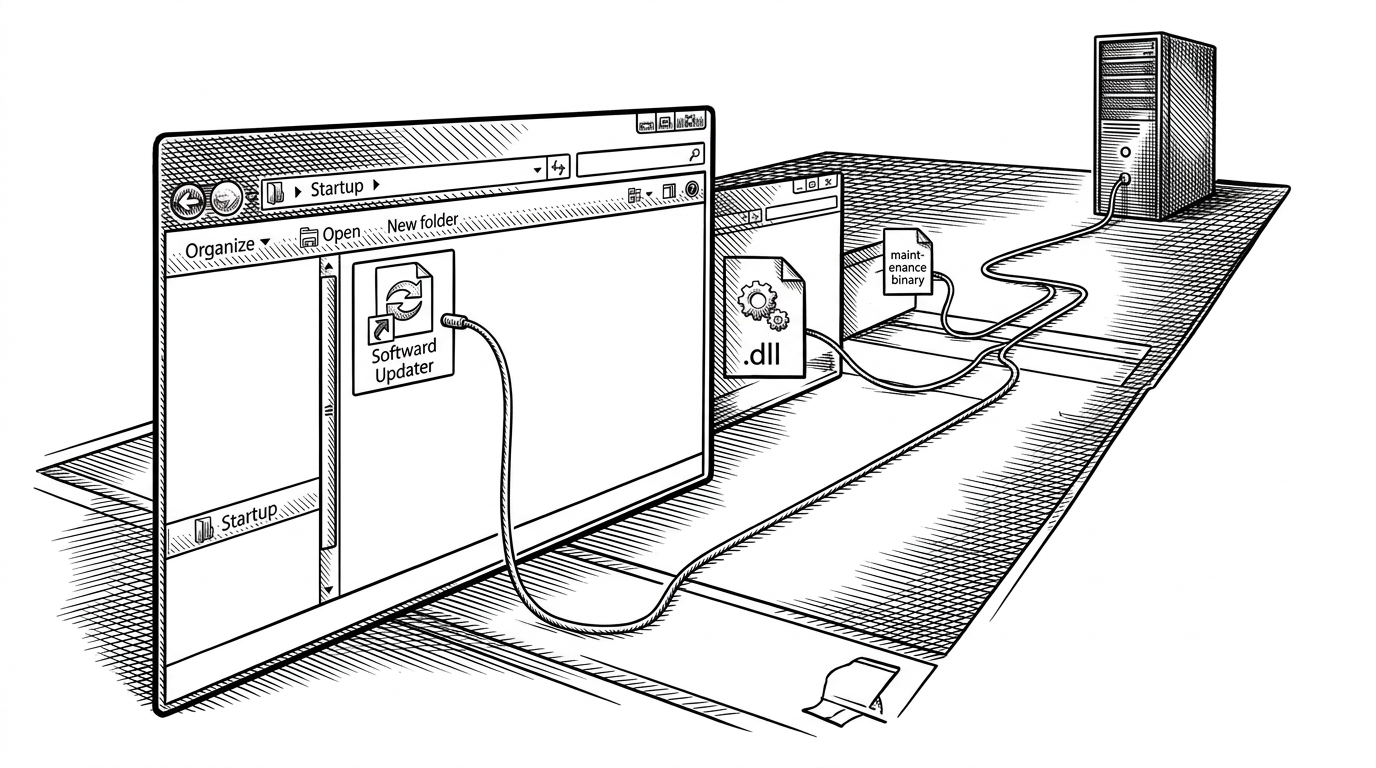
- Kalim hides persistence in a Startup shortcut created through COM, which makes the implant look more like Windows plumbing than a crude malware dropper.
- The backdoor splits command execution and data theft into separate threads, so the shell stays responsive while exfiltration keeps running.
- Its infrastructure and file naming are built to blend into ordinary enterprise or campus traffic, which is the point of the fake updater disguise.
- For an analyst, the sample is less interesting as a single binary than as a staged workflow that reveals intent only when static and runtime evidence are combined.
The shortcut is the payload
The first surprise in Kalim_Backdoor is not the shell. It is the persistence move. Instead of leaning on an obvious Run key or a noisy service install, the DLL drops an updater binary, then uses COM and IShellLinkW to plant a Startup shortcut that looks like routine Windows maintenance.
That matters because the artifact is familiar. A shortcut in the Startup folder is not unusual on its face, and a file named like an updater blends into the background better than a bespoke malware path ever could. The sample is trying to look boring, and boring is often the best camouflage.
Malware Analyst & Reverse Engineer.
How the DLL installs itself without looking like malware
The report shows a classic staged entry path. DllMain does not sit in the main thread and block the host process. It spins up a worker thread that handles the install logic, which is a small detail with a big effect: the malware behaves less like a blunt injector and more like a background component.
The installation path is where the COM choice becomes important. A simple file copy into Startup is noisy in a different way. It leaves the kind of artifact defenders expect. Creating a shell link through the Windows object model is more native, more indirect, and therefore more annoying to hunt.
DllMain
  -> worker thread
    -> extract embedded payload
    -> write %AppData%\Roaming\Updates\update.exe
    -> create Startup .lnk via CLSID_ShellLink
    -> save shortcut as MicrosoftUpdateSerice.lnk
Two threads, one backdoor
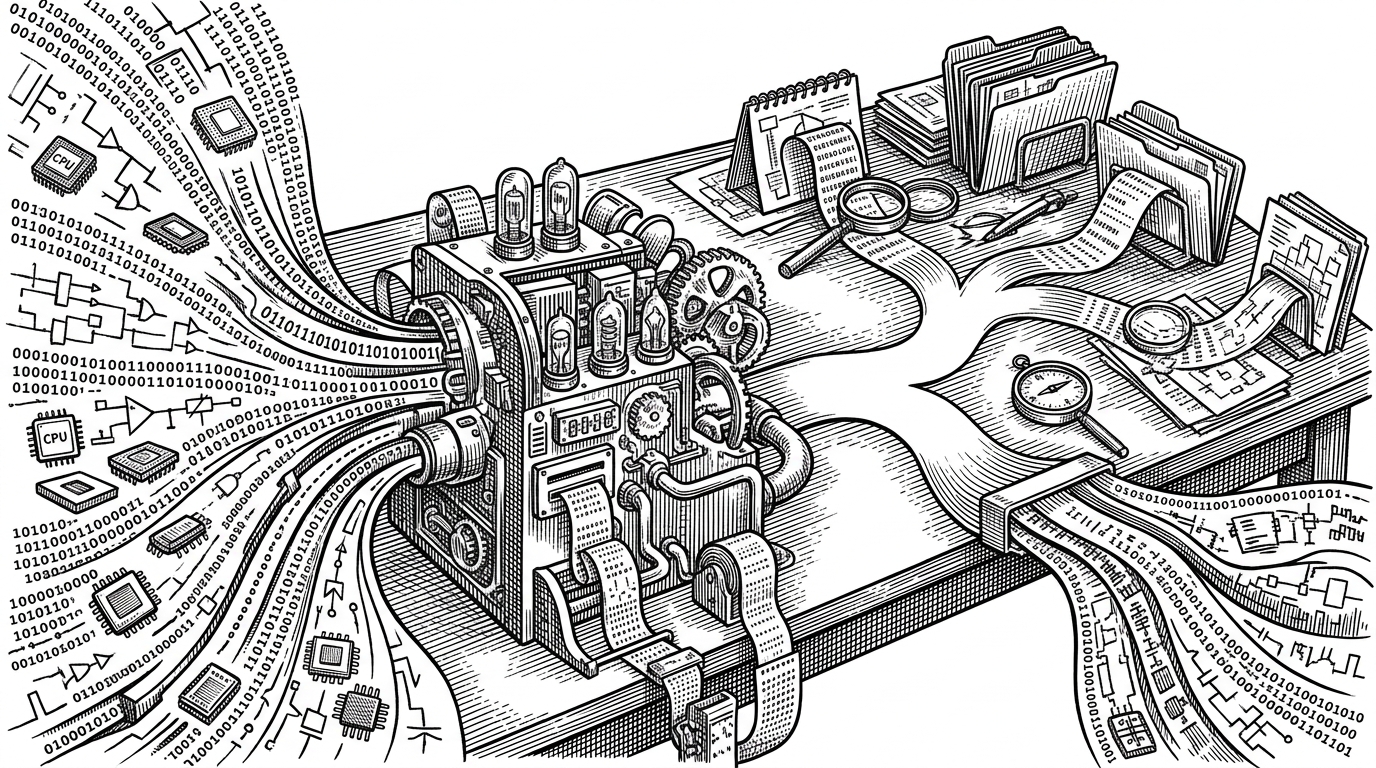
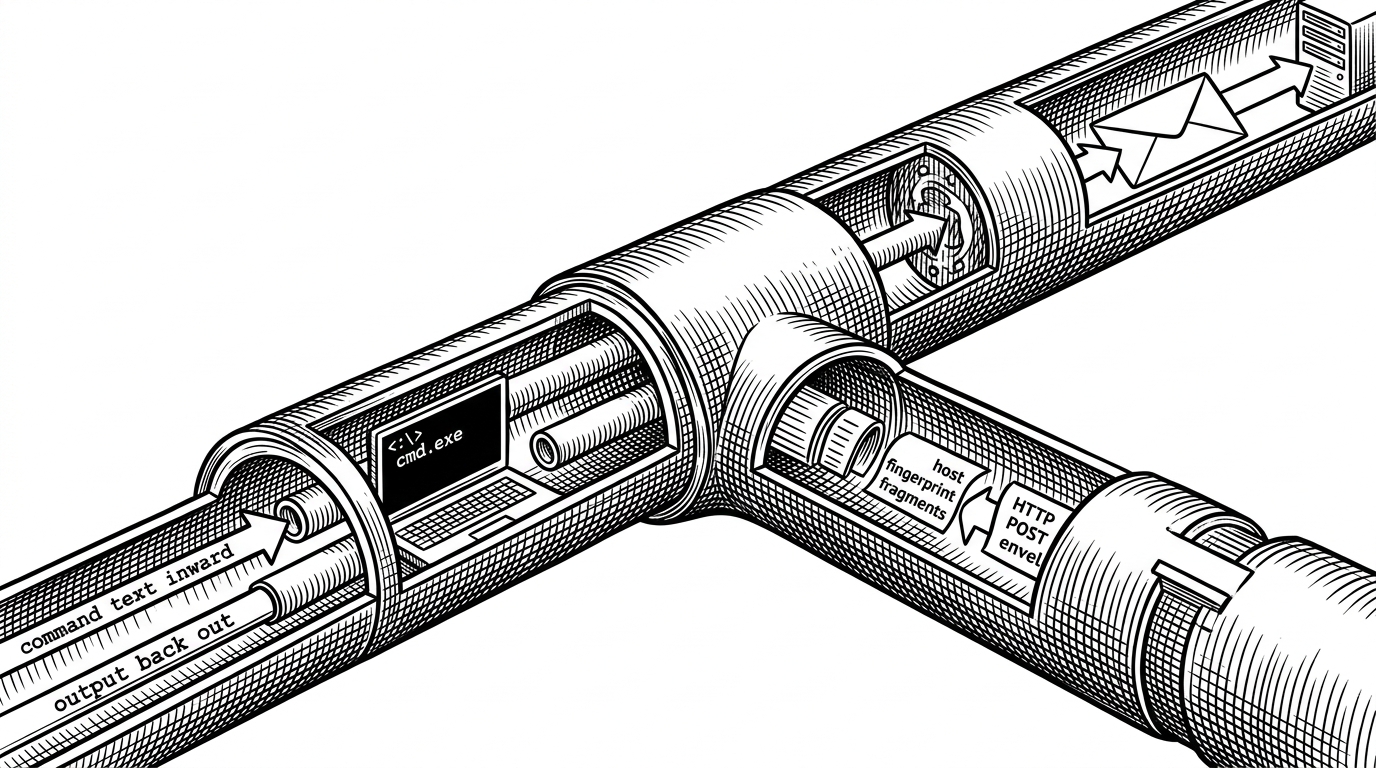
Once the implant is alive, the runtime story becomes a split-brain design. One thread fingerprints the host, encrypts the result, and posts it out. Another keeps a shell open through anonymous pipes and a hidden cmd.exe. The result is simple in concept and effective in practice: command execution does not have to wait for exfiltration to finish.
That separation is the key engineering choice in the sample. Many backdoors collapse control, collection, and transport into one loop. Kalim keeps them apart. That makes the process more resilient under load and gives the operator a cleaner interactive channel.
| Persistence model | Why it blends in | Main artifact | Analyst cue |
|---|---|---|---|
| COM ShellLink in Startup | Uses normal Windows link behavior | Startup .lnk pointing at update.exe | Look for IShellLinkW and a staged dropper path |
| Registry Run key | Easy but common | Run value under HKCU or HKLM | High-signal registry changes |
| Windows service | Persistent but heavier | Service registration and service binary | Service control manager artifacts |
| Plain file copy into Startup | Simple and visible | Executable directly in Startup | Obvious file presence and easier triage |
Why the C2 looks boring on purpose
The domain choice matters as much as the code path. A name like moodleuni.com is trying to disappear into ordinary browsing patterns, especially in an environment where education or enterprise traffic is expected. The operator does not need a glamorous domain. They need something that does not spike an analyst’s attention in the first packet capture.
That is a familiar MuddyWater pattern. The infrastructure is not designed to impress. It is designed to be forgettable.
The report’s attribution work is strongest when it connects the boring domain, the shell-link persistence, and the staged runtime behavior. Any one of those features could be explained away. Together, they look like tradecraft.
What a reverse engineer learns from this sample
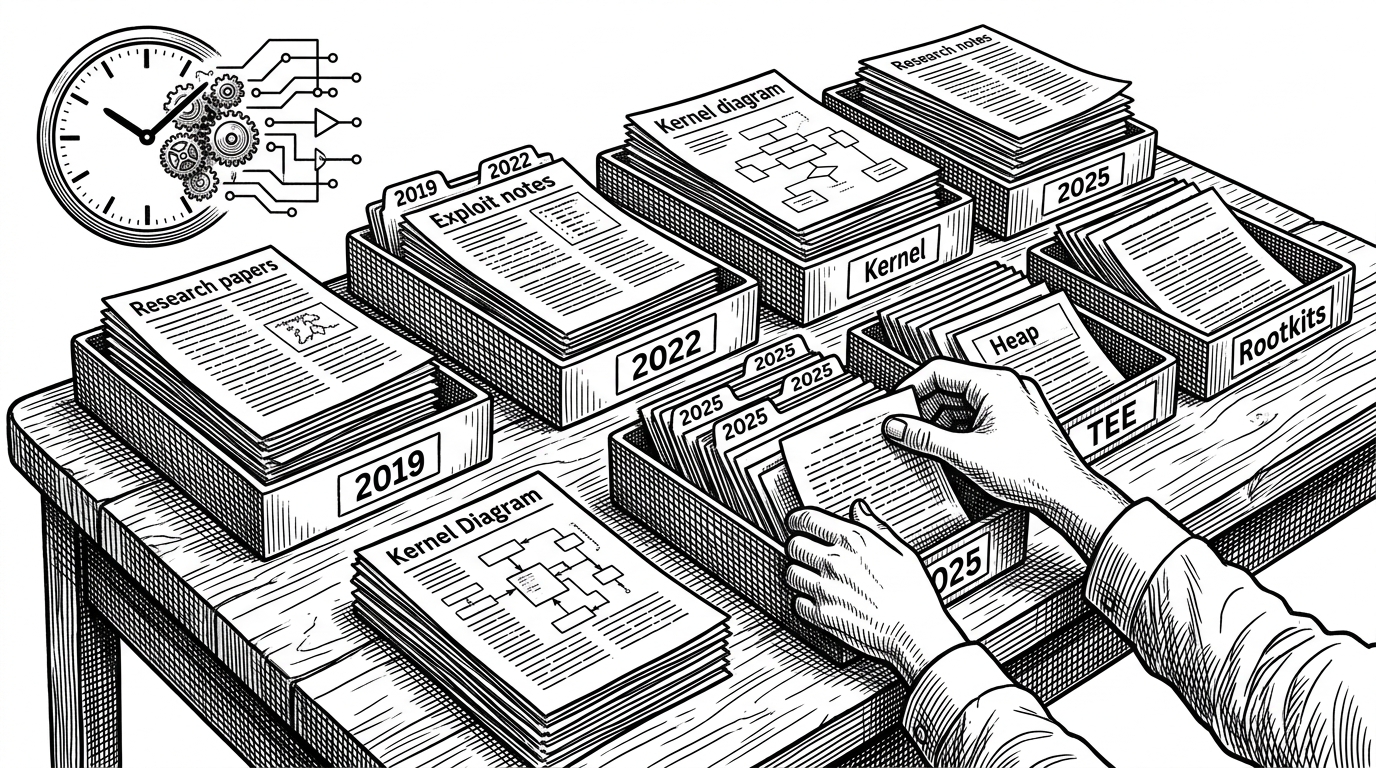
This repository is valuable because it reads like a workflow, not a trophy case. You can see the chain from VirusTotal triage to static disassembly to runtime confirmation. That is the useful lesson: intent is distributed across layers, and malware often looks ordinary until the layers are stitched together.
The screenshots in the repo support that methodical approach. They document an analyst building confidence step by step, first by identifying APIs and strings, then by proving what the binary actually does when it runs. That is the difference between a static guess and a behavioral claim.
How the sample rewards layered analysis
- Static strings point to installation and infrastructure, but not the full execution model.
- API use exposes the COM shortcut trick before runtime proves why it matters.
- Process behavior confirms the split between shell control and exfiltration.
- The final picture only lands when the dropper, persistence, and network phases are read together.
Kalim compared with simpler persistence models
The cleanest way to understand the sample is to compare it with the obvious alternatives. Kalim is not the loudest persistence method. It is the one that makes Windows behavior work for the attacker.
| Method | Operational profile | Visibility | Why Kalim is different |
|---|---|---|---|
| Run key | Direct and common | High | Kalim avoids the registry pattern many defenders hunt first |
| Service install | Durable but heavier | Medium to high | Kalim does not need service control plumbing |
| Startup file copy | Basic and easy to spot | High | Kalim hides the startup artifact behind COM-created shell behavior |
| COM ShellLink | Native-looking and indirect | Lower | The malware uses Windows object linking as camouflage |
That difference is the whole story. Kalim is not clever because it does more. It is clever because it makes the defender do more work to distinguish malicious behavior from ordinary Windows maintenance.