free-my-tv: The TV Launcher That Assumes It Will Crash
Free My TV replaces the ad-stuffed home screen on Google TV, Android TV, LG, and Samsung sets. Its most interesting engineering is a watchdog that hands control back to the factory software before you ever see a black screen.
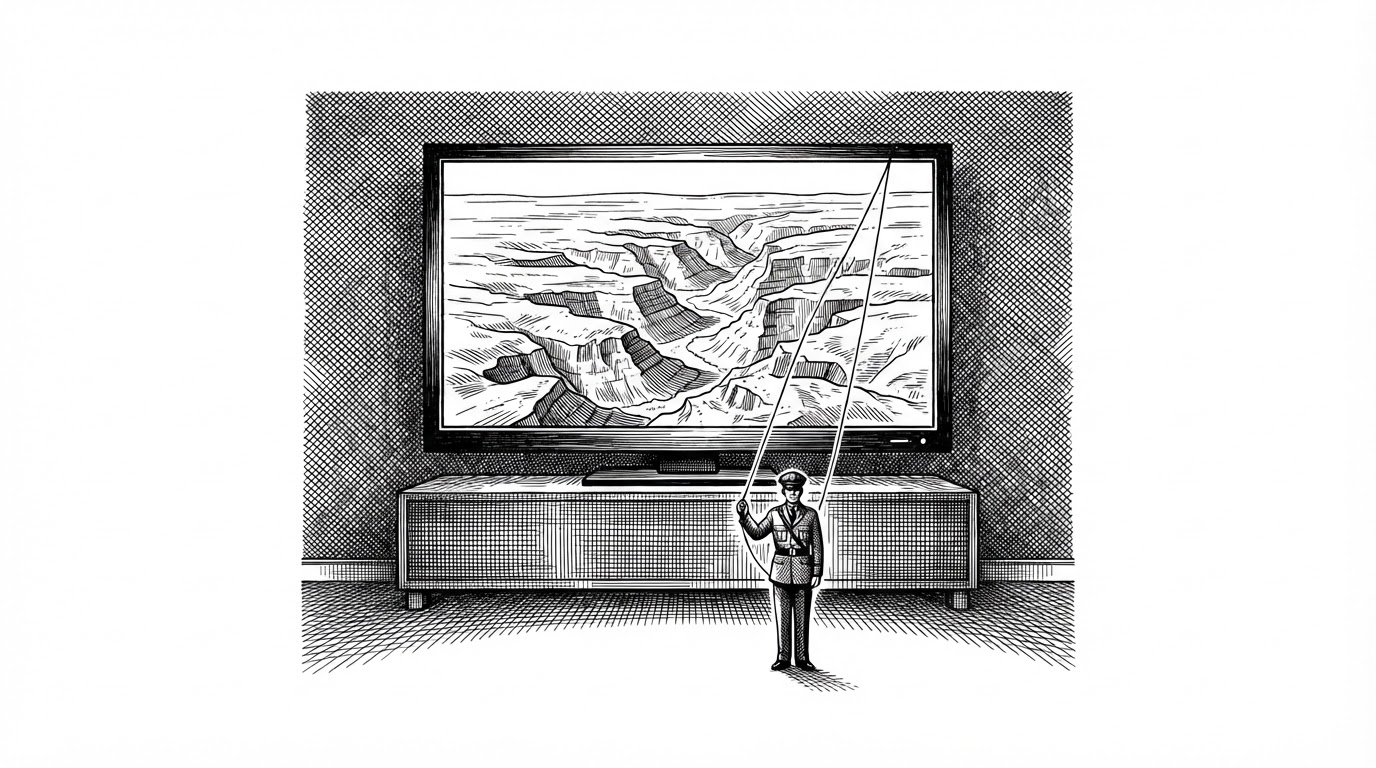
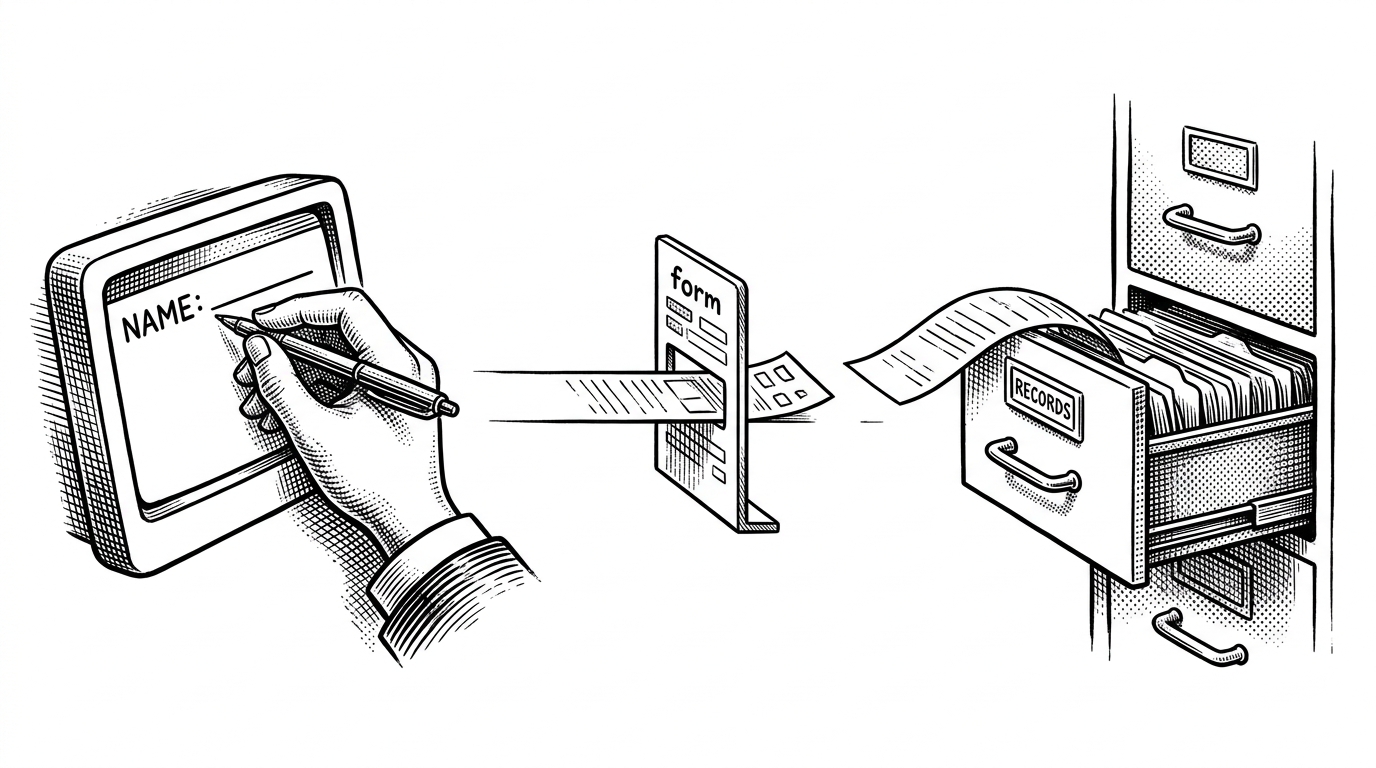
A safety net. A watchdog in a separate process brings back the stock home screen after three crashes in five minutes
- Free My TV treats a crash on your television as inevitable, so it runs its home screen in an isolated process and counts failures from a second process that cannot die with it.
- After three crashes inside five minutes, a watchdog voluntarily hands the home role back to the factory launcher instead of leaving you staring at a black rectangle.
- The project uses pm disable-user, never pm uninstall, so a single button returns the TV to exactly how it shipped.
- The Android build paints every pixel by hand on a Canvas and splits the screen into eight layers so a weak TV chip only redraws what actually changed.
The Watchdog in the Other Process
Most launchers assume they will work. Free My TV assumes it will crash.
On a phone, a dead app is an annoyance. You swipe it away and move on. On a TV, a dead home screen is a black rectangle. There is no task manager, no keyboard, and no recovery menu a normal person can reach. If the software drawing the home screen stops, the television looks broken.
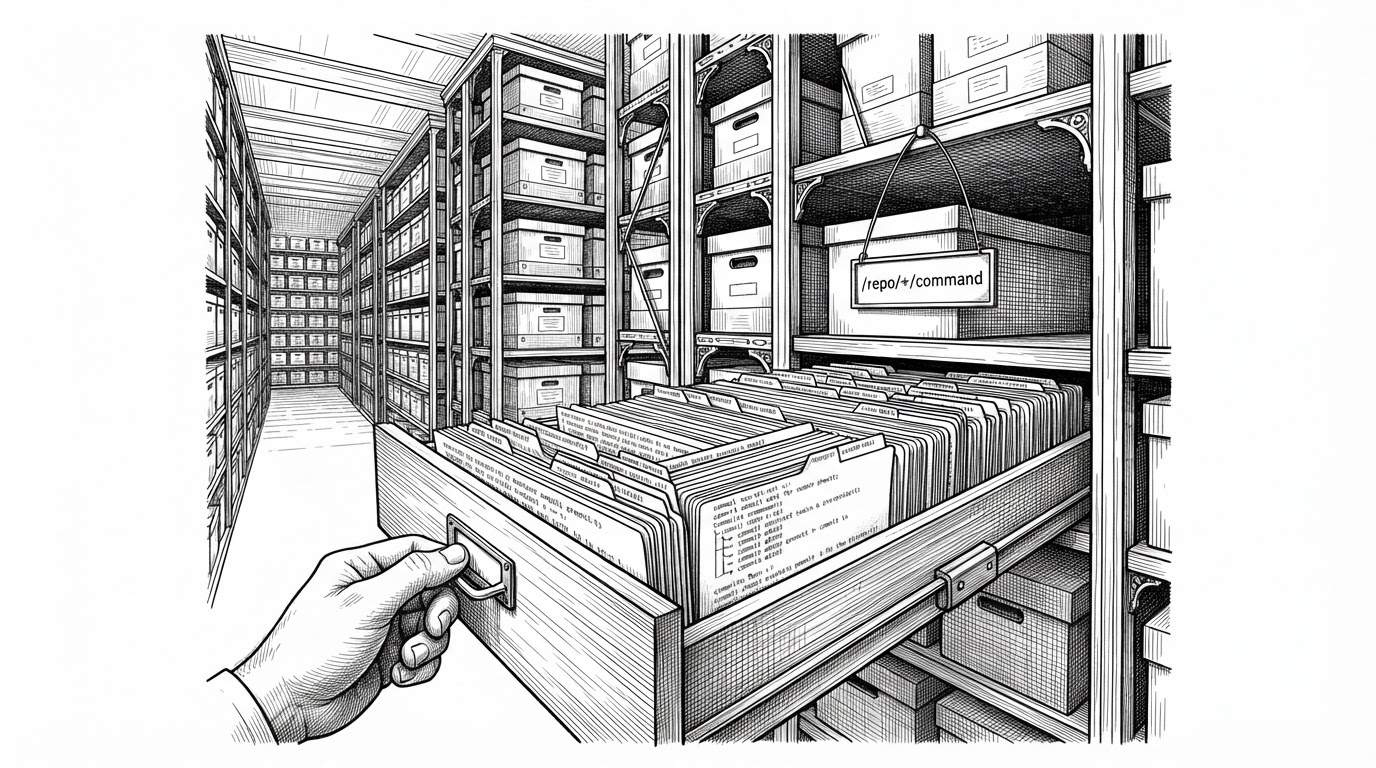
That constraint runs through the entire project. The home screen lives in its own isolated process, tagged :home in the manifest. A supervisor called Watchdog lives in a second process, deliberately separate from the thing it watches. When HomeActivity starts, before it draws anything, it asks Watchdog whether it has been crashing.
Watchdog keeps a rolling five minute window of failures. One crash is survivable. Three inside that window triggers Watchdog.crashedTooOften, which calls HomeMode.requestRevertHome. The launcher stops trying to be your home screen and hands the role back to the factory software. The comment in the manifest spells out the reasoning: if the home process ever crashes, the safety net in the main process still works.
You Bought the TV. Someone Else Owned the Screen.
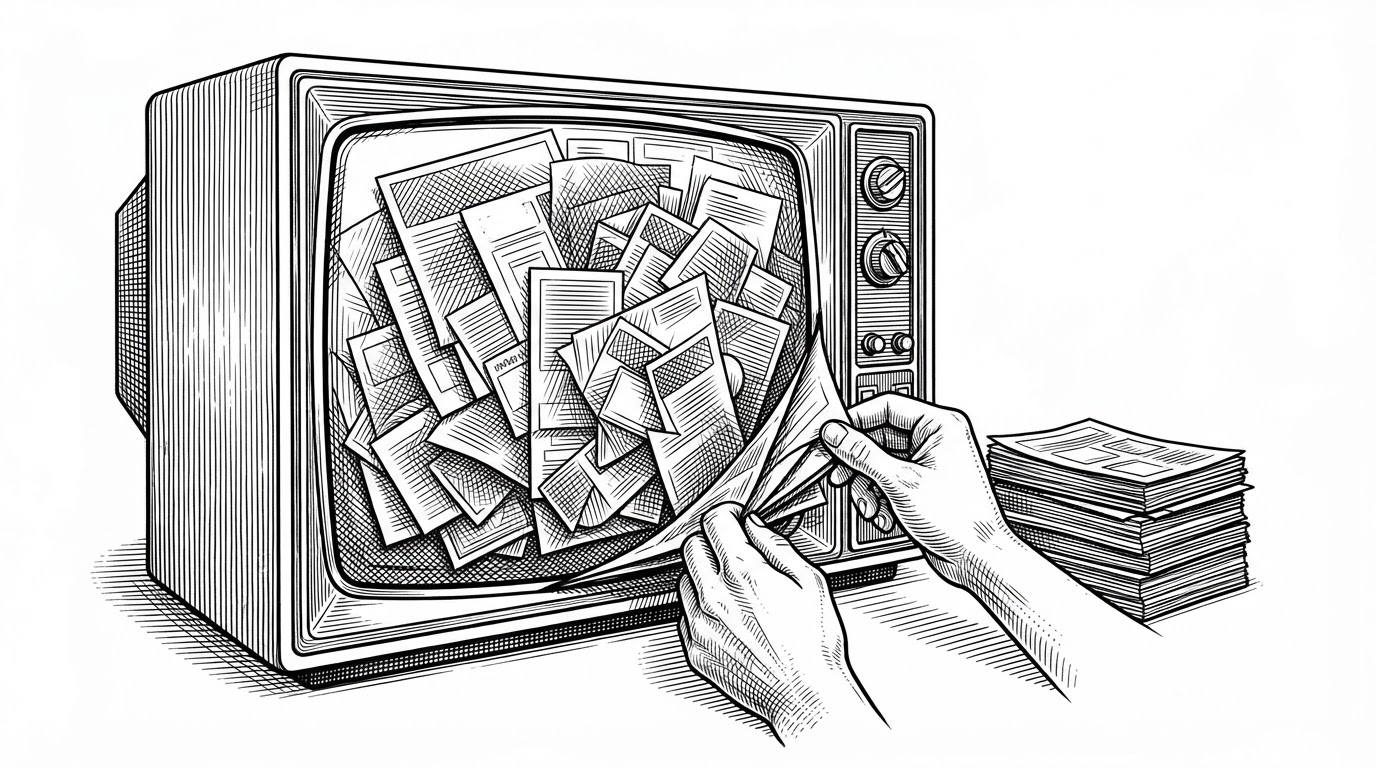
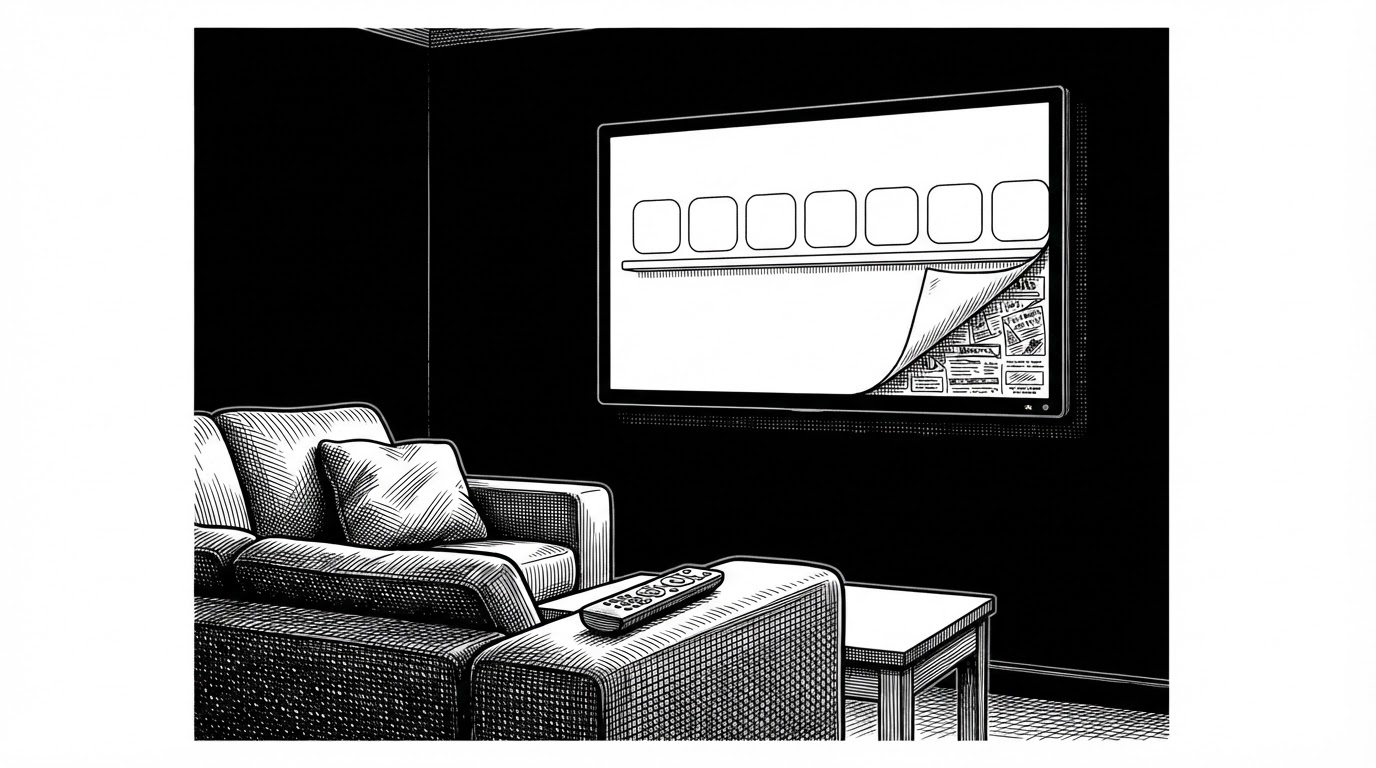
You bought the television. Somewhere along the way, advertisers got the home screen.
Stock Google TV ships with sponsored rows, promotional banners, and autoplaying trailers stacked above the apps you actually opened. Free My TV is a direct answer to that: a clean shelf of your streaming apps, three recommendation cards drawn only from services you already subscribe to, a bottom drawer with HDMI inputs and weather, and a day and night theme that follows your local sunset.
The project is MIT licensed and maintained by simbasjungles. It is localized into Portuguese, English, Russian, Spanish, and German, with Portuguese listed first, which points at a Brazilian author. Community posts credit Claude Code as the build tool, and the repository carries a CLAUDE.md file, which fits that account.
Adoption so far is small and self-reported. At the time of writing the repo showed around 2,077 stars and 211 forks, and the pull request list shows work on widgets, translations, and a native Samsung build workflow.
Disable, Don't Delete
The reversibility promise is not marketing. It is a specific command.
Free My TV never uninstalls anything. It uses pm disable-user over loopback ADB at 127.0.0.1:5555 to switch off the promotional packages, and it claims its own home role at runtime with cmd package set-home-activity rather than declaring it in the manifest. Disabled packages keep their data and their place. One button re-enables them and the factory launcher takes the screen back.
The home role is claimed at runtime, not in the manifest. The activity declares the HOME category, but the comment on it is blunt: it only becomes the TV's home screen in Free My TV mode. Reverting is the same operation run backward.
One maintenance cost is worth knowing about. Android 11 and later hide installed packages from each other by default. The manifest carries a queries block listing roughly fifteen streaming and TV-maker packages, and without it getLeanbackLaunchIntentForPackage returns null. Every new app you want on the shelf has to be added to that list by hand.
// HomeActivity.onCreate: check the crash record before drawing a single pixel
Watchdog.install(this);
if (Watchdog.crashedTooOften(this)) {
    HomeMode.requestRevertHome(this);
    // show a plain notice and return without building the UI
    return;
}
Every Pixel Is Drawn by Hand
No Compose. No Leanback library. No image loader.
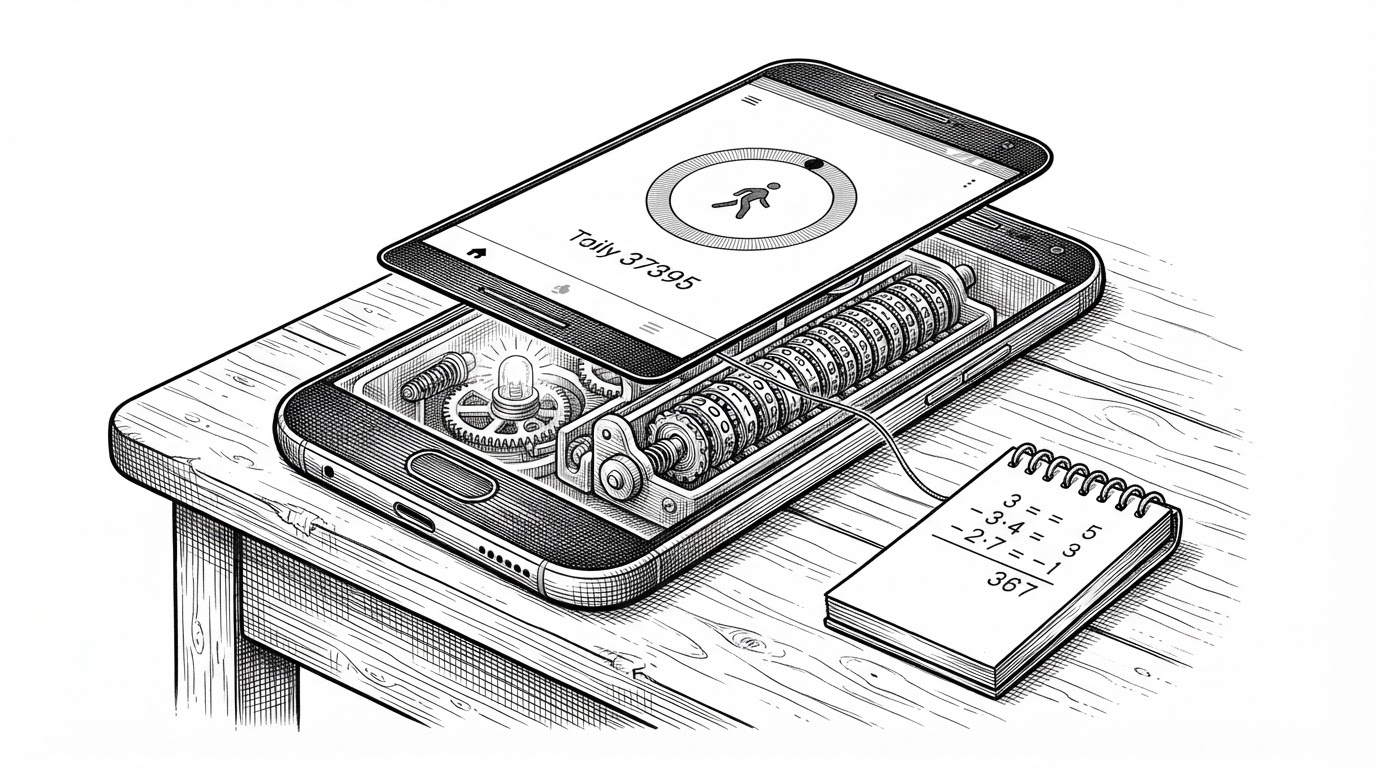
The Android build is a single custom ViewGroup that paints everything with Canvas and Paint and animates with Choreographer.FrameCallback. Layout happens in a 1920 by 1080 virtual space, scaled to whatever the panel actually is. The design constants come straight from Apple's tvOS guidelines, down to the rule that nested rounded corners only look right when their radii differ by the padding. The glass radius equals the tile radius plus the padding.
The performance strategy is the layer split. Eight integer constants, SKY through TOAST, exist so the weak GPU on a TV chip only repaints what changed. A focus change should not redraw the sky.
private static final int SKY = 0, HERO = 1, STATUS = 2, PLATTER = 3,
                         TILES = 4, DRAWER = 5, SHEET = 6, TOAST = 7;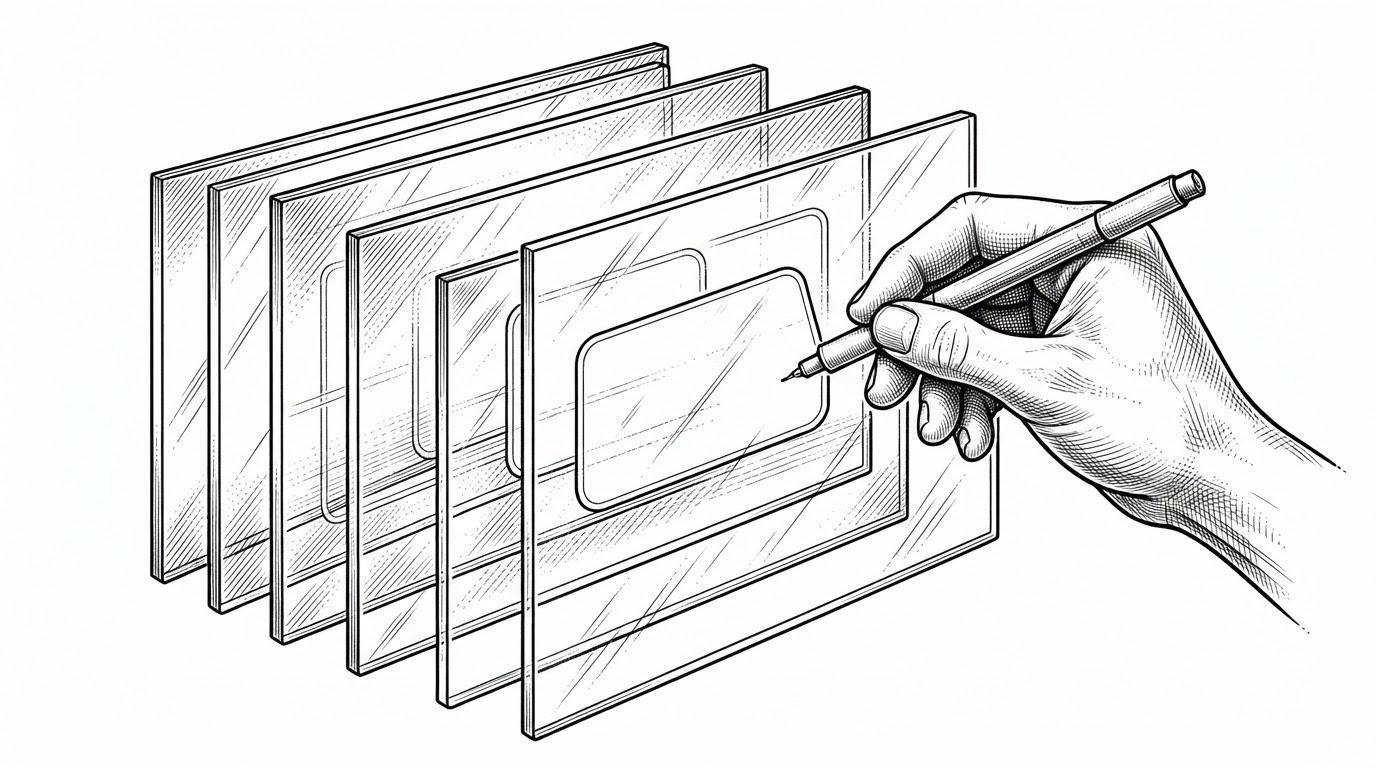
The project reports a 2 MB APK and a 60fps target, measured on a single 98 inch TCL Google TV running Android 14. Those are the project's own numbers, not third-party audits.
One Design, Four Operating Systems
Android is Java on a Canvas. LG webOS and Samsung Tizen share a web implementation in HTML, CSS, and JavaScript, packaged differently for each platform. On LG, apps are opened through the television's Luna service bus. On Samsung, the project uses Tizen web APIs with TizenBrew as the install route.
That breadth is the clearest thing separating Free My TV from the Android-only launchers it competes with. It is also the reason each platform needs its own build and install path instead of one universal package.
The LG version builds on what @danielthejoker18 found in FreeMyTvWebOS (MIT): installing through Developer Mode and opening apps through the TV's service bus.
What It Won't Do
| Project | Platforms | License | Reversible restore documented? | Rendering approach |
|---|---|---|---|---|
| Free My TV | Android TV + Google TV + LG webOS + Samsung Tizen | MIT | Yes, one-button factory restore | Java Canvas on Android, shared web code on LG and Samsung |
| Projectivy Launcher | Android TV / Google TV only | not verified here | not documented | not verified here |
| FLauncher | Android TV only | open source | not documented | Android-native UI |
| ATV Launcher | Android TV only | not verified here | not documented | Android-native UI |
| Wolf Launcher | Android TV only | community project | not documented | Android-native UI |
| Stock Google TV | Android TV / Google TV | proprietary | n/a | vendor interface |
Most alternatives are Android-only, and none of the ones we could verify documents a factory-restore path. Free My TV's edge is breadth plus reversibility, and both are project claims rather than audited facts.
The honest edges are worth listing. At least one user reports Android 11 not working. TMDB recommendations require an API key. The package visibility list needs manual edits every time you add an app to the shelf. And the memory, frame rate, and APK size numbers all come from the project's own measurement on one television.
That framing is fair. Free My TV does not rebuild an operating system or reverse-engineer a vendor. It is a launcher that uses the documented Android package manager to claim a role and give it back. The interesting part is not the ambition. It is the discipline of a project that plans for its own failure and makes the exit as clean as the entrance.