statusline: ccsl: The Status Line That Watches Claude Code’s Two Kinds of Limits
A zero-dependency Python utility that turns token burn, compaction risk, and weekly spend into a single terminal-native dashboard.
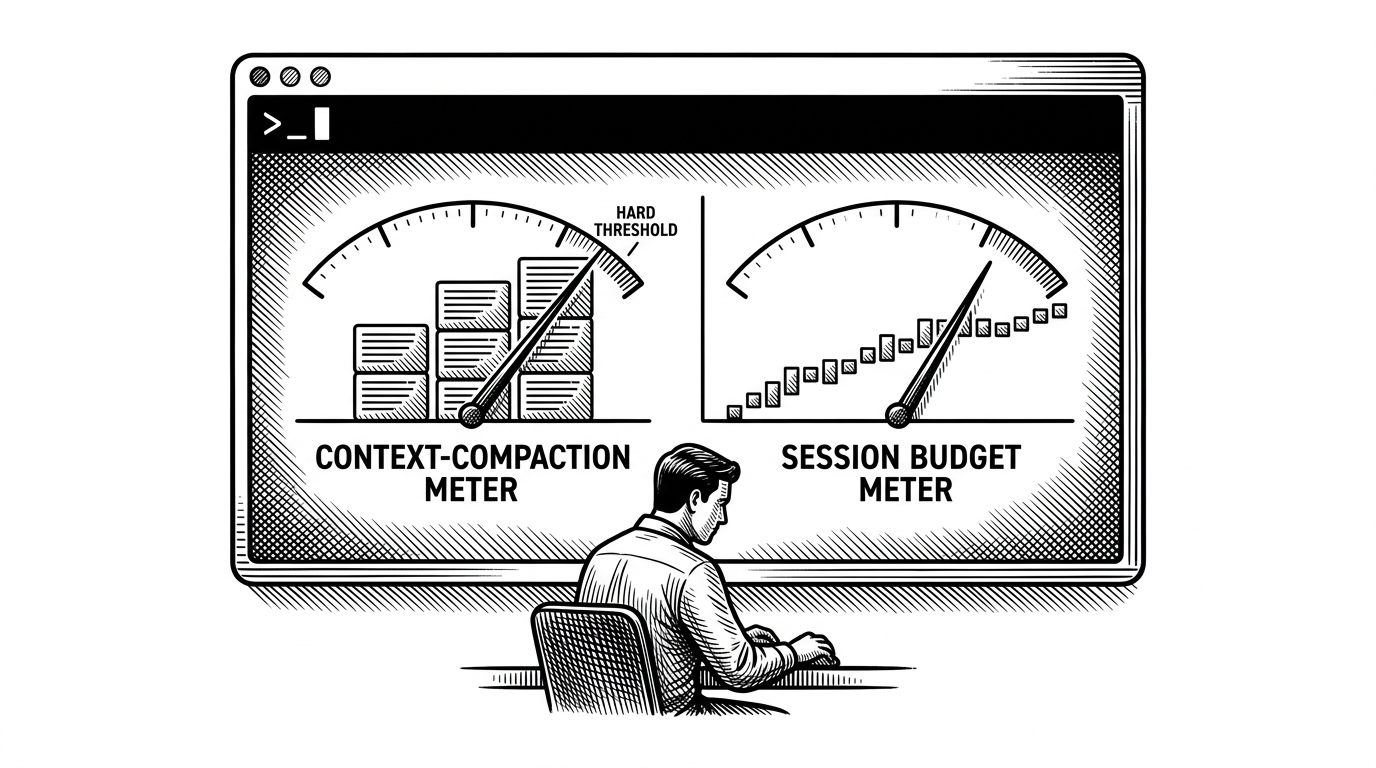
- ccsl’s real insight is that Claude Code has two separate failure modes, and it surfaces both before you fly blind.
- The project turns a terminal status line into observability for AI coding, with compaction risk, session burn, and weekly spend in one view.
- Its strongest engineering choice is not the visuals, but the refusal to depend on a heavy UI stack or runtime packages.
- The tool sits in the middle of the status-line landscape by being operationally focused instead of merely decorative or maximalist.
Claude Code gives you speed, but it also gives you a new kind of uncertainty. You are not just watching a session get expensive. You are also watching the model drift toward compaction, where memory gets squeezed and the conversation starts losing shape.
That distinction is the point of ccsl. It turns the CLI into a dashboard for two different limits at once, so you can see whether you are about to hit a context wall, a budget wall, or both.
The Real Problem ccsl Solves
Most status lines answer a generic question: how much have I used? ccsl answers a better one: what kind of limit is coming next? That matters because a compacting conversation and a burning budget do not fail in the same way.
The project is built around that operational split. One signal warns that Claude’s working memory is getting crowded. Another tracks the rolling session and weekly usage window, where the risk is cost, not forgetting.
Two Limits, Two Failure Modes
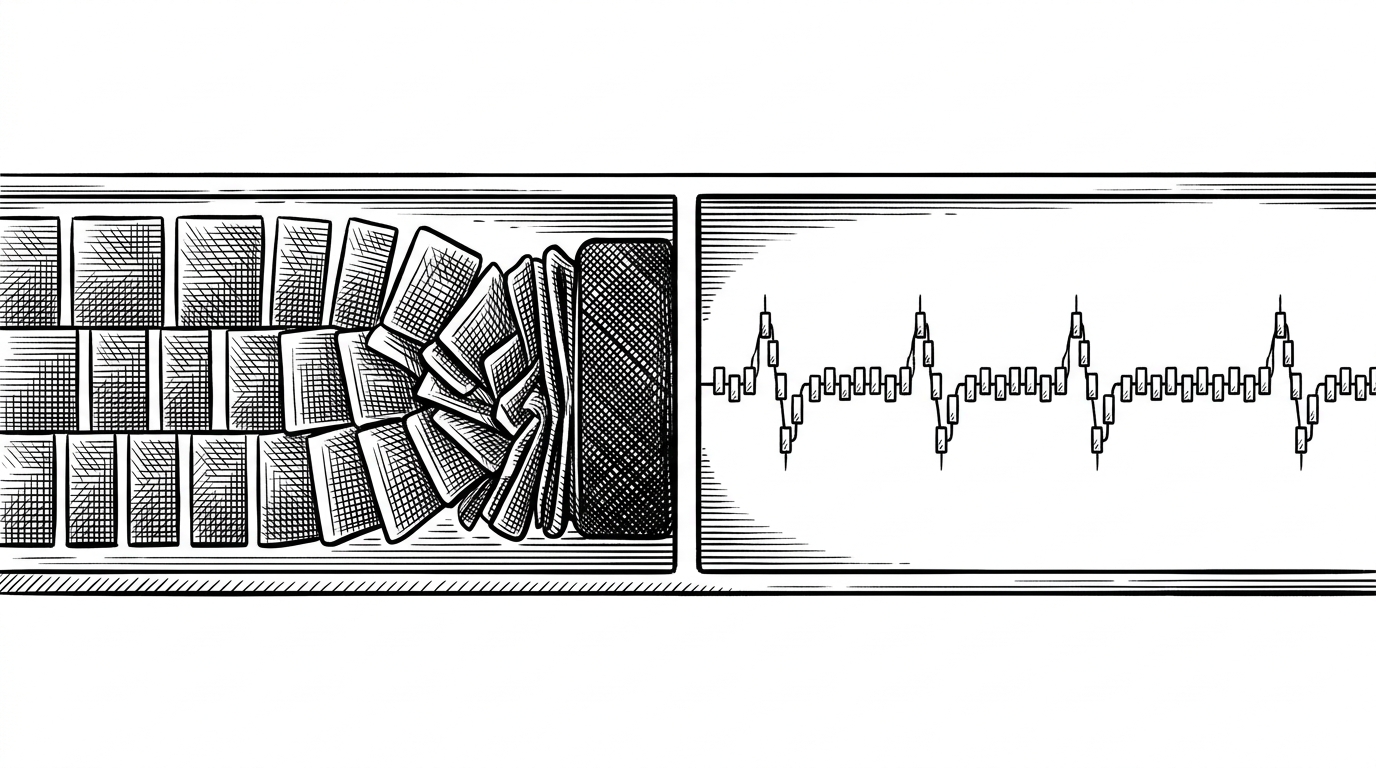
The strongest idea in ccsl is not the dashboard. It is the model behind the dashboard. Conversation compaction is about continuity. Session and weekly usage are about budget. ccsl refuses to blur them together.
That makes the status line feel less like decoration and more like instrumentation. If the compaction lane is heating up, you need a different response than when the weekly meter is climbing.
How ccsl Fits Into Claude Code
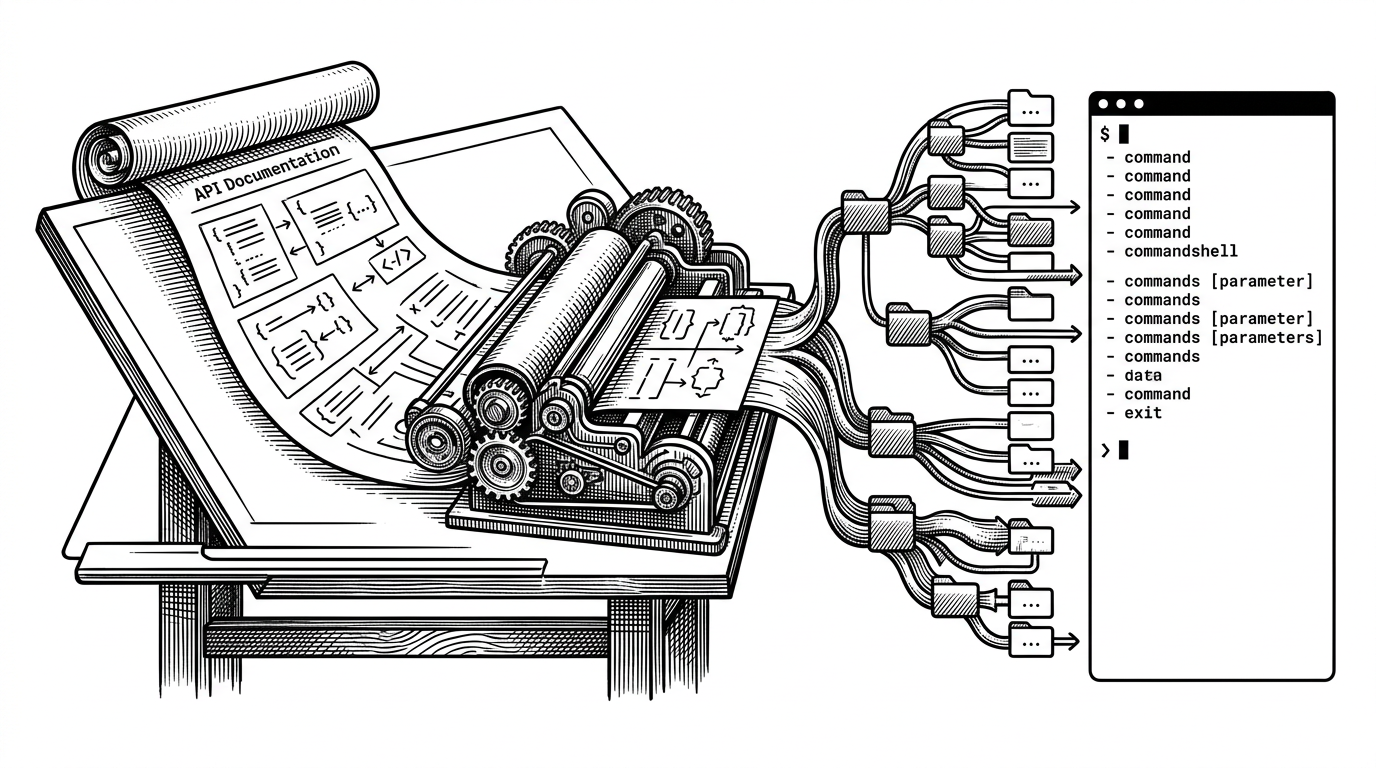
ccsl is not a standalone terminal toy. It rides inside Claude Code through installation logic that edits settings, injects hooks, and keeps enough state to know whether you are active or idle. In other words, it lives where the work happens.
That embeddedness matters. A status line only helps if it stays present, updates reliably, and does not fight the host CLI. ccsl is designed as a layer attached to Claude Code, not an alternate interface competing with it.
install.py
  ├─ edits ~/.claude/settings.json
  ├─ adds Stop / UserPromptSubmit / SessionStart hooks
  ├─ creates hidden state for active vs idle mode
  └─ wires statusline.py into Claude Code’s lifecycle
The Sparkline Trick
The prettiest part of ccsl is also the most economical. It uses Unicode block characters to compress a lot of signal into a single terminal line, so burn rate and history stay readable without dragging in a heavy TUI framework.
That choice is more than aesthetic. Sparklines let the tool show shape, not just totals. You can see whether usage is steady, spiky, or suddenly accelerating.
# Conceptual shape of the display
context    = "██████▇▆▅▃"
session    = "▁▂▃▅▆▇█▇▆"
weekly     = "▁▁▂▃▃▅▆▆█"
budget_txt = "$3.59/$50"
print(f"{context}  {session}  {weekly}  {budget_txt}")
The output is dense, but that density is the point. ccsl is trying to replace guesswork with legibility, not to turn the terminal into a dashboard wall.
Why the Implementation Feels Durable
The project’s durability comes from restraint. It uses the Python standard library at runtime, handles terminal sizing carefully, and tries to survive the messy reality of being called repeatedly from inside another CLI.
That is the right instinct for this kind of utility. A status line that crashes is not a mild annoyance. It becomes a layer of friction in the middle of the thing you are trying to do.
The tmux-aware sizing logic is a good example. If the terminal width is wrong, the whole display can wrap and lose meaning. ccsl treats that as a first-order problem, not a polish issue.
The Status Line Landscape
ccsl sits in a useful middle ground. It is not the flashiest option, and it is not the most stripped-down one. It is trying to be the one that tells you what is actually happening.
| Project | Language | Runtime dependencies | Primary strength | Unique insight | Best fit |
|---|---|---|---|---|---|
| ccsl | Python | None | Dual-limit observability | Separates compaction risk from usage burn | Claude Code users who want operational clarity |
| ccstatusline | TypeScript | Heavier runtime stack | Feature density and polish | Maximal widget surface | Users who want a rich, customizable UI |
| claude-statusline | Shell | External tools required | Minimal setup | Keep it simple and portable | Users who want the smallest possible status line |
| claudia-statusline | Rust | Compiled binary | Performance and advanced state | Cross-machine tracking and adaptive compaction | Power users who want low-latency depth |
That table misses one thing that matters. ccsl is not trying to win by being the biggest tool in the category. It wins by making the right distinction visible at the right moment.
What ccsl Reveals About AI Workflows
The deeper story is about how AI coding is maturing. Once an LLM becomes part of the daily build loop, it stops being a novelty and starts behaving like infrastructure. Infrastructure needs observability.
ccsl is a small but sharp example of that shift. It treats the local AI session the way operations teams treat systems in production: watch the signals, separate the failure modes, and make the next decision obvious.
That is why the project lands. Not because it is a status line. Because it is a status line that understands what has to stay visible when the model is doing real work.