ai-legal-claude: The Markdown Stack That Turns Claude Code Into a Contract Review Machine
Five specialist passes, one weighted score, and a client-ready PDF. This repo shows how domain software can live inside Claude Code, not just plug into it.

I needed AI help reviewing contracts — NDAs, SaaS agreements, vendor terms, merchant agreements — directly in my workflow. So I spent a while researching what was out there.
- ai-legal-claude treats Markdown folders as executable legal infrastructure, so the filesystem is the app.
- /legal review makes contract analysis sharper by splitting one document into five specialist passes and recombining them into one score.
- The repo's value is not just analysis, but packaging judgment into a client-ready PDF that can leave the terminal.
- Its competitive edge is operating model, not breadth: it is narrow, terminal-native, and easy to compose into a workflow.
The filesystem is the product
Claude Code is usually where developers write and ship software. ai-legal-claude uses the same interface to route contracts, draft documents, and produce a PDF you can hand to someone else. The surprise is not the legal niche. It is that the repo's logic lives in Markdown files, shell scripts, and Python utilities that behave like a vertical application.
Zubair Trabzada built it because legal help should sit inside the workflow, not behind a separate portal. In his own words, he needed AI help reviewing NDAs, SaaS agreements, vendor terms, and merchant agreements directly in his workflow.
/legal/SKILL.md
/skills/legal-review/SKILL.md
/skills/legal-nda/SKILL.md
/agents/legal-risks.md
/agents/legal-clauses.md
/scripts/generate_legal_pdf.py
/templates/
/install.sh
/uninstall.sh
That layout matters because each folder has a job. /legal is the router, /skills are task-specific workflows, /agents are specialist lenses, and /scripts turns the result into a deliverable.
One contract, five specialist passes
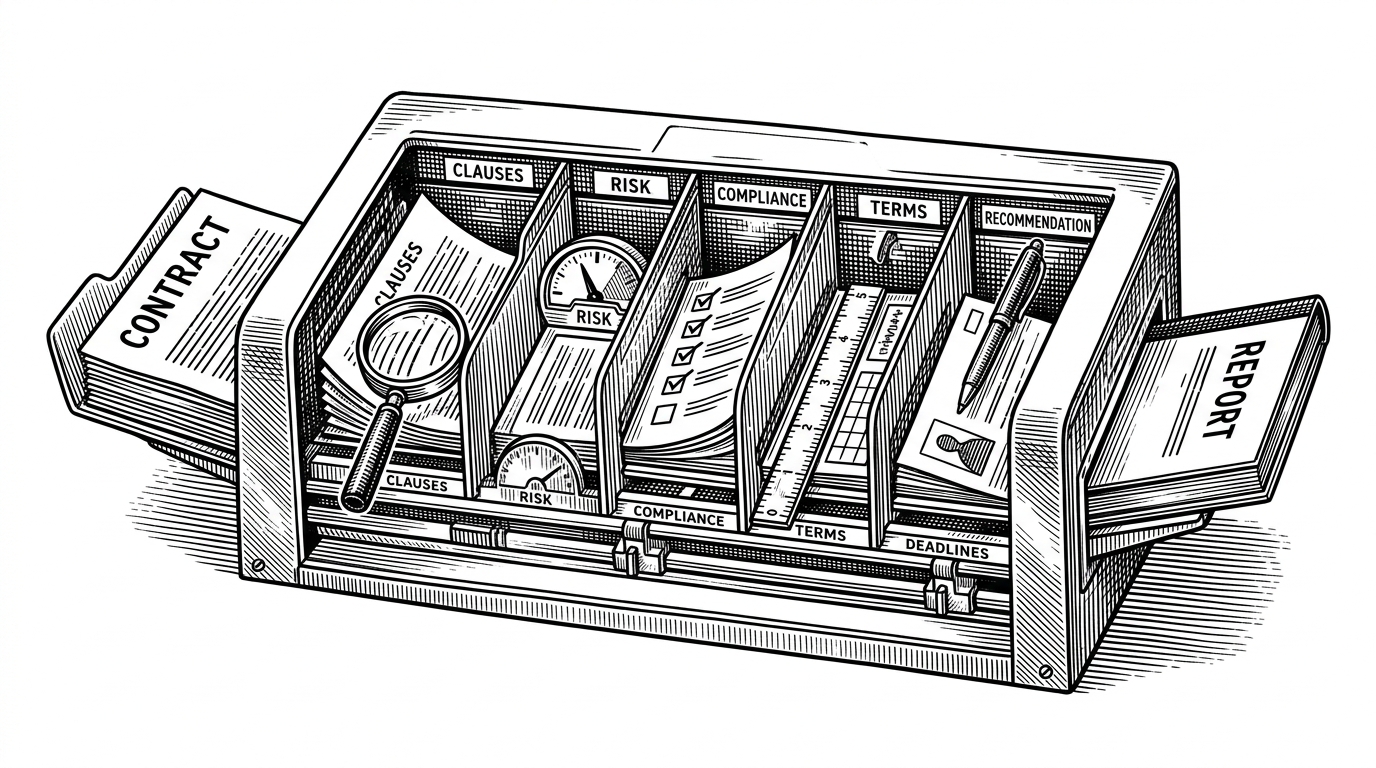
The flagship move is orchestration, not a bigger prompt. /legal review fans one document out to five specialist passes: Clause Analyst, Risk Assessor, Compliance Checker, Terms Mapper, and Recommendations Engine. Each pass sees the same contract, but each is optimized to catch a different kind of failure.
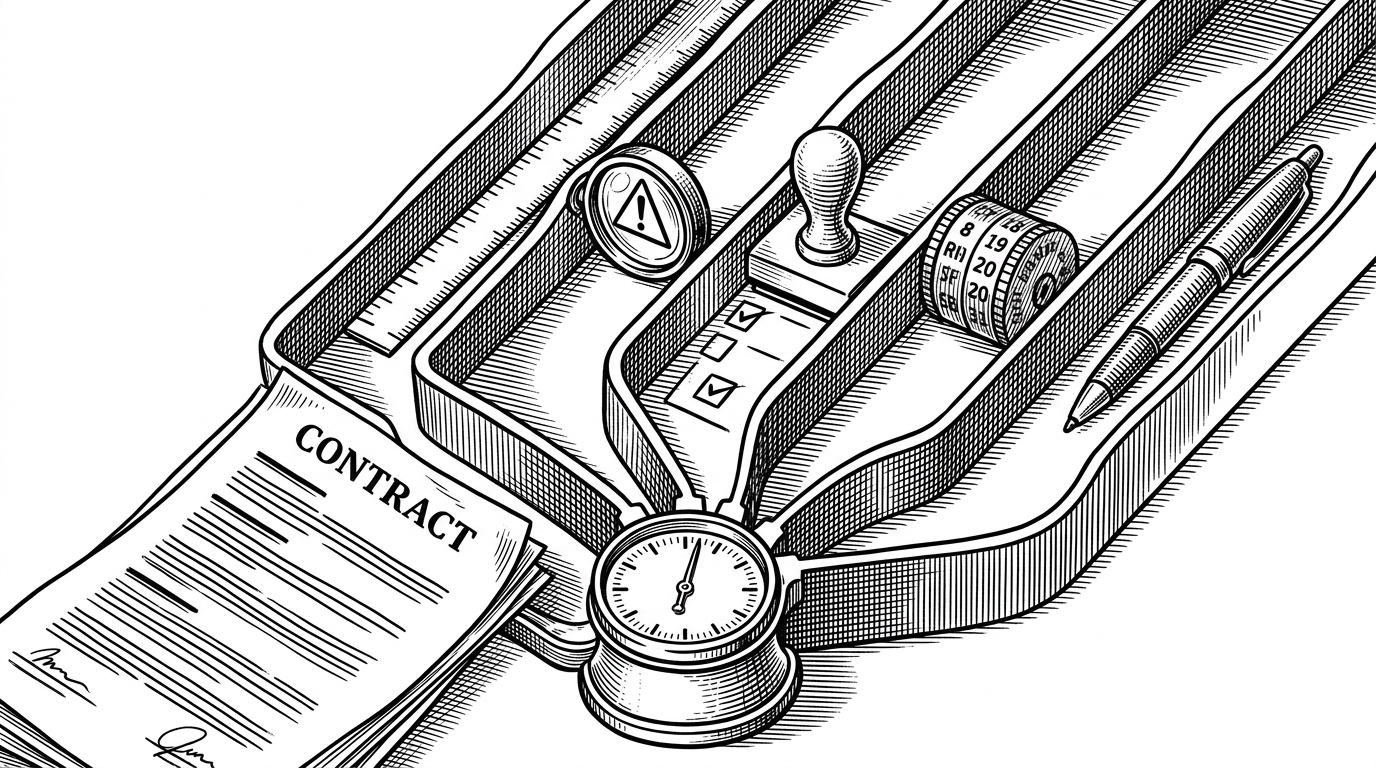
That split matters because generalist contract analysis tends to collapse everything into one voice. This repo separates clause extraction from risk judgment, compliance checks, obligation mapping, and remediation advice, then blends those outputs into a weighted score. The result is less chatty and easier to defend.
Why the repo splits judgment from output
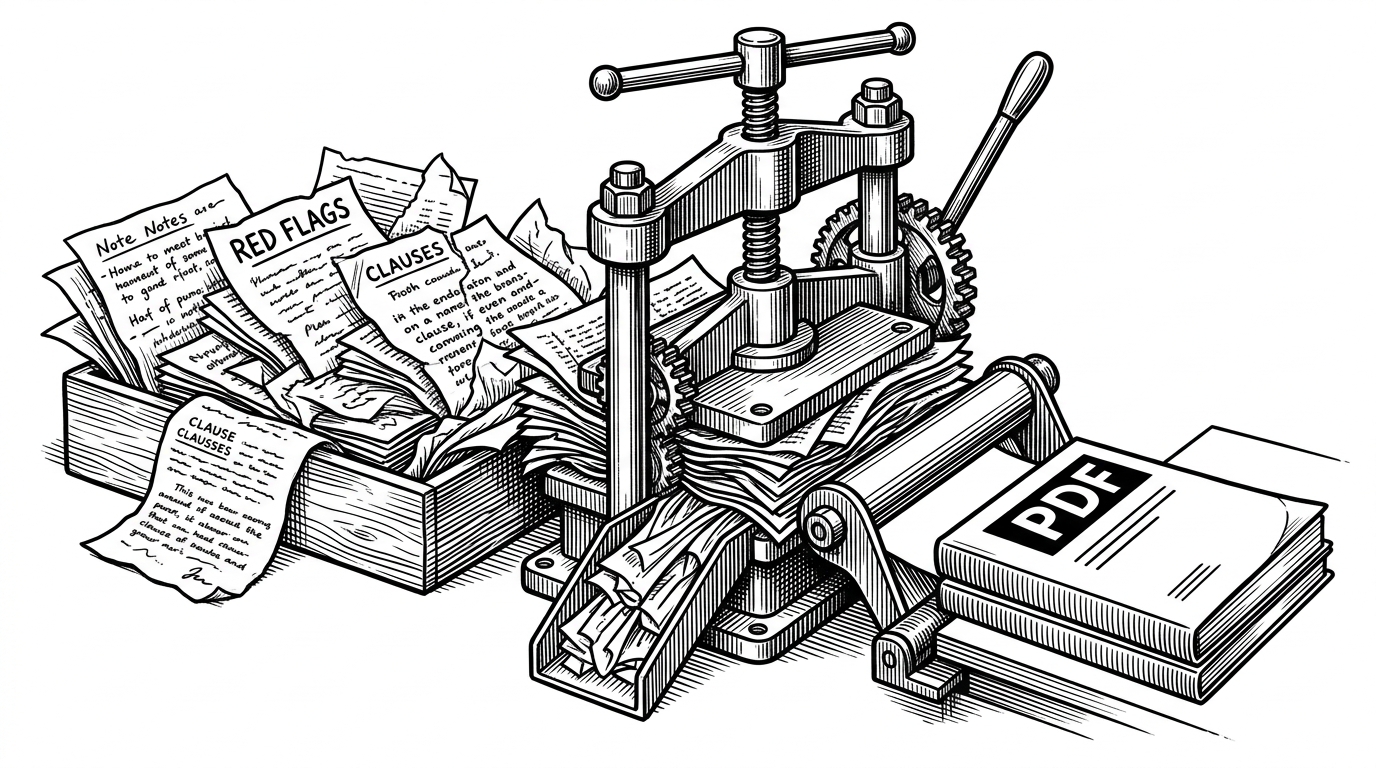
The output layer is where the project stops feeling like a prompt bundle. generate_legal_pdf.py and the report templates turn analysis into a structured artifact with tables, headings, and a PDF body built through Python and ReportLab. That matters because a contract review only becomes useful when it can be archived, forwarded, and compared against the next draft.
The separation of judgment and formatting also makes the system reusable. The same analysis engine can support different deliverables later, whether that is an NDA summary, a redline packet, or a more formal client memo.
Why this feels like a product, not a prompt
Install and uninstall scripts are not glamorous, but they are a clue. They tell you the repo assumes lifecycle: setup, use, removal, and handoff. That is a different category from a one-off prompt, because it lets the workflow become part of a repeatable stack instead of a fragile experiment.
The README's business angle is equally direct. It frames the repo as a way to sell fast legal triage to freelancers and small businesses, with document generation making the output feel client-ready. In other words, the technical architecture and the business model are the same move.
Where it sits in the legal AI landscape
Compared with enterprise legal platforms, ai-legal-claude is narrower, lighter, and more local. Compared with open-source legal libraries, it is more operational. The difference is not just price. It is whether the software lives as a workflow you run or a system you must adopt.
| Dimension | ai-legal-claude | evolsb/claude-legal-skill | Commercial legal AI |
|---|---|---|---|
| Primary interface | Markdown skills inside Claude Code | Claude Code legal skill with position-aware analysis | Enterprise SaaS or CLM platform |
| Setup friction | Low. Install into ~/.claude and run commands | Low to moderate. Similar skill install | High. Sales cycle, onboarding, and admin setup |
| Output artifact | Weighted score plus PDF report | Red flags, benchmarks, and redlines | Dashboards, workflows, and document review |
| Best for | Freelancers, small teams, automation agencies | Builders who want legal review inside Claude | Large legal and procurement teams |
| Core advantage | Workflow-native and composable | Position-aware analysis and benchmark cues | Breadth and enterprise controls |
| Core limitation | Not a substitute for counsel | Less integrated delivery packaging | Heavier, pricier, and less local |
That is the real takeaway. The repo is not trying to win legal AI by being broad. It is trying to make one high-friction task feel native to a terminal, which is why the pattern could travel to other verticals just as easily.