BinaryTreeVisualizer: Turning LeetCode Strings Into Moving Trees
A plain-JavaScript SVG engine that parses tree dialects, maps nodes, and animates BST and heap operations with almost no machinery.

- BinaryTreeVisualizer is less a tree drawer than a translation layer that turns coding-platform serializations into one stable node graph the browser can animate.
- Its biggest design choice is restraint, using native SVG, CSS transitions, and async JavaScript instead of a heavier framework.
- The repo makes BST and heap operations easier to learn because it animates state changes, not just final answers.
- Its narrow focus is the point, because it is built for students who need to move from string syntax to spatial intuition fast.
Why tree visualizers fail at the one thing students need
Tree problems are hard for a boring reason. The hard part is often not the algorithm, it is the representation. Students copy a string like [1,null,2,3] or a GeeksforGeeks style preorder input, then spend half their time asking what the string even means.
BinaryTreeVisualizer starts there. It does not assume the user already has a node graph in their head. It treats the serialization itself as the thing to understand, then turns that string into motion.
The real invention is the parser bridge
The center of the repo is constructTree.js, which normalizes different tree dialects into one in-memory structure. That matters because the browser only needs to know one shape after parsing: nodes, pointers, and stable IDs.
The repo’s key trick is a nodeMap. Each node gets a stable identity, so later code can target the same object when it needs to highlight, swap, or search. That is a small detail with a large payoff, because animation is easier when structure does not drift underneath it.

How the renderer stays lightweight without feeling primitive
Once the tree is normalized, the rendering path is straightforward. treeGraphics/main.js calculates the canvas size from tree height, then places nodes recursively with shrinking horizontal gaps. It is classic SVG math, not a framework problem disguised as a UI problem.
const width = (1 << maxHeight) * nodeRadius * 4;

while (pause) {
  await new Promise(resolve => setTimeout(resolve, 100));
}
That simplicity is the point. CSS transitions handle the smooth movement of circles and lines, while async JavaScript handles timing. The browser does the expensive part, so the repo can stay readable.
Insertion, deletion, heapify: where the browser becomes a teacher
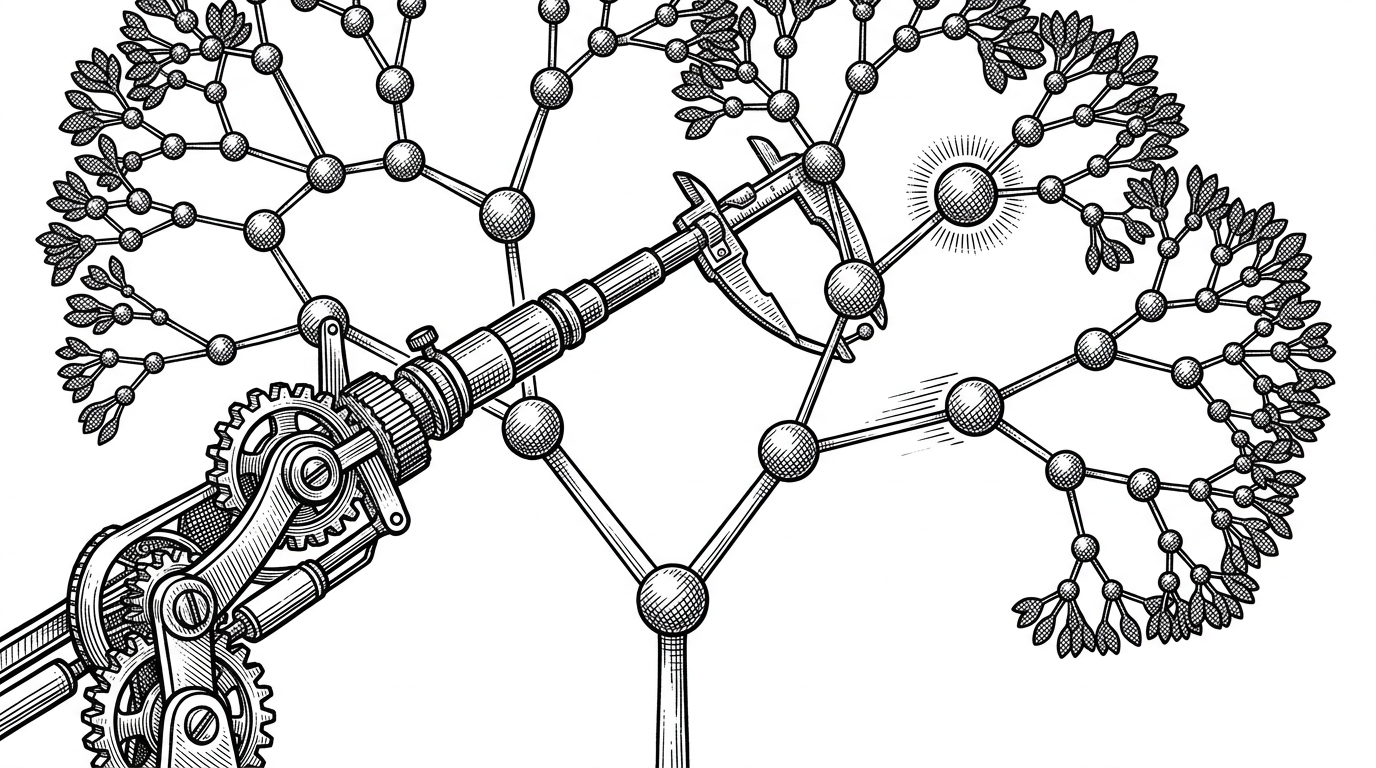
The animation files, including BSTAnimation.js and heapAnimation.js, turn state changes into visible steps. Insert, search, delete, bubble up, and sift down are all easier to follow when the browser pauses at each decision point instead of jumping to the end state.
That is where the repo stops being a diagram and becomes a lesson. A node turns gray, then highlighted, then found. Two nodes swap places. A subtree gets rebalanced visually, not just described in prose.

Why this feels better than the obvious alternatives
The cleanest comparison is not feature count. It is teaching fit. Static diagrams are easy to scan, but they stop where the real confusion starts. Framework-heavy visualizers can look polished, but they add abstraction the student never asked for.
| Approach | Strength | Weakness | What BinaryTreeVisualizer does differently |
|---|---|---|---|
| Static textbook diagrams | Fast to scan | No motion, no sequence | Turns serialization into a live process |
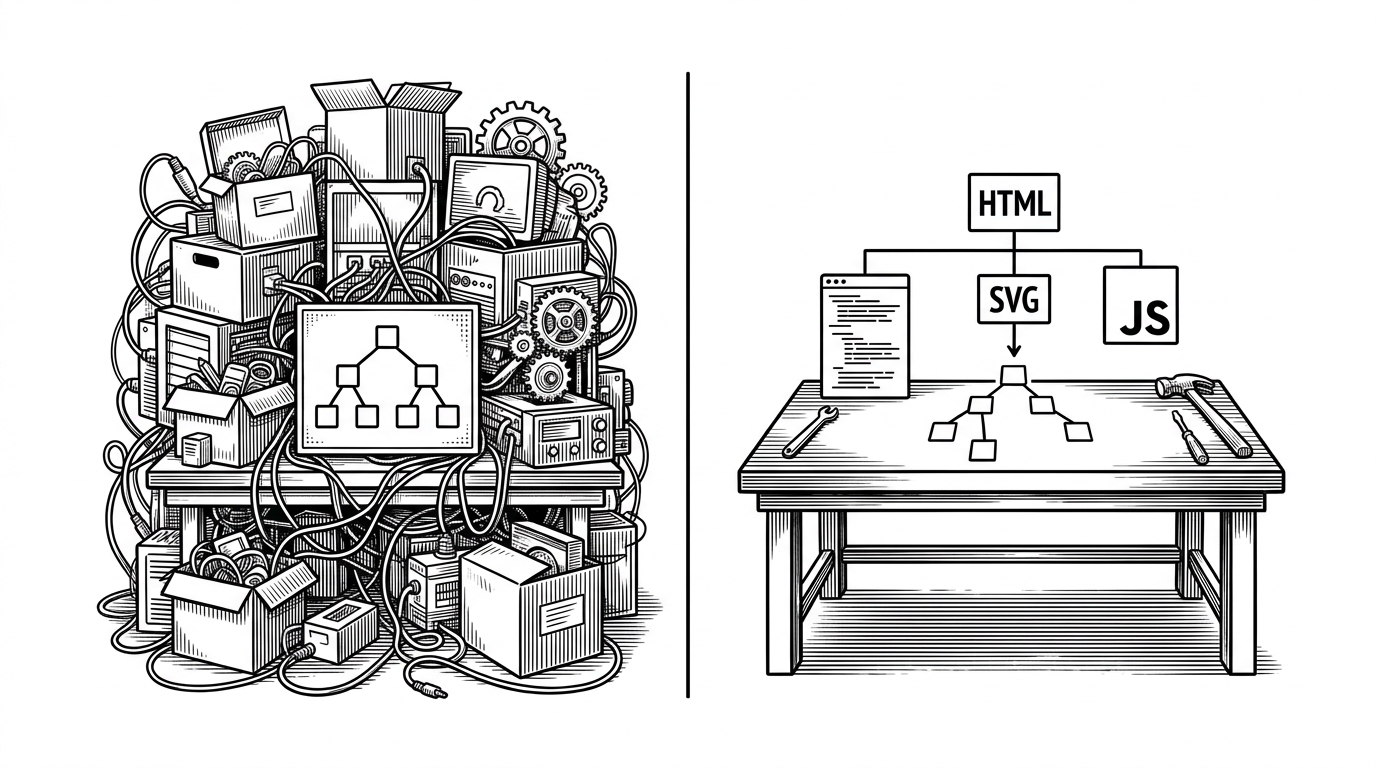
| Framework-heavy visualizers | Polished UI and extensibility | More baggage than the task needs | Uses native browser primitives only |
| Generic tree libraries | Flexible rendering | Not education-first or dialect-aware | Understands coding-platform input formats first |
BinaryTreeVisualizer is narrower, and that is why it works. It is built for one job: help a student move from text input to mental model without switching tools or learning a new stack.
The constraints are the design
This is a solo, dependency-free project, and the code reads like it. There is global state in index.js, a homegrown queue, and a lot of direct DOM work. In a bigger product, those would be liabilities. Here they are evidence that the author optimized for clarity over ceremony.
That trade-off also explains the tone of the repo. It feels like an educational tool built by someone who cares more about the student getting unstuck than about architectural purity. For this job, that is the right bias.