HapticsManager-Swift: the one-method wrapper that makes iPhone taps feel instant
A tiny Swift utility that hides UIKit boilerplate, pre-warms the Taptic Engine, and turns haptics into a readable intent call.
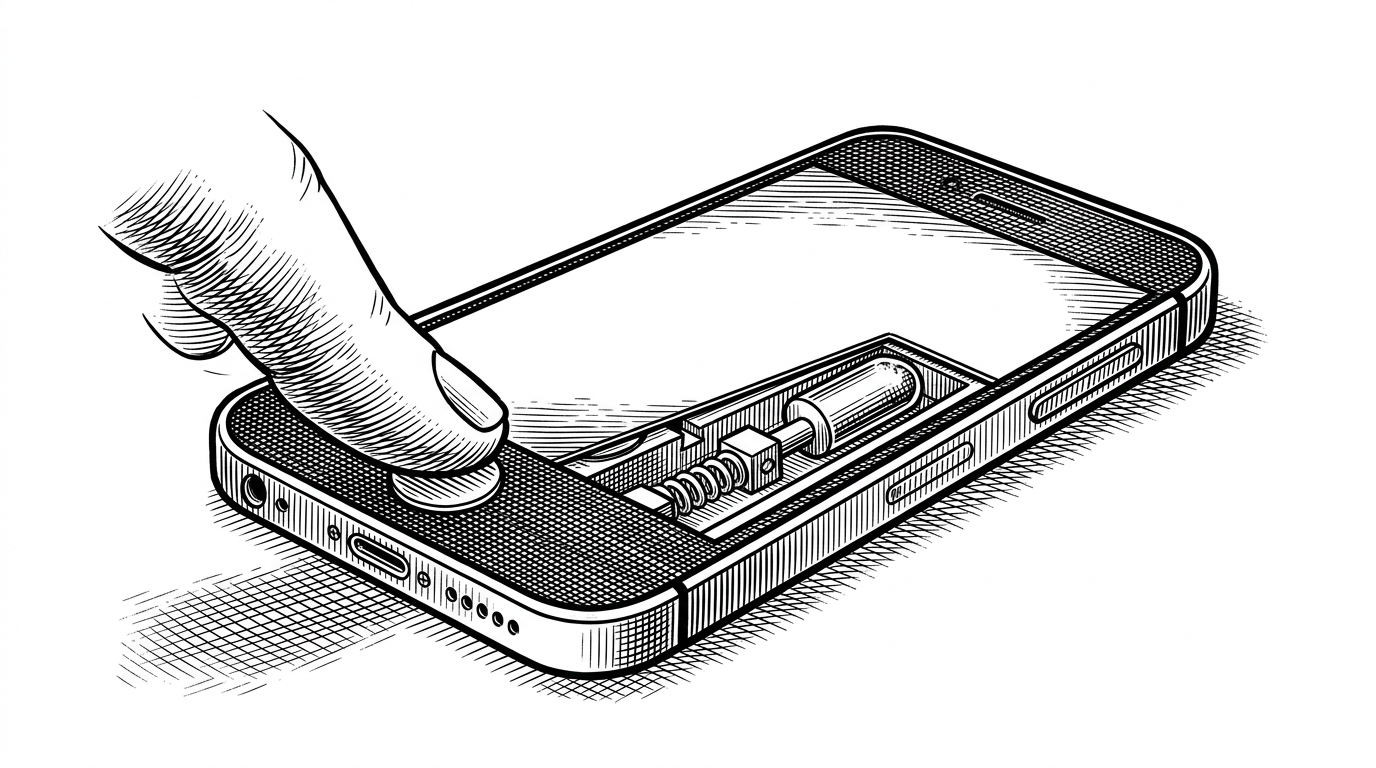

Created a new GitHub repository for easier access to haptics in SwiftUI
- HapticsManager-Swift matters because it turns a hardware sequence into a readable verb, which is the real product.
- Its hidden `prepare()` call is the small performance detail that makes taps feel immediate.
- The repo bridges SwiftUI ergonomics to UIKit haptics without adding dependency weight.
- The project shows how micro-libraries can publish a reusable design pattern instead of just saving keystrokes.
The real product is not vibration
The most interesting thing about HapticsManager-Swift is not that it vibrates the phone. It is that it turns a timing-sensitive UIKit ritual into a sentence: singleTap(). That matters because the call site now reads like intent, not hardware management.
let haptics = HapticsManager()\nhaptics.singleTap()\nhaptics.singleTap(.heavy)The hidden second step is the whole trick
The hidden trick is prepare(). On iPhone, the Taptic Engine feels better when the generator is warmed before the impact lands, and this repo bakes that into the helper instead of leaving it to every call site. The default style is .light, which nudges the experience toward subtle feedback instead of novelty.
import UIKit\n\nfinal class HapticsManager {\n func singleTap(_ style: UIImpactFeedbackGenerator.FeedbackStyle = .light) {\n let impact = UIImpactFeedbackGenerator(style: style)\n impact.prepare()\n impact.impactOccurred()\n }\n}That makes the class tiny, but not trivial. It is a deliberate choice to trade persistent state for a clean mental model, which is usually the right bargain for isolated taps and button feedback. The codebase is almost comically small, but the behavior it wraps is real.

A bridge from SwiftUI to UIKit
The project is aimed at SwiftUI developers, but it reaches into UIKit because that is where the mature haptic APIs still live. In other words, it is a bridge layer with better naming, not a new hardware stack. No packages, no extra dependencies, no framework ceremony beyond the one native class it needs.
Why a micro-repo still matters
That shape makes sense once you look at the origin. Adam Lyttle framed the repo as a way to make haptics in SwiftUI easier to access, and the repository stays faithful to that one job. It reads like a snippet, but publishing it matters because it gives other developers a stable pattern to copy instead of a private folder to reinvent.
That kind of repo is easy to underestimate. Shared micro-utilities save teams from copying, drifting, and re-debugging the same three lines of setup. They also make the intent visible to the next person who opens the file six months later.
Where it fits in the haptics landscape
Compared with the rest of the haptics landscape, this repo occupies the narrowest useful lane. It is lighter than a full library, clearer than inline UIKit, and more explicit than a state-driven modifier when you need a direct tap response. The point is not to crown a winner. It is to show the tradeoff space clearly.
| Approach | What you type | Strength | Tradeoff |
|---|---|---|---|
| Raw UIKit | `UIImpactFeedbackGenerator(style:)` plus `prepare()` and `impactOccurred()` | Maximum control and zero abstraction tax | More ceremony at every call site |
| HapticsManager-Swift | `singleTap(.light)` | Readable intent with the warm-up baked in | Narrow scope, one haptic family |
| SwiftUI sensoryFeedback | State-driven modifier attached to view updates | Native to SwiftUI and easy to compose | Different mental model and newer platform support |
| Haptica | Broader helper API for many feedback types | Wide coverage across haptics and controls | Heavier surface area than a tiny wrapper |
That table is the real argument. HapticsManager-Swift is not trying to replace UIKit or outgrow SwiftUI. It is choosing a very specific bargain: less surface area, more readability, and just enough hidden work to make the tap feel immediate.
The larger lesson
The best micro-libraries do not win by breadth. They win by naming a repeated action well enough that the code reads like the user's intent, while still hiding the latency work that keeps the experience feeling polished. HapticsManager-Swift does exactly that, and that is why such a small repo earns a place in the toolkit.