sdweb-merge-block-weighted-gui: The Tool That Lets You Mix Stable Diffusion Models Block by Block
Instead of one merge ratio, this extension gives you 25. That turns model merging from a guess into a controlled design process.
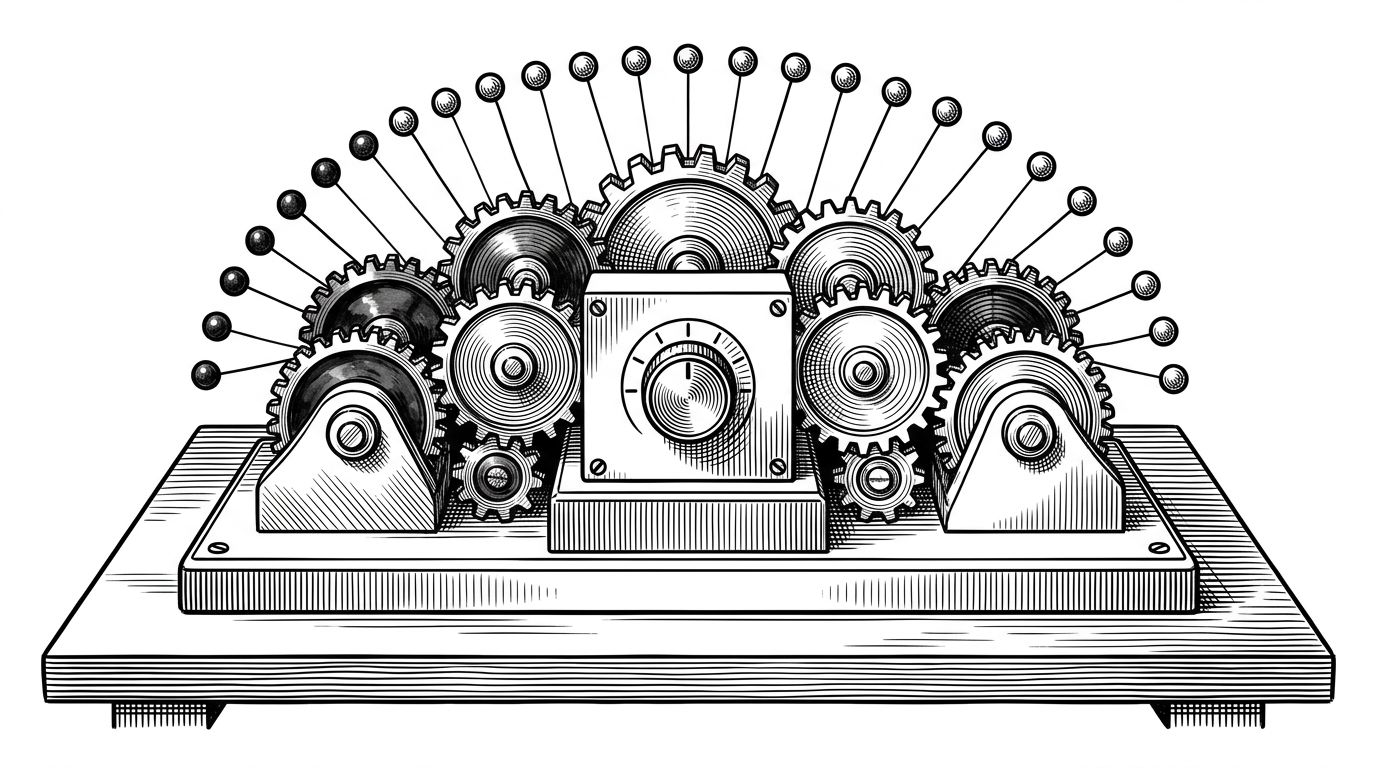
- MBW changes model merging from one global ratio into a 25-point control surface across the U-Net.
- The interesting unit is not the whole model but the block, because different regions carry different kinds of influence.
- MBW Each adds a three-way blend that can preserve identity while mixing traits from two sources.
- Preset curves turn the merge into a shaped transfer profile instead of a flat interpolation.
Most model merging starts with a blunt assumption: if two checkpoints are good, averaging them should be good enough. This repo rejects that idea. It exposes the internal structure of Stable Diffusion and lets you decide where one model should dominate and where another should fade in.
That is why the project feels less like a utility and more like a control surface. The extension, written for the AUTOMATIC1111 Web UI, wraps the bbc-mc/sdweb-merge-block-weighted-gui workflow around 25 U-Net blocks, with presets, advanced three-way merging, and safeguards for practical model export.
A merge slider becomes a control surface
The basic promise is simple. Instead of one merge ratio for the whole model, MBW lets you assign separate weights to 12 input blocks, one middle block, and 12 output blocks. That is a small change in interface and a big change in mental model.
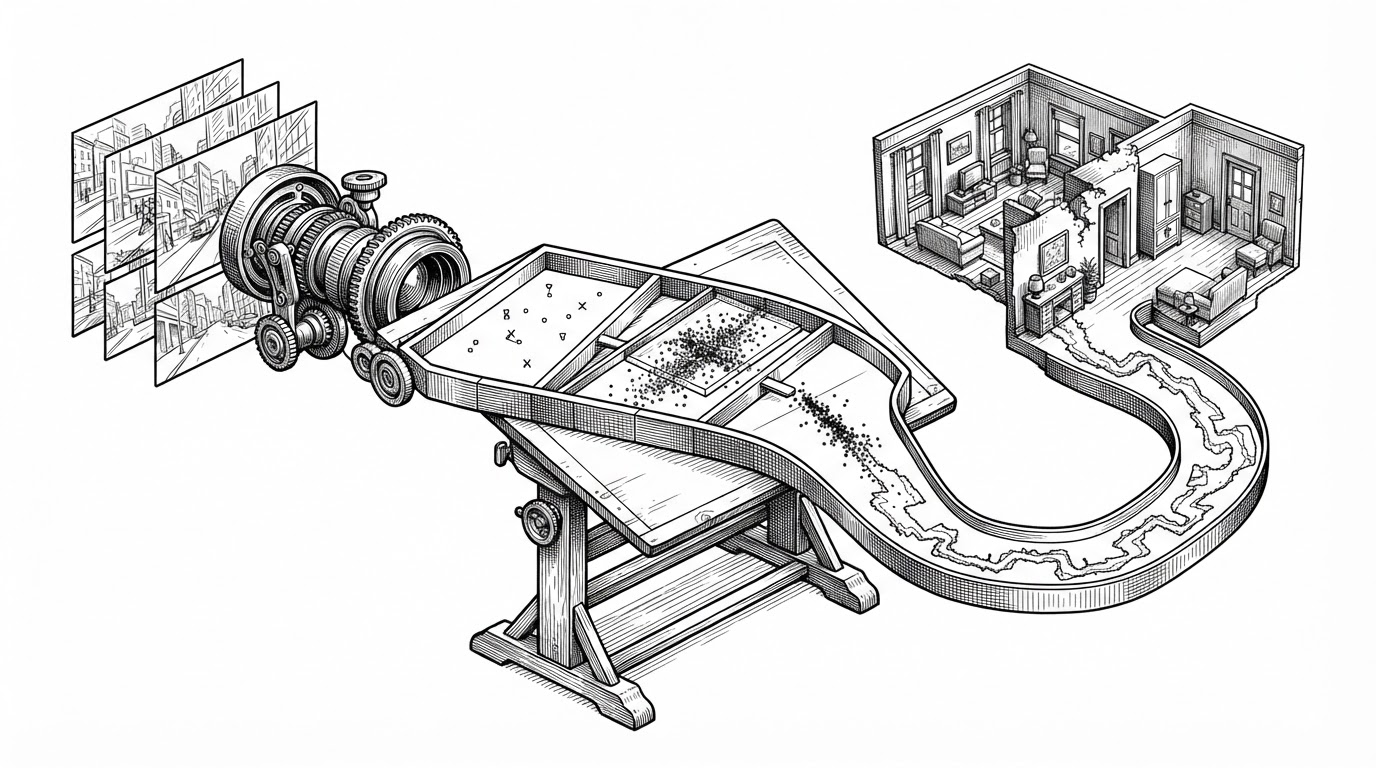
Once you think in blocks, the merge stops being a single average. It becomes a composition problem. Lower layers can lean toward one model, higher layers toward another, and the middle can act as the pivot that keeps the whole thing coherent.
That map matters because not every block contributes the same thing. Early U-Net layers tend to steer structure and composition. Later layers push style and surface detail. The center block often feels like a hinge between the two. MBW gives the user a way to exploit that division instead of ignoring it.
Merge models with separate rate for each 25 U-Net block (input, middle, output). Extension for Stable Diffusion UI by AUTOMATIC1111
Why the U-Net is the real canvas
The repository's most useful idea is also its simplest: the U-Net is not one thing. It is a stack of regions with different responsibilities, and the extension exposes those regions as editable weights. That makes the merge feel closer to graphic design than mathematics.
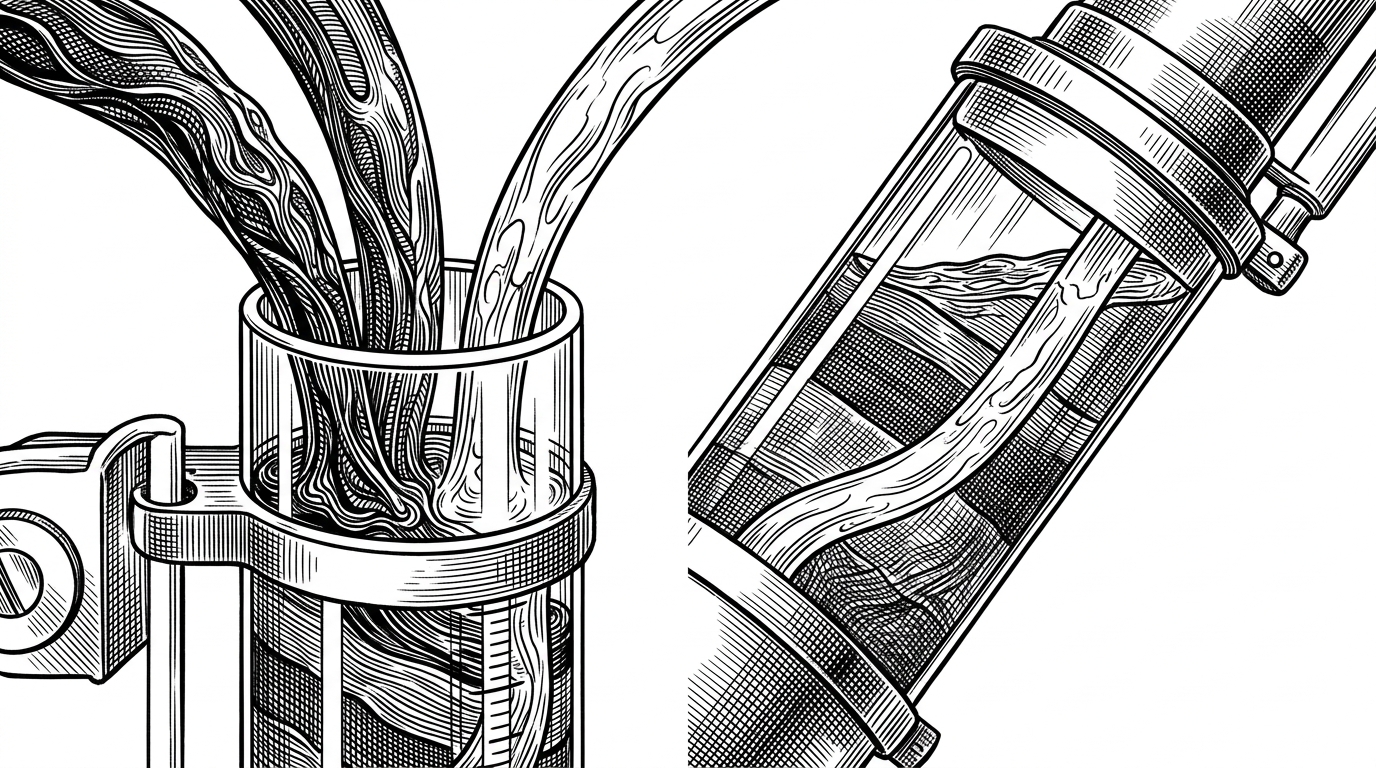
The standard mode is already useful, but the advanced MBW Each mode shows where the project gets interesting. It introduces a three-way relationship among A, B, and Identity. That means the user is not only blending two models. They are deciding how much of the original structure should survive the blend.
| Approach | Control granularity | Source models | Identity preserved? | Best use case |
|---|---|---|---|---|
| Standard global merge | One ratio for the whole model | 2 | No | Fast, rough checkpoint averaging |
| MBW block-weighted merge | 25 block-specific weights | 2 | Not directly | Sculpting composition, style, and detail by region |
| MBW Each | 25 block-specific weights per source path | 3: A, B, Identity | Yes | Preserving a base model while layering in two influences |
The engine: how MBW actually merges tensors
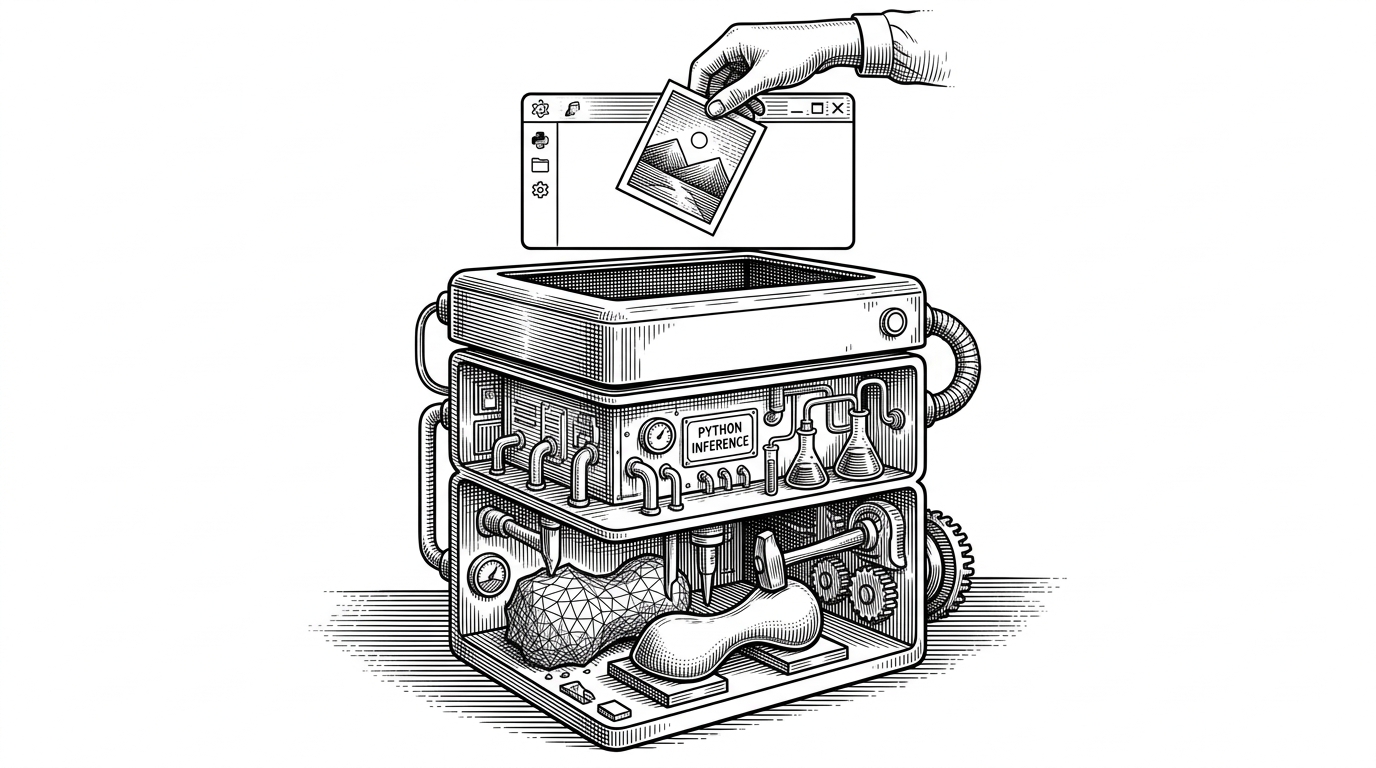
Under the hood, the extension does practical bookkeeping before it does any artistry. It loads model state dictionaries, identifies block names with regex patterns, and applies the merge formula key by key. The code also deals with float16 conversion and safetensors output, which is the difference between a neat demo and a tool people actually use.
# Conceptual merge logic
for key in theta_0.keys():
    current_alpha = get_block_alpha(key)
    theta_0[key] = (1 - current_alpha) * theta_0[key] + current_alpha * theta_1[key]
That formula looks ordinary because the novelty is not the math itself. The novelty is where the weight comes from. Instead of one alpha for everything, MBW maps the key to a block and reads the alpha from the user's 25-value curve.
The repo also handles a practical edge case around CLIP position IDs. That is a good sign. It means the code is not only chasing expressive merges, it is also defending against a class of model-breaking mistakes that show up when text encoding details drift out of sync.
Presets turn layer weighting into a shape
The preset system is where the extension stops feeling like 25 sliders and starts feeling like a design language. A preset such as Smoothstep or Cubic Hermite is really a curve across depth. It says where the merge should move slowly, where it should accelerate, and where it should settle.
That matters because users rarely want a perfectly linear blend. They want the front of the network to favor one model, the back to favor another, or a gradual ramp that protects composition while borrowing style. Presets give those intentions a shape.
This is the smartest part of the UI. It turns a deep technical idea into a reusable pattern. The merge does not need to be hand-tuned from scratch every time, because the curve itself becomes a creative artifact.
The hidden bug class: position_ids and the cost of getting CLIP wrong
The small toggle for skipping or resetting position_ids looks minor until you remember what it protects. If the text encoder state is not handled carefully, prompt tokens can be misread or offset in ways that are hard to diagnose and easy to blame on the wrong thing.
This is the kind of detail that separates a rough script from a serious extension. The repo is not only about merging weights. It is about merging without quietly breaking the parts of the model that govern how prompts are understood.
What this tool tells us about early Stable Diffusion tooling
MBW sits in an interesting moment in the Stable Diffusion ecosystem. Early on, people needed tools that went beyond built-in weighted sums. Then came more automated workflows like Merge Board and auto-MBW. In that landscape, this repo is the precision instrument: manual, visual, and exacting.
That also explains why it still feels useful. It speaks to a class of users who want to shape checkpoints the way a craftsperson shapes material. Not by guessing, but by choosing where the pressure goes.
| Tool | Primary strength | Weakness | What makes it distinct |
|---|---|---|---|
| AUTOMATIC1111 global merge | Simplicity | Only one ratio | Fastest path to a rough blend |
| sdweb-merge-block-weighted-gui | Block-by-block control | More decisions to make | Turns merging into a depth-aware composition tool |
| sdweb-merge-board / auto-MBW | Automation | Less tactile control | Optimizes workflows built around repeated merges |