Writher: The Windows Voice Tool That Solves the Last Mile
A local-first dictation and assistant app for Windows, built around Whisper, Ollama, and a clipboard-safe way to paste speech into any focused app.
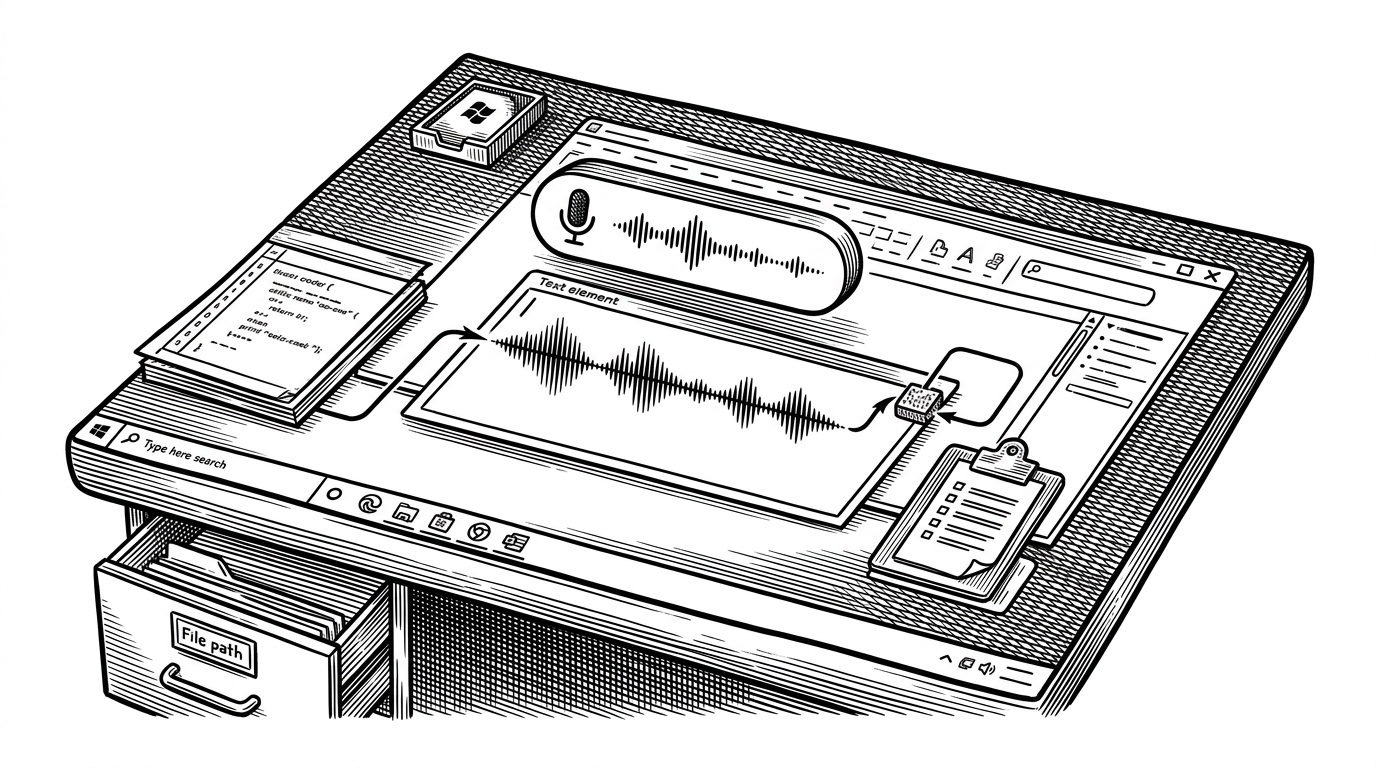
- Writher's real innovation is clipboard-safe delivery into any focused Windows app, not just speech recognition.
- The app uses one local pipeline for two jobs: dictation pastes text, and assistant mode turns speech into saved actions.
- `main.py`, `assistant.py`, `injector.py`, and `database.py` make the app feel like OS plumbing with a memory layer, not a chat window.
- The UI is doing trust work by exposing state, which matters when voice controls act directly on the desktop.
The hard problem is not speech, it is delivery
Most voice tools stop at transcription. Writher starts where they usually stop: getting the words into the right Windows app without breaking whatever was already in the clipboard. That last mile is why it feels more like desktop plumbing than a chatbot.
The repo's cleverest move is to treat paste as a managed operation. `injector.py` saves the user's clipboard, injects the dictated text, then restores the original state. If the handoff fails, it writes a recovery copy to disk, which turns a fragile UX into a survivable one.
Why benmaster82 built Writher
Writher comes from a simple complaint: cloud voice tools make you trade privacy, subscriptions, or both for a basic productivity win. The project answers that complaint with a local stack, so the microphone, transcription, and assistant logic stay on the machine after the models are installed.
I built Writher because I was tired of voice tools that require subscriptions or send audio to remote servers. It runs fully local using faster-whisper and Ollama.
That explains the shape of the product. It is not trying to be a universal assistant, and it is not trying to be a cloud service in disguise. It is trying to be a reliable Windows utility that happens to understand speech.
How the pipeline works
`main.py` coordinates the whole system. It listens for hotkeys, starts and stops `recorder.py`, pushes audio through `transcriber.py`, and keeps the UI alive with queues so transcription and LLM calls do not freeze the widget or tray icon.
The pipeline then splits. In dictation mode, speech becomes text and heads straight to injection. In assistant mode, `assistant.py` turns speech into structured actions through Ollama, then writes notes, lists, reminders, or appointments into `database.py`.
Two modes: hold AltGr to dictate text anywhere on Windows, or Ctrl+R for the AI assistant (notes, reminders, appointments). Works in any app – editor, browser, chat.
The date logic matters more than it sounds. Turning phrases like "next Monday at 3" into absolute timestamps means the model can do useful work without inventing a new interaction pattern, and the SQLite WAL setup lets the notes window read while the assistant writes.
The UI makes the invisible system feel safe
Writher's floating widget is not ornamental. The glassy pill, the expressive eyes, the tray icon, and the notes window all do state communication, which matters when the system is listening, thinking, or about to paste into whatever app happens to be focused.
That is a design pattern worth stealing. When a tool acts at the OS boundary, uncertainty is the enemy. Clear feedback lowers the cognitive tax of trusting it, especially when the app is living in the tray instead of on the taskbar.
What Writher gets right, and what it is really competing with
Writher is not winning by being the biggest model or the flashiest brand. It is winning by combining offline transcription, local assistant actions, clipboard-safe insertion, and global hotkeys into one small workflow that behaves like a native part of Windows.
| Tool type | Offline | Dictation anywhere | Assistant actions | Clipboard-safe paste | Best for |
|---|---|---|---|---|---|
| Single-purpose dictation app | Often yes | Usually yes | No | Sometimes | Fast transcription only |
| Cloud voice assistant | No | Sometimes | Yes | Rarely | Convenience over control |
| Writher | Yes | Yes | Yes | Yes | Windows users who want one local workflow |
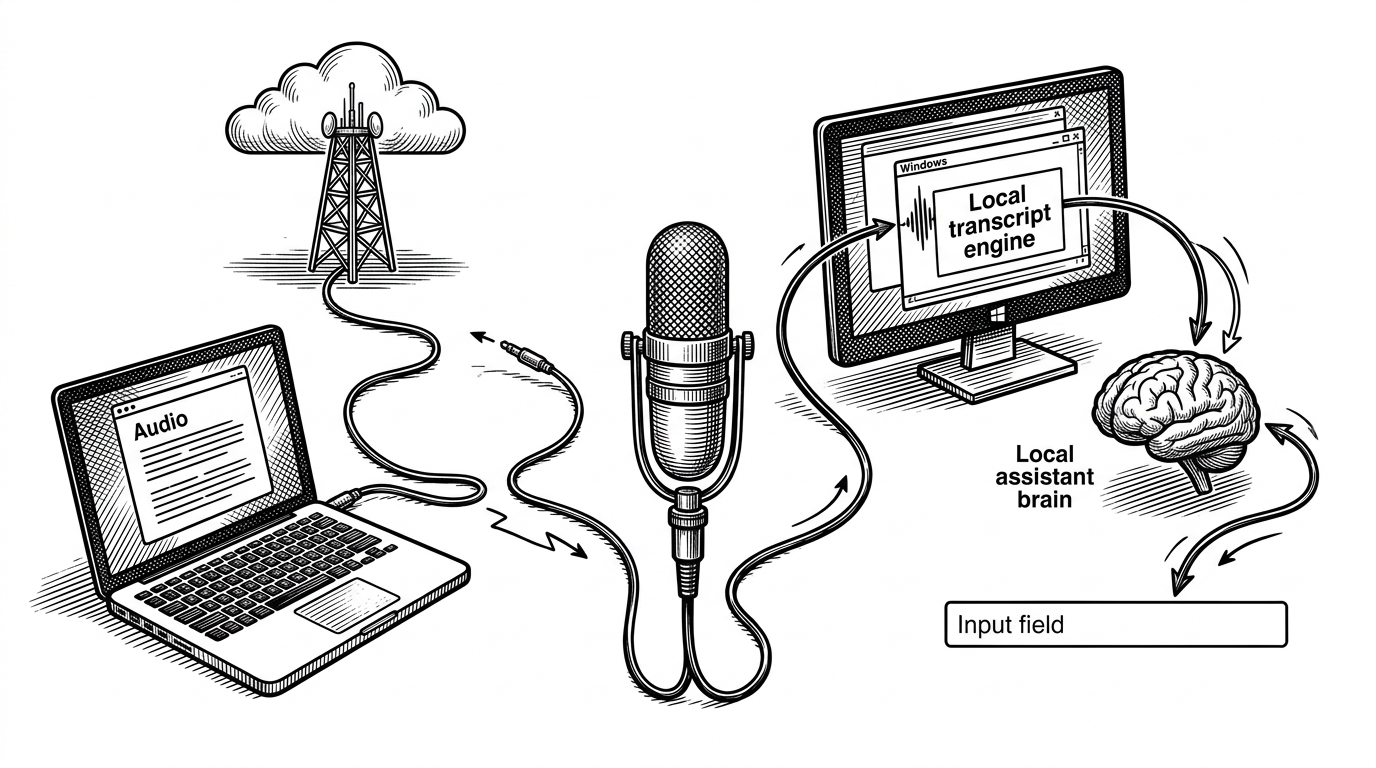
The contrast is not just privacy versus convenience. It is also about ownership. Writher gives the user a local path from voice to action, which means the core interaction does not depend on another company's uptime, policy changes, or account model.
The bigger bet
Writher points to a useful future for voice tools. Not a chat window with a microphone, but a local input primitive that behaves like part of the operating system. If the last mile stays reliable, voice stops feeling like a novelty and starts feeling like a normal way to work.