blender-ai-mcp-addon: Blender's Scene Is One Big Mutable Object. This AI Add-On Planned Around It.
blender-ai-mcp-addon puts a chat workspace, an MCP server, and a manager/worker/reviewer agent team inside Blender 4.2. The interesting part is what it refuses to do.
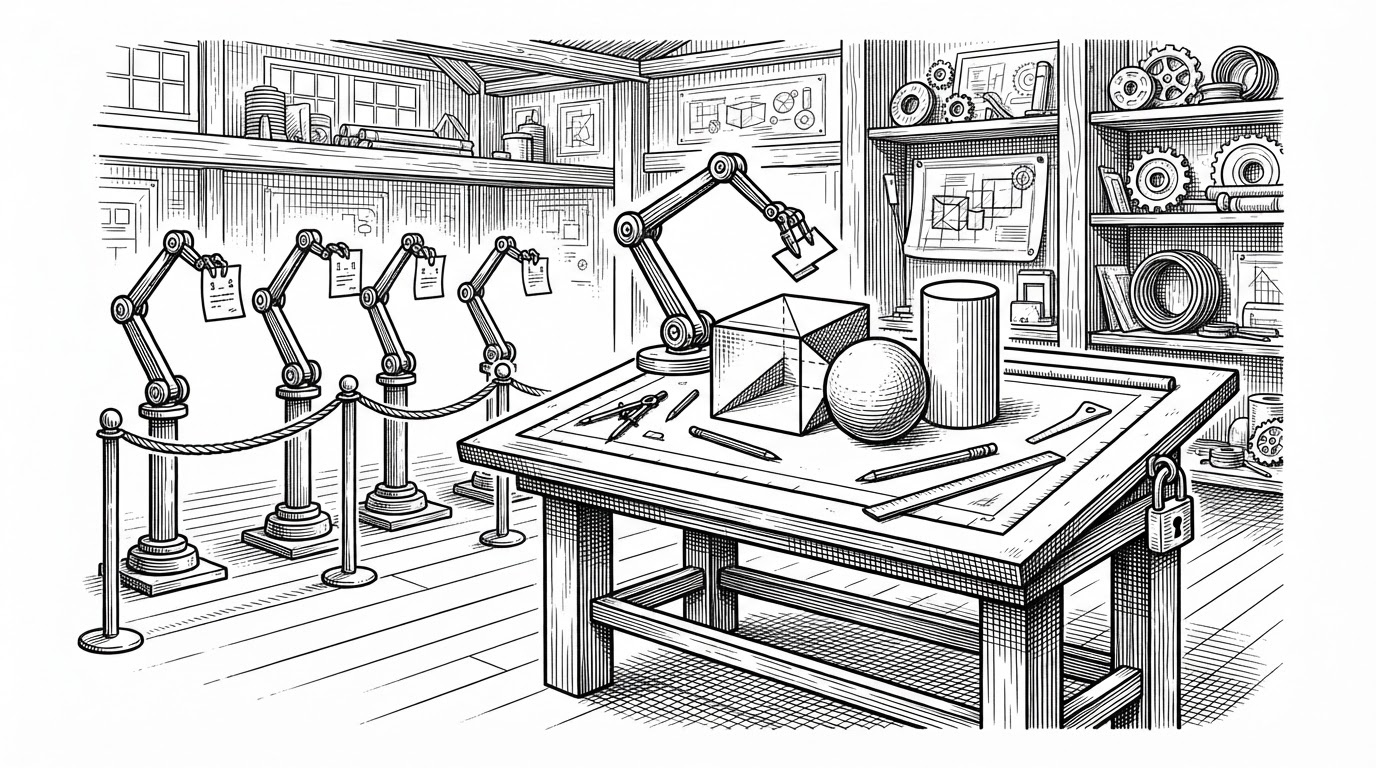
- Blender's scene graph is shared mutable state, so this add-on serializes its agents instead of parallelizing them.
- The manager/worker/reviewer chain gives each task exactly one correction attempt before the whole run stops.
- Blender sits at both ends of the MCP wire, acting as a client to LLM providers and as a server to external tools, so the artist never has to leave the viewport.
- The add-on ships as a ZIP with no source in the repository, and its own documentation says Python validation is not a security sandbox.
A 3D Scene Is a Single Mutable Object
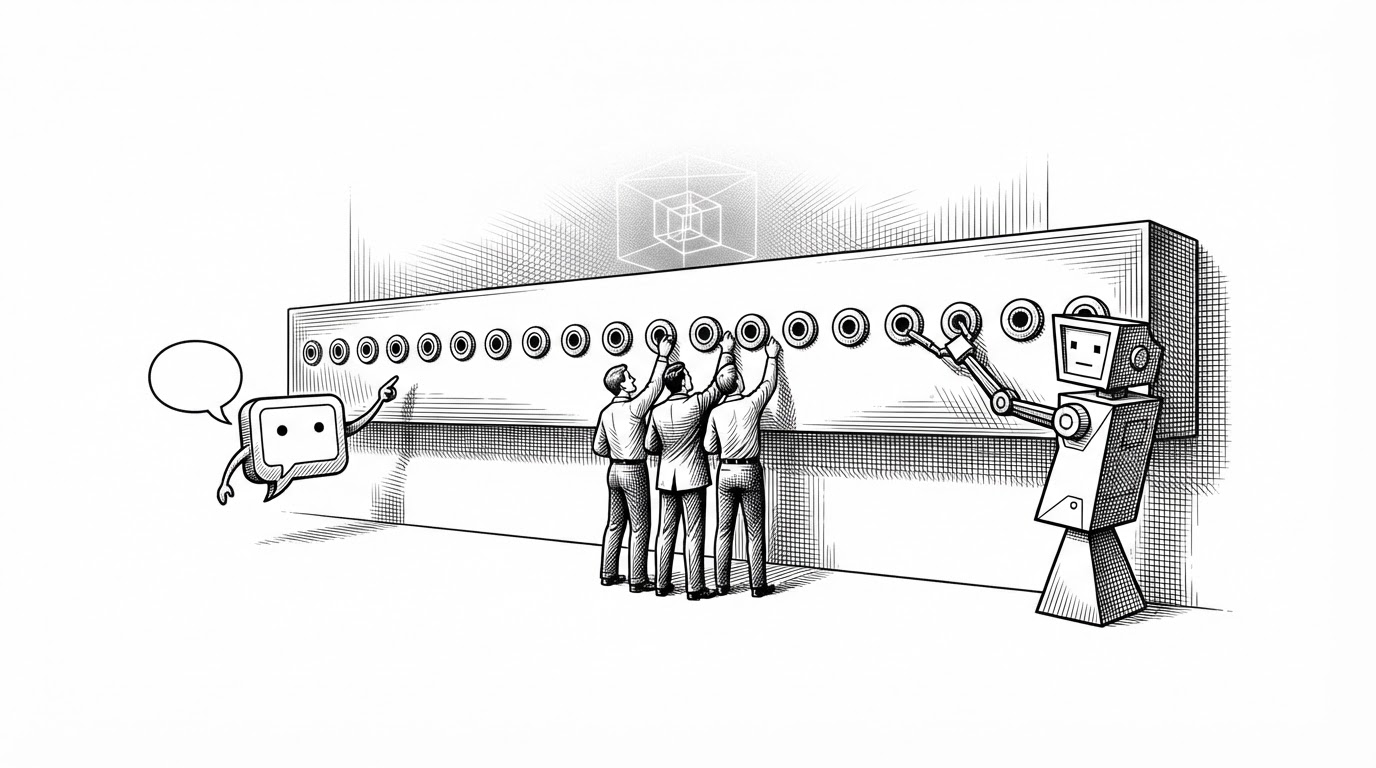
Most AI coding tools assume the thing they edit can be merged. Two agents write to two branches and a diff resolves the conflict. A Blender scene does not work that way. Every object, material, modifier, and constraint lives in one graph, and that graph is mutated in place.
Concurrent edits do not merge. They collide. Undo in a 3D editor is coarse and stateful, so a half-applied material change can leave the file worse off than where it started. A scene is not a document with a merge button. It is a live object graph that one set of hands should be touching at a time.
That single constraint is the spine of this project. blender-ai-mcp-addon is an AI assistant for Blender, and its most interesting decision runs against the grain of the agent field: it refuses to run agents in parallel.
What Actually Ships
The add-on, branded mcp-for-blender-pro, installs through Blender 4.2's extensions system. It has three parts. A sidebar panel in the 3D Viewport (N then MCP Pro) lets you pick a provider, enter credentials, load a model catalog, and chat. A companion Studio window is the larger workspace: chat, scene object lists, viewport snapshots, approvals, and a task board. And a built-in MCP server exposes Blender to external clients over authenticated Streamable HTTP at http://127.0.0.1:9876/mcp, guarded by a Bearer token.
Your Blender scene. Your AI models. One creative workspace.
The tool surface is 21 functions in six groups. Inspection covers get_scene_info, list_objects, and get_object_info. Creation adds cubes, spheres, cylinders, planes, lights, and cameras. Editing moves, duplicates, deletes, parents, and sets materials. Feedback and scripting hold viewport_screenshot and execute_code. API and export offer bpy_api_lookup, describe_node_type, and export_scene. Assets search and import from Poly Haven, Sketchfab, and Poly Pizza.
On the model side, the docs list seven connection options: OpenAI, Anthropic, Google Gemini, OpenRouter, OpenCode Zen, Ollama, and custom endpoints. Credentials live in Blender user preferences and persist when preferences are saved. Every claim in this section traces to the project's own README.md, docs/QUICKSTART.md, or docs/CONNECTIONS.md.
One Task at a Time, On Purpose
The team chain is where the constraint becomes a governance model. You configure exactly one enabled manager, at least one worker, and at least one reviewer. The manager writes assignments and acceptance criteria. Workers execute each task. Reviewers approve the work or return findings. Tasks run strictly in sequence, and the documentation gives the reason plainly: so scene edits stay ordered.
The retry rule is the sharpest edge. A blocked task gets one correction attempt. If a second review fails, the entire chain stops. Read as a state machine, each task moves through assigned, executing, and reviewing, with a single retry loop that is terminal on the second failure. That cap exists for two reasons: it prevents runaway token spend, and it prevents two language models from reviewing each other forever. Cancelling stops subsequent steps after the current operation finishes.
Blender on Both Ends of the Wire
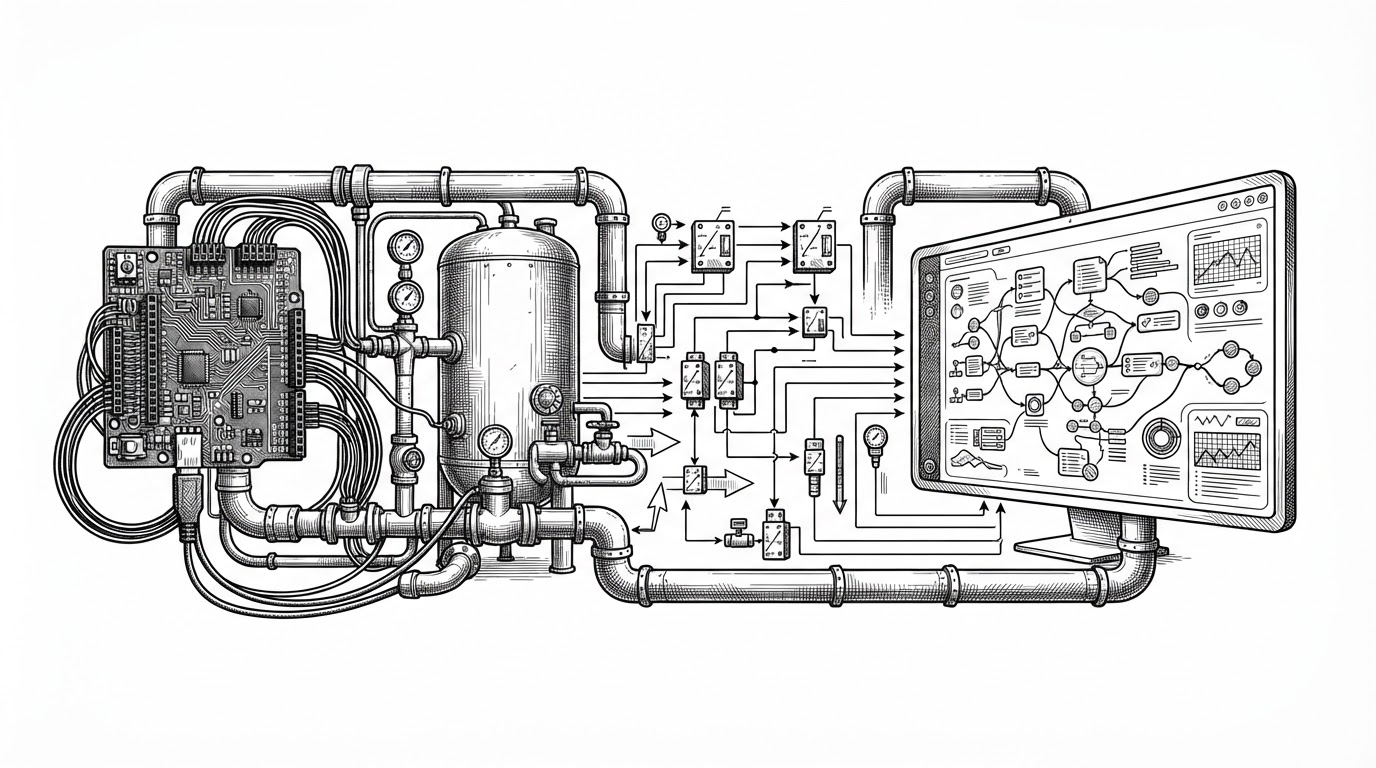
Here is the architectural inversion. The add-on is both an MCP client and an MCP server. The in-app assistant is a client that talks to LLM providers. The embedded server exposes Blender outward to external clients such as OpenCode. Blender sits at the center of two protocol relationships, and you can run either side or both. The artist never has to leave the viewport to get agentic help, which is the actual competitive bet.
The connection layer in docs/CONNECTIONS.md is effectively a small adapter specification. It supports three protocol shapes: OpenAI Chat Completions, which appends /models and /chat/completions; Anthropic Messages, which appends /models and /messages; and Ollama, which hits /api/tags and /api/chat. Each adapter fixes its own path convention behind a shared interface: list models, then chat. The docs also state the limits of that abstraction without overpromising.
That is an honest scoping statement. It means the system is a fixed set of protocol shapes, not a universal gateway. Many projects advertise any OpenAI-compatible endpoint and then break on the first surprise. This one publishes where it stops.
Giving the Model Eyes

A model that edits a 3D scene without seeing it is guessing. viewport_screenshot returns an image so a vision-capable model can check its own work, and the docs note that image-capable models can also interpret viewport screenshots. That closes the perception-action loop for spatial tasks.
It also reframes model choice as a capability question rather than a price question. A text-only model and a vision model behave differently on the same spatial task, because only one of them can look at the result and correct course. For a tool whose whole premise is working hands-on inside a scene, that is not a nice-to-have. It is the difference between placing an object and placing the right object.
Where It Sits in the Landscape
The defining distinction across these tools is not the model list. It is where the assistant experience and the MCP server actually live.
| Project | Where the assistant lives | Where the MCP server lives | Agent teams | Platforms (as documented) |
|---|---|---|---|---|
| blender-ai-mcp-addon | In-Blender sidebar + Studio window | Inside the add-on, Streamable HTTP on loopback | Manager / worker / reviewer, serial | Windows x64, Blender 4.2+ |
| ahujasid/blender-mcp | External AI client (Claude Desktop, Cursor, etc.) | External server, add-on acts as a socket bridge | None documented | Cross-client |
| PatrykIti/blender-ai-mcp | External client | External server | None documented | Archived, discontinued |
| Vibe4D | In-Blender chat panel | Not documented | None documented | Commercial add-on |
| 3D-Agent | In-Blender panel | Not documented | None documented | Commercial |
Figures for the commercial tools are vendor-related claims repeated by coverage, not independently verified adoption metrics. ahujasid/blender-mcp is the clearest community precedent, and no source establishes code inheritance in either direction. The distinguishing bet here is audience: this add-on treats Blender artists, not terminal-based agent users, as the primary user.
What You Can Verify
This article describes documented design, and it is worth being explicit about that. The repository contains documentation and screenshots, not source. Here is what the evidence does and does not support.
- The bundled release is Windows x64 only, targeting Blender 4.2+. Mac and Linux users are outside the documented install path.
- The repository tree holds nine entries: a README, a license, two docs, and three screenshots. GitHub's language breakdown is empty, so the add-on appears to ship as a ZIP through Releases rather than as auditable source in the repo.
- The MIT license names a different copyright holder than the repository owner. That may be a legitimate fork or derivative relationship, but the mismatch is unexplained and deserves checking before anyone claims original authorship.
- Chat history is session-only, so long runs do not persist a conversation log.
- The README carries UTF-8 encoding artifacts, including a byte-order mark and mojibake where dashes and arrows should be. It is a polish signal, not a functional defect.
The sharpest disclosure is the project's own. execute_code is a general Python execution path reachable through the authenticated local endpoint, which means any local process holding the token can run arbitrary Python inside Blender's process. The threat model is local, not remote, but the maintainers do not pretend the validation layer is stronger than it is.
Python tool validation helps catch disallowed operations; it is not a security sandbox.
What remains genuinely notable is the design discipline. A project that serializes its agents, bounds its retries, gives mutations named undo steps, and publishes its own limits is making decisions most agent tooling defers. The documentation is coherent and cross-referenced, and it names its failure modes. Whether the code behind the ZIP matches that documentation is the one thing nobody outside the repository can yet confirm.