blender-ai-mcp-addon: The Blender Add-On Where the Tool Layer Is the Product
21 scene tools, three wire protocols, and a bounded agent team. How mcp-for-blender-pro bets that MCP, not the chat window, is the right interface for AI in creative software.
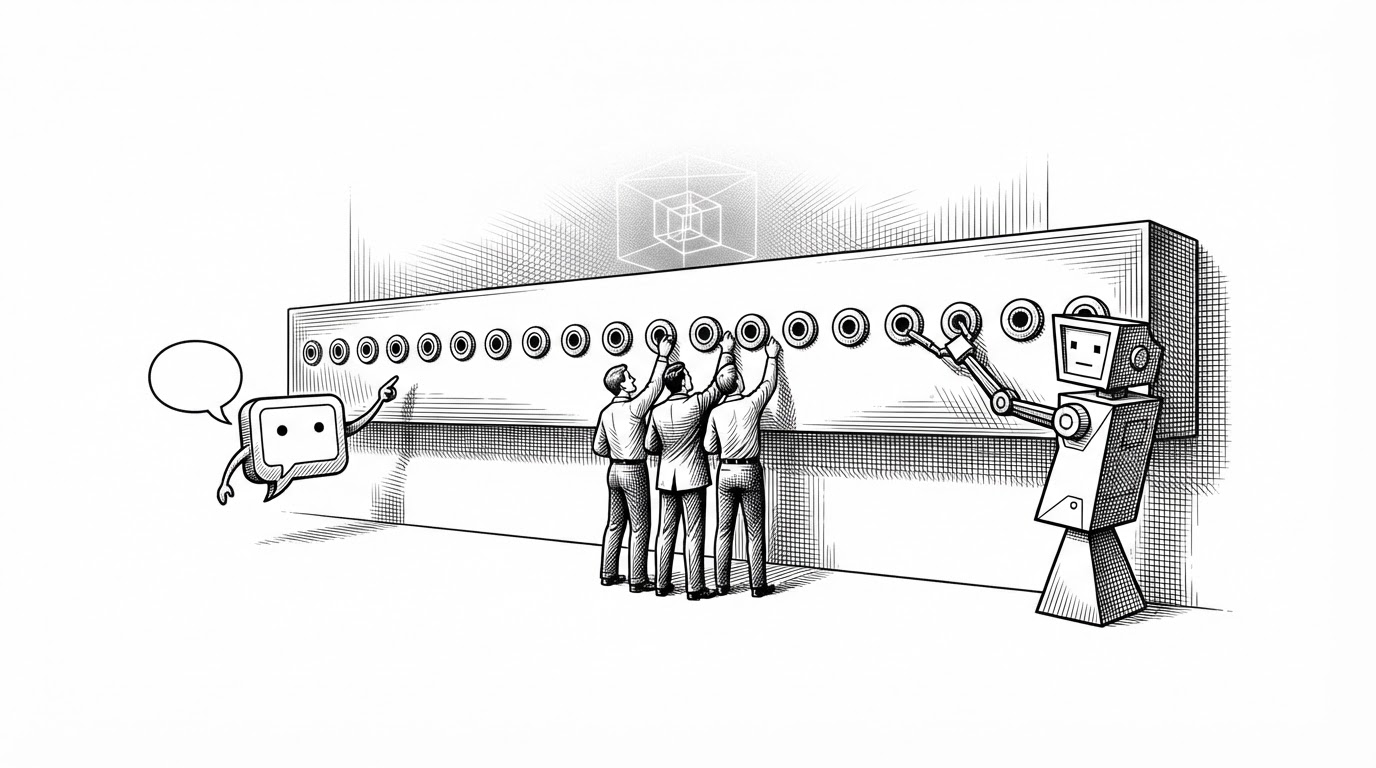
- mcp-for-blender-pro defines twenty-one scene tools once and serves them to three clients: an embedded Studio chat, a sequential manager/worker/reviewer agent team, and any authenticated external MCP client.
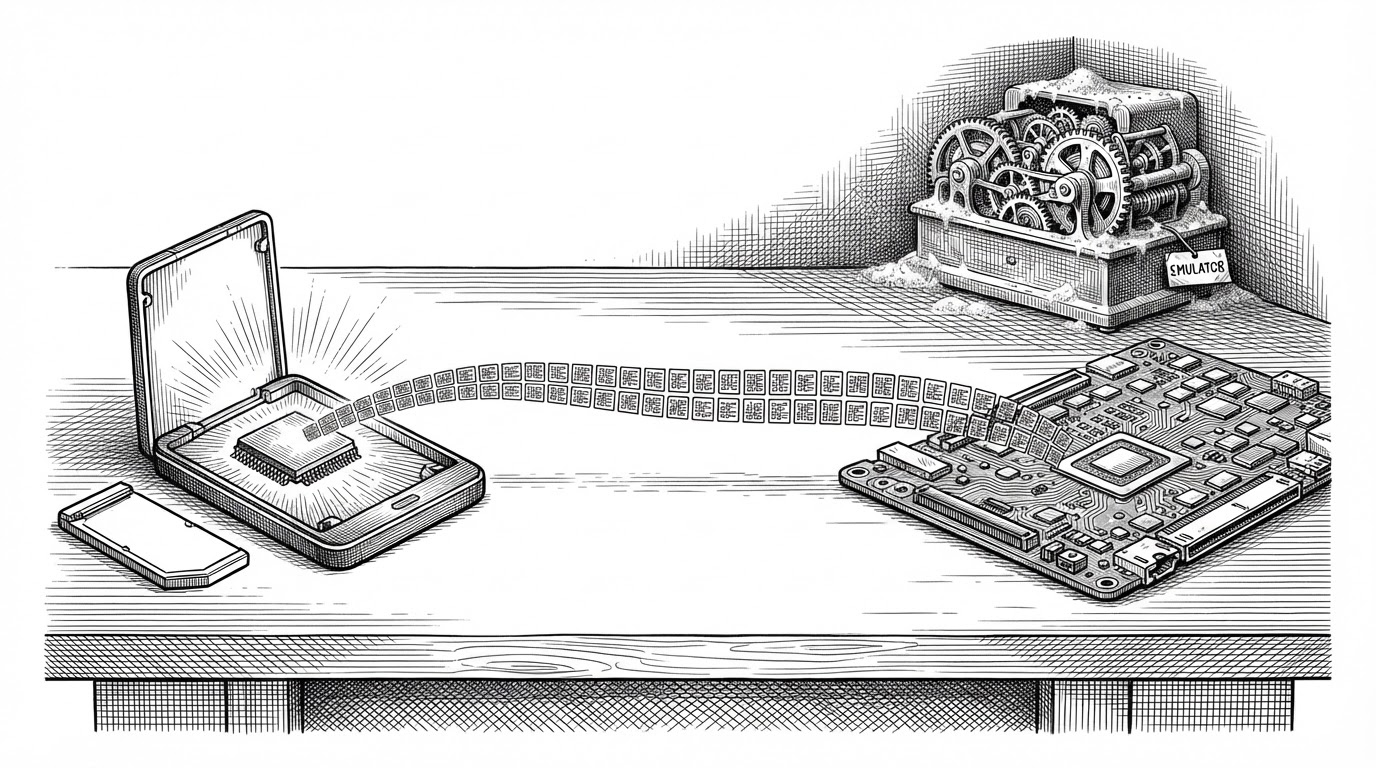
- The architecture collapses the model provider problem into three wire protocols (OpenAI Chat Completions, Anthropic Messages, Ollama) rather than one adapter per vendor.
- The most powerful tool, execute_code, runs arbitrary Python inside Blender, and the README says its validation is not a security sandbox.
- The same shared tool layer that makes the design elegant also means a second client may bypass the approval gate the in-app chat advertises.
One Tool Layer, Three Clients
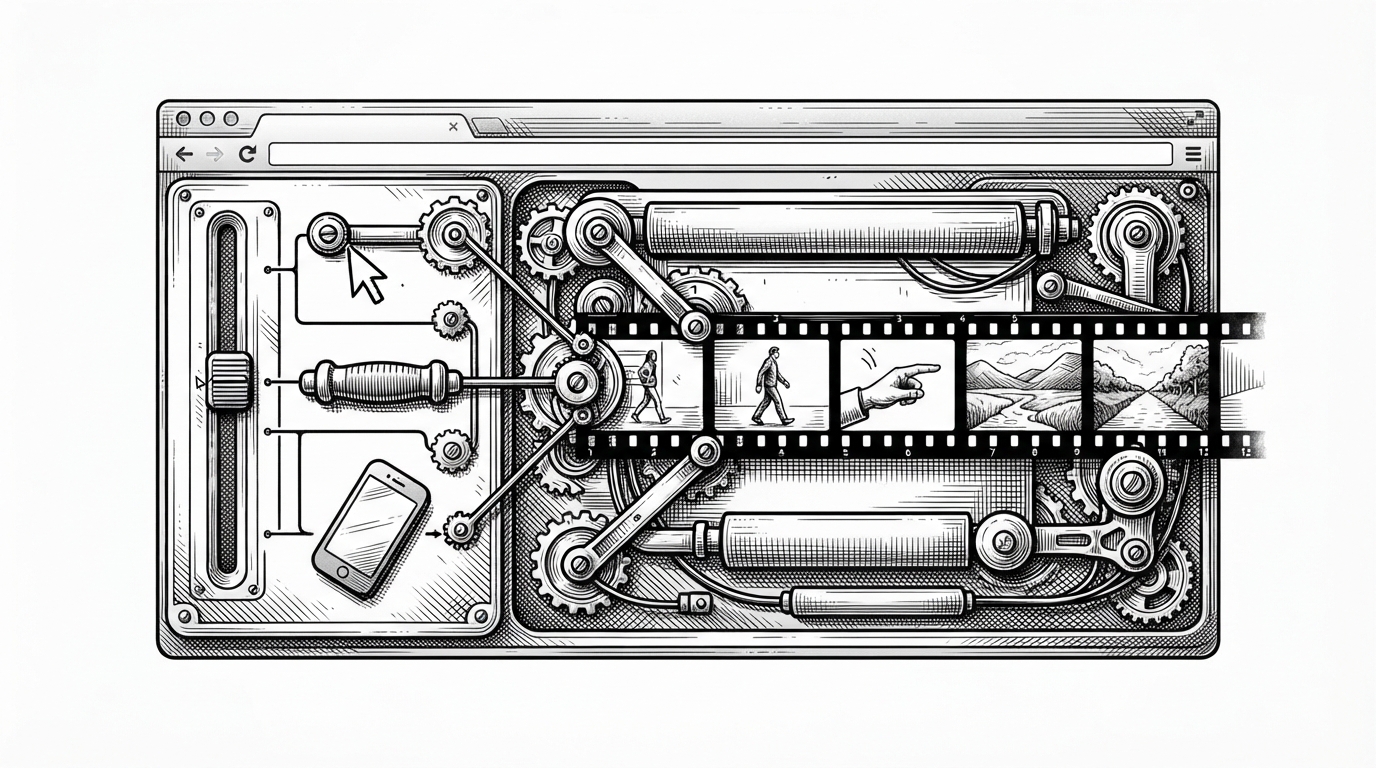
Most AI tools for creative software pick a client first. A chat window here, a plugin panel there, and the assistant is whatever that surface allows. mcp-for-blender-pro inverts the order. It defines a set of twenty-one scene tools once, then exposes that set to three completely different consumers.
The first consumer is an embedded chat inside Blender, living in a sidebar panel and a companion Studio window. The second is a manager/worker/reviewer agent team that runs over a shared task board. The third is any external MCP client that can speak authenticated Streamable HTTP, such as OpenCode. The chat window is not the product. The tool layer is.
Your Blender scene. Your AI models. One creative workspace.
That framing is unusual because it treats the in-app assistant and an external coding tool as peers. Both call the same tools, against the same Blender scene, through the same protocol. The design choice is what makes the rest of the article interesting, including its cost.
The Bet: MCP as the Seam
The add-on runs an MCP server on 127.0.0.1:9876/mcp by default, gated by a bearer token. Enabling it from the extension preferences is all it takes, and the bundled OpenCode launcher provisions the token for you. The endpoint speaks Model Context Protocol over Streamable HTTP, the transport most modern MCP clients already understand.
Making the tool layer client-agnostic is the whole philosophy. It means the hard part of the integration, the part that knows how to inspect a scene, create an object, or export a file, is written once. Everything above it is a consumer that can be swapped.
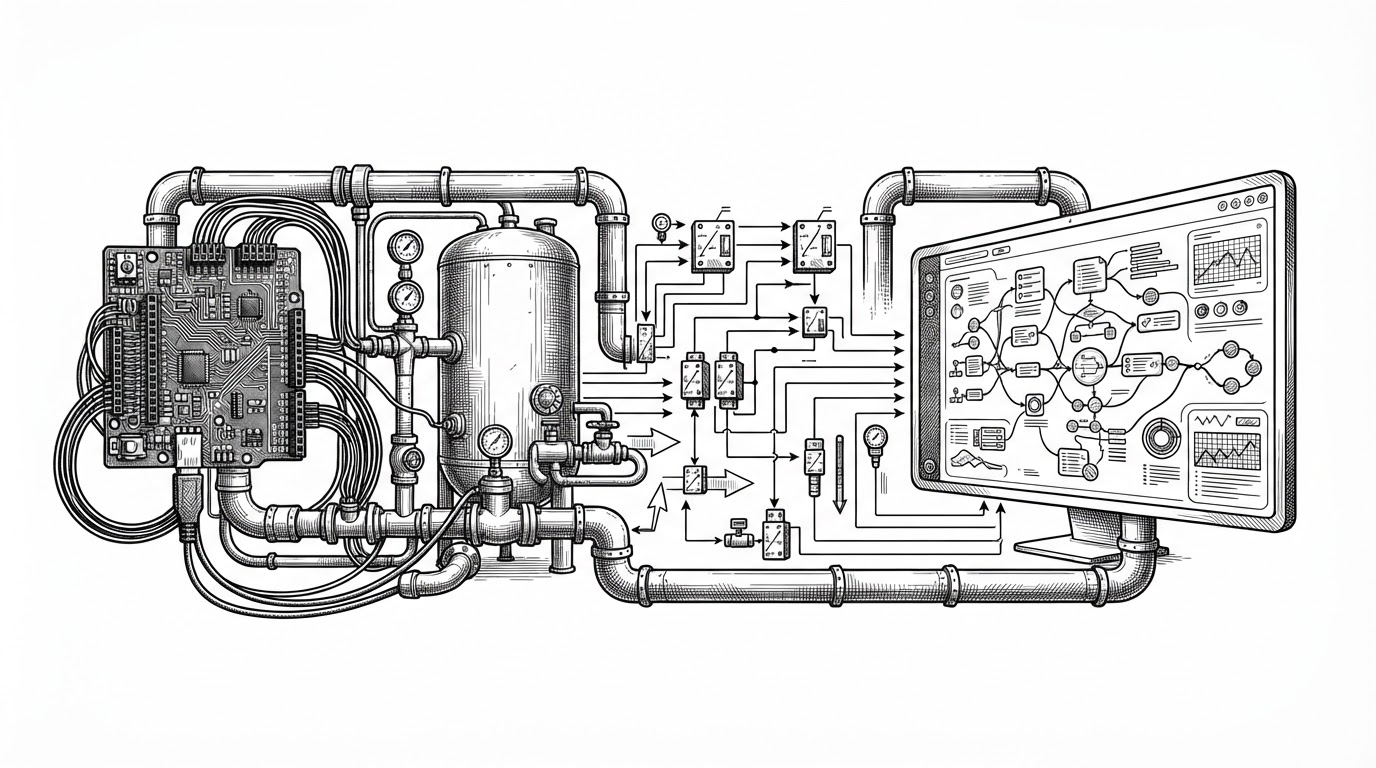
The same abstraction shows up in the provider layer. Instead of writing an adapter per vendor, the project collapses the market into three wire protocols. A user supplies a base URL, and the adapter appends the protocol-specific paths: /chat/completions for OpenAI Chat Completions, /messages for Anthropic Messages, and /api/chat for Ollama. Because a large share of vendors now expose OpenAI-compatible endpoints, three protocols cover most of the ground with a small surface.
Twenty-One Tools, Six Jobs
The README groups the twenty-one tools into six categories. Three handle scene inspection: reading objects, transforms, and material state. Six handle object creation. Five handle editing. Two cover visual feedback and scripting, and this pair includes viewport_screenshot and execute_code. Three more expose the Blender Python API and scene export. The final two handle asset workflows, pulling from Poly Haven, Sketchfab, and Poly Pizza.
The most consequential tool in the visual feedback pair is viewport_screenshot. It closes the act-observe-evaluate loop. A model can place objects, capture the viewport, and check the result against what it intended. Spatial tasks like alignment, spacing, and composition are hard to verify from object coordinates alone, and a screenshot gives the model something closer to what the artist sees.
That loop is what makes the example in the README credible: duplicate a selected object into a neatly spaced row of five and show the viewport. Without the screenshot, the model would be guessing about spacing. With it, the model can look.
The Tool That Runs Python
The other tool in that pair is the one that matters most. execute_code runs Python inside Blender. Any authenticated client that reaches the MCP endpoint can call it, which means it can read or write any file the Blender process can access, hit the network, or mutate the scene in ways the other twenty tools do not cover.
The README is honest about the limits of its own guardrail. It states that Python tool validation helps catch disallowed operations, and that it is not a security sandbox. That admission is the correct framing, and it is worth taking at face value. Validation that catches mistakes is not the same as isolation that stops an adversary.
The rest of the safety model is social and procedural rather than technical. Before an action runs, the assistant asks for approval. Every mutation is wrapped in a named undo step, so AI edits show up in Blender's Edit menu history with readable labels. A user can audit and revert changes using controls they already know. That is a thoughtful integration, and it is exactly the kind of decision that makes an AI tool feel trustworthy.
Undo is not a security boundary, though. Blender's undo stack covers scene mutations. It does not cover external file writes from export, network calls from asset downloads, or the side effects of arbitrary Python. A user who trusts the undo button may be trusting it to do more than it can.

An Agent Team That Knows When to Stop
The agent team is the second client, and its constraints are the most interesting part. A Team chain requires exactly one enabled manager, at least one worker, and at least one reviewer. The manager produces assignments and acceptance criteria. Workers execute sequentially. Reviewers approve or return findings. A blocked task gets one correction attempt, and a second failed review stops the chain.
In a field where agent demos tend to run unbounded, this is a deliberate, conservative stance. The retry budget is a concrete number a user can predict. The single-manager rule removes ambiguity about who decides. The sequential constraint is the right call for the domain: Blender scene state is shared mutable state, and two agents editing it concurrently would be hard to reason about.
The tradeoff is latency and interruptibility. Cancellation takes effect after the current operation, which means a long-running execute_code call cannot be stopped mid-flight. That is safe in the sense that it never interrupts a half-applied mutation, and it is a real cost when a single operation drags on.
One question the documentation leaves open is how the reviewer's approve-or-findings signal is parsed. Structured output and free-text pattern matching have very different fragility profiles, and the mechanism is not described. The task board shows assignments, attempts, and review findings, which suggests structured state underneath, but the surface does not prove it.
Where It Sits
The closest comparison is the earlier community bridge that this project builds on top of, plus an experimental server from Blender's own lab and an in-Blender chat add-on sold through Gumroad. The architectural difference is where the interaction loop lives.
| Project | Interaction loop | Bundled MCP server | Providers | Platforms | Agent team | Approval model |
|---|---|---|---|---|---|---|
| mcp-for-blender-pro | In-app Studio plus external MCP clients | Yes, authenticated Streamable HTTP | OpenAI, Anthropic, Gemini, OpenRouter, OpenCode Zen, Ollama, custom | Windows x64, Blender 4.2+ | Sequential manager/worker/reviewer, one correction | In-app approvals, named undo steps, no sandbox |
| ahujasid/mcp-for-blender | External MCP client | Yes | Whatever the external client supports | Not specified in sources | No | Not specified in sources |
| Blender experimental lab server | External LLM client | Yes, experimental | Not specified in sources | Not specified in sources | No | Not specified in sources |
| Vibe4D | In-Blender chat panel | Not documented in sources | Not documented in sources | Not documented in sources | No | Not documented in sources |
Two caveats on the table. The figures and capabilities for the other projects are drawn from secondary sources and are not independently verified here. Vibe4D's implementation details, including whether it speaks MCP at all, are not documented in the available material.
A third-party review frames the project's niche accurately. It places the add-on in a space of convenient, scene-aware iteration for relatively structured scene work, and warns that the provided materials do not demonstrate complex geometry, animation, or production-scale scenes. That is a fair reading of the evidence.
Nothing in the provided materials demonstrates the addon handling complex geometry, animation, or production-scale scenes
What to Watch
- Bus factor. The contributor data shows a single maintainer, and the LICENSE names a copyright holder that differs from the repository owner. The lineage runs through a fork of LiCinCan/blender-ai-mcp-addon, so authorship of specific features is not established by the available sources.
- Approval coverage for external clients. The README does not state whether approvals gate external MCP clients or only the in-app chat. If the gate is chat-only, the human-in-the-loop control the project advertises can be bypassed by a second client.
- Platform reach. The release is Windows x64 only, which excludes a meaningful share of Blender's macOS and Linux users.
- Credential storage. API keys live in Blender user preferences, the standard location for add-on settings. Whether they are stored in plaintext is not documented.
- Provider divergence. The three-protocol model explicitly excludes custom authorization schemes and Responses-only APIs, and maintenance pressure will grow as vendors diverge.
The project's real bet is legible in its structure. It treats the tool layer as the product and the chat window as one client among several. That bet is what makes the architecture clean, and it is also what makes the safety story depend on how carefully the boundaries around that shared layer are drawn.