fframes-android-demo-project: The Android App That Treats Video Like Code
A tiny Kotlin front end, a Rust render engine, and a JNI bridge that turns a phone into a local video factory.
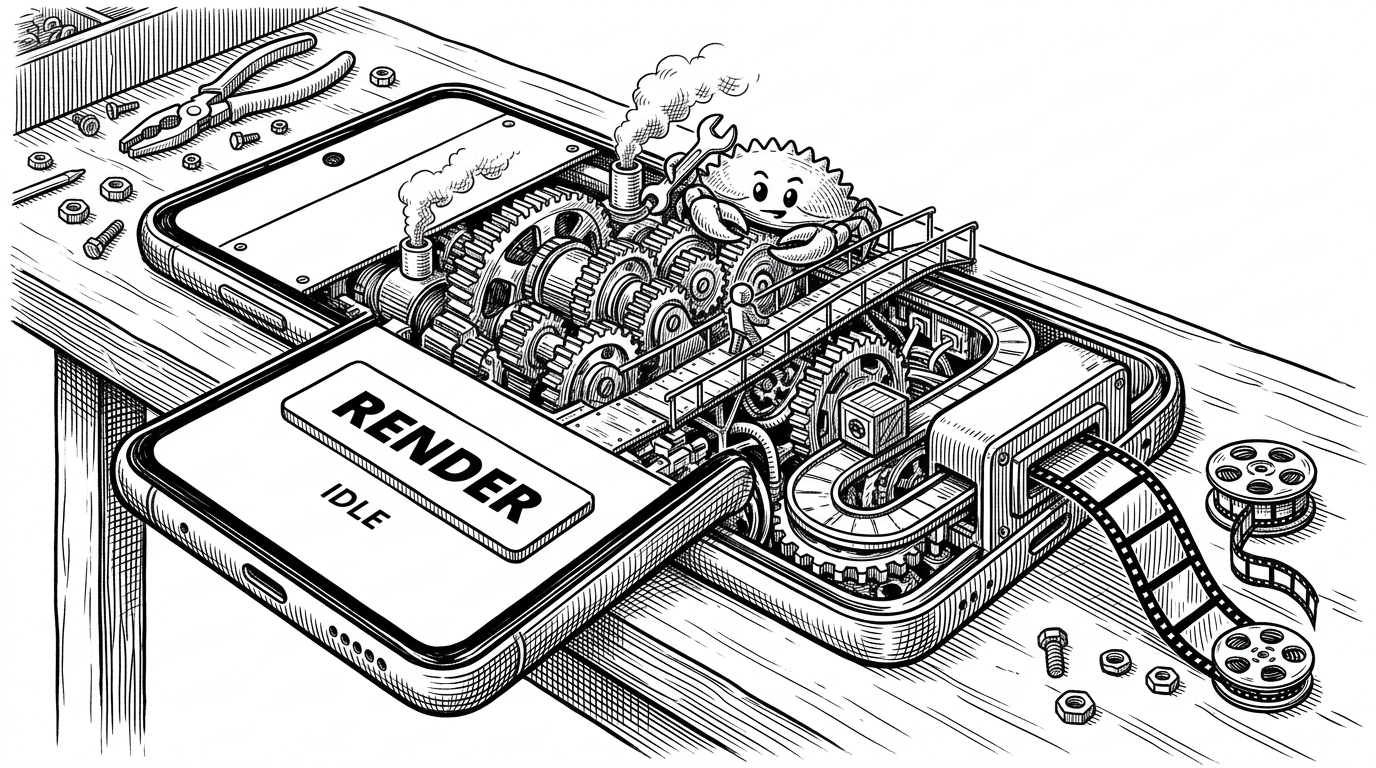
- This repo is less about Rust on Android than about splitting control and compute cleanly across Kotlin, JNI, and a native rendering engine.
- The interesting move is that video is authored as programmable frames, then flattened through Android hardware encoding instead of a traditional editor timeline.
- The build setup matters because Gradle and cargo-ndk keep the native library in sync without turning the app into a build-system puzzle.
- The demo is a feasibility proof for on-device video generation, not a production SDK, and that is exactly why it is useful.
The surprise in dmtrKovalenko/fframes-android-demo-project is not that it uses Rust. It is that the Android app stays small while the actual video work happens natively, on the device, with the phone doing real rendering instead of shuttling jobs to a server.
The surprising part is not Compose. It is the native renderer behind it.
The app side is deliberately plain. A Compose screen tracks state, launches the native call off the main thread, and hands the renderer a destination path plus a scratch directory. That is the entire trick: Kotlin owns interaction, Rust owns the expensive work.
private external fun render(outputPath: String, tempDir: String, slug: String)

scope.launch(Dispatchers.IO) {
    render(outputPath, cacheDir.absolutePath, slug)
}

when (state) {
    RenderState.IDLE -> renderButtonEnabled = true
    RenderState.RENDERING -> renderButtonEnabled = false
    RenderState.COMPLETED -> showSuccess()
    RenderState.FAILED -> showError()
}
That contract matters because it makes the app feel native instead of glued together. The UI never blocks, the native layer gets real filesystem paths, and the bridge has just enough surface area to stay understandable.
How the Kotlin app hands off work without freezing the UI
Shows how you can build fframes rust binary for android
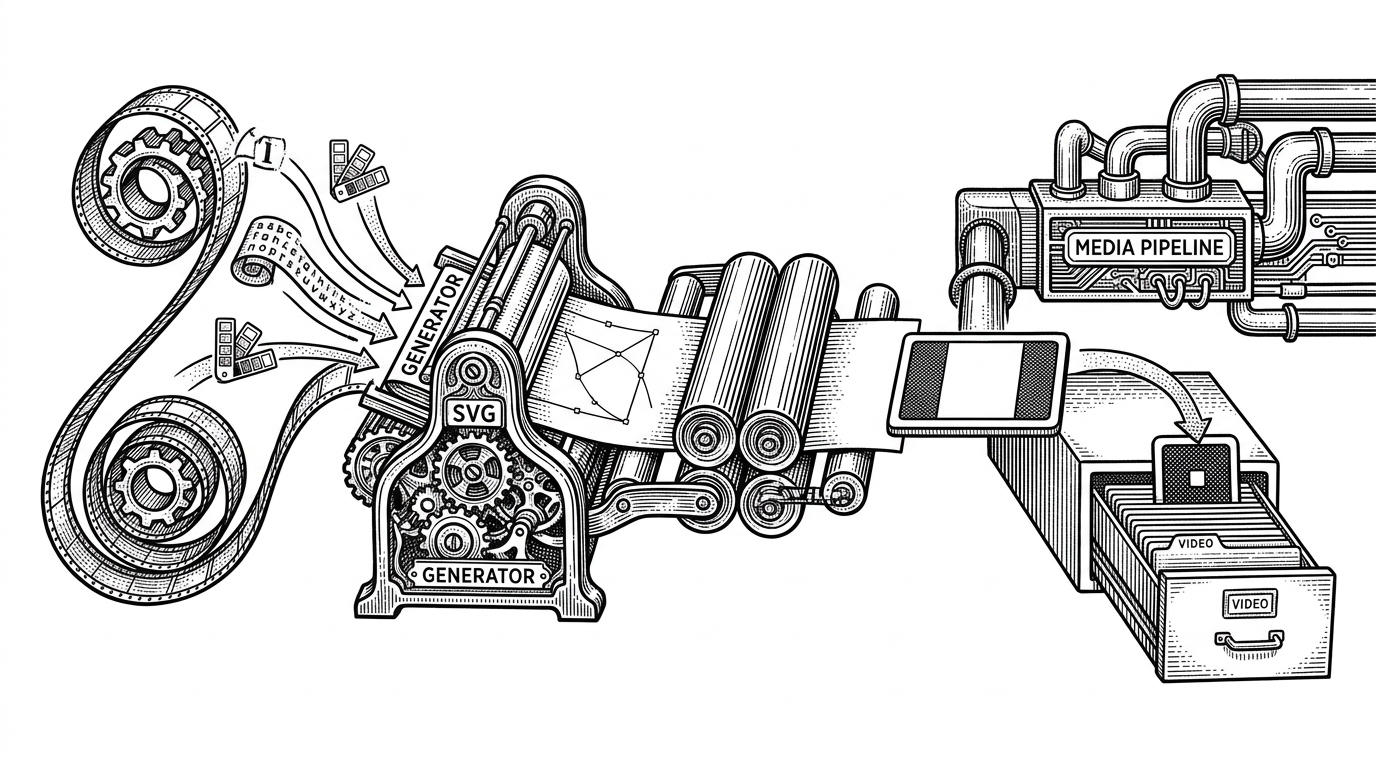
On the Rust side, the mental model changes. You are not editing video in the usual sense. You are describing it. The repo’s `hello_world.rs` implements a video object, generates SVG frames, and lets `fframes` flatten that sequence into something encodable.
impl Video for HelloWorldVideo {
    fn render_frame(&self, frame: FrameContext) -> Frame {
        let svg = svgr!(
            "<svg>... {slug} ...</svg>"
        );
        Frame::from_svg(svg)
    }
}

let options = EncoderOptions {
    preferred_video_codec: Some("h264_mediacodec".into()),
    ..Default::default()
};

fframes::render(video, options, output_path, temp_dir)?
That last line is the tell. The renderer is not just producing pixels. It is choosing an Android-native path, which means the demo is interested in throughput and battery life, not just in making a proof of concept compile.
Why this demo bothers with Gradle, cargo-ndk, and jniLibs
This is where the repo stops looking like a stunt. Gradle does not just “include” a Rust library. It coordinates the Rust build, copies the compiled shared objects into Android’s native library folder, and wires the whole thing into the app lifecycle so the binary stays current before packaging.
That glue is boring in the best way. Once it works, the app developer can ignore the mechanics and think in terms of output path, cache directory, and render state instead of toolchain rituals.
Why hardware encoding changes the economics
| Approach | Where the work happens | Strength | Trade-off |
|---|---|---|---|
| fframes on Android with JNI and hardware encoding | On-device, with Kotlin as control plane and Rust plus MediaCodec as the engine | Offline capable, battery-aware, and tightly integrated with the app | Requires a custom bridge and cross-compilation setup |
| FFmpeg-style native integration | Usually native C or C++ wrapped into Android | Battle-tested codec breadth and mature tooling | Heavier integration surface and more manual plumbing |
| Cloud rendering | Server-side infrastructure | Simpler client app and centralized compute | Network dependency, higher latency, and ongoing server cost |
The important part is not that one approach is universally better. It is that this repo shows a different economic shape. If the app already owns the workflow, local rendering can remove latency, avoid upload cycles, and keep the whole experience offline.
What this demo is really competing with
The real comparison is between owning the media pipeline and outsourcing it. FFmpeg gives you enormous reach, but usually through a lower-level integration story. Cloud rendering gives you scale, but the app becomes a client to someone else’s compute.
| Option | Best for | What you give up |
|---|---|---|
| fframes on Android | Programmatic video generation inside a mobile app | You accept a newer ecosystem and a more specialized abstraction |
| FFmpeg integration | Broad codec support and legacy compatibility | You often spend more time at the plumbing layer |
| Cloud rendering | Heavy jobs and centralized processing | You lose offline operation and add network and server dependence |
The repo does not claim to replace every existing video workflow. It shows that there is room for a higher-level Rust-native path when the app itself is the product and video creation is part of the product loop, not a separate backend service.
The tiny repo that proves the larger idea
That is why the project matters. It is minimal by design, but it demonstrates a real boundary crossing: Android UI on top, Rust rendering below, Android hardware encoding at the end. Once that loop exists, the shape of future tooling changes.
The repo is not trying to be a framework, an SDK, or a polished product. It is a feasibility proof with teeth. A phone can be a video factory, and the boundary between app logic and media engine can be much thinner than most mobile stacks assume.