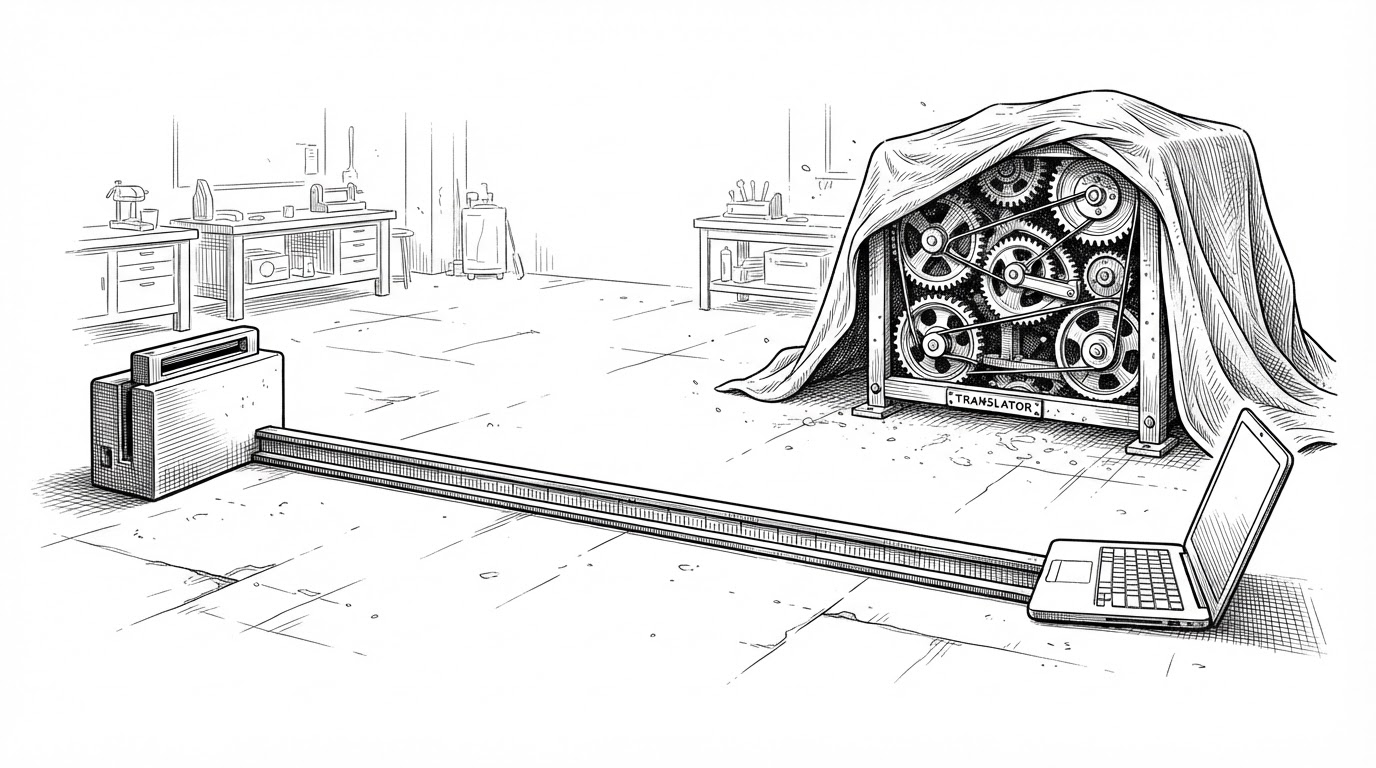
XCL Runs Xbox Series Games on Windows Without Emulating the CPU
The game's x64 code executes natively. XCL rebuilds only what the PC is missing: the console's system libraries and its GPU instruction set.
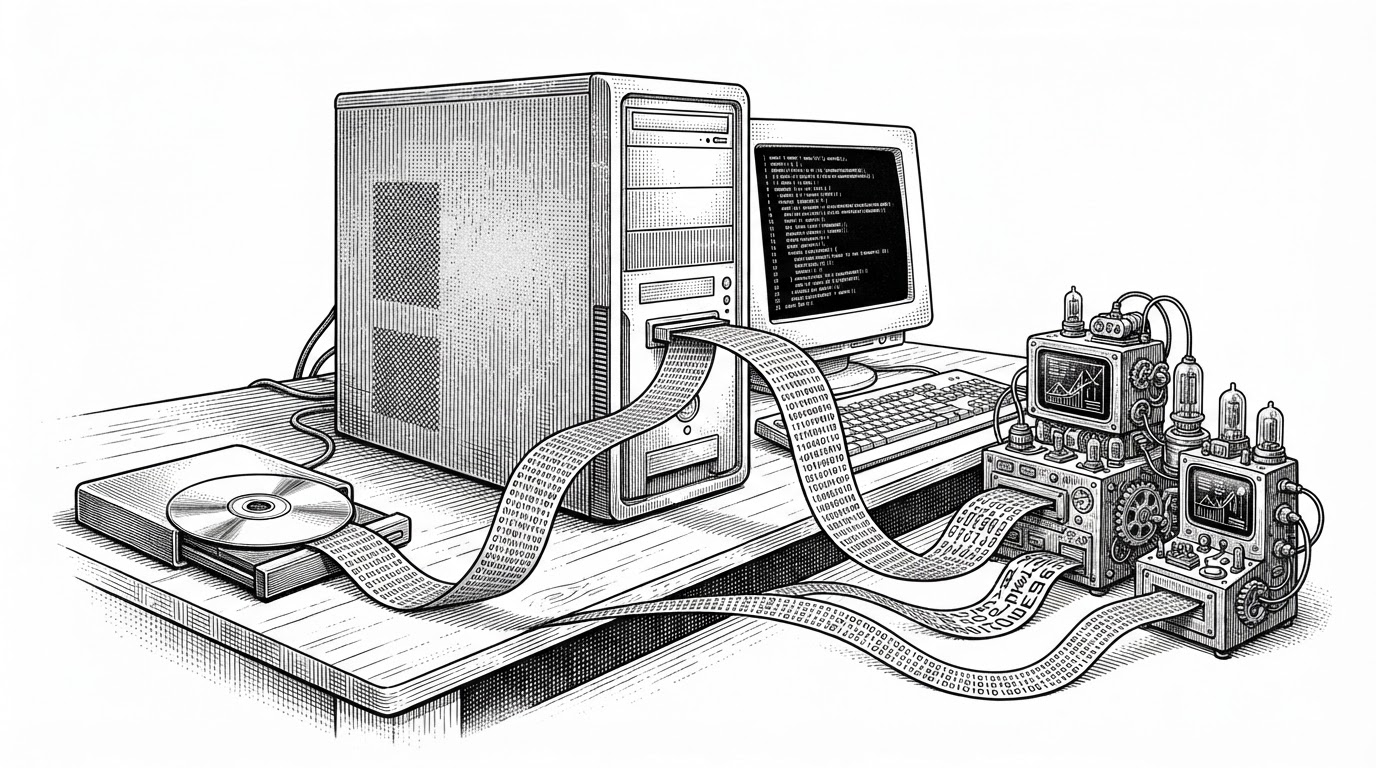
- XCL runs Xbox Series X|S games on Windows by executing the game's x64 code natively and reimplementing only the console libraries Windows does not have.
- The hard problem is the GPU: XCL recompiles RDNA2 console shader machine code into HLSL, then DXIL, so PC graphics cards can run it.
- XCL ships its own PE loader, which lets it route every import to console HLE, a real Windows DLL, or a stub.
- Project-reported compatibility is narrow and explicit: a few titles, unpacked games only, and no DRM circumvention.
Xbox Series X|S games are built for a fixed machine: a custom AMD APU, a console operating system, and a set of system libraries that exist nowhere else. Getting those games to run on a Windows PC sounds like an emulation problem. XCL treats it as a translation problem instead.
The core idea
Most console emulators simulate the console's CPU instruction by instruction. XCL does not. The Xbox Series X|S uses an x64 CPU, and so does your PC. That means the game's code can run directly, at full speed, in a normal Windows process.
What the PC lacks is everything around the CPU. The console's kernelx.dll, the XGameRuntime, the graphics runtime d3d12_xs.dll, XAudio2, GameInput, DirectStorage. XCL provides its own implementations of each.
There is no CPU emulation: the game's x64 code runs natively, and XCL provides its own, independently written implementations of the console system libraries the PC does not have (`kernelx.dll`, XGameRuntime, `d3d12_xs.dll`, …).
Origin
XCL is led by a contributor who goes by ivall. The repository frames the project in the spirit of Wine and Proton, the compatibility layers that let Windows software run on Linux. The comparison is apt: Wine does not emulate a CPU either. It reimplements the Windows API so a Windows program's native code can call into it.

XCL points to WinDurango, an Xbox One compatibility layer, as a reference, and states that no code was ported from it. WinDurango's own launch post is a useful measure of how hard this space is.
So I'm a little late posting this here, but over the past three years, I have been working on what was formerly known as XBONEmu, a way to play Xbox One titles on a Windows computer. About a month ago, I decided to make this project more open; we now have a Discord server and are accepting contributions. Currently, we don't have any games that boot, but we are looking for people skilled in reverse engineering, Windows internals, and those with a strong C++ background.
How it works
Three systems carry the load: a custom PE loader, a high-level emulation (HLE) layer, and a GPU translation pipeline. The first two run on the CPU. The third is where the real difficulty lives.
The loader
Windows games normally load through LoadLibrary, which maps executables and resolves their imports. XCL bypasses that for the game's own modules and maps them by hand. The reason is control. If XCL performs the load, it decides what every import resolves to.
The loader does the work of the Windows loader itself: reserve and commit memory at the image's preferred base, copy headers and sections, apply relocations, and wire up imports. It registers each module before resolving its imports, so circular dependencies between game DLLs terminate instead of deadlocking.
XCL also injects itself into the thread lifecycle of code it does not control. It registers a TLS callback through a linker section:
#[used]
#[link_section = ".CRT$XLY"]
static XCL_TLS_CALLBACK: unsafe extern "system" fn(*mut c_void, u32, *mut c_void) = xcl_tls_callback;
The callback fires on every thread start and exit. In host mode it forwards those events to the game's own TLS and DllMain handlers. The same executable is launcher, CLI tool, and game process. When you launch a game, xcl.exe re-executes itself with an environment variable set, and the second instance runs the game.
There is a small but telling detail. The launcher loads its dialog libraries lazily, because the game runs inside the same executable and, as a code comment puts it, "must not get them." If XCL imported dialog DLLs statically, the game's import resolution would see them as available.
The GPU path
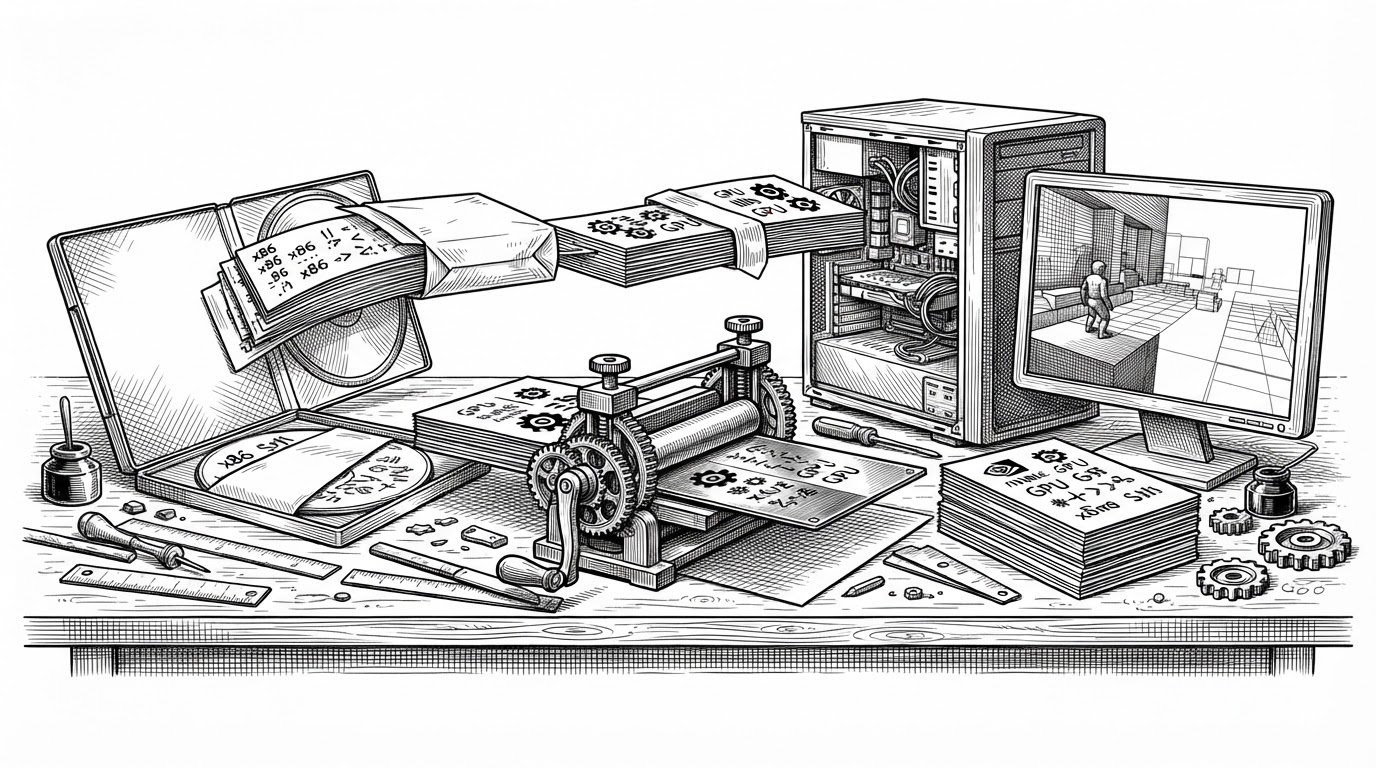
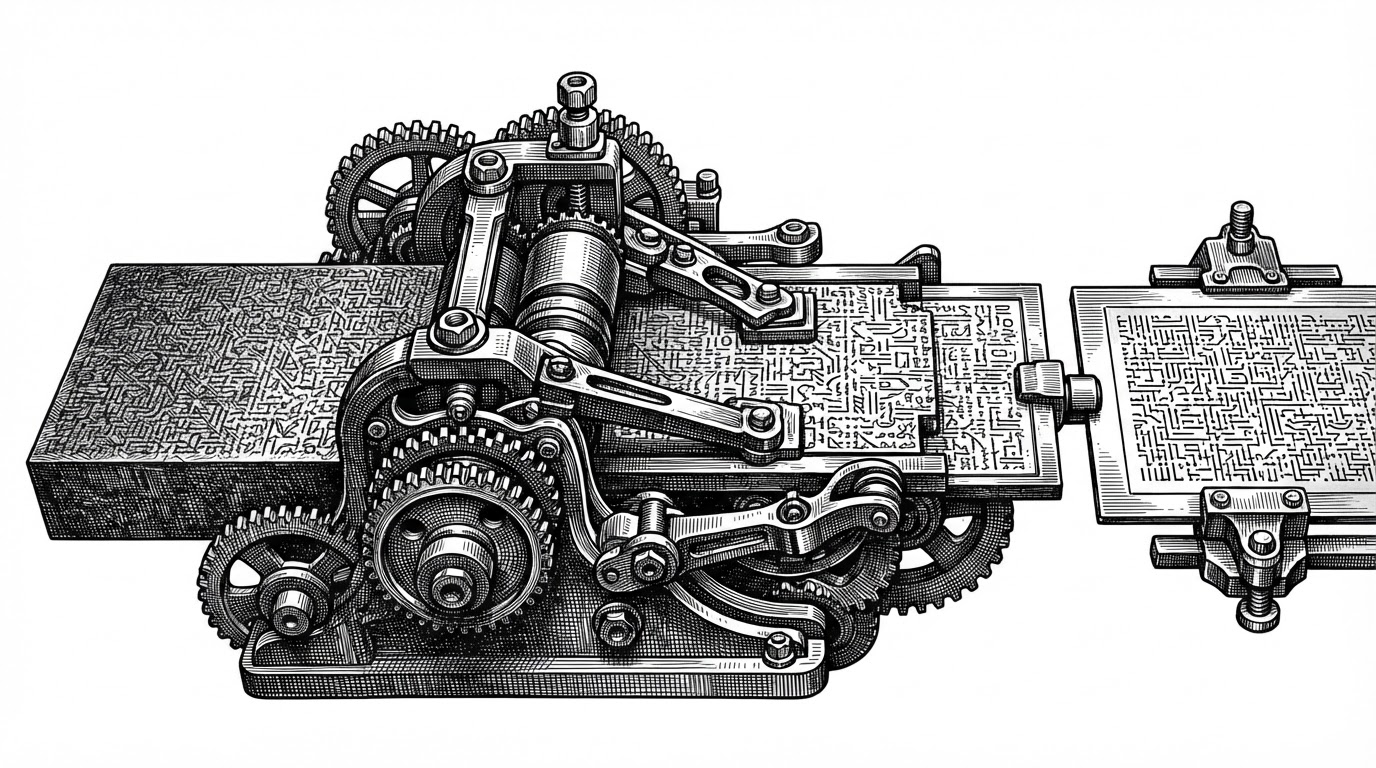
The console GPU speaks RDNA2. A PC GPU speaks something else. XCL decodes the console's shader machine code and recompiles it to HLSL, Microsoft's shading language, then compiles that to DXIL through DXC, the DirectX shader compiler. The result is a shader a PC GPU can run through D3D12.
The scale is the story. The project's build script fingerprints the translator's source so that a disk cache of translated shaders can be invalidated correctly. The README cites a corpus of 26,698 shader programs. Translating them once is expensive. Translating them on every launch is not an option. The build also disables high-entropy address-space layout randomisation, because one retail title's BVH builder requires its GPU addresses to sit below 2^40, and Windows' default randomisation can place them above it.
One design note describes a wave64-on-wave32 implementation for certain GPU paths, with limitations for vertex and pixel shaders. The console GPU and PC GPUs group threads differently, and that difference has to be bridged inside the translation.
What actually runs
The README lists Minecraft Preview and Unicorn Overlord as fully playable. Fortnite and XDefiant render and run as far as their online services allow. A newer retail title reaches its menus. These are the project's own results, not independent verification, and the list is short on purpose.
XCL's niche is specific. Older Xbox generations are served by emulators, which simulate a different CPU. WinDurango targets the Xbox One. Wine and Proton solve a different direction of the same problem.
| Project | Console target | Approach |
|---|---|---|
| XCL | Xbox Series X|S (GDK) | Native x64 execution, HLE of console libraries, RDNA2 shader translation |
| WinDurango | Xbox One | Compatibility layer, early stage, used by XCL as a reference |
| Xenia | Xbox 360 | Emulator with PowerPC CPU emulation |
| xemu | Original Xbox | Emulator with x86 and custom hardware emulation |
| Wine / Proton | Windows apps on Linux | Reimplements the Windows API, runs native code |
What it doesn't do
XCL works only on unpacked game files the user already owns. It does not download, decrypt, or unpack game packages, and it does not circumvent DRM. The repository contains no console SDK code, headers, binaries, keys, or game data. That boundary is a design choice, and it is the difference between a compatibility layer and a piracy tool.