Anatomy Atelier: One Developer, One Browser, and a 3D Anatomy Lab That Feels Real
How thebuggeddev/anatomy turns AI-generated assets, Three.js, and Cloudflare-native delivery into a polished medical learning tool that behaves like a gallery, not a static textbook.
- Anatomy Atelier shows that vibe coding gets interesting only when the output survives contact with real product constraints.
- The repo’s edge is not just AI-generated assets. It is the discipline around rendering, loading, and interaction.
- The viewer is built like a performance budget, with on-demand frames, clipping, and a clean React to Three.js boundary.
- The project points to a new kind of educational software where generation, iteration, and deployment live in one loop.
The anatomy lab that came out of a solo AI pipeline
At first glance, thebuggeddev/anatomy looks like a polished 3D learning app. That is true, but it undersells the real story. This is a solo-built anatomy studio, assembled with AI-assisted asset creation, AI-assisted coding, and enough product judgment to keep the result from feeling synthetic.
That is why the project lands. It does not stop at novelty. It turns a normally expensive pipeline, from concept to mesh to interaction layer, into something one developer can actually ship.
Only if education could be this interactive ❤️ I've had a looong wish to build something genuinely useful through vibe coding, and I finally did it. A 3D human anatomy application built with @threejs using GPT 5.6 Sol.

Why this feels like a gallery, not a school diagram
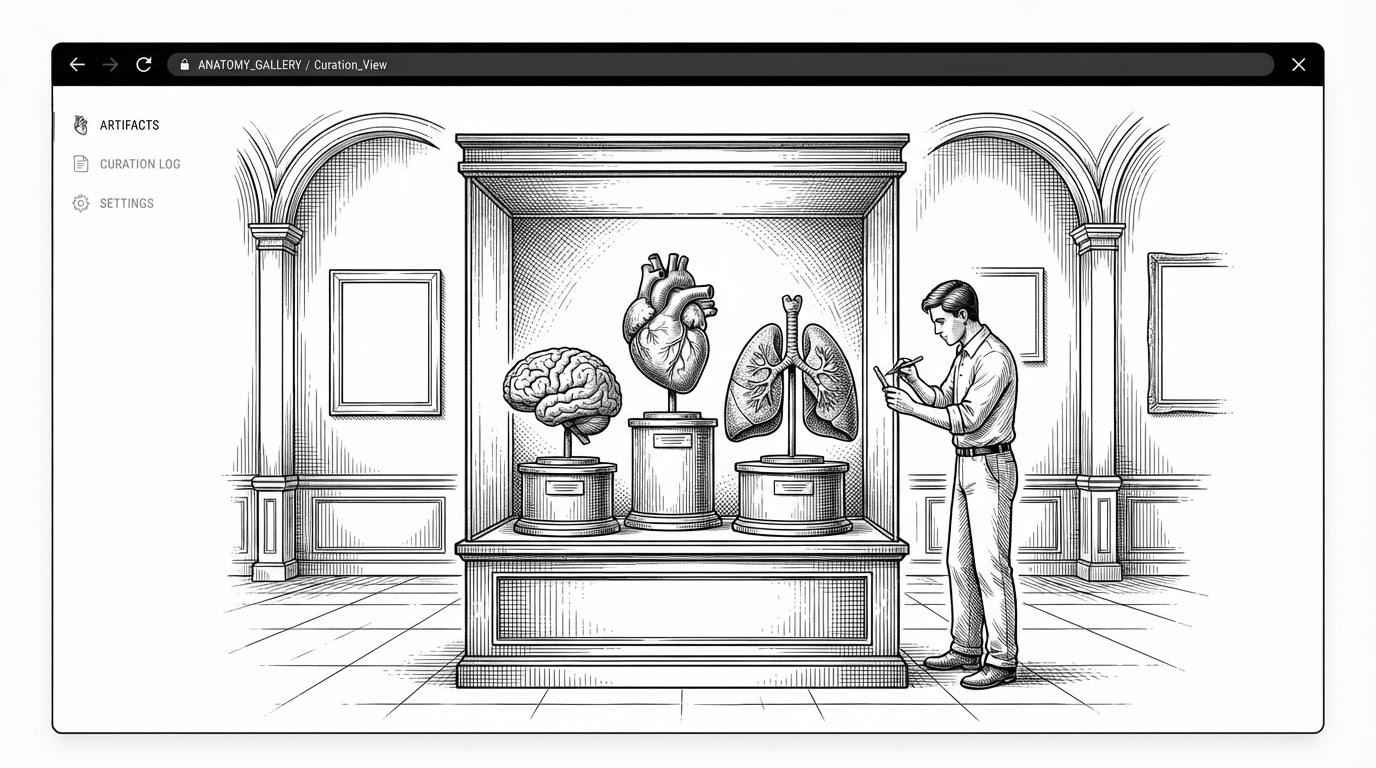
Most anatomy software optimizes for density. Anatomy Atelier optimizes for atmosphere. Organs sit in space like objects worth studying, with calm lighting, restrained motion, and a layout that feels closer to a museum exhibit than a revision app.
That choice matters. When medical reference becomes spatial, the user stops reading labels and starts reading relationships. The body becomes a room you can inspect.
The trick is not the 3D. It is the rendering discipline
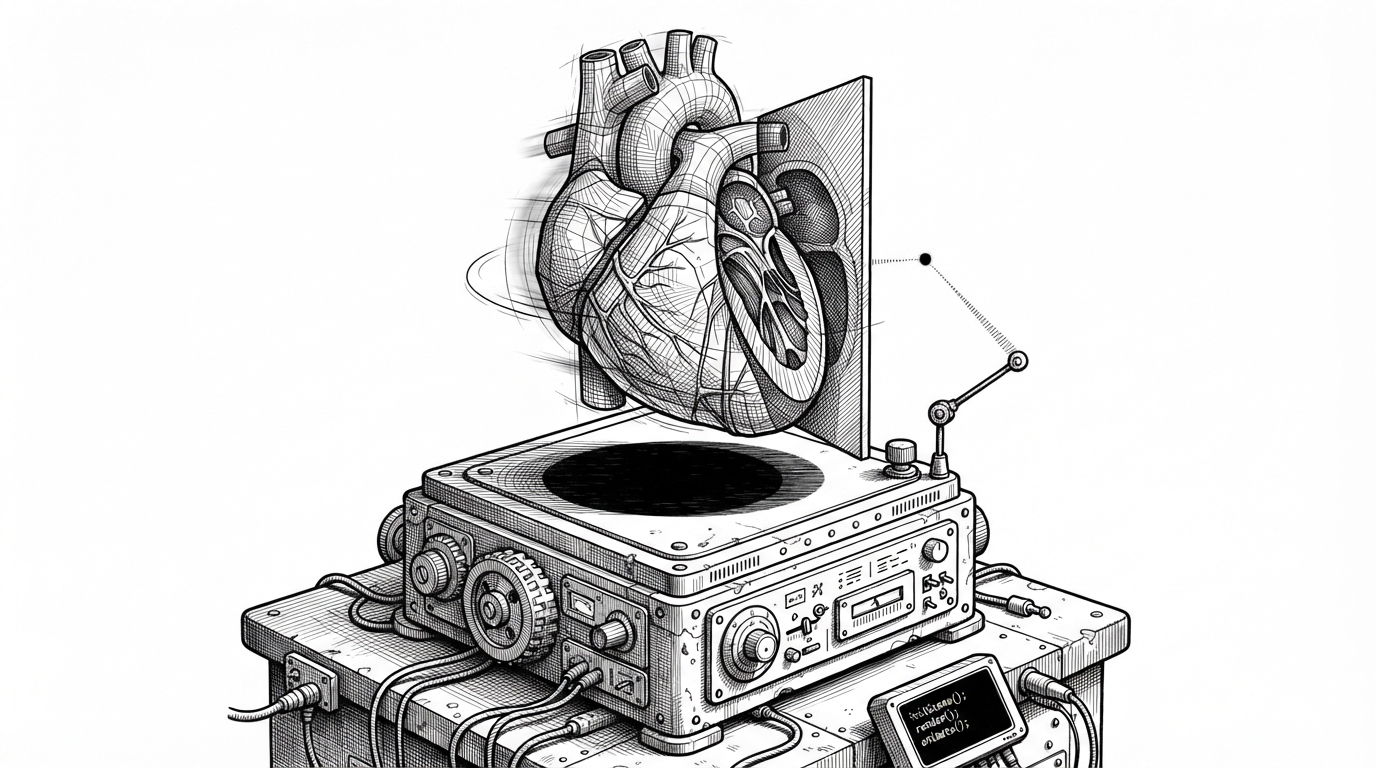
The repo’s core trick is in the viewer lifecycle. The scene does not repaint constantly. It draws on demand, using state like dirty and busyUntil to decide when a new frame is actually worth the GPU work.
That discipline keeps the app feeling expensive without behaving expensively. The model can rotate, clip, and snap to hotspots, but the code still treats every redraw as a budget decision.
let dragged = false;
let pointerDown = { x: 0, y: 0 };

function onPointerDown(e: PointerEvent) {
  dragged = false;
  pointerDown = { x: e.clientX, y: e.clientY };
}

function onPointerMove(e: PointerEvent) {
  const dx = e.clientX - pointerDown.x;
  const dy = e.clientY - pointerDown.y;
  if (dx * dx + dy * dy > 16) dragged = true;
}

function onPointerUp() {
  if (!dragged) selectOrgan();
  dirty = true;
  scheduleRender();
}
How the data model makes the organs feel interactive
The app is not hardcoded around one scene. It is driven by typed organ objects, each carrying metadata, system labels, descriptive language, and hotspot coordinates. That makes the anatomy legible to the code, not just to the user.
This is the quiet design win. Once the scene is data-driven, the UI can scale without becoming a tangle of one-off branches.
type Organ = {
  id: string;
  name: string;
  system: string;
  summary: string;
  hotspots: [number, number, number][];
  accent: string;
};

const heart: Organ = {
  id: "heart",
  name: "Heart",
  system: "Circulatory",
  summary: "A muscular pump that keeps oxygen moving.",
  hotspots: [[0.12, 0.4, -0.08], [0.18, 0.22, 0.03]],
  accent: "#d45b63"
};
The React bridge that keeps the scene responsive
The repo’s frontend architecture is pragmatic. React owns the surrounding interface, while Three.js handles the scene itself. Dynamic imports keep the viewer out of the initial load path, and refs carry live state into the render loop without forcing React to re-render every frame.
That separation matters more than it sounds. Declarative UI is great for controls and content. Imperative rendering is better for a world that needs to move smoothly.
| Dimension | Anatomy Atelier | Traditional anatomy tools |
|---|---|---|
| Delivery | Browser-native and lightweight | Often heavier, more platform-specific |
| Asset production | AI-assisted generation and iteration | Manual modeling and content pipelines |
| Interaction model | Data-driven hotspots, clipping, orbiting | Feature-rich but often less flexible to extend |
| Build loop | Single repo, one feedback loop | Separated art, engineering, and deployment teams |
| Access | Open-source and free to inspect | Usually proprietary and subscription-based |
Why the project matters beyond anatomy
This repo is bigger than the subject matter. It is a proof of concept for AI-native educational software, where generation, iteration, and deployment all sit in the same loop. The result is not just faster production. It is a narrower gap between idea and finished product.
That makes it a useful signal for anyone watching the post-hype phase of vibe coding. The lesson is not that prompts replace engineering. The lesson is that strong constraints, good performance habits, and ruthless editing can turn AI assistance into a real product process.
| Pipeline | Old model | Anatomy Atelier model |
|---|---|---|
| Content creation | Separate concept, modeling, and implementation teams | AI-assisted generation plus human curation |
| Iteration | Long handoffs between disciplines | Fast loop from asset to UI to performance tuning |
| Runtime | Often desktop or app-store first | Browser-first and easy to share |
| Polish | Built after the core works | Built into the core from the start |