langgenius/chatbot-chrome-extension: The Smallest Possible Way to Put a Dify Bot on Every Page
A tiny Manifest V3 wrapper, a configurable iframe, and a maxed-out z-index turn one Dify app into a browser-wide assistant. The interesting work here is not intelligence. It is delivery.
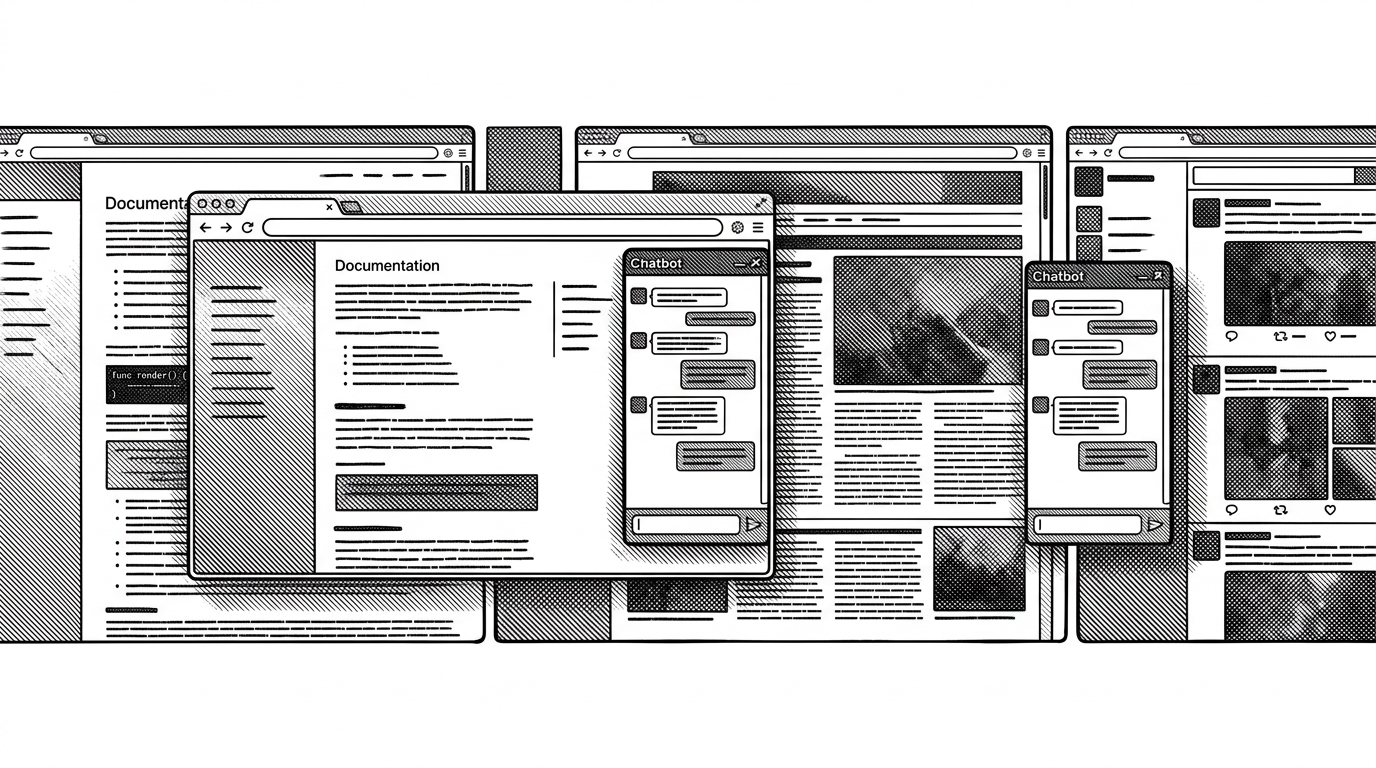
- This repo is a delivery layer, not an AI system, and that is why it is useful.
- A floating shell plus iframe isolation lets one Dify app travel across hostile websites without being rebuilt for each page.
- `chrome.storage.sync` turns the chatbot URL into a portable browser setting instead of a per-machine setup.
- The code reads like a reusable blueprint for white-label browser distribution of existing AI apps.
A chatbot that follows you from docs to news to social media sounds like a feature race. This repo is doing something leaner. It treats the browser as the delivery network, and a Dify app as the payload.
The real product is the shell
That is easier to see once you strip away the AI gloss. langgenius/chatbot-chrome-extension is a Manifest V3 extension built around a small set of moving parts: manifest.json declares where the content script runs, options.html/js saves one chatbot URL, and content.js injects the floating UI on every matching page. The extension does not generate the assistant. It carries an already-built Dify app into the browser chrome.
That is the part worth noticing. The shell is tiny, but it solves the last mile problems that make browser tools feel real. The iframe keeps the Dify app isolated from hostile site CSS and JavaScript, and chrome.storage.sync makes the same configuration travel with the user’s Chrome profile.
Dify chatbot floating bar can be loaded normally on any page in Chrome, if you need to change the chatbot, just change the ChatBot URL
Inside the injection trick

The important files are not glamorous. The manifest grants broad site coverage. The options page is a plain configuration surface, even if it ships a heavy precompiled Tailwind bundle because this is a local extension, not a hosted app. In content.js, the interesting work is mundane and decisive: read the stored URL, create the launcher, set the iframe source, handle drag events by hand, normalize sizing with rem conversion, and pin the whole thing above sticky headers with a maxed-out z-index.
顶部无法展示
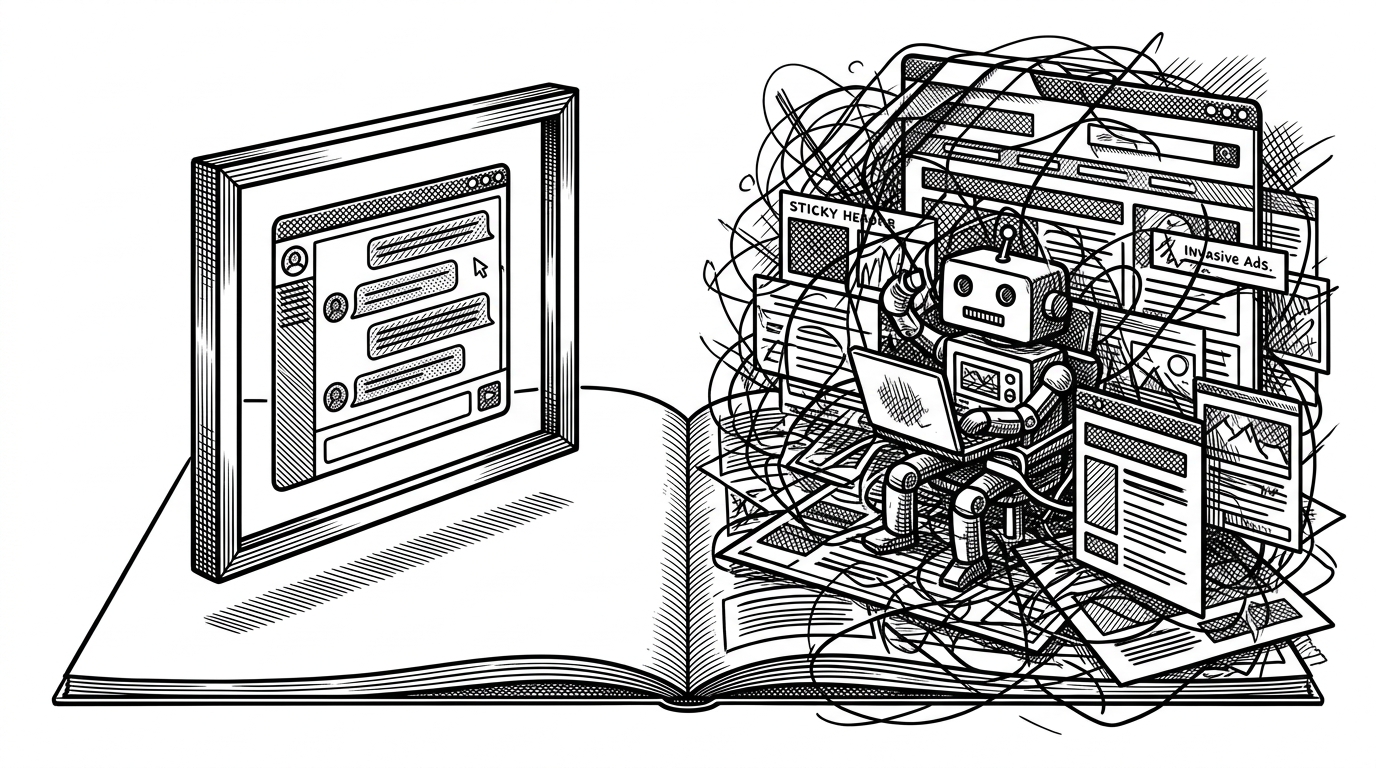
That bug report is short, but it tells you what this category has to fight. Browser chrome is a hostile surface. Cookie banners, sticky nav, ads, and site-specific CSS can all hide or distort the launcher. The extension answers with containment, not negotiation.
What it beats, and what it does not
| Criterion | langgenius/chatbot-chrome-extension | FastGPT ChatBot Extension | AI Web Reader Chatbot |
|---|---|---|---|
| Core model | A single Dify app is loaded in an iframe and carried across sites. | A FastGPT bot is embedded the same way, with more bot-selection affordances. | The current page is scraped and fed to a model for answers. |
| Best for | White-label distribution of one trusted assistant. | Teams already inside FastGPT who want browser access. | Research, reading, and page-specific Q&A. |
| Context awareness | Low. It brings the assistant, not the page. | Low. Same isolation-first pattern. | High. It reads the page itself. |
| Setup friction | Paste one ChatBot URL in options and save. | Manage one or more bot URLs in the extension. | Stand up a backend, scraping, and API plumbing. |
| Tradeoff | Simple and portable, but intentionally narrow. | More flexible for multi-bot use, but still browser-shell centric. | More capable for page understanding, but heavier to run. |
The comparison is not really about features. It is about where the intelligence lives. LangGenius keeps the smart part elsewhere and uses the extension as a delivery wrapper. That makes the repo narrow, but also very easy to understand, fork, and rebrand. The code says, in effect, that distribution can be the product.
A blueprint for branded assistants
That is the enduring value here. If you already have a trusted Dify app, this repository shows how little you need to make it feel native everywhere else. One browser shell, one saved URL, one iframe, and one stubborn decision to stay out of the way. For teams shipping domain-specific assistants, that is not a side note. It is the blueprint.