Mac Duo: The MacBook Hinge That Becomes a Camera for Your Screen
A deep dive into the lid sensor, spring physics, and inverse-perspective Metal shader that make a desktop look like it is folding into hardware.


Wish you could bring the iPhone Duo effect to your MacBook?
- Mac Duo’s surprise is not the animation itself, but the way it treats a MacBook hinge as a live input channel for a depth illusion.
- The app combines low-level lid sensing, spring smoothing, and hysteresis so the effect feels continuous instead of twitchy.
- Its visual trick runs backward through the pipeline, sampling a captured screen texture through inverse projection and blur levels rather than drawing a normal 3D scene.
- The project stands out because it fuses hardware awareness, GPU rendering, and interface design into one small open-source package.
A Screen That Feels Like It Has Mass
Mac Duo is not interesting because it makes a MacBook look pretty. It is interesting because the screen starts to feel like a physical object with weight, depth, and resistance. As the lid moves, the desktop does not merely scale down. It seems to fold away from you.
That matters because it changes the lid from a passive piece of hardware into part of the interface. The app is not guessing from window state or mouse motion. It is reading the machine itself and using that signal to drive the illusion.
The Hinge Is the Input Device
The foundation is a lid angle sensor, not a UI timer. Mac Duo reads the MacBook’s built-in hardware signal and filters it through a dedicated sensing layer. That lets the app respond to the real hinge position, including the messy parts: low-frequency polling, sensor noise, and fallback reports with lower precision.
The interesting part is that the sensor is not treated as a novelty. It is the control plane. Once the lid angle is available, the rest of the system can decide when to trigger the effect, when to keep it alive, and when to back off before the experience becomes unstable.
Why the Motion Feels So Good
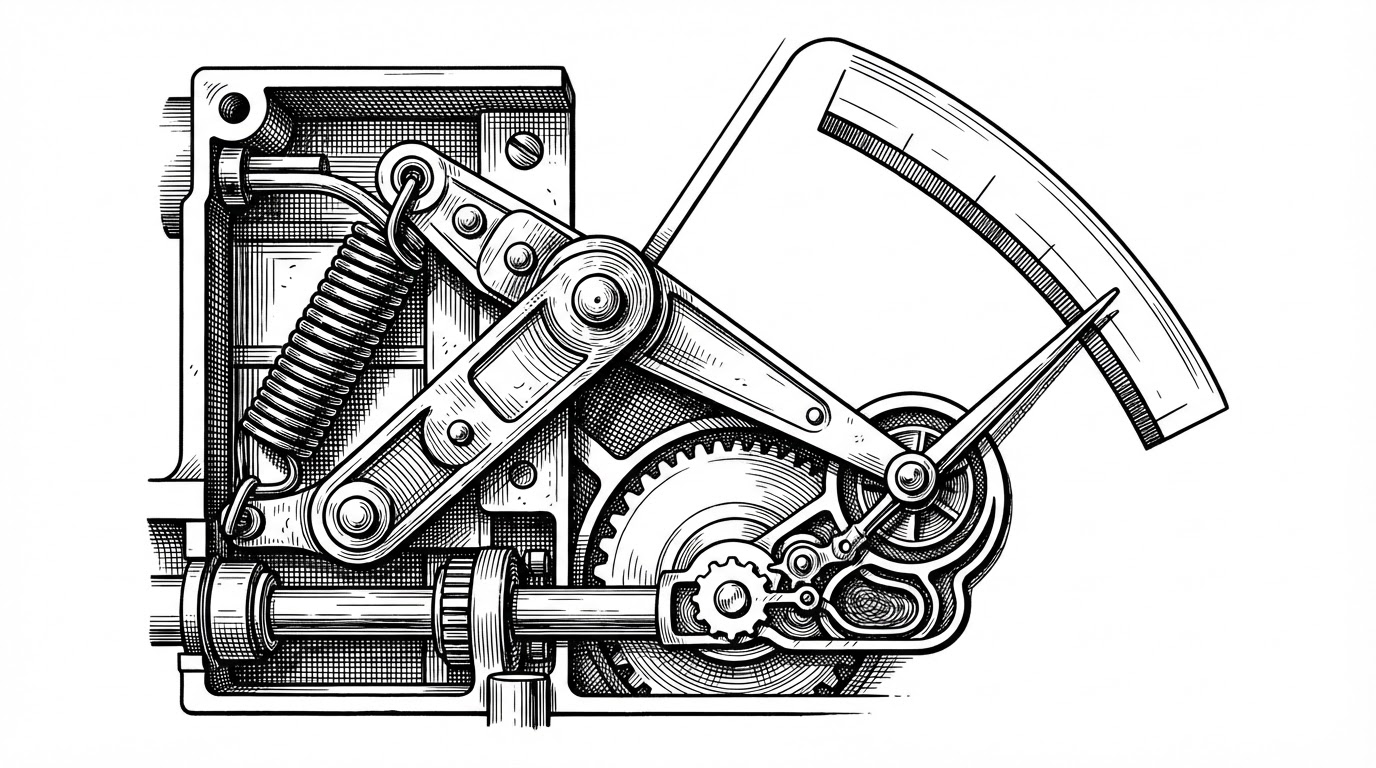
A raw sensor trace would look jerky. Mac Duo smooths that signal with spring physics so the motion lands with inertia instead of snapping to each reading. The result is subtle but crucial. The lid can be slow, the visual response can still feel alive.
That smoothing is paired with hysteresis. In practice, that means the effect does not flicker on and off right around a trigger angle. The app remembers enough context to keep the illusion stable while the lid hovers near a threshold.
The Render Trick Is Backwards
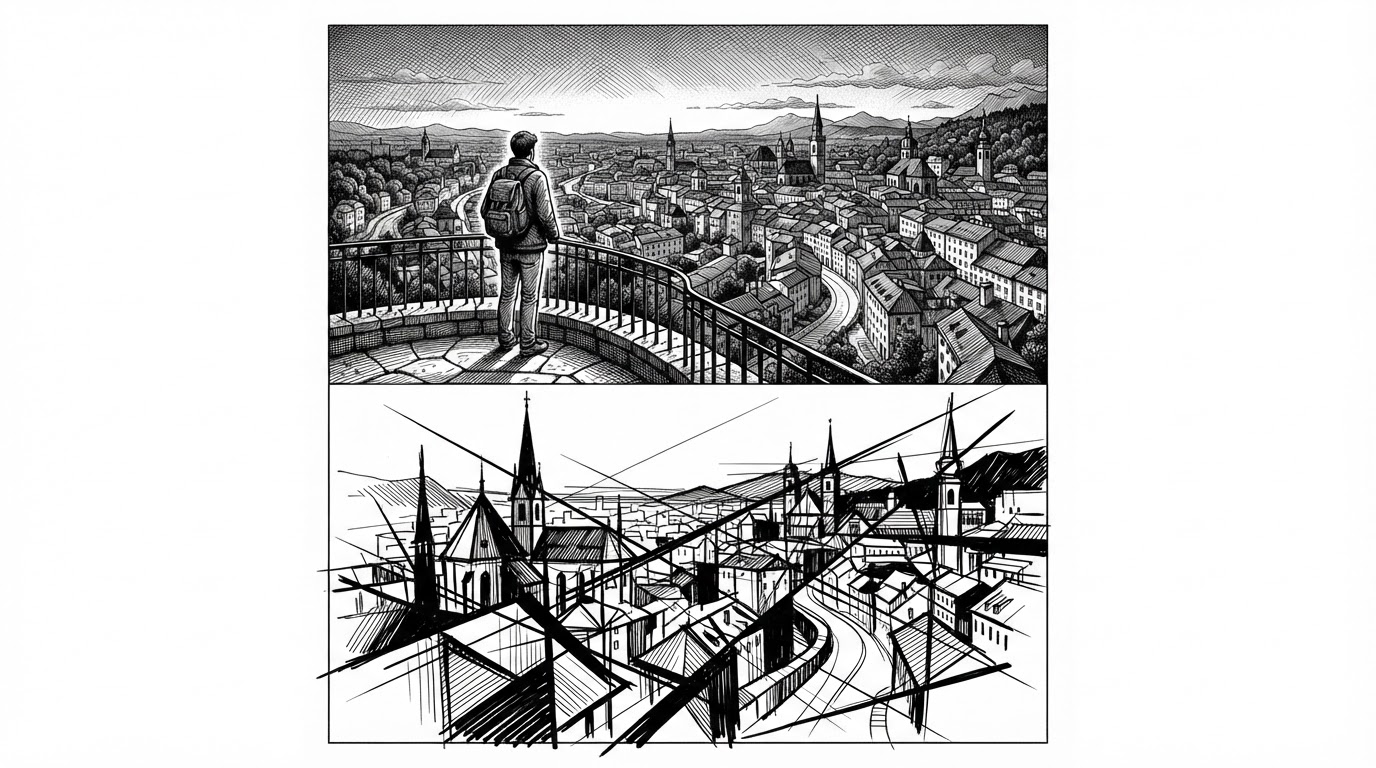
This is the centerpiece. Mac Duo is not drawing a 3D object in the usual sense. It captures the screen, turns that image into a GPU texture, and then asks each output pixel where it would belong on a tilted plane. The shader reaches backward into the source image instead of painting forward into space.
That inversion is what makes the illusion hold together. The app also builds a blur pyramid with MetalPerformanceShaders, so different regions can sample different blur levels as depth changes. A padded black border gives the edges somewhere to disappear, which keeps the fold from looking like a hard crop.
| Project type | Input signal | Motion model | Rendering approach | What it feels like | Mac Duo’s advantage |
|---|---|---|---|---|---|
| Ordinary screen mirroring | Mouse or window state | Simple transform | Flat copy of the display | A utility | No depth illusion |
| Lid-animation clone | Timed animation | Canned easing curve | Prebaked motion over a screenshot | A visual gag | Not tied to hardware |
| Mac Duo | Built-in lid angle sensor | Spring-smoothed with hysteresis | Inverse-perspective Metal shader over live capture | A screen with physical presence | Real sensor data plus depth-aware rendering |
Seen another way, Mac Duo is less like an animation app and more like a tiny optical machine. The screen is the raw plate. The shader is the lens system. The hinge decides how the lens moves.
Capture, Copy, and Keep Up
The illusion only works if it stays live. Mac Duo uses ScreenCaptureKit to stream the desktop into IOSurface-backed frames, then hands those frames to Metal without a wasteful CPU copy. That is the difference between a neat demo and a responsive effect that tracks the lid in real time.
There is also a snapshotter that pre-warms the effect. That sounds minor until you remember what the app is trying to do. If the fold appears late, the illusion breaks immediately.
// Conceptual flow
let frame = captureStream.nextFrame()
let texture = metalTextureCache.makeTexture(from: frame.iosurface)
let easedAngle = spring.update(sensorAngle)
renderer.draw(texture: texture, lidAngle: easedAngle)
What Mac Duo Is Really Competing With
Mac Duo is easy to compare with other aesthetic utilities, but the real difference is structural. It is not just a skin for the desktop. It is a pipeline that joins hardware sensing, motion design, and GPU rendering into one effect.
That puts it ahead of novelty clones that stop at a canned fold or a simple scale transform. Those can mimic the look. Mac Duo tries to mimic the feeling of a surface changing state.
| Approach | Strength | Weakness | Why Mac Duo feels different |
|---|---|---|---|
| Ordinary dimming tools | Fast and simple | No sense of depth | They only change brightness |
| Static fold animations | Easy to ship | Motion is detached from hardware | They never read the hinge |
| Mac Duo | Hardware-driven and depth-aware | More complex to build | The effect tracks the machine, not just the screen |
Why This Project Matters
Mac Duo is a compact example of what modern laptops can do when hidden sensors and GPU tooling are treated as design material. It takes a mundane piece of hardware, the hinge, and turns it into a live control surface. Then it uses rendering math to make the result feel physical.
That is why the project sticks. It is playful, but the playfulness comes from real system work: sensor access, motion smoothing, live capture, and inverse projection. The joke lands because the machinery underneath is serious.